




Every little detail, 100% organized.
Understand your clients' needs with a complete view of every interaction so nothing falls through the cracks.
Learn more →

Consultants strengthen client relationships and deliver more value with Copper.


 Free 14-day trialEasy to set upNo credit card required
Learn more →
Learn more →


For visual people, if you can't see it, it's not there. We like to be able to see everything on one screen, and Copper does that for us.


Learn more →

We use Copper for the inbound and outbound of our business, both to sell and to service. It touches all parts of our business rather than just serving as a sales pipeline or our client rolodex.

Learn more →
Learn more →


Learn more →


RHR turns selling into a team sport with Copper
Read More →

How to promote your consulting business
Read More →
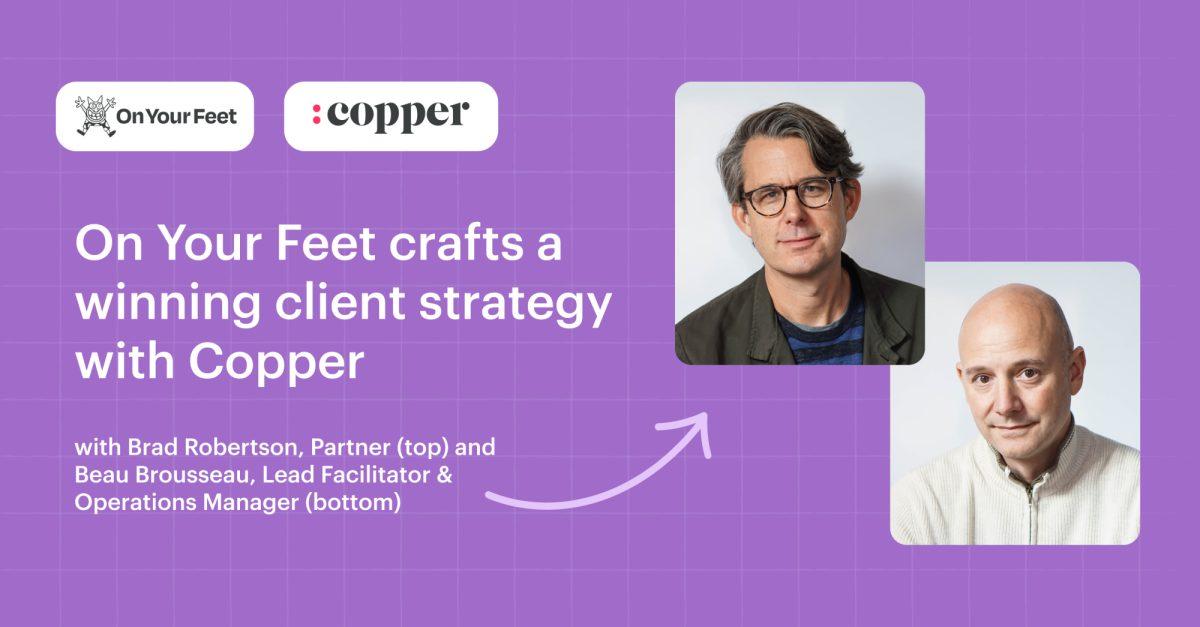
On Your Feet crafts a winning client strategy with Copper
Read More →

How to get high-paying consulting clients
Read More →
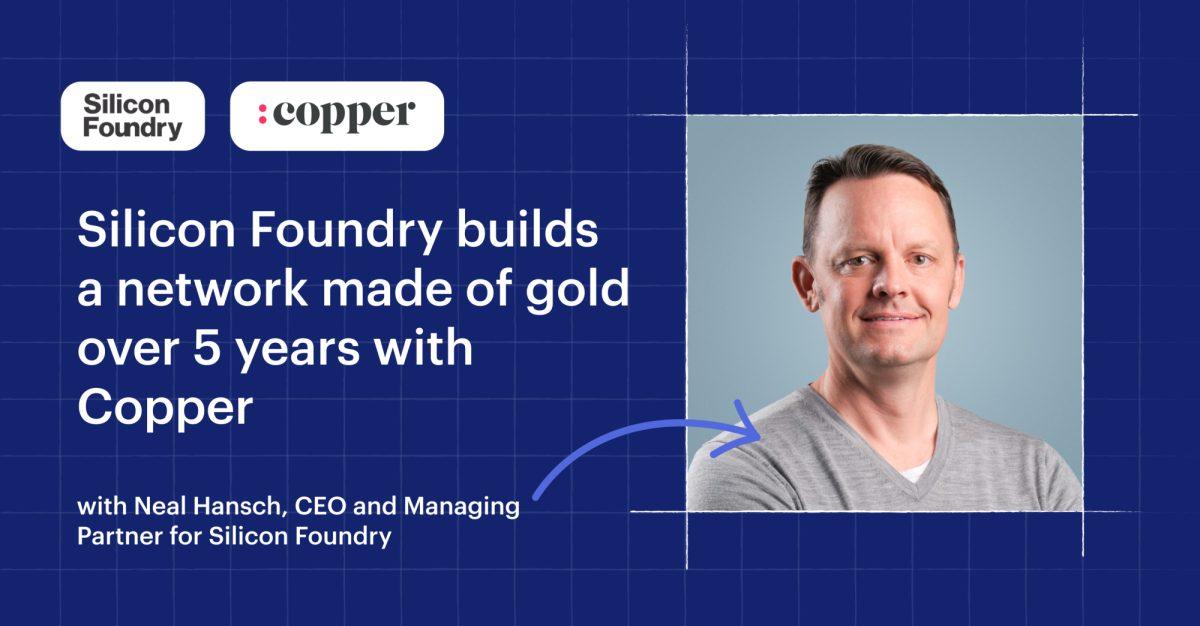
Silicon Foundry builds a network made of gold over 5 years with Copper
Read More →
RHR turns selling into a team sport with Copper
Read More →
How to promote your consulting business
Read More →
On Your Feet crafts a winning client strategy with Copper
Read More →
How to get high-paying consulting clients
Read More →
Silicon Foundry builds a network made of gold over 5 years with Copper
Read More →
Copper gives you a complete, chronological view of every interaction with every client (emails, meetings, files, notes, and tasks) all organized in one place and automatically synced from Gmail, Google Calendar, and Google Drive. You never have to manually log a conversation because Copper captures it the moment it happens. The activity feed and AI-powered flags alert you when a relationship has gone quiet and needs attention, so you can proactively reach out before a client feels neglected. For consultants whose reputation depends entirely on attentiveness, this kind of visibility is the difference between retaining a client and losing them.
Yes, Copper is specifically built to span the full consulting lifecycle, from prospecting and pitching new business to organizing and delivering active engagements. You can run a separate pipeline for new opportunities while simultaneously managing ongoing client work in project pipelines, all without switching tools. As Silicon Foundry put it, Copper handles both the inbound and outbound sides of the business (selling and servicing) rather than acting as just a sales tracker or a static client rolodex. This end-to-end visibility means you always know what's in the pipeline and what's being delivered right now.
Copper lets you set up automated email sequences and reminders to keep past clients and warm prospects engaged over time, even when you're heads-down on current work. You can configure Copper to automatically reach out at key touchpoints, send a check-in after a project wraps, or flag a contact that hasn't heard from you in a while. Custom tags and filters make it easy to segment your network by relationship type, industry, or engagement status so your outreach stays targeted and personal rather than generic.
Copper is built specifically to live inside Google Workspace, which means it works directly within Gmail, Calendar, and Drive; there's no separate app you have to open or remember to update. When you send an email or schedule a meeting, Copper logs it automatically to the right client record. You can view a client's full history, add notes, and update deal stages without ever leaving your inbox. For consultants who can't afford to spend time on CRM admin, this seamless integration is often the deciding factor.
Yes, Copper's AI pipeline flags and real-time activity feed surface the contacts and opportunities that need attention, so you don't have to manually audit your entire client list to figure out where to focus. You can also set up alerts and notifications that trigger automatically when a deal has been inactive too long, a follow-up task is overdue, or a key touchpoint is coming up. The goal is for Copper to act as a proactive system that tells you what to do next, not just a passive database where you store information.

Take Copper for a spin first.
Pay and add your team later.


