Best CRM for construction
Built to win bids, not replace your ERP.
Simplify project management and enhance client communication, wherever your work takes you.











Simplify project management and enhance client communication, wherever your work takes you.











Copper is trusted by builders &
contractors worldwide
Copper helps construction companies close more jobs{{bullseye}}organize project delivery{{bolt}}and streamline communication{{mug}}all in one easy-to-use tool.{{copper}}

"Copper made us stronger as a team and it’s strengthened the culture we have around our customers, the importance of teamwork and the importance of collaboration."

"There was a lot of flexibility with Copper, and I knew that it could be built upon. We could have a simple pipeline today and a complex pipeline or multiple pipelines in the future… It’s very scalable."

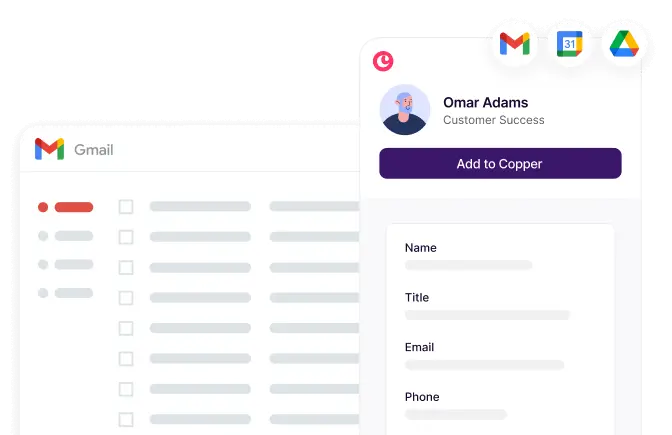
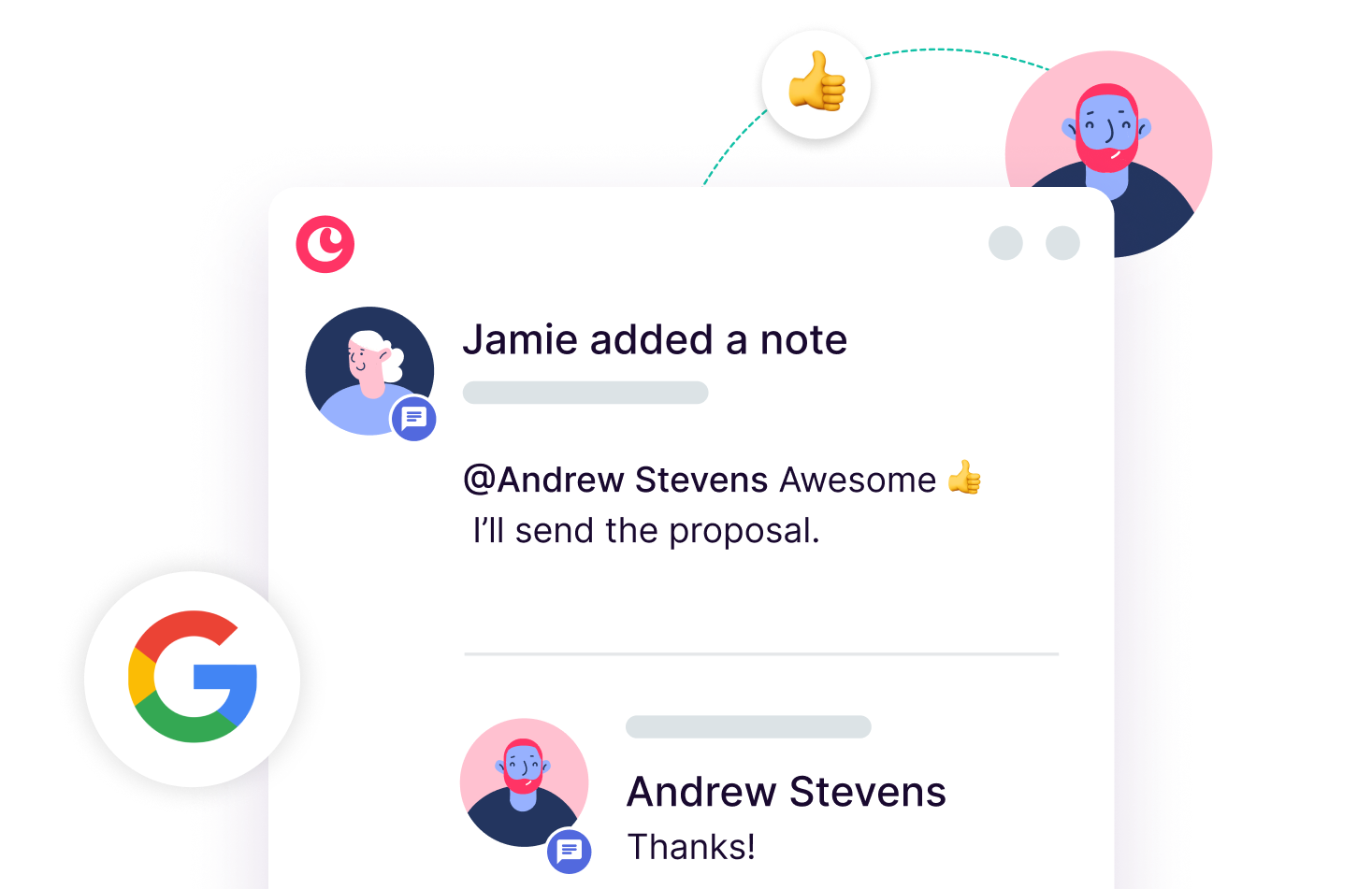
Connect your team's Google Workspace account and get immediate access to a comprehensive history of all interactions with every client.

"It took us 3 months at HubSpot and it took us 3 days to get up and running at Copper. Copper is so much easier for a small team.”

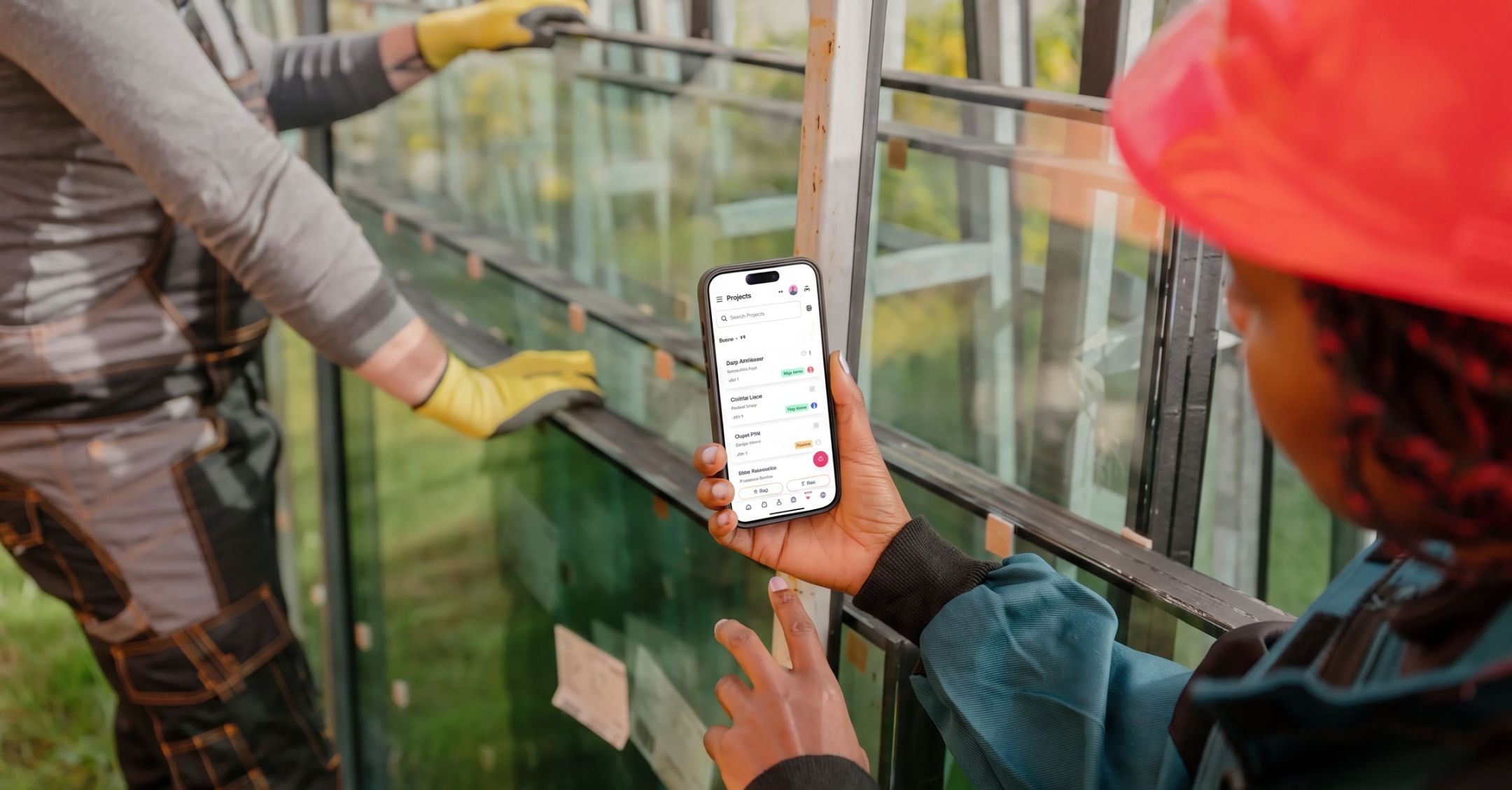
Yes, Copper's mobile app is built specifically to keep field-based teams connected wherever the work takes them. Your team can log calls, update project statuses, add notes, and manage client interactions directly from their phones, and everything syncs automatically back to the shared team record. Egan Company, a large contractor, uses Copper's mobile app specifically to keep their distributed team on the same page across multiple active jobs. The goal is that your office staff and your field crews always have the same up-to-date picture of every client and project, regardless of where they're working.
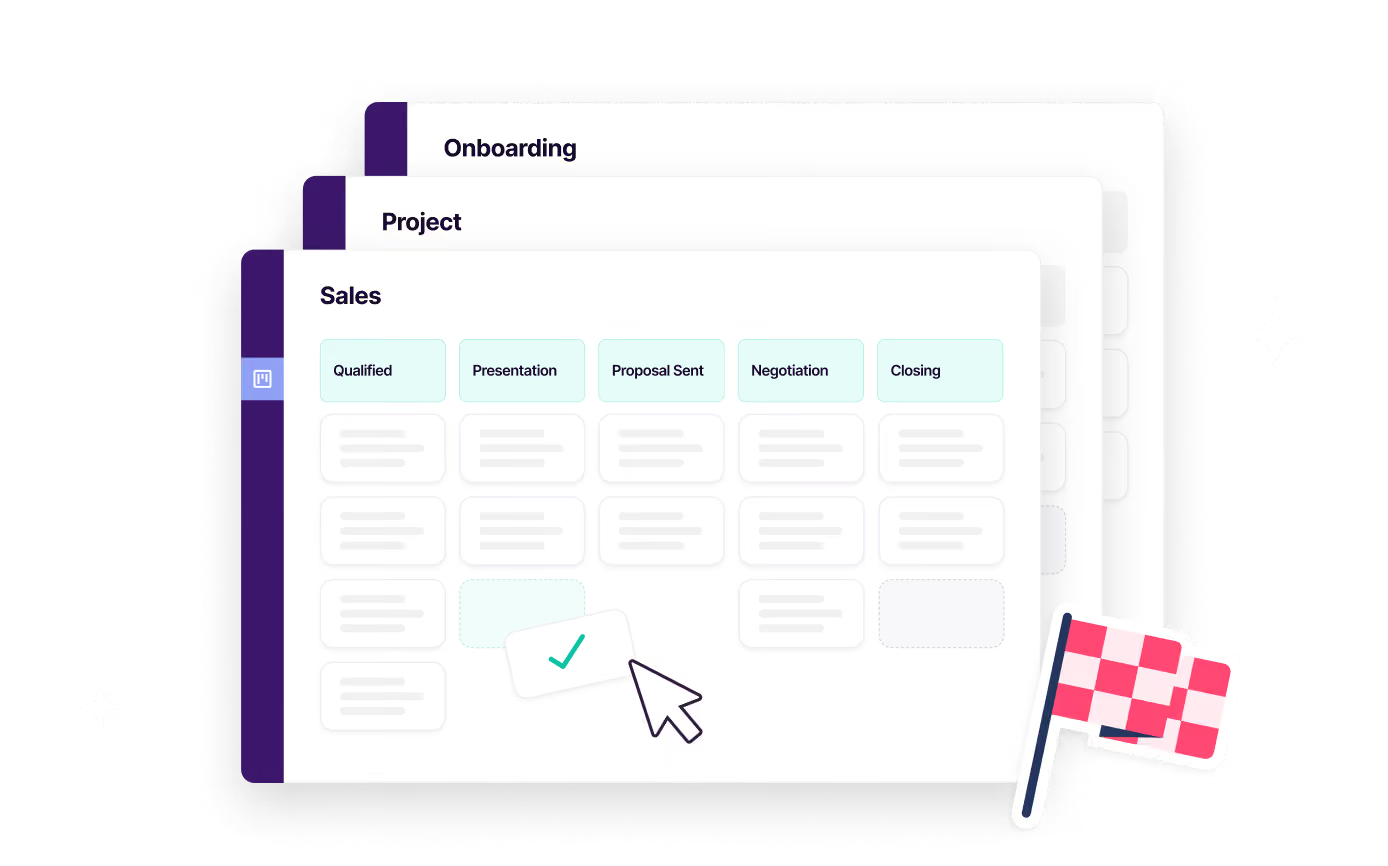
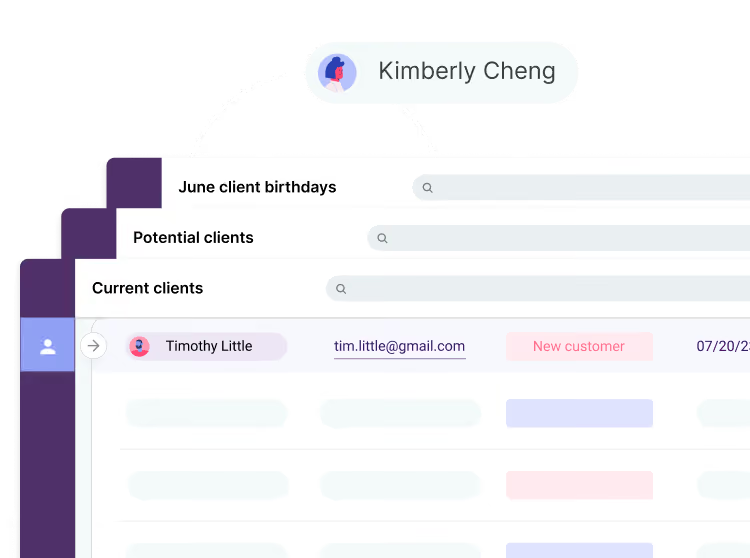
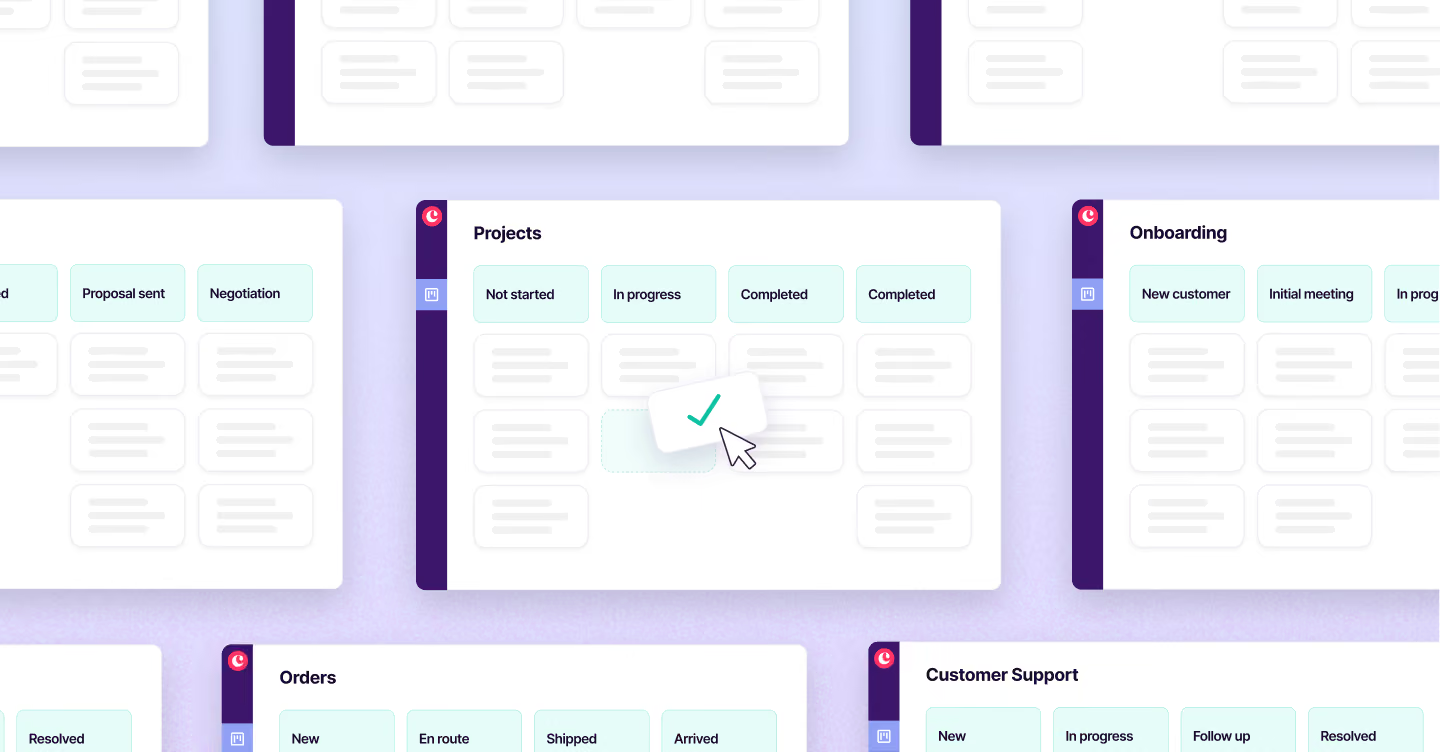
Copper's customizable drag-and-drop pipelines give you a clear visual overview of where every bid and project stands at any given moment, so nothing gets lost in the shuffle. You can set up separate pipelines for business development (tracking prospects and bids) and active project delivery, and move jobs through each stage with a simple drag, instantly updating the whole team. Dynamic contact lists let you segment clients, subcontractors, and prospects so your outreach stays targeted and relevant. The result, as one construction customer put it, is comprehensive oversight with zero surprises.
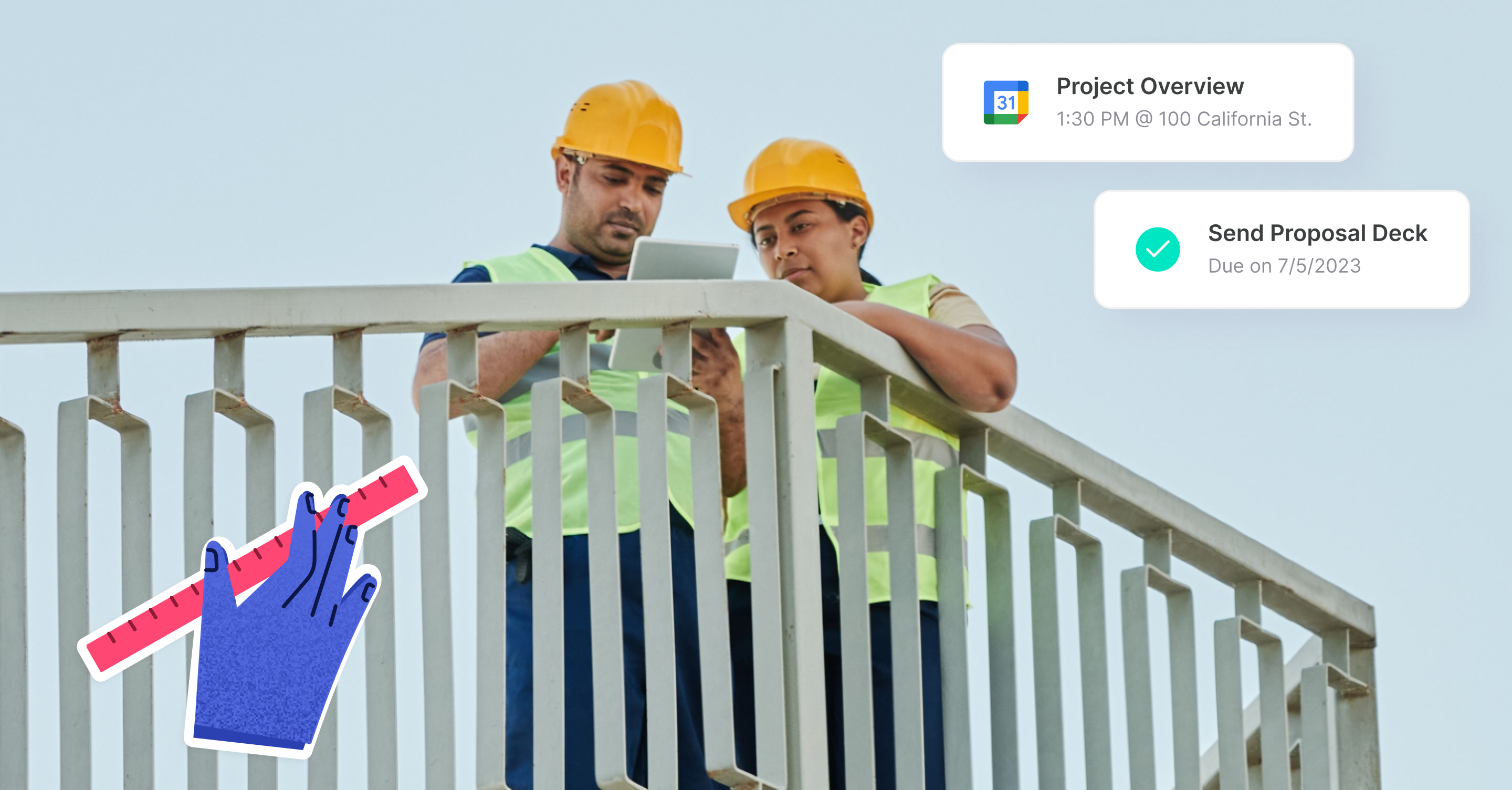
Copper gives every team member, from estimators and project managers to account reps and executives, a shared, real-time view of all client interactions, project updates, and communication history. Because it integrates directly with Gmail, Calendar, and Drive, all emails and meetings are automatically logged to the right contact or project record without anyone having to manually update the system. Egan Company credits Copper with making them stronger as a team and reinforcing a culture of collaboration around their customers: the kind of cross-departmental alignment that's hard to achieve when information is siloed in individual inboxes.
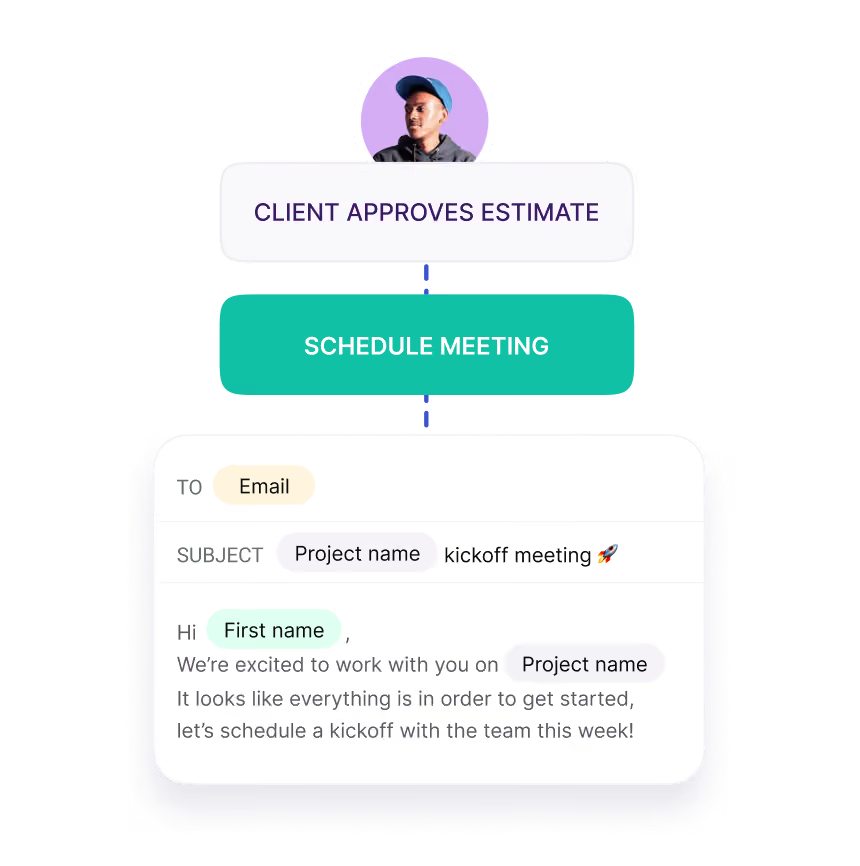
Absolutely: Copper can automatically create tasks, update contact profiles, change project statuses, and send personalized follow-up emails based on rules you set once. For example, you can configure Copper to automatically trigger a follow-up sequence after a bid goes out, send a check-in message at key project milestones, or assign a task to a team member when a job moves to a new stage, all without anyone having to remember to do it manually. This frees your team to focus on the relationship work and on-site execution that actually wins and delivers jobs.
Yes, Copper integrates with JustCall, a cloud phone system, so every call and text your team makes is automatically logged against the right contact or project record in Copper, giving you a complete communication history without any manual entry. It also integrates with QuickBooks to keep your sales and finance data aligned, so your team always has visibility into the business side of each job. Beyond these, Copper connects with a wide range of other tools through its integration library, and for teams with more specific needs, a developer API is also available.
Take Copper for a spin first. Pay and add your team later.









.avif)
.webp)