




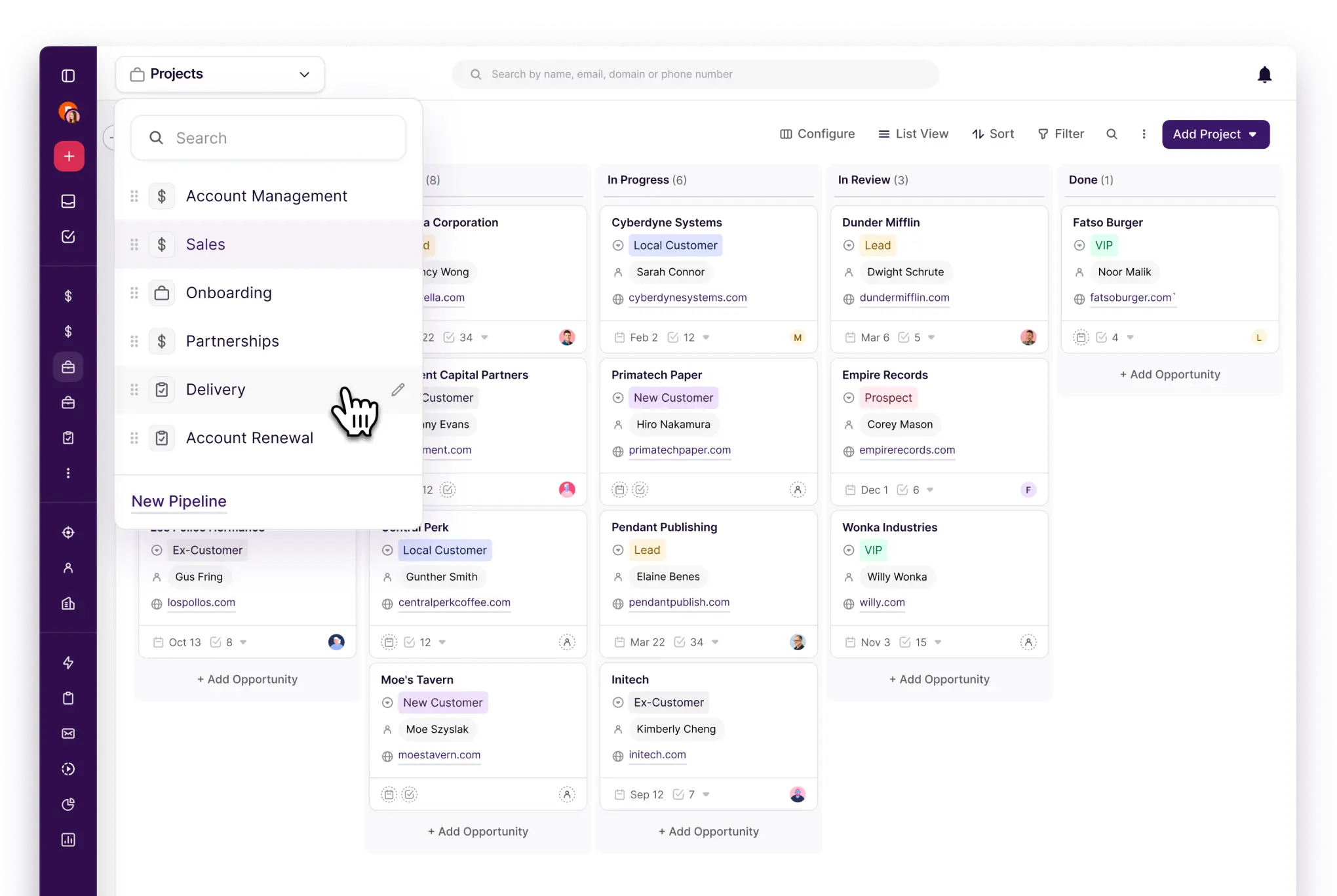




Not sure where to start?
We’ve got templates for that
From AI email responses, to pipeline and form templates. Start with one of ours or create your own to save time.
























"I work in consulting and keeping my tech stack small is important. I don't want to spend all day clicking between apps just to get work done. Copper's smooth integration with Gmail is a godsend."


Whether it's referrals, paid ads, events or organic, wherever your leads come from, Copper can collect and take immediate action.
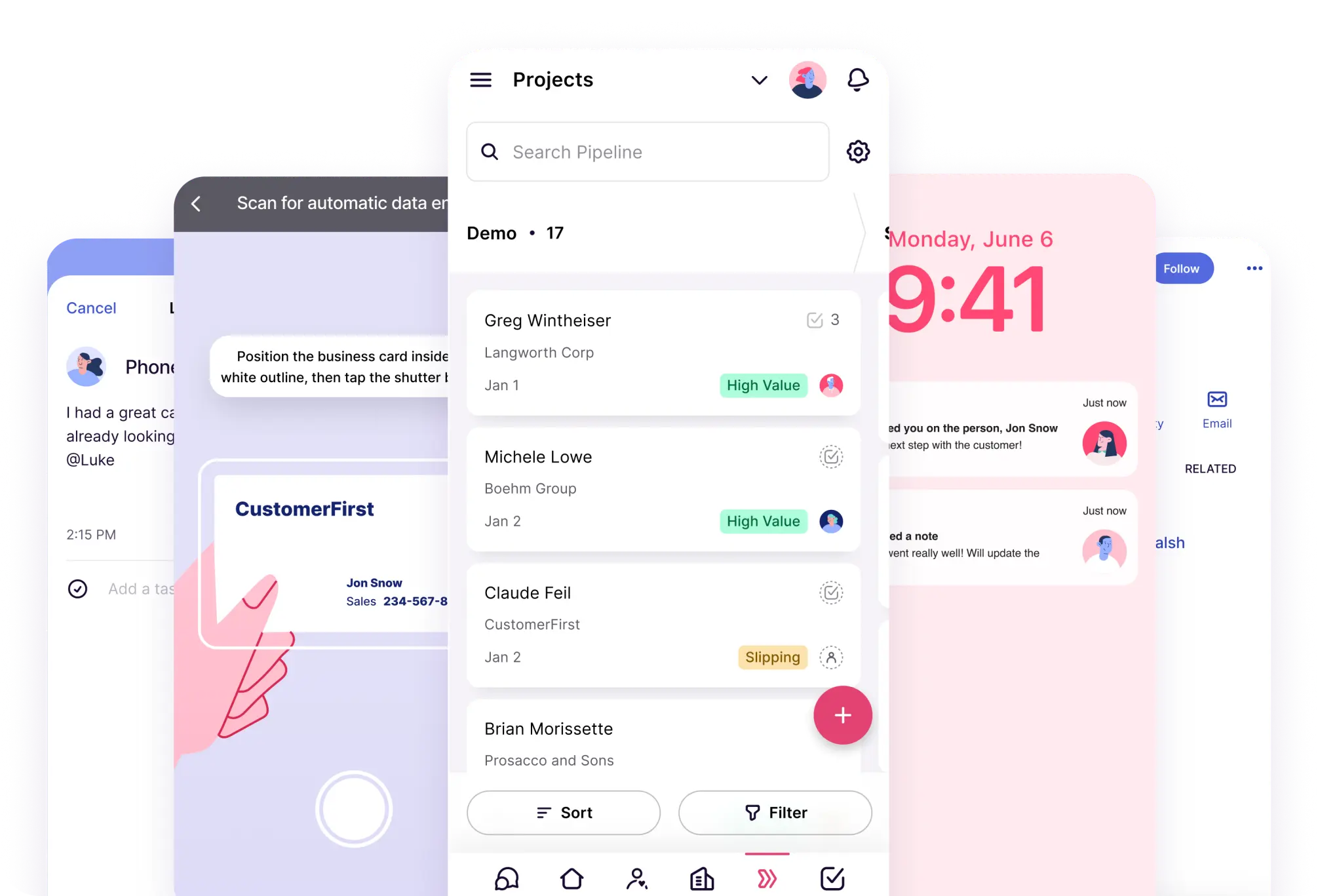
Use our contact form for website visitors, or scan business cards at events.
Respond instantly to form submissions and send welcome or follow up emails.
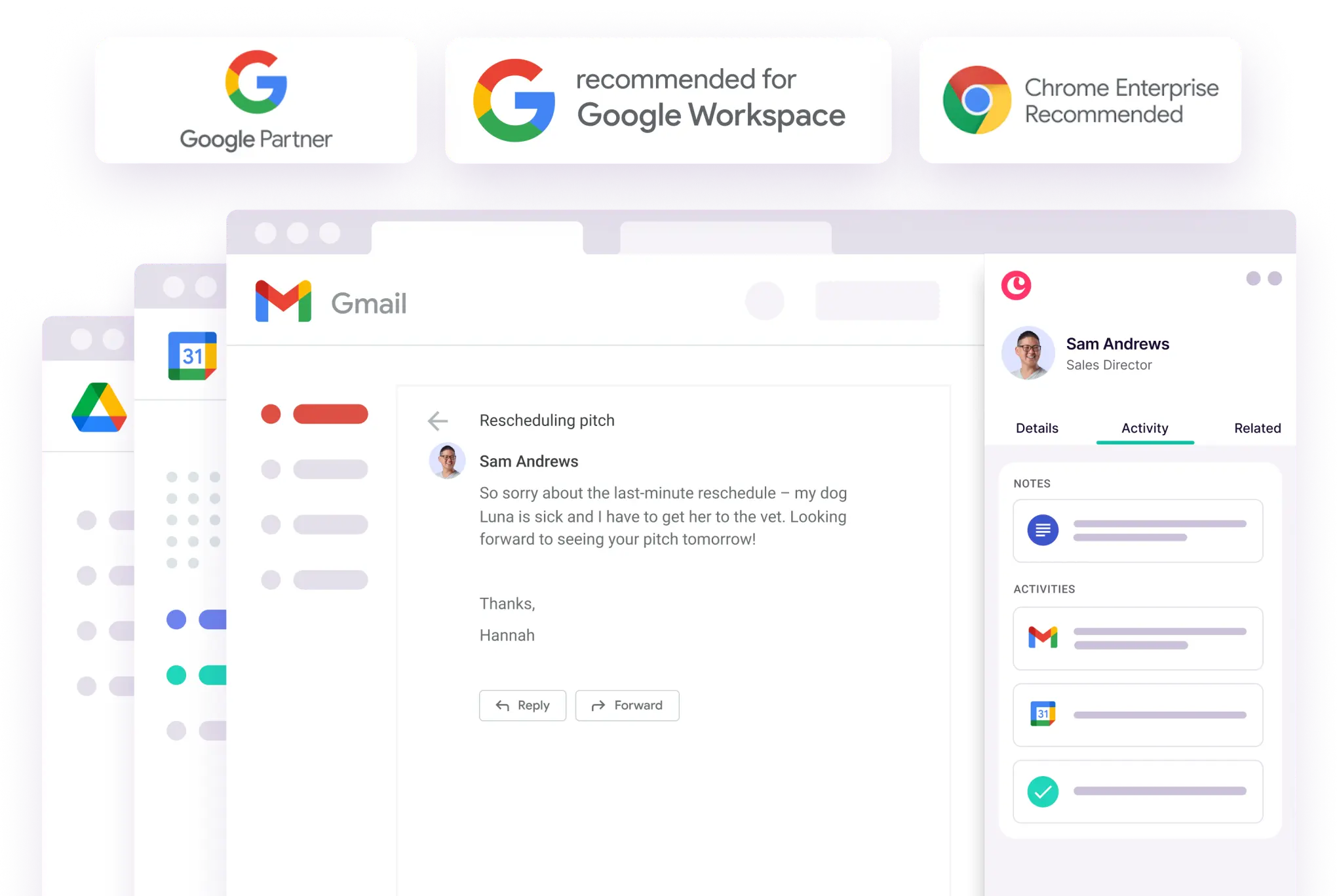
Add leads, track conversations, find files or manage tasks directly in Gmail and Google Calendar.
Research and add prospects on LinkedIn (or any website) without switching tabs.
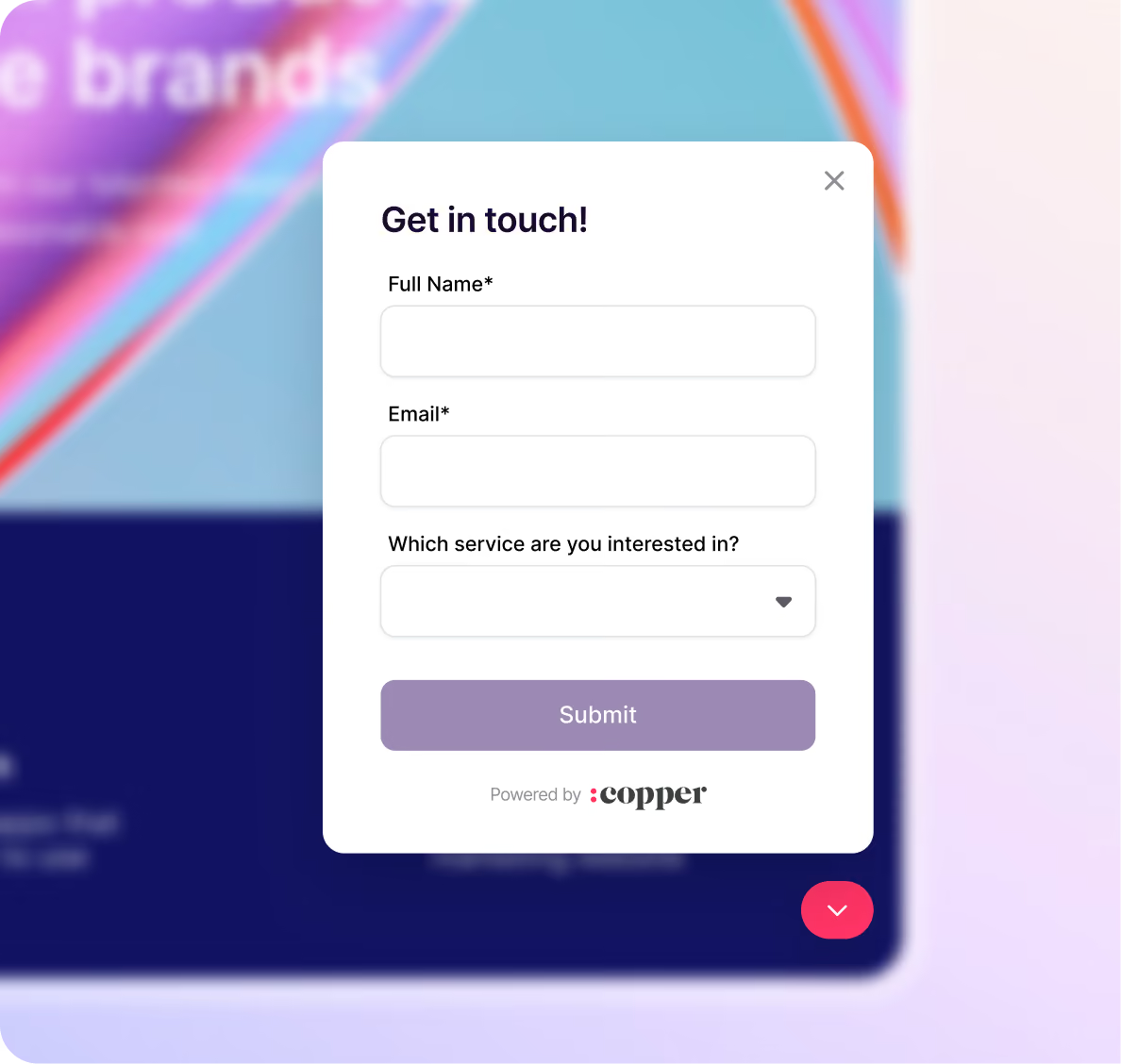

Know where every lead is at in your sales process and move opportunities to the next stage. Sort by value, understand the win probability, and identify slipping deals.
Make sales more visual using drag-and-drop pipelines with AI-powered flags and alerts.
Automatically trigger emails or reminders when you move an opportunity to the next stage.
Create custom reports to project revenue, identify customer trends, view team activity, and more.
Draft in Google Docs, or integrate with tools like PandaDoc, DocuSign and QuickBooks for a seamless sales process.
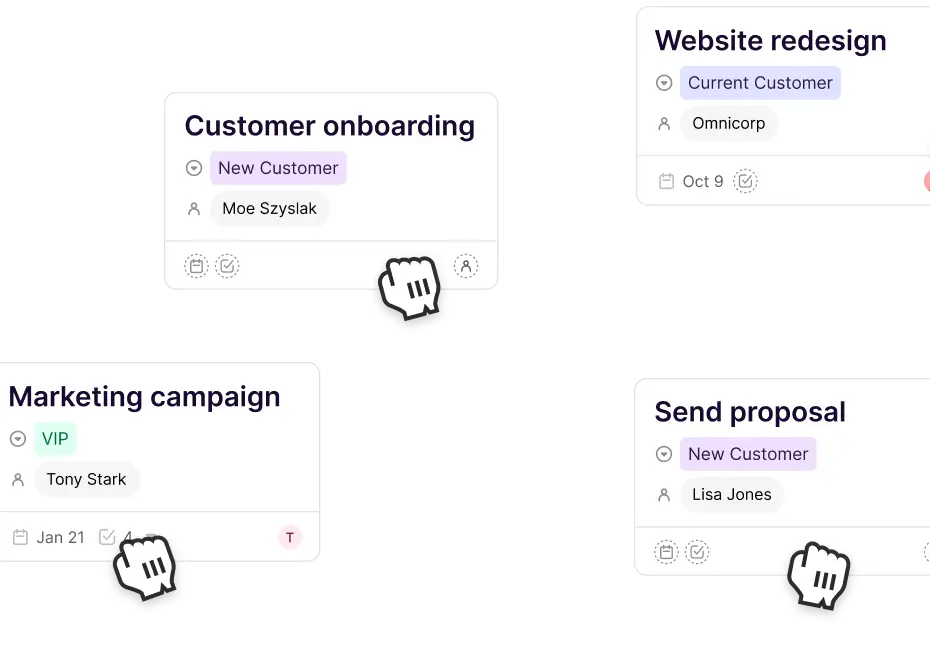
Kick off a new project directly from a closed opportunity. Say goodbye to handoff documents, your entire team can finally live in a single tool.
Duplicate your closed deals into a project to handle service delivery, onboarding and more.
Assign tasks and follow-ups from a centralized task lists, or within projects.
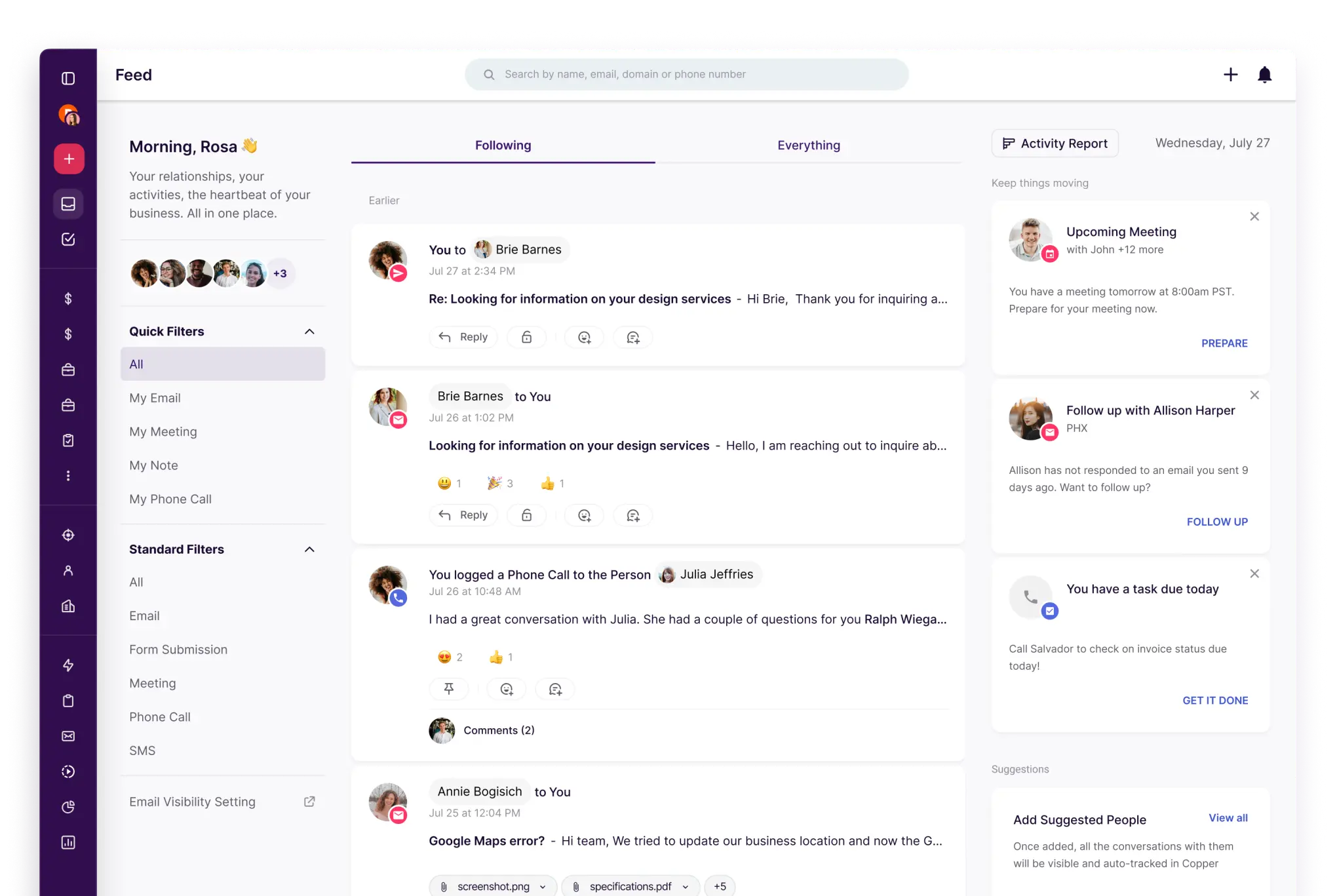
Stop doing admin work. Log calls, meetings, asks and activities without lifting a finger.
Bring the whole family – sales, project managers, creatives, finance, contractors and more.


Loyal customers fuel long-term success. Stay engaged, follow up with ease, and never miss an opportunity to reconnect.
Get a bird's-eye view of your team's activity across customer emails, projects, tasks and more.
Reconnect with contacts you haven't heard from in a while. Automatically.
Once a project wraps up, automatically send a follow-up email to request a review or referral.
Move relationships forward while you're on the go.
Copper is purpose-built to help relationship-focused businesses manage their entire customer journey.

From AI email responses, to pipeline and form templates. Start with one of ours or create your own to save time.
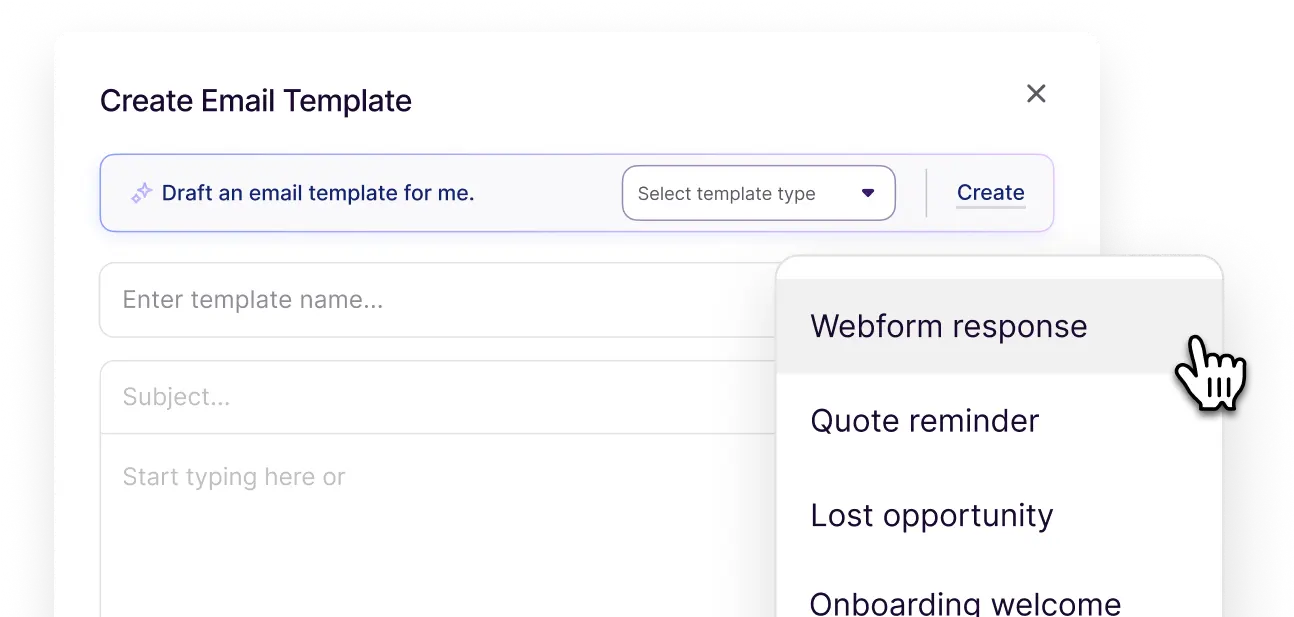
Create your own labels, tags, owners, and more, so everyone has context and everything stays organized.
Log calls and SMS automatically so every interaction is tracked and accounts are always up to date.

Copper's powerful integrations seamlessly connect with your favorite tools to bring in even more customer information.


"With Copper{{copper}}, there was almost no setup time since it worked with Gmail{{gmail}}. Plus, there were all these integrations that we could use right away. We were sold."

"I love the fact that it integrates perfectly with Google Workspace. This has been an amazing experience for me since I’m always using Gmail, Drive, and Calendar."
"As a small business I love that Copper can keep my emails and tasks organized. The large CRM platforms were too much. As my day is all email, Copper is just what I need."
"I love the Google plugin. My business uses Google Workspace for just about everything we do, and the Copper + Google Workspace integration is fantastic."
"Copper CRM helps keep me focused and organized with my business. The pricing is fair and customer service has been great too. I've used it since 2016...and highly recommend it!"
"The Gmail integration is my favorite Copper feature. It makes it easy to add new leads, people, etc... I also love the task tool and how it integrates with Gmail and Calendar."
"Got introduced to Copper for a CRM and it's chef's kiss. It naturally integrates with Google Workspace and has a cute little inbox plug in."
"Copper CRM piggy backs right on top of Gmail in a seamless way."
"Copper keeps track of all correspondence with your customers. It also sends you reminders via email and allows you to email your work colleagues. The layout is very user-friendly, and the information is accessible."
"Great CRM for Gmail users. Copper's unique angle is that it is tightly integrated with Gmail - so as you're emailing contacts, you can easily add those people and opportunities into your CRM. This makes it very easy to use which saves a lot of time and makes CRM updates less of a chore."
"As a small business I love that Copper can keep my emails and tasks organized. The large CRM platforms were too much. As my day is all email, Copper is just what I need."
"Copper CRM helps keep me focused and organized with my business. The pricing is fair and customer service has been great too. I've used it since 2016...and highly recommend it!"
"Copper keeps track of all correspondence with your customers. It also sends you reminders via email and allows you to email your work colleagues. The layout is very user-friendly, and the information is accessible."
"Copper CRM piggy backs right on top of Gmail in a seamless way."
"Great CRM for Gmail users. Copper's unique angle is that it is tightly integrated with Gmail - so as you're emailing contacts, you can easily add those people and opportunities into your CRM. This makes it very easy to use which saves a lot of time and makes CRM updates less of a chore."
"The Gmail integration is my favorite Copper feature. It makes it easy to add new leads, people, etc... I also love the task tool and how it integrates with Gmail and Calendar."
"Got introduced to Copper for a CRM and it's chef's kiss. It naturally integrates with Google Workspace and has a cute little inbox plug in."
"I love the fact that it integrates perfectly with Google Workspace. This has been an amazing experience for me since I’m always using Gmail, Drive, and Calendar."
"I love the Google plugin. My business uses Google Workspace for just about everything we do, and the Copper + Google Workspace integration is fantastic."
"It's like those CRMs we used to use, except this one actually works".



Copper is a CRM software for relationship-focused service businesses, built to work inside Google Workspace. The platform brings your contacts, leads, deals, projects and client emails into one CRM system that runs directly in Gmail and Google Calendar, so your team can win clients and deliver work without switching tabs or relying on a dedicated CRM admin.
Copper is CRM software that keeps every client relationship in one place: contacts, leads, deals, projects, tasks and email history. Because it runs inside Gmail and Google Calendar, Copper captures contact details and logs emails and meetings as you work, so your pipeline stays current without manual data entry. Teams use it to move deals through customizable pipelines, turn won deals into projects, automate follow-ups and report on revenue.
Copper is built for relationship-focused service businesses, where revenue depends on long-term client relationships rather than high-volume transactions. That includes agencies, consulting firms, construction companies, financial services firms, commercial production companies and media teams. It's an especially good fit for small businesses and teams that already run their day in Google Workspace.
Yes. Copper connects to your Google Workspace account and adds a Chrome extension, so it shows up inside Gmail and Google Calendar instead of in a separate app your team has to remember to open. There's no scripting language to learn and no dedicated administrator required, and help is available through live chat, weekly office hours and personal onboarding on eligible annual plans. Exit Design, for example, got up and running in Copper in three days after a three-month setup with HubSpot.
Copper has three plans, priced per seat, per month. Basic is $29 ($23 billed annually), Professional is $69 ($59 billed annually) and Business is $134 ($99 billed annually). Every plan starts with a 14-day free trial, and no credit card is required. See Copper's pricing for a full feature comparison.
Copper integrates natively with Gmail, Google Calendar, Google Drive, Google Sheets and Looker Studio, and connects to tools like LinkedIn, Slack, QuickBooks, DocuSign, PandaDoc, JustCall, RingCentral, Mailchimp and Zendesk. Through Zapier, Copper connects to more than 5,000 other apps, and an API is available for custom integrations. See all integrations.
Take Copper for a spin first. Pay and add your team later.