Best CRM for commercial production companies
From pitch to wrap, and back again.
Turn your producers into strategic partners with a CRM that connects business development and production in one place.











Turn your producers into strategic partners with a CRM that connects business development and production in one place.









Copper is trusted by commercial
production companies big and small
Copper helps production teams nurture relationships,{{people}}close the right projects{{bullseye}}and keep every shoot on track.{{mug}}


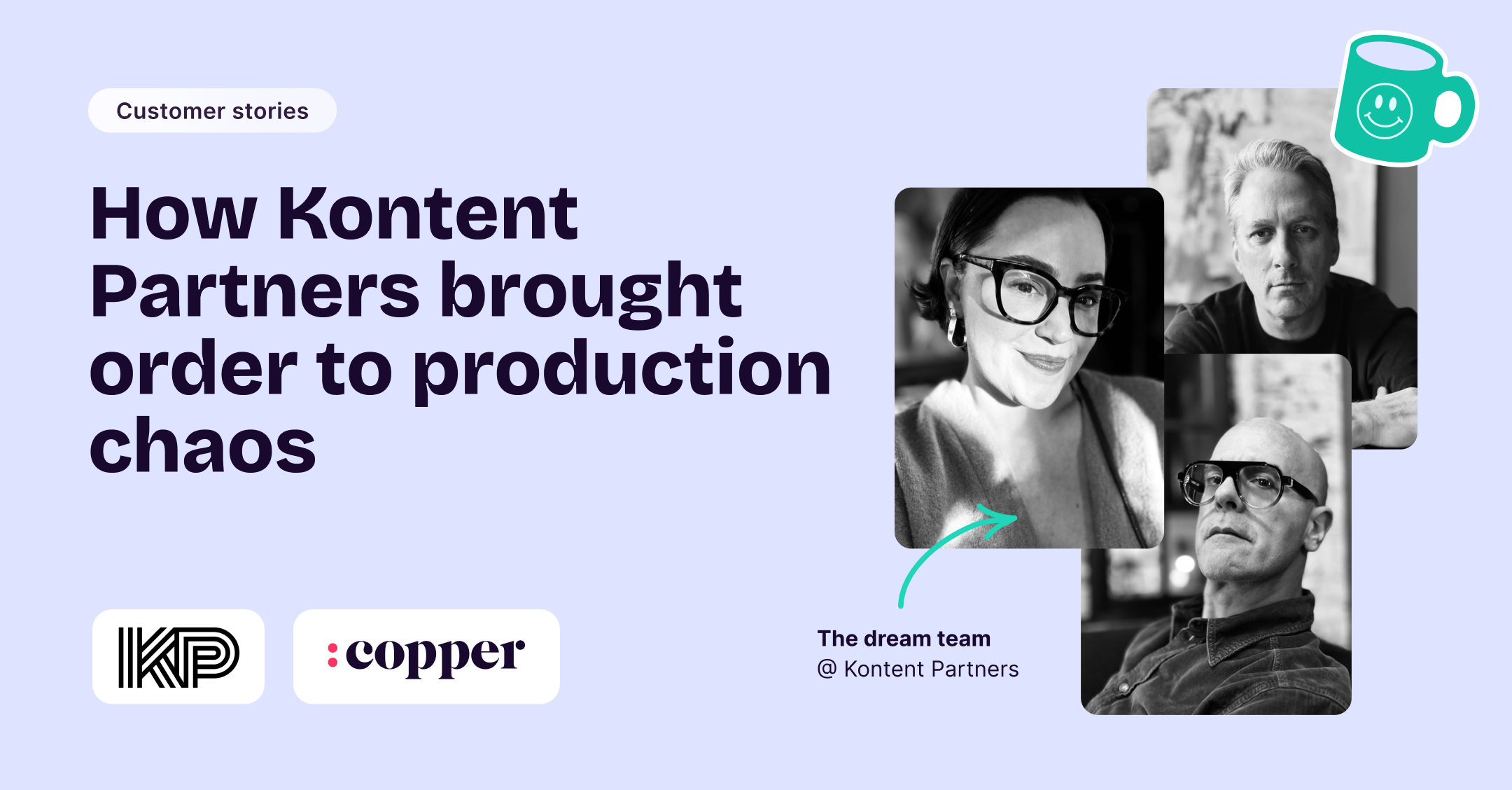
"Copper's real superpower for us is connection. with Copper, and I knew that it could be built upon. We could use it to connect engagement, bidding and active project management, creating a full circle system."

"With Copper, there was almost no setup time since it worked with Gmail. Plus, there were all these integrations that we could use right away. We were sold."

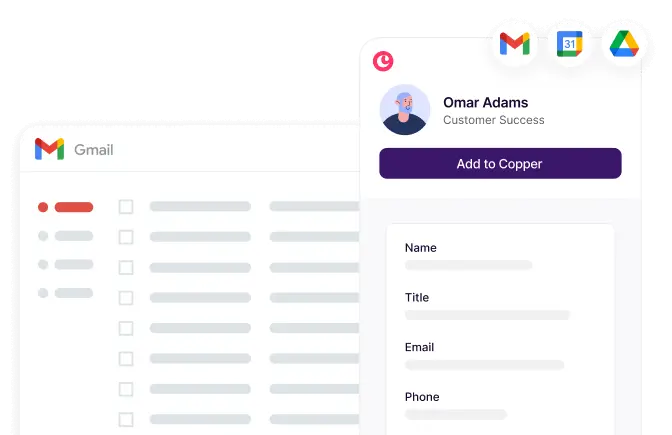
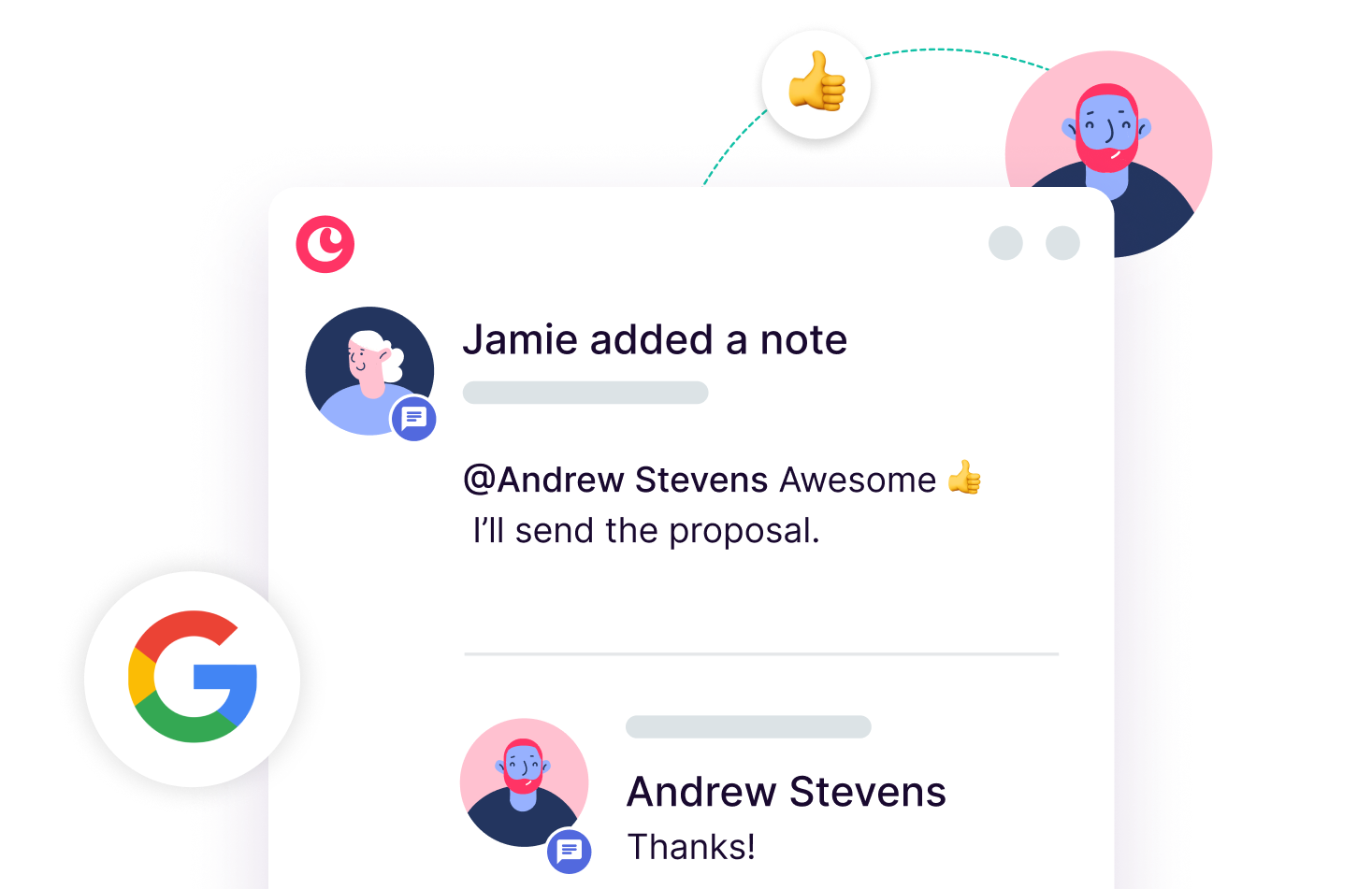
Connect your team's Google Workspace account and get immediate access to a comprehensive history of all interactions with every client.

"It took us 3 months at HubSpot and it took us 3 days to get up and running at Copper. Copper is so much easier for a small team.”

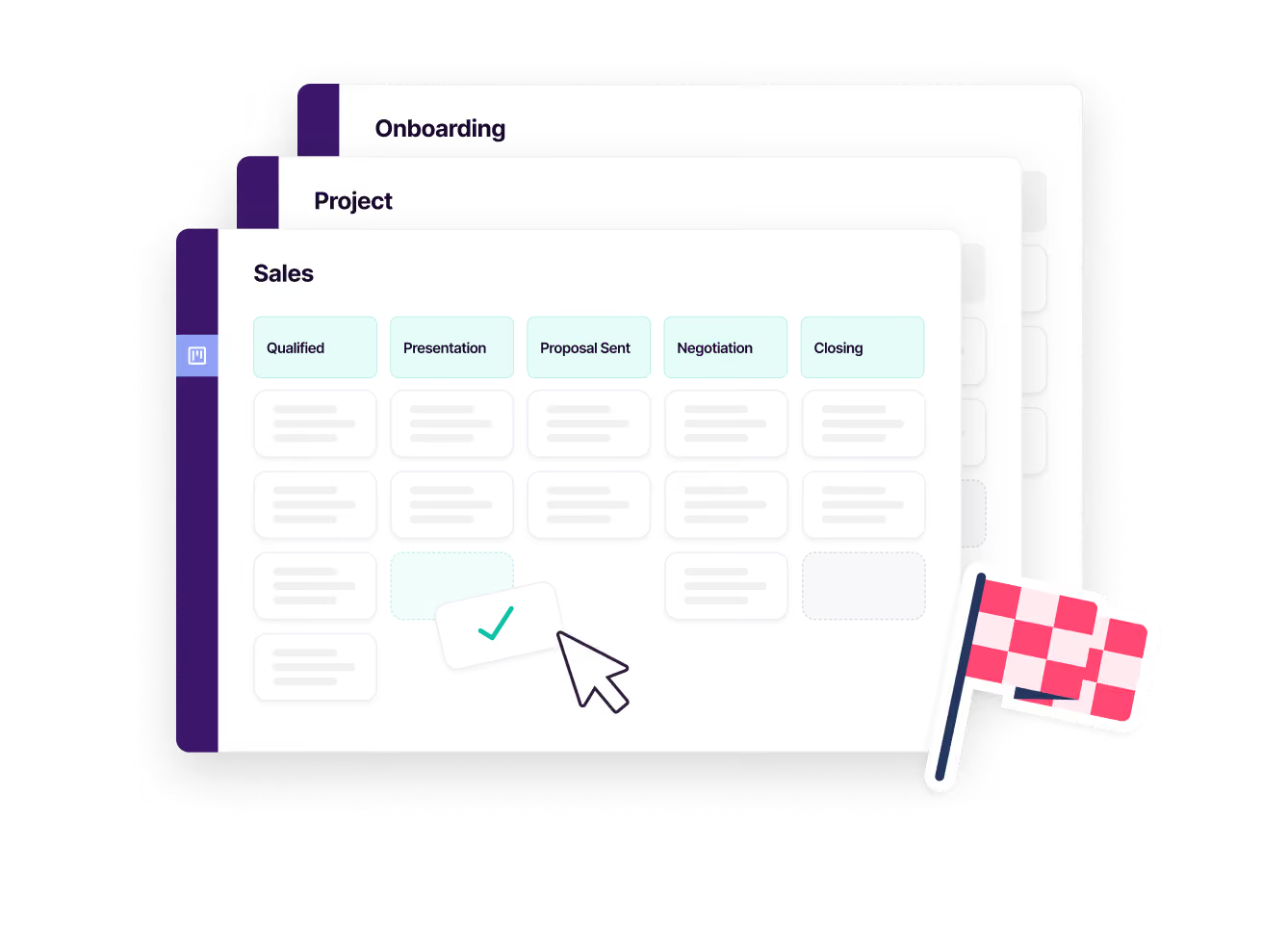
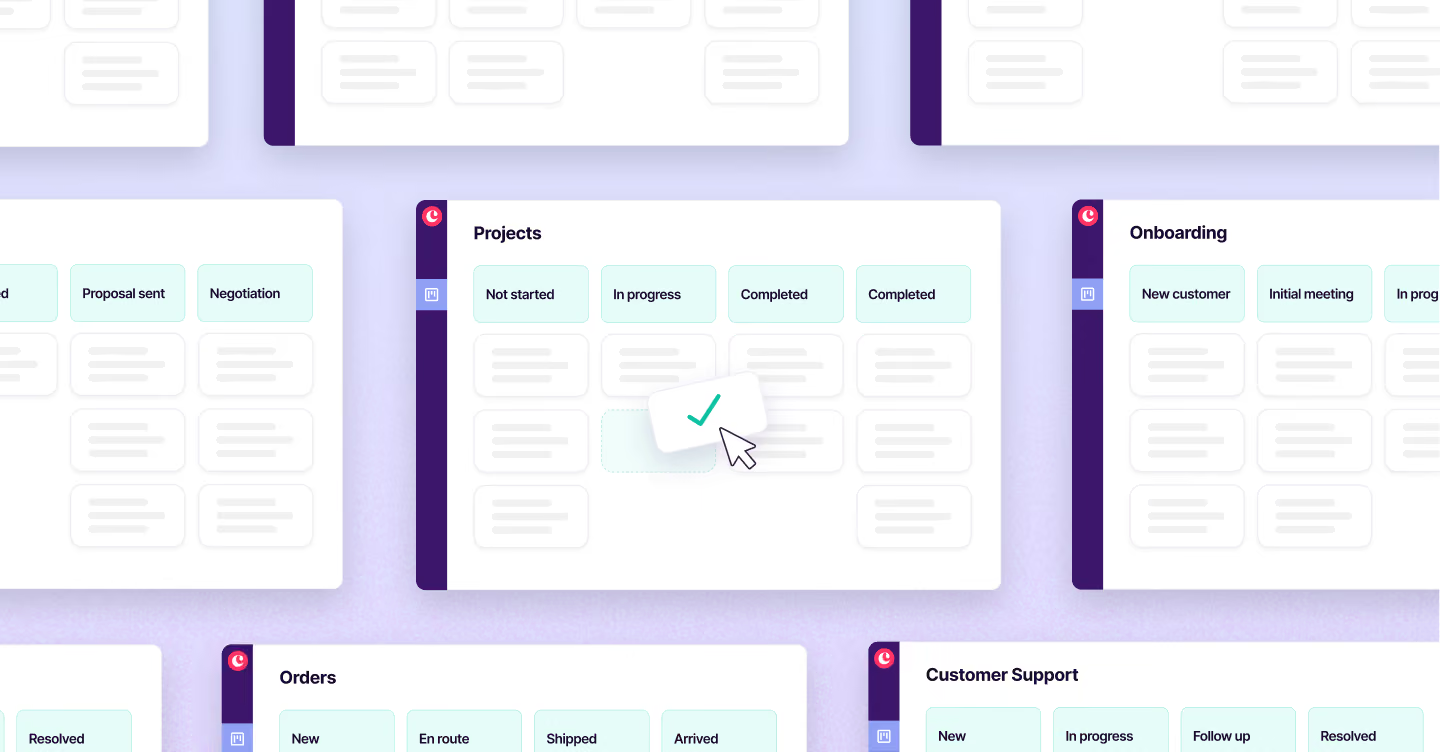
Copper is built to connect your entire production workflow, from bidding and business development through active project delivery, in one place. You can run separate pipelines for new client outreach, active productions, and post-project follow-up, all within the same system and with all the relevant client history intact throughout. As Kontent Partners describes it, Copper connects engagement, bidding, and active project management into a full-circle system, eliminating the gap that typically exists between the business development and production sides of a company.
Copper's real-time activity feed gives every member of the team visibility into what's happened on each project and client relationship, automatically updated as emails are sent, meetings are scheduled, and tasks are completed. Because it syncs directly with Gmail, Google Calendar, and Google Drive, no one has to manually log activity or send a status update; the information is just there when anyone needs it. This means your account managers, producers, and creatives can all pull up a client or project record and immediately understand where things stand without chasing each other down.
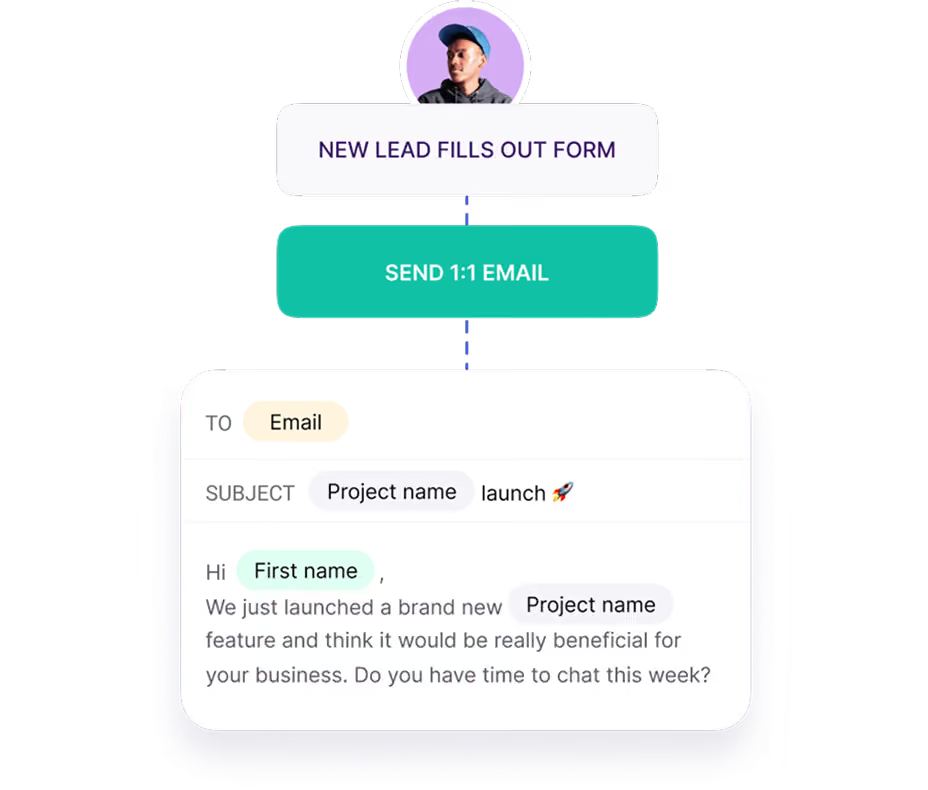
Copper lets you set up automated follow-ups and post-project check-ins so your team stays in touch with clients after delivery without it requiring manual effort. You can configure Copper to automatically send a wrap-up message, schedule a check-in call, or flag a client for a re-engagement outreach at any interval you choose, keeping your relationships warm between productions. This turns every completed project into a natural opening for the next brief, helping you grow existing client relationships rather than always starting from scratch.
Yes, every email, meeting, file, brief, and approval that passes through Gmail, Google Calendar, and Google Drive is automatically captured and attached to the relevant contact or project record in Copper, without anyone having to manually organize it. Custom fields let you track production-specific details like shoot dates, deliverable formats, or approval status directly on each record. The result is a single, organized source of truth for every campaign, so no one has to dig through email threads to find the latest version of a script or confirm what a client approved.
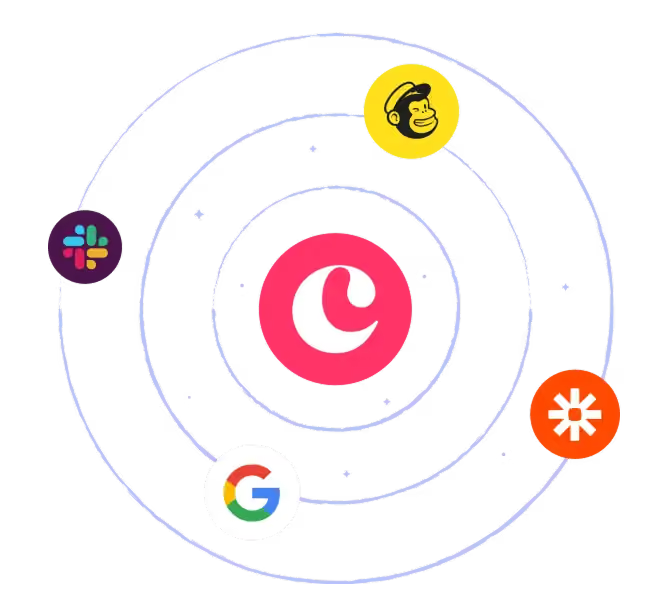
Copper is designed for fast adoption, particularly for teams already using Google Workspace. Because it connects directly to Gmail, Calendar, and Drive, your existing communication history surfaces automatically from day one; there's no need to migrate data or start from scratch. Setup is lightweight and intuitive enough that teams consistently report going from nothing to fully operational in days, not weeks or months. There's also a 14-day free trial with no credit card required, so your team can validate that it works for your workflow before committing.
Take Copper for a spin first. Pay and add your team later.