
Managing a construction project means juggling client conversations, subcontractor updates, change orders, and documentation, often across a dozen different tools. Without a clear view of what’s happening on-site and off, things fall through the cracks fast.
That’s where construction project management (CPM) software comes in. The right tool helps you centralize communication, track project milestones, and keep your whole team aligned from planning through closeout. And if your team already runs on Google Workspace, you’re closer to a streamlined setup than you might think.
In this guide, we’ll walk through what to look for in the right software, eight of the best tools for everything from civil construction companies to small contractors, and how to keep every client relationship and project on track without the chaos.
Key takeaways
- Construction project management software helps monitor costs, price projects, track progress, and manage contractors.
- When selecting CPM software, evaluate industry reputation, mobile accessibility for job sites, integration capabilities with existing tools, and whether the vendor provides training and support.
- A CRM like Copper can complement traditional CPM software by tracking project information from initial consultation through completion, enabling better budget forecasting and relationship management.
- Different CPM tools serve specific niches: Eclipse excels at job costing and pricing, GenieBelt targets medium-sized companies with 5 to 300 contractors, and INAXUS focuses on civil and infrastructure construction.
What to look for in your construction project management software
Investing in CPM software is an expensive commitment, so you need to make sure that you’re picking the best software for your needs.
There are a few key elements CPM software needs to have before you consider investing in it for your company. Ask yourself questions like, “Will this software make work easier for my company?” and “Will it help us with real-time project management?”
Success in construction is all about keeping on track with projects and delivering them on time, so if the software you’re looking at doesn’t have these capabilities at a minimum, keep shopping around.
Not every construction PM tool is built for teams your size. You don’t need a massive platform with hundreds of features no one will use. You need one that actually fits how your team works day to day. Here’s what matters most:
- Task management. Assign tasks, set deadlines, and see what’s in progress at a glance, without chasing people down for status updates.
- Document management. Plans, drawings, contracts, and permits should all live in one place. Bonus points if version control is built in so you’re never working off an outdated blueprint.
- Mobile access. Your team is on job sites, not sitting at desks. The tool needs to work from a phone or tablet, ideally even offline.
- Team communication. Messaging and notifications tied directly to tasks and projects keep conversations organized (and out of scattered text threads).
- Reporting tools. Simple progress tracking and exportable reports help you stay on top of timelines and keep clients in the loop.
- Integration with your existing tools. If your team already uses Google Workspace, look for software that connects to Gmail, Google Calendar, and Google Drive, so you’re not duplicating work across platforms.
Some other key questions to ask when choosing CPM software are:
- What is its reputation in the industry?
- Does it offer integrations with other products and software your company already uses?
- Does the software have the tools to improve tracking and accountability on projects?
- Can my employees access the software from their cell phones on the job site?
- Will the software’s company provide training, or will you be thrown in the deep end?
That’s a lot of questions to ask, but picking the right software from the start will save you a lot of time and money down the line.
Why ease of use matters more in construction
Let’s be honest: construction teams have relied on paper, spreadsheets, and phone calls for a long time. Adopting new software isn’t always a smooth transition, especially when your crew is working on tight deadlines and doesn’t have hours to spend on training.
That’s why the tool you choose needs to be simple enough that people actually use it. A platform packed with features means nothing if your team avoids it because it’s too complicated.
Look for software that feels familiar. If your team already lives in Gmail and Google Calendar, a tool that works inside those apps (rather than pulling you away from them) can dramatically cut down the learning curve, and the grumbling.
Consider pricing and scalability before you commit
Construction PM software is an investment, so it makes sense to start small before going all in. A few things to keep in mind:
- Look for transparent pricing. Hidden fees for extra users, storage, or integrations can add up fast. You want to know what you’re paying for upfront.
- Start with a free trial. The best way to know if a tool works for your team is to actually use it on a real project. A free trial lets you test the workflow before making a commitment.
- Think about growth. The tool that works for your five-person crew today should still work when you’ve doubled in size and are running multiple projects at once.
Try Copper free for 14 days and see how it fits your construction workflow.
Your team is on the job site, not at a desk
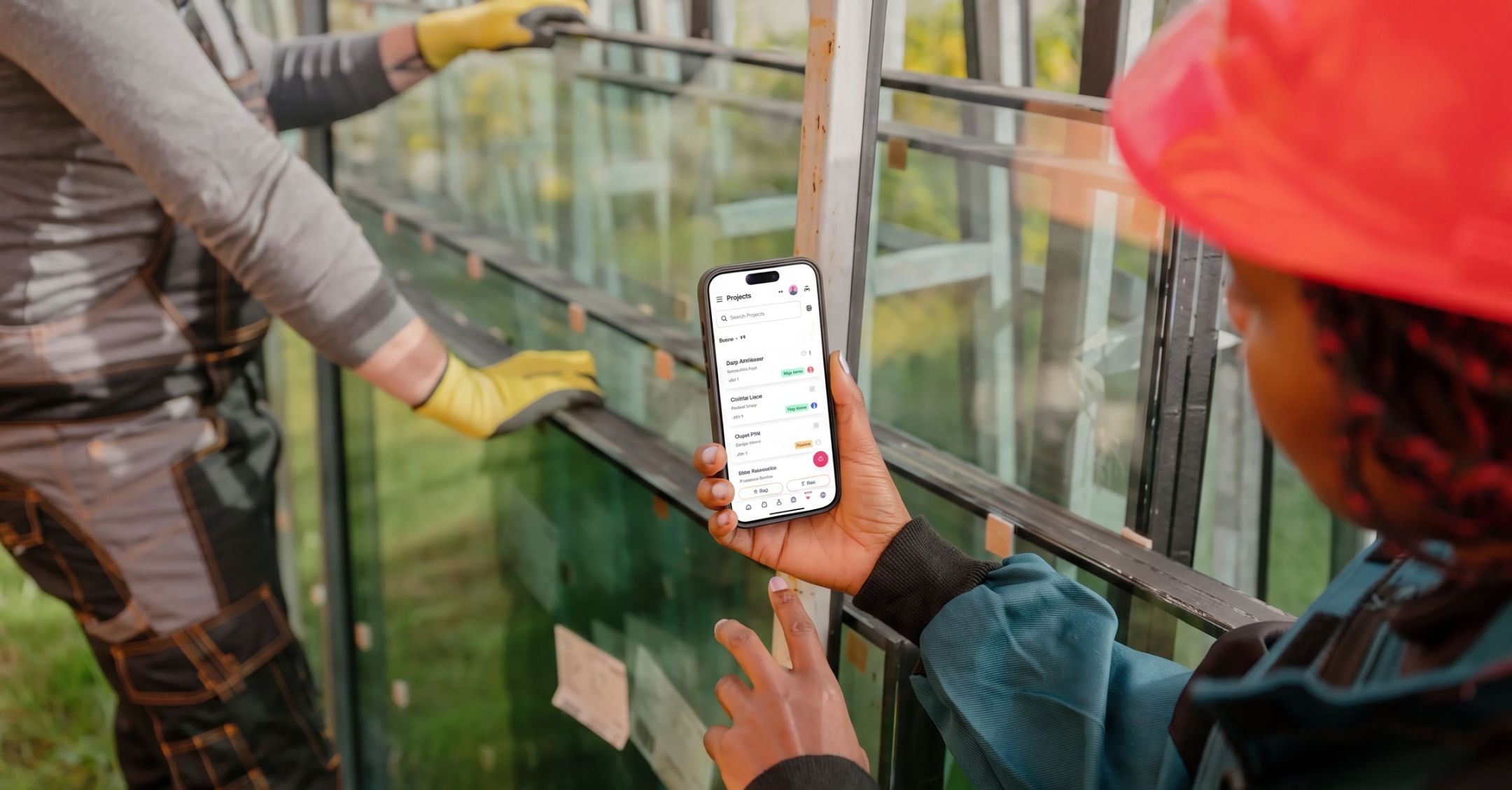
Construction work doesn’t happen in an office, so your project management tools can’t live there either. Your team needs to pull up contact info, check project timelines, and log updates from their phone while they’re standing on a job site.
That’s why mobile access isn’t a nice-to-have. It’s a requirement. Look for tools that let you:
- Access client and project details from any device.
- Log updates, notes, and communications on the go.
- Sync everything automatically so the rest of your team sees changes in real time.
With Copper, you can manage contacts, track project pipelines, and log every client interaction right from your phone, or directly from Gmail on any device.
Keep everything connected (without the manual data entry)
One of the biggest headaches in construction project management is having information scattered across disconnected systems: client emails in one place, project details in another, documents in a shared drive somewhere, and financial notes in a spreadsheet nobody updates.
Integration is the fix. When your CRM connects directly to the tools you already use, you eliminate the double-entry problem and get a single source of truth for every client and project.
Copper integrates natively with Google Workspace (Gmail, Google Calendar, Google Drive, and Google Sheets), so every email, meeting, file, and data export stays connected to the right contact or project automatically. You can even use Copper’s Google Sheets add-on to export project data into reports your team and clients already know how to read.
1. Procore
Pricing: Custom pricing based on needs
Free trial? Yes, Procore offers a demo
Best for: Juggling multiple construction projects
Procore is a cloud-based CPM software designed specifically for companies that need to juggle multiple projects at once.
Because it's built with bigger companies in mind, you can have an unlimited amount of collaborators using the software at all times. This means a larger project that involves a lot of contractors and workers will be easier to keep track of, as everyone involved will be able to report on their progress.
The software has features like daily logs, punch lists, timesheets, drawings, inspections, timesheets, and cost management. You can also manage invoices from your dashboard and produce RFIs (Requests for Information).
The software is constantly being updated to make it more efficient, and even for the largest construction companies, the vast feature list should be enough to keep all your ducks in a row.
2. Eclipse
Pricing: Custom pricing based on needs
Free trial? Yes
Best for: Pricing out construction projects
Eclipse is a browser-based CPM software that gives you a birds-eye view of an entire project so you can price it out correctly. There’s nothing worse than getting halfway into a big project and realizing you won’t actually make a profit when you hand the completed project over.
The software’s main features are job costings and project analytics, but you can also use it to design templates, store information about business partners, and control cash flow.
From the software, you can control all your accounts payable and receivable, and keep a general ledger of any past, current, or future projects. You can also price jobs in multiple currencies (super handy if your business works internationally), along with writing financial reports from the dashboard.
Plus, the software is customizable to any business, with plenty of optional features.
3. Copper
Pricing: Starts at $19/month
Free trial? Yes
Best for: Managing all your relationships
Though it’s not like traditional CPM software, Copper can do many of the tasks CPM software does, plus many that it doesn’t. For example, if your crew is already familiar with Gmail, Google Calendar, and other G Suite apps, this would be a software option that’s super easy to pick up.
The interface is designed to look just like Gmail, it automatically syncs across different devices so you don’t have to update each one manually, and it automates many tedious tasks (like meeting scheduling):
Typical construction projects have a lot of moving parts, from conception to construction. It’s important to keep on top of all the moving pieces with minimal effort.
This is especially true for budgets and forecasts, which are key to making your business work.
A CRM can track every piece of information from a project’s initial consultation to when you hand over the finished project. This gives you a detailed insight into if you priced the project correctly and will help you make more informed projections.
4. GenieBelt
Pricing: Starting at $115 / month for a project
Free trial? Yes, limited forever-free plan available
Best for: Medium-sized construction companies
Not sure if your company is big enough to need CPM software?
GenieBelt is built for medium-sized construction companies. The software company says it’s a perfect fit for companies that have as few as five contractors and as many as 300.
Each time you start a new project, the system will build a full audit trail for everyone involved in the job. You just set up the permission level for each contractor, and everyone can stay informed and report on how the project is progressing.
The software also gives you the ability to keep an eye on how every project is doing in real time from the dashboard. You can see any updates your contractors post throughout the day:
Unlike other software on the list, it doesn’t have an accounting function for payroll and invoicing. But its back office does integrate with CRMs and has functions to record time, cost, work quality, and all your H&S from the same spot.
Your contractors can also download the software’s mobile app onto their phones so they can stay on top of projects from anywhere.
5. INAXUS
Pricing: Custom pricing based on needs
Free trial? Yes
Best for: Civil and infrastructure companies
INAXUS is geared towards construction companies that are involved in civil and infrastructure construction.
It’s mainly used in construction companies in Asia and the Middle East at the moment, but many larger companies in America and Europe are starting to look at INAXUS as a CPM software solution.
This is one of the few software picks on the list that offers an end-to-end solution for an entire project. Everything from the initial contract signing to the handover can be handled in the software’s dashboard. Contracts are created and automatically tracked by the software to keep things running smoothly.
Plus, the software has workflows with proper escalation matrix and approvals, so you can manage your projects efficiently right up until they’re signed off.
On top of that, the software has budget tracking, job costing, estimating, mobile access, incident reporting, as well as the option to integrate it into your CRM. Oh, and you can manage all of your subcontractors from the dashboard too.
6. Knowify
Pricing: Starts at $54 / month
Free trial? Yes
Best for: Commercial contractors
Most of the software on this list is geared toward large projects and construction companies, but Knowify is different because it’s built specifically for commercial subcontractors.
First off, it’s super mobile-friendly and designed to be easy for contractors on the move to stay in touch with their clients. You can submit and electronically sign change orders with Knowify’s contracts feature, and keep on top of all your maintenance and accounting tasks from the program’s dashboard.
Another perk: creating mobile timesheets is a snap: you can send them straight from your dashboard to your clients.
7. BuildTools
Pricing: Starting at $20 per user / month
Free trial? Yes, there’s a demo available
Best for: Managing the back office
BuildTools is a web-based CPM software that’s ideal for managing day-to-day back office tasks.
Although it’s designed for custom builders and remodelers rather than large construction companies, it’s versatile enough to fit with any company size as it can be customized to suit.
Once you’ve signed up, you can use it to manage your budgets, schedule subcontractors, and issue purchase orders. Anytime you update a project on the system, it’ll sync the change across the whole ecosystem to save you from having to making a ton of repetitive changes.
BuildTools also covers bid management, document management, budgeting, communications, purchase orders, and it can integrate with your accounting software to streamline all of your financial processes.
8. Pro DBX
Pricing: Starting at $19 per user / month
Free trial? Yes
Best for: Tidying up loose ends
If you’re juggling contractors, builders, and legal personnel on a construction project, it’s easy for things to get missed and loose ends to be forgotten about.
Pro DBX is kind of like Trello for the construction industry. The timeline look of the software will tell you exactly who is doing what task, and if you’re on track with the project’s timeline.
The big win about Pro DBX is that like Eclipse (mentioned earlier on this list), it makes it easy to see how all of your projects are doing at a glance. From managing contracts to keeping an inventory on the system to even tracking your building materials with GPS, Pro DBX keeps your organizational skills sharp. Payroll and timecards can also be managed from the financial section of the software, along with purchase orders.
Construction project management isn’t just about the job site
Most construction PM tools are built for what happens on-site: task scheduling, blueprint management, daily logs. And those tools are important.
But what about the business side? Tracking which prospects you’ve sent proposals to. Following up with a client who went quiet after a bid. Knowing which projects are in the pipeline and what stage they’re at. Making sure the transition from "deal won" to "project kickoff" doesn’t mean starting from scratch in a new system.
That’s where a CRM like Copper fits in. Copper helps small construction firms manage the full client journey, from the first inquiry, through the bidding process, to project delivery and beyond. And because it lives inside Gmail and Google Calendar, you don’t have to change how you work to start using it.
Think of it this way: your construction PM tool manages the project. Copper manages the relationship.
Streamline your construction process to free up time for projects.
Construction project management doesn’t have to mean juggling a dozen disconnected tools. The right software keeps your team aligned, your client relationships organized, and your projects moving forward, without adding complexity to your day.
The tools on this list have thought of everything from projection reporting to drawing and timesheets. Adding a construction CRM into the mix streamlines your entire project’s process from start to finish.
If your construction firm runs on Google Workspace and you’re looking for a simple way to manage client relationships, track your pipeline, and stay on top of every project, Copper was built for exactly that. No steep learning curve. No bloated features you’ll never touch. Just a CRM that works where you already work.