
Building an AI tech stack for your agency shouldn't feel like a full-time job. You're 10 people. You're running client projects, chasing approvals, writing proposals, managing relationships (probably juggling multiple hats) and somehow also supposed to be "embracing AI." Every week there's a new tool someone on your team is excited about. Every month there's a new category for what AI can apparently do.
So which tools actually earn a spot in the stack and which ones are just noise? We put together the agency AI tech stack we'd recommend for you and your team.
Why your agency needs an AI tech stack in 2026
You know that moment when a client asks "where are we on X?" and three people on your team give three different answers? Or when a solid lead goes cold because someone meant to follow up but... didn't? Or when a client wants more content and your options are "hire someone" or "burn out the writers you already have?"
That's not a people problem. That's a system problem. And it's quietly draining your agency every single day.
The agencies winning with AI aren't using it to churn out robot content and call it a day (please, never that!). They're using it to fix the three things that slow agency teams down most: losing client context, drowning in admin, and struggling to scale output without blowing up headcount.
Here's what the right agency AI tech stack actually fixes in practice:
- Client context getting lost across your team? AI keeps every email, meeting, and project thread connected automatically so nobody's ever starting from scratch.
- Follow-ups falling through the cracks? Automated. Check-ins, welcome emails, post-delivery touchpoints — handled, without anyone having to remember.
- Content demand outpacing your team's capacity? The right tools help your writers and designers move faster without sacrificing the quality that actually wins clients.
On average, people save an hour a day of work with AI. For a 10-person agency juggling multiple clients without dedicated ops support, that's the difference between reactive and in control.
The 7 AI tech stack tools your agency actually needs (and what each one does)
If you're just starting to build out your agency's AI tech stack, the options can feel overwhelming — there are a lot of tools out there, and they're not all created equal.
We narrowed it down to seven that each have a clear, specific job to do. So whether you pick one or whether you choose them all, here’s where we’d recommend you start:
1. Google Gemini (via Google Workspace): Your AI home base
If your agency runs on Google Workspace (and most do), Gemini is already there — and it's doing a lot more than you might think.
On the surface it's an AI assistant that lives inside Gmail, Docs, Sheets, Slides, Meet, and Drive. But once you start actually using it, it becomes the connective tissue of your entire workday. Need a quick answer while you're mid-proposal? Ask Gemini. Want to kick around visual directions before your designer even opens Figma? Gemini can generate image drafts fast enough to use in a client mood board or a quick internal brainstorm. Need meeting notes from your last client call without anyone playing secretary? Gemini takes them automatically in Google Meet and summarizes the key takeaways.
Here's where it gets really good for agencies though. If you're using a CRM that connects to Google Workspace (we may be slightly biased here…) Gemini can pull your CRM data directly into your workflow. That means instead of running reports or digging through contact records, you can just... ask. Ask Gemini:
- "Which deals have gone quiet this month?"
- "What did we last discuss with this client?"
- "Who on the team last touched this account?"
Your CRM becomes something you can actually have a conversation with — and the answers show up right inside the tools you're already in.
It's not "AI somewhere else." It's AI on top of everything your team is already doing, in the place they're already doing it.
2. Copper: Your AI-assisted relationship layer
Speaking of Gemini, this is where the magic really happens. Copper is the only customer relationship management (CRM) platform with Recommended for Google Workspace status, which means it doesn't just play nicely with your Google tools, it's actually built around them. Every email, meeting, and interaction your team has with a client gets automatically logged in Copper without anyone having to lift a finger. No manual data entry. No "wait, did anyone update the CRM?" Slack messages. It just happens.
And because everything lives in one place, everyone on your team always knows exactly where things stand. The visual pipelines make it genuinely easy to see what's moving, what's stalled, and what needs attention — at a glance, without anyone having to ask around or dig through their inbox to piece together the full picture. For a 20-person agency where five different people might be touching the same client relationship, that kind of shared visibility is kind of everything.
The AI functionality inside Copper itself is pretty great too:
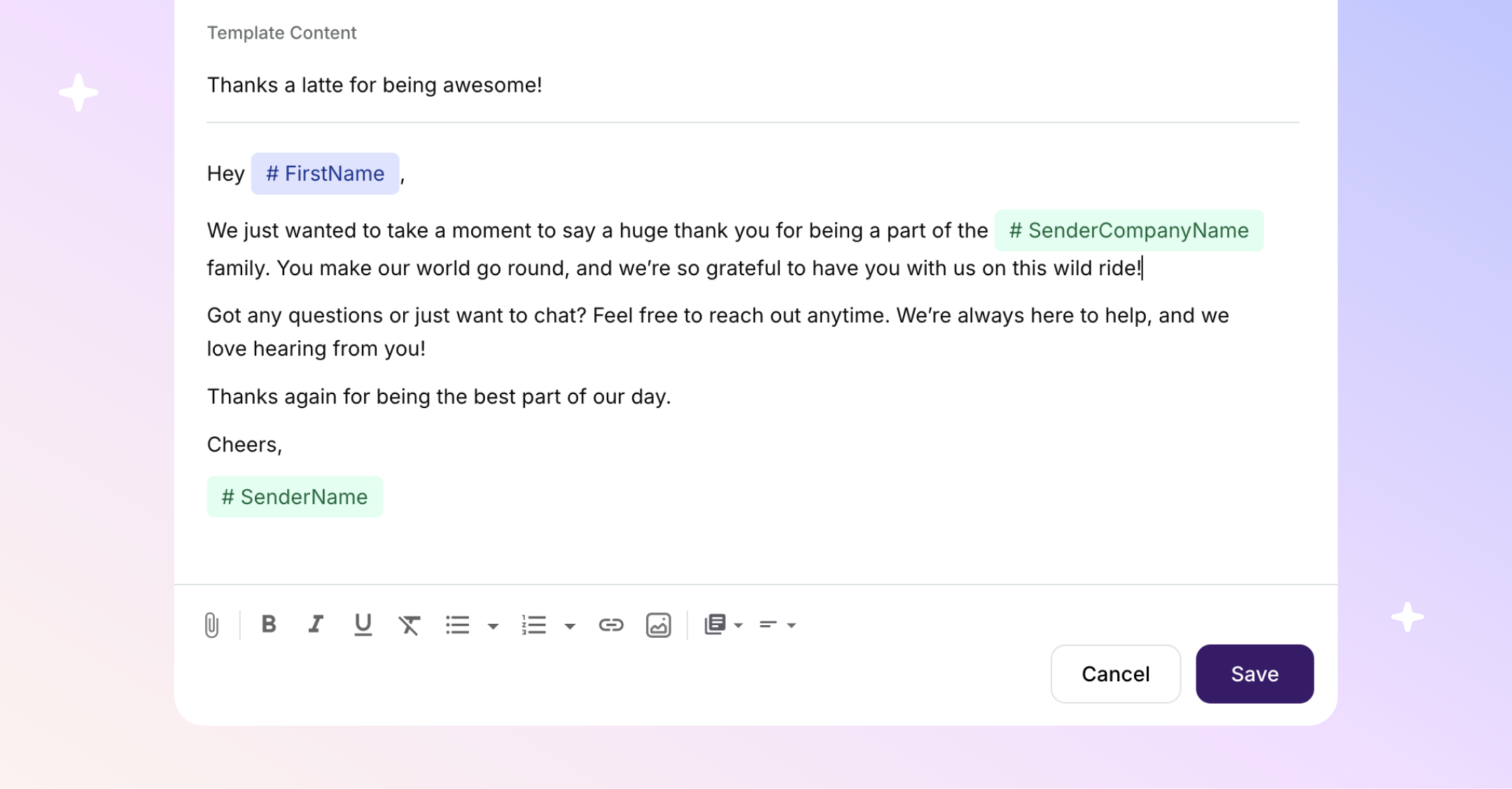
- The AI Email Rewriter helps you send follow-ups that don't sound like they were written at 11pm.
- Copper's Pipeline Flags surface deals that have gone quiet before they go cold.
- And the whole platform is designed around the way agency work actually moves — from first pitch to delivered project and everything in between.
For a 20-person agency where everyone is juggling relationships across multiple clients simultaneously, Copper is the connective tissue your whole AI stack is built around. Everything connects back to it, nothing falls through the cracks, and your team finally stops operating like they're each running a slightly different version of the same client relationship.
P.S. Think your agency could run a little smoother? (It probably can.) Try Copper free for 14 days.
3. Claude (by Anthropic): Your strategic thinking partner
No agency AI tech stack is complete without this one. Seriously, once you start using Claude you're going to wonder how you ever sent a client proposal without it.
Claude is the AI you go to when you need to actually think, not just produce something fast. It reads long documents without losing the thread, pushes back when something doesn't quite land, and genuinely won't just tell you what you want to hear. For agencies, that last part is kind of everything. Nobody needs an AI that rubber-stamps a mediocre strategy deck at 11 p.m.
The part that makes Claude a total non-negotiable for agencies though? You can teach it your voice. Like actually teach it. Feed it your brand guidelines, your best past proposals, your tone of voice docs, your client briefs — and it learns how your agency thinks and writes.
Suddenly instead of starting every deliverable from scratch, you're starting from something that already sounds like you. For a team managing five clients with five completely different tones? That's not a nice-to-have. That's the thing that gets you home right on time.
Here's what agencies use it for most:
- Rewriting client-facing content until it actually sounds like a human wrote it (a smart human, not a robot having a go)
- Analyzing briefs and competitive landscapes without glossing over the stuff that actually matters
- Building SOW frameworks and project docs that don't make everyone's eyes glaze over
- Pressure-testing strategies before they go anywhere near a client
- Drafting pitches and proposals that make people want to say yes
Think of Claude less like a content machine and more like the brilliant, honest friend on your team who has infinite time, zero ego, and genuinely wants to help you get it right. Every agency needs one. This is yours.
4. Notion AI: Your internal operations brain
Every agency has a version of the same problem: the brief lives in someone's email, the SOW is in a Google Doc nobody can find, and the onboarding process exists entirely in the head of the person who's been there the longest. Notion AI fixes that.
Think of it as the place where your team's collective knowledge actually lives and stays current. Use it to build out client briefs, document processes, draft SOWs, and keep project context organized in a way that anyone on the team can access without having to ask around.
The AI layer is what makes it genuinely useful for a busy agency. It can summarize long documents, turn messy notes into structured briefs, generate first drafts of internal docs, and surface relevant information without anyone having to go digging. The result is a team that spends less time recreating context and more time actually using it.
(Did we mention Notion also integrates with Copper?!)
5. Midjourney: Your visual concepting tool
Your creative and content teams already know this one. Midjourney has become the go-to for visual ideation, from generating moodboards, to concepting directions, to pressure-testing visual approaches before anyone touches a design tool.
The key is using it at the right stage. Midjourney is a concepting tool, not a production tool. It's for showing a client three visual directions at the start of a project, not for delivering final assets. Used that way, it compresses weeks of exploratory design work into hours, and lets your creative team spend their time on the work that actually requires their expertise.
For a 10-person agency, where a lot of time gets eaten by early-stage concepting and client alignment, this is a real time-saver.
6. Opus Clip: Your content repurposing engine
This one depends on the kind of agency you are… so real quick, raise your hand if any of this sounds familiar: you recorded an amazing client webinar, everyone said "we should really do something with that," and then it sat in a Drive folder for six months. (Yeah. That's what we thought.)
If video content is part of your world (or you've been telling yourself you'll "get into video" for the past two years), Opus Clip is about to become your new favorite thing in your agency AI tech stack. It's the tool your team sees in action once and immediately goes "wait, we've been doing this the hard way this whole time?!"
Here's what it does: you feed it a long video — a webinar, a client interview, a campaign recap, a founder story, whatever's collecting dust in your Drive — and it uses AI to find the best moments, chop them into short social-ready clips, add captions, punch up the text highlights, and format everything for whatever platform you're posting to. Now all the videos for LinkedIn, Instagram, TikTok, YouTube Shorts are handled.
The math is genuinely exciting. One 45-minute webinar becomes ten LinkedIn clips. One campaign recap becomes a month of Instagram content. One founder interview becomes a whole quarter of thought leadership. Your team gets to focus on the strategy and storytelling (the stuff they're actually good at) while Opus Clip handles the chopping, captioning, and formatting that was quietly eating everyone's afternoon.
And if you're using video for your own agency marketing (which, hi, you should be) same deal. More output, same team, zero burnout.
Related: Why short-form video is the smartest content investment your agency can make right now
7. Jasper: Your content production engine
You've got three content deadlines on Friday, a client who just decided they want to "do more with LinkedIn," another one who needs a full email sequence by the end of week, and your best writer just went on vacation. This is the reality of running content at a growing agency and it's the pressure point that breaks teams the most quietly.
Claude is incredible for thinking, strategizing, and getting the nuance right (see above). But if you want to take it a step further and actually scale content production across multiple clients without it becoming a full-time job, Jasper is where it gets really good.
It’s built specifically for marketing content, which means it actually understands briefs, brand voices, and content formats the way a marketer does. You set up a voice profile for each client (yes, each one, yes even the picky ones), and from that point on every piece of content Jasper generates sounds like that client.
That means your writers aren't spending half their day rewriting AI output just to make it sound human. They're spending their time on the work that actually requires their brain: the strategy, the creative direction, the ideas that make a campaign land. Jasper handles the production layer so your team can handle everything else.
For agencies managing multiple clients with completely different tones, audiences, and content needs, this isn't just a productivity tool. It's the difference between a content program that's always behind and one that's actually running the way it should. It's not a replacement for a good writer. But paired with one? Kind of unstoppable.
How your agency AI tech stack fits together
Okay so here's the thing about building an agency AI tech stack: it's not going to be perfect on day one.
There's a learning curve, a little trial and error, and honestly probably at least one tool your team tries and immediately revolts against. That's fine! That's part of it. Because once everything clicks into place, the way your agency operates on the other side of that learning curve is genuinely a different world.
And the data backs it up! According to Forbes, a whopping 64% of businesses expect AI to increase their overall productivity. Knowing whether that lift actually reaches your team is its own discipline, which is where team performance analytics from a platform like Intelogos comes in (as it turns everyday work into clear productivity insights).
For a 10-person agency juggling multiple clients without dedicated ops support, that's not a productivity stat. That's getting home on time. That's finally having capacity for the pitch you kept putting off. That's doing the work people actually hired you for instead of drowning in the admin around it.
So here's how the stack fits together:
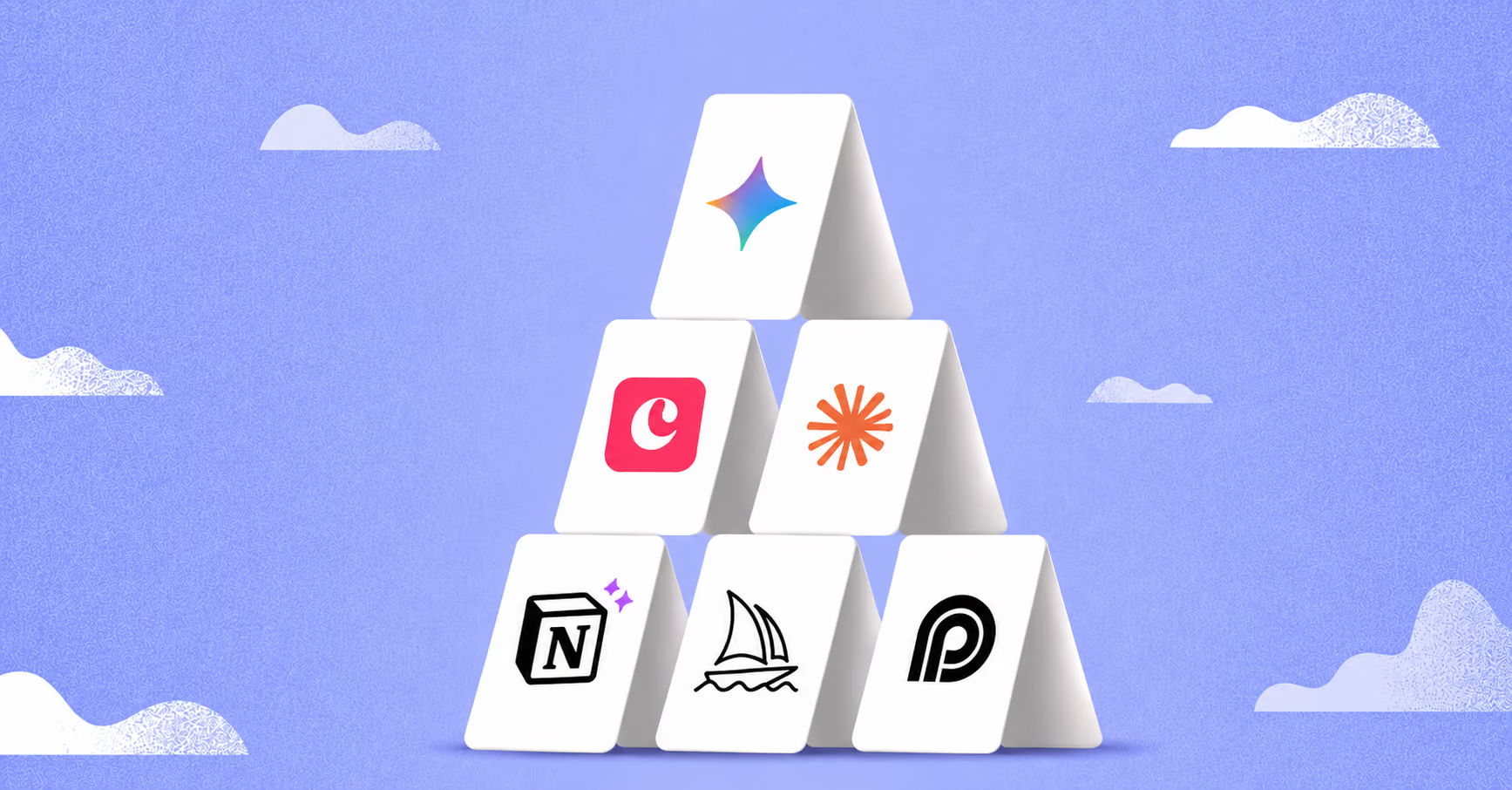
- Copper and Gemini are your operational core (think: client data, team alignment, AI working on top of the stuff that actually matters)
- Claude and Notion AI are your thinking and documentation layer (the unsung heroes, honestly)
- Midjourney, Opus Clip, and Jasper handle the creative and content side.
That's a complete agency AI tech stack. No overlap, no redundancy, nothing that's there just because someone on your team saw it on LinkedIn at 11 p.m. and got very excited.
The agencies crushing it with AI right now aren't the ones with the most tools. They're the ones who got intentional, picked the right ones, gave each a specific job, and actually used them.
This is the stack we'd start with. And if you're ready to see what your agency looks like when nothing falls through the cracks, Copper's free 14-day trial is a pretty good place to start.