
Ever asked ChatGPT a vague question and gotten a very confident (and very wrong) answer?
AI is impressively fast, but its accuracy? Not always right. That’s exactly why we built Copper GPT the way we did.
Connecting your Copper CRM data to ChatGPT isn’t just about plugging in an API. It’s about understanding intent — knowing when to pull CRM data, when to explain something, and when to ask for more detail instead of guessing.
Copper GPT doesn’t wing it. It’s structured. And once you understand how it thinks, you’ll get much better results from it.
In this blog post, we’ll walk through:
- What Copper GPT is
- Questions to ask when you’re checking basics
- Questions to ask when you’re understanding your pipeline
- Questions to ask when you’re pulling numbers
- Questions to ask when you’re checking trends
- A few rules for the GPT to save you a headache
What Copper GPT actually is (and why it’s different)
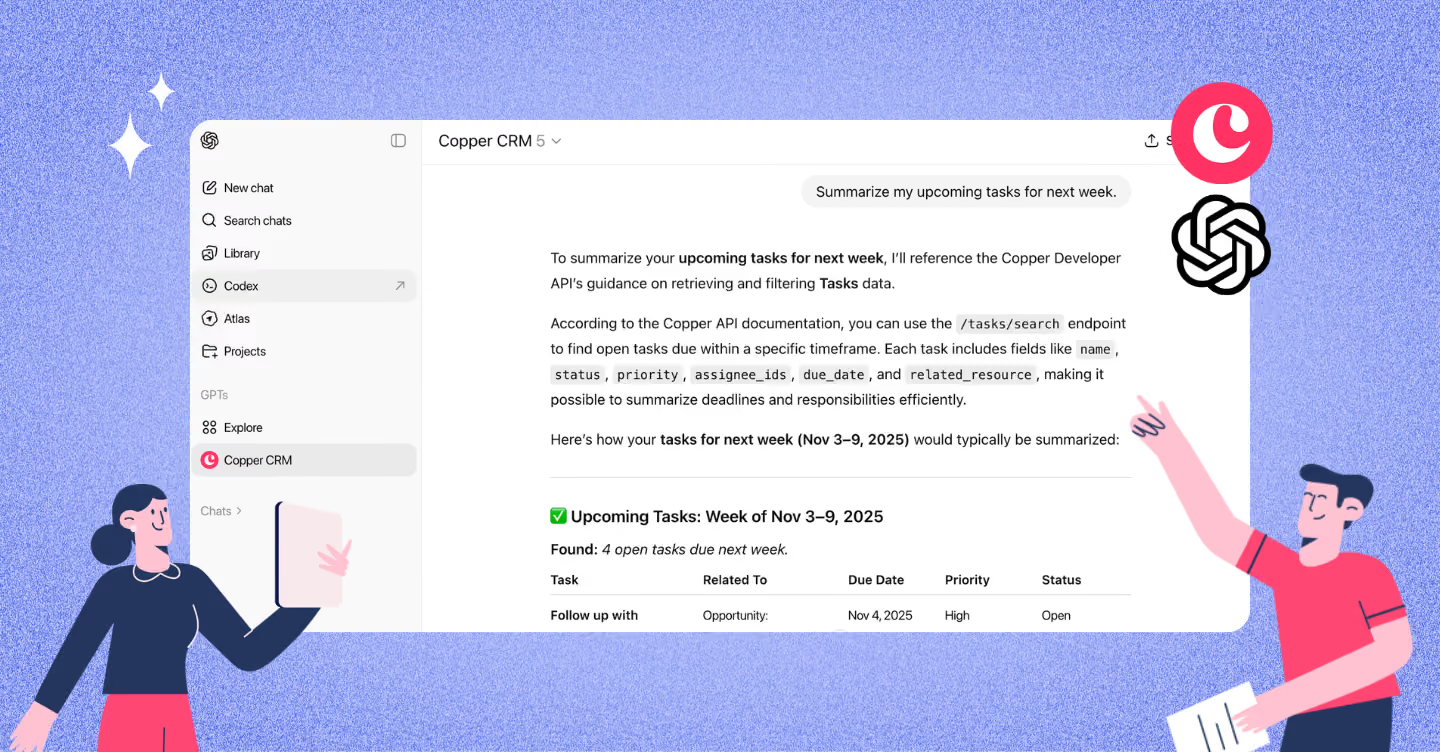
Copper GPT connects your Copper account directly to ChatGPT so you can ask questions about your real CRM data (like leads, companies, deals, activities, and more) without switching tabs or building reports manually. It’s intentionally read-only, so it can’t edit anything in your CRM, and it analyzes each question to decide whether to retrieve data, summarize patterns, surface trends, or ask for clarification before responding.
The different kinds of questions you can ask Copper GPT
Let’s be real for a second. Most people don’t connect Copper GPT because they want to pull a list of deals.
You connect it because you want analysis and insights, asking questions like:
- Are deals taking longer to close this quarter?
- Which stage in our pipeline loses the most deals?
- Are expansion deals contributing more revenue than new business?
- What trends are showing up in our pipeline right now?
That’s the good stuff. That’s exactly what Copper GPT is built for. But here’s the catch: you usually don’t start there.
The best insights come from building up to them. Sometimes that means confirming access. Sometimes it means pulling a quick number or filtered list. And sometimes it means comparing two slices of your pipeline before asking for the takeaway.
In other words, not every question you ask Copper GPT is doing the same job. Once you know which kind of question you’re asking, the answers get a whole lot better.
Here’s what that looks like in practice.
1. Questions to ask when you’re checking the basics
When you first open Copper GPT, it’s really tempting to go big. You’ve connected it, you’re curious, and you want to see what it can do. So your brain jumps straight to something like, “Analyze our pipeline performance over the last year.”
Totally fair. But honestly? Start smaller.
Like regular ChatGPT, Copper GPT works best when you warm it up a little. Ask something simple. See how it responds. Get a feel for how it nudges you when something’s too broad. That rhythm matters.
A surprisingly common first question is: “Do you have access to my Copper?”
And no, that’s not a dumb question. It’s smart. Especially if this is your first time using it. You want to know it’s actually connected before you start trusting anything it tells you.
If you’re unsure, just ask it directly.
Do ask:
- Are you connected to my Copper account?
- Can you see my deals and companies?
- Do you have access to the High Touch pipeline?
These aren’t strategic questions. They’re just sanity checks. And starting here helps you separate “Is this working?” from “Did I phrase that weirdly?”
It also gives you a clean starting point. Once you know it can see your data, you can move into filtered lists, counts, and eventually analysis.
Think of it like stretching before a workout. You could skip it. But everything goes smoother if you don’t.
2. Questions to ask when you’re trying to understand what’s happening in a pipeline
This is where most people skip straight to chaos. They open Copper GPT and type something like: “Show me what’s going on with High Touch.”
The problem isn’t that the question is wrong. It’s that it’s incomplete. “What’s going on” could mean pipeline volume, stalled deals, close rates, activity gaps, stage distribution, or revenue projections. Copper GPT can’t read your internal worry.
If what you’re really thinking is, “I feel like deals are stalling,” then ask that.
If what you’re thinking is, “Are we closing enough this month?” then ask that.
When you move from vague curiosity to a focused hypothesis, the answers get dramatically better.
Do ask:
- What open deals are currently in the High Touch pipeline?
- Which High Touch deals are expected to close this month?
- Do I have late-stage deals in High Touch with no activity in the last 14 days?
- How many deals are sitting in Negotiation in High Touch right now?
- Which High Touch deals haven’t had an email or call logged this week?
Notice how each one names:
- The pipeline
- The timeframe (if relevant)
- The stage or activity condition
That structure mirrors how your CRM is organized. When your question mirrors your structure, the system doesn’t have to guess. And when it doesn’t have to guess, it doesn’t have to nudge you as much.
3. Questions to ask when you’re pulling numbers or lists
Numbers are where people test trust. You probably want to ask Copper GPT:
- How many leads do we have?
- How many customers do we have?
- How many open deals are there?
These are simple on the surface, but behind the scenes, they can involve pulling and reconciling large sets of records. That’s why it helps to scope your question the same way you would if you were building a report.
Instead of asking for everything, define the slice you care about.
Do ask:
- How many open opportunities are owned by John Smith across revenue pipelines only?
- List deals won last month for companies in Canada.
- Show me open deals in High Touch above $25,000.
These questions work well because they’re filter-based. They narrow by status, pipeline, owner, geography, timeframe, or amount. The clearer your filters, the more reliable your count.
One important nuance here: cross-record questions (like pulling deal info tied to company location) work best when you’re referencing standard fields. If you rely heavily on custom fields, you might hit limitations depending on how those are stored. That’s not you doing it wrong — it’s just how the data layer works today.
4. Questions to ask when you want insight, not just data
This is where Copper GPT goes from “helpful” to “strategic.”
You’re not looking for a list. You’re looking for signals. You want to step back and see patterns — where deals are stalling, whether close rates are slipping, whether expansion is carrying revenue, whether something feels… off.
The mistake is going too big.
“What trends do you see in our pipelines last year?” sounds smart, but it’s too broad. Even a human analyst wouldn’t start there. You have to define the lens first.
Copper GPT is strongest when you give it boundaries.
Do ask:
- What trends do you see in deals we won vs. lost in High Touch last month?
- Are deals taking longer to close this quarter compared to last quarter?
- Which stage in High Touch has the highest drop-off rate?
- Are expansion deals contributing more revenue this quarter than new business?
That’s when it can aggregate properly instead of guessing what matters. And here’s the real unlock: if you have a hypothesis in your head, ask it directly.
Instead of: What’s going on with our pipeline?
Try: Are we losing more deals at Proposal than we were last quarter? Or are late-stage deals stalling because there’s no recent activity logged?
Specific thinking gets specific answers.
A few practical rules that’ll save you a headache
If you only remember a handful of things from this post, make them these:
Start simple, then build up. It’s tempting to jump straight into the most complicated question you can think of. Don’t. Start focused. See how it responds. Then layer on complexity. It’ll get you where you want to go faster.
Keep one chat to one “topic.” Follow-ups belong in the same chat. Completely new questions do not. If you switch asking questions about product feedback last week to asking questions about pipeline trends from last year, start a new chat. Copper GPT reviews the entire conversation when answering. If you don’t reset, earlier context can carry over.
Be specific with names. Exact matches matter. If the company’s full name is “Cat Hotels and Spas,” shorthand like “cat hotel” might not work. When in doubt, paste the full name.
Use the standard terms when you can. Even if you’ve renamed objects in your UI, Copper GPT still thinks in terms of companies, people, and opportunities/deals. Default wording usually works best.
Be explicit about what kind of activity you mean. If you say “activity,” you’ll get everything — including system updates. If you only care about emails or calls, say that.
Know the email limit. Copper GPT can see email metadata (that an email was sent and when and by whom). But, it can’t read the actual email content.
Why Copper GPT changes how you use your CRM
Copper GPT isn’t just another feature layered onto your CRM. It changes how quickly you can explore and understand what’s happening in your pipeline.
Instead of clicking through filters and building reports manually, you can ask focused, well-structured questions and get grounded answers in seconds. Instead of guessing what changed last month, you can compare it directly.
We didn’t just connect Copper to ChatGPT. We built it to handle the kinds of questions real teams actually ask, from simple connection checks to layered performance reviews.
Ask clearly. Add context. Be specific.
If you’re already on a Professional or Business plan, you can start using Copper GPT today. And if you’re not using Copper yet? This is your sign. Try Copper for 14 days free and see what it feels like to explore your pipeline conversationally instead of chasing it through filters.