
What a year.
2025 wasn’t just another lap around the sun, it was a year of real momentum for you and your business. Customer relationships grew stronger. Workflows snapped into place. And your CRM became a daily engine powering the tasks, emails, and decisions that moved your pipeline forward.
If there’s one theme we saw across all of Copper this year, it’s this:
You kept taking action. And we kept building to match your pace.
As your CRM partner, our mission has always been simple: help you work smarter, not harder. And this year, that partnership delivered in every direction! Through new automations, cleaner pipelines, smarter AI, faster mobile tools, and dozens of improvements designed to remove friction from your day.
So before we step into 2026, let’s take a moment to look back at everything you accomplished… and everything we built to support you and your journey!
Your 2025 by the numbers
Here’s a high-level look at the momentum Copper users created this year — the actions that shaped your pipelines, fueled your relationships, and kept your business moving forward.
2 million emails sent
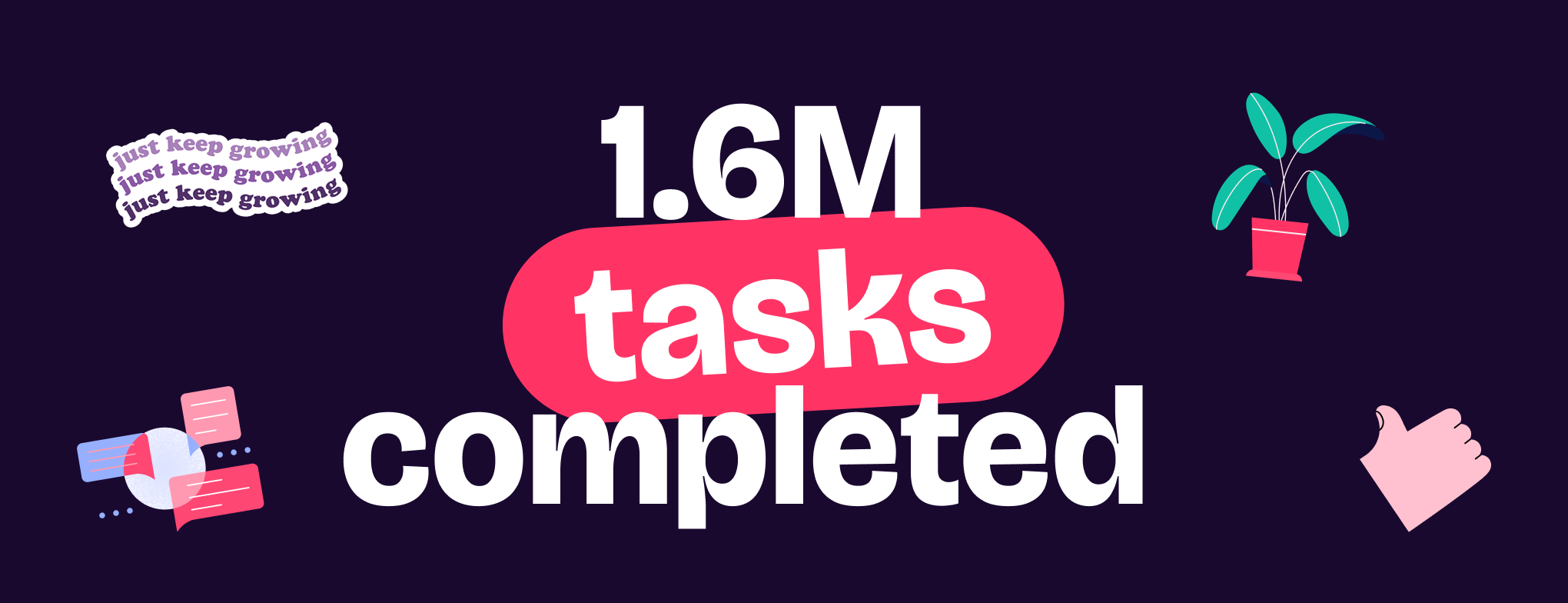
1.6 million tasks completed
1 million contacts added
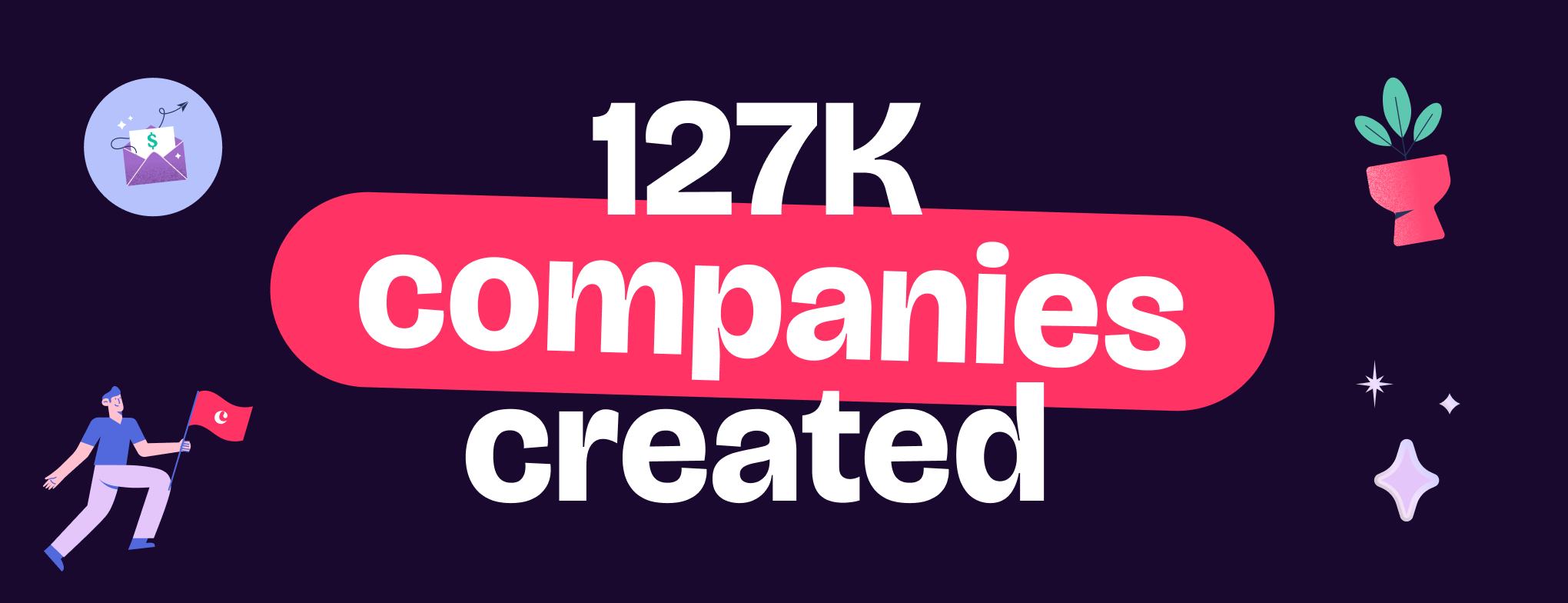
127,000 companies created
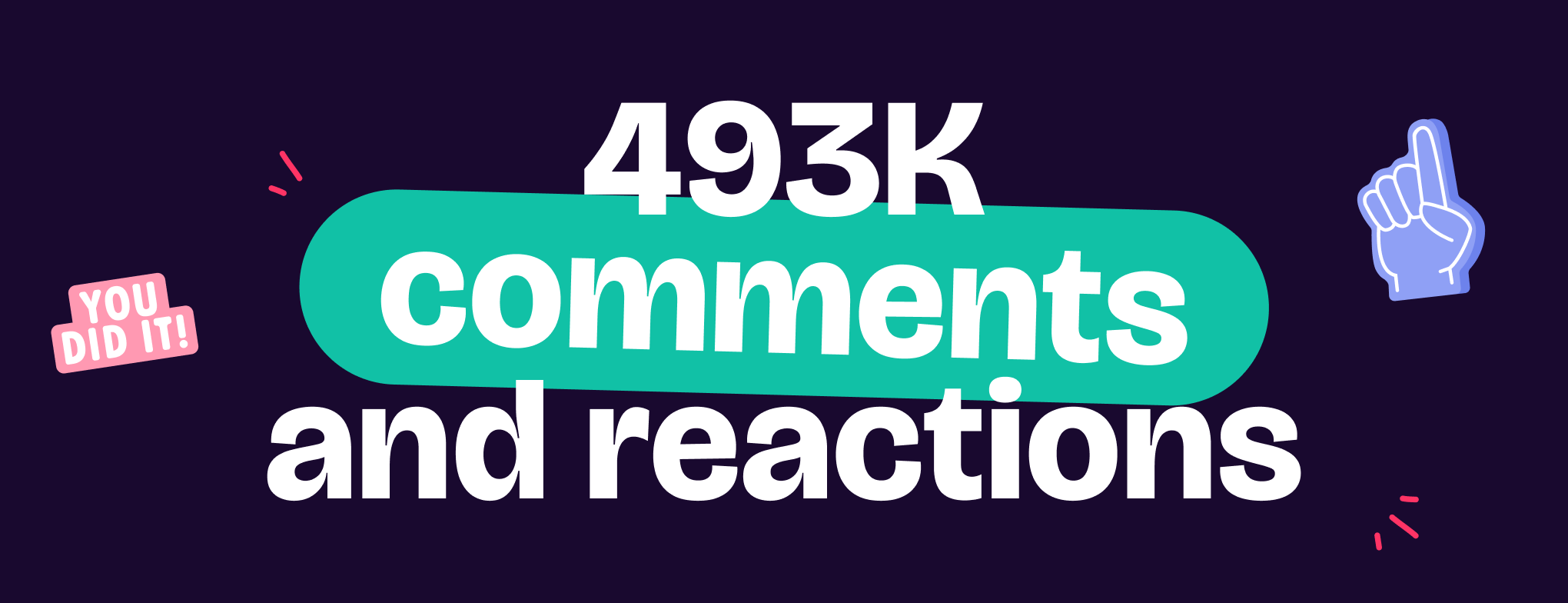
493,000 comments and reactions
60 new Copper features shipped
These numbers tell an incredible story. One of action, growth, collaboration, and consistency. Let’s take a closer look at what they meant in practice, and how the updates we shipped this year helped you get there!
You took action and we supercharged email

What you achieved
Email was your communication powerhouse this year. You used it to move deals forward, follow up with leads, and nurture long-term relationships, sending more than 2 million emails! 1.7M of those were email automations. That’s huge!
What we delivered
To support all that outreach, we rolled out a wave of enhancements to Email Automations and email composition tools, including:
- Full Pipeline integration so you can manage automations without switching views
- Draft saving for in-progress automations
- A refreshed Automations Gallery aligned with modern UI patterns
- 7-step automations for Business plan users
- Smarter timing controls for first-email sends
- A cleaner, more reliable reply field
- Pause/resume options for more flexibility
- Quick access to profile drawers directly from Automations
These upgrades helped teams build more strategic outreach, automate follow-ups, and engage prospects with confidence.
You got organized and we rebuilt tasks & pipelines
What you achieved
Your task list wasn’t just “busy”... it was structured, intentional, and effective. With 1.6 million tasks completed and countless deals moving through your pipeline, you proved that organization is a competitive advantage.
What we delivered
To help you stay on track, we introduced new ways to simplify task and pipeline management:
- Task Grouping by date, owner, or related record
- Drag-and-drop Task Reordering
- Inline task creation directly from List View
- Subtasks and nested subtasks for granular planning
- A unified Pipeline Settings panel for easier customization
- Real-time column editing
- Pipeline pinning for quick access to top workflows
- Task List View improvements, including a modern popover and refreshed related-items panel
- Record linking between Projects and Deals
- Saved Filters across People, Companies, and Tasks
- Simplified Task Automations editing
- Duplication of Workflow Automation rules
These improvements made daily operations smoother and your CRM more intuitive.
You added more contacts and we modernized forms & data capture

What you achieved
This year, businesses grew and your CRM reflected it. You added 1 million new contacts and 127,000 new companies, expanding your network and strengthening customer relationships.
What we delivered
We knew growth starts with great data, so we introduced a fully refreshed Forms experience:
- A new full-screen Forms Builder
- Required fields for more complete submissions
- Form submissions that automatically create tasks
- Form submissions that create new pipeline records
- Respondent tagging
- Field descriptions for clarity
- Email capture forms for list-building
- Portable sharing through link, email, or social
- reCAPTCHA v2 protection against spam
Together, these updates helped turn website interest into actionable CRM data faster than ever.
You communicated everywhere and we brought AI & CRX upgrades
What you achieved
Between comments, reactions, emails, and CRM updates, you engaged your team and clients nearly half a million times. Every interaction kept deals warm and conversations moving.
What we delivered
To support seamless communication across platforms, we enhanced Copper’s AI and Chrome Extension with:
- AI Email Rewriter on web, CRX, and mobile
- Full email composition and sending inside CRX
- LinkedIn Quick Add tools
- LinkedIn Email Finder (beta)
- Updated CRX UI with AUE styling and task access
- One-click copying of names, emails, and addresses
- Copper GPT for conversational CRM insights
These additions helped transform your browser into a CRM command center, keeping your team in the know and on the same page.
You worked on the go and Copper matched your momentum
What you achieved
You closed deals from airports.
Checked tasks in between meetings.
And added contacts on the go.
And with 493 comments and reactions, you stayed connected to your team no matter where you were.
What we delivered
To support your mobility, we enhanced the Copper mobile app with:
- AI Email Rewriter on iOS and Android
- Google Voice integration on Android
- Dark Mode for nighttime productivity
- New layout and sidebar updates for iPad
You ran your business and we polished the core
What you achieved
Copper became your daily home base — your pipeline hub, your task manager, your customer insights center.
What we delivered
Across web and mobile, we refined the experience with:
- A redesigned main navigation
- Default Saved Filters
- UI text updates (“List” → “Saved Filter”)
- Performance improvements across the entire platform
These enhancements made Copper feel lighter, faster, and more intuitive — exactly how a CRM should feel.
Looking back — and forward
This year, you moved your business forward in powerful ways.
And we built 60 updates to help make it possible.

Your work inspired every feature, every improvement, every late-night design tweak and code deploy. Thank you for trusting Copper to be your CRM, your teammate, and your everyday workspace.
2026 is already in development — and we’re building it with you at the center.
Let’s make next year even smarter, smoother, and more productive 💛 see ya in the new year!
Ready to see what Copper can do for you? Try us now for 14 days free.