Keep all your relationships in one place
Set up the pipelines that work for you
Build workflows that keep everything moving
Build, personalize, scale and automate
Create recurring tasks and notifications
See how your business is doing with custom reports
Connect to your favorite apps and tools
Stay connected wherever you go
Manage contacts, deals, and more, in one place
Power your lead gen and project delivery
Grow client relationships and simplify work
Turn your producers into strategic partners
Manage sponsors, partners, and campaigns easily
Nurture founder relationships and outreach
Manage finances and compliance with ease
Win bids and deliver your team’s best work
Discover tips and strategies to grow your business
Tune in and learn from our experts
Upgrade your CRM skills with expert advice
Everything you need to choose the right CRM
Get inspired and learn from Copper customers
Find answers and tips for mastering Copper
Build apps that connect with Copper
Everything you need to know to choose the right CRM for your team
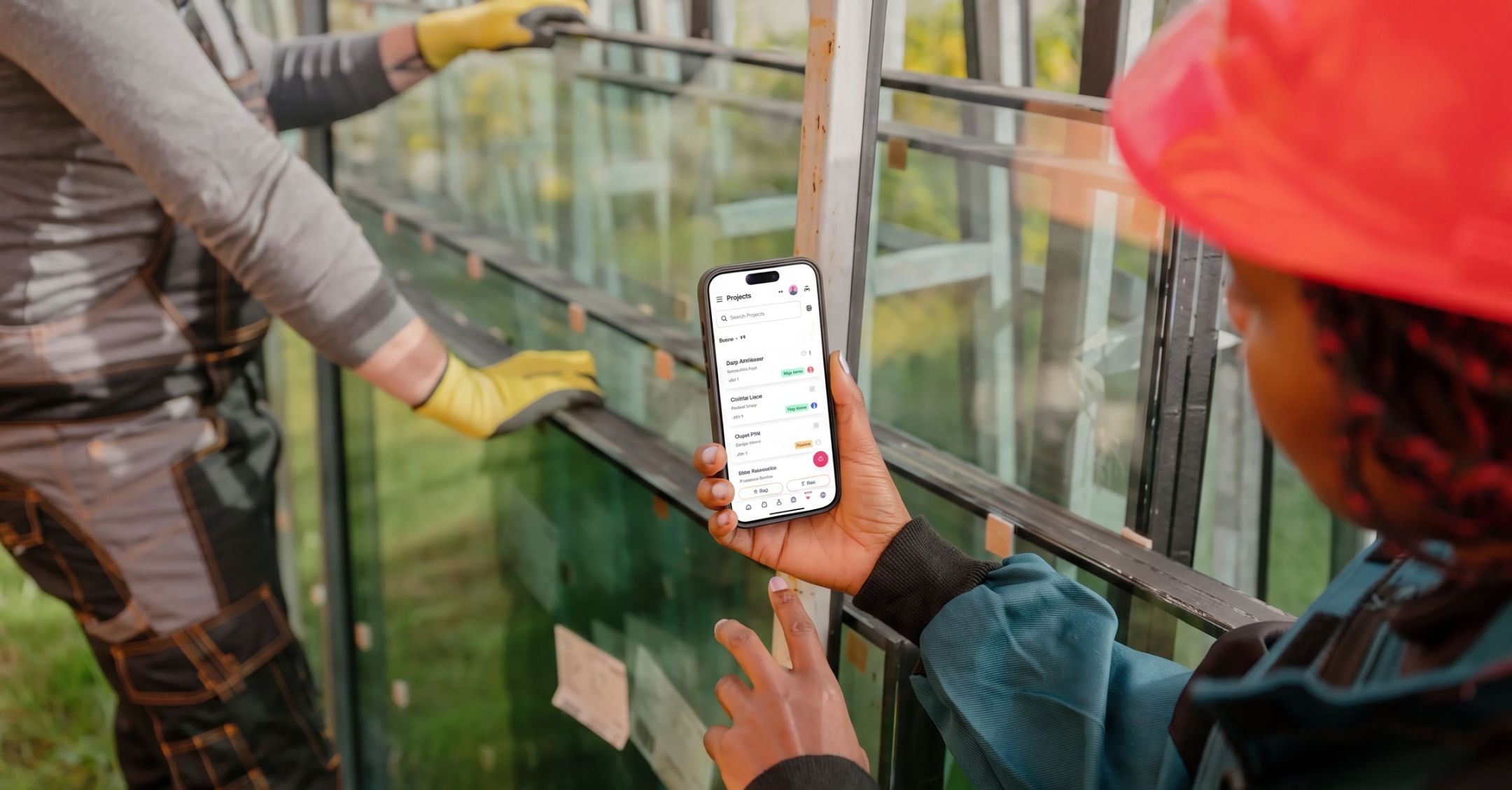
What mobile integration should mean for a construction team, the features worth paying for, and how to pick a CRM your people will use.
Compare 7 CRMs for agencies, consultancies, and professional services firms. Up-to-date pricing, who each tool fits, and how to choose.
What an HVAC CRM does, what field service software does, where they overlap, and how to tell if your heating and cooling business needs both.
Want to go deeper? Click on a category below for more from Copper.
Keep every pod, stakeholder, and handoff aligned, from kickoff to year seven.
Getting decades of client trust out of your head and into a system.
Compare the best construction CRMs, including Copper, Procore, and Buildertrend, and see which one actually fits how your team works.
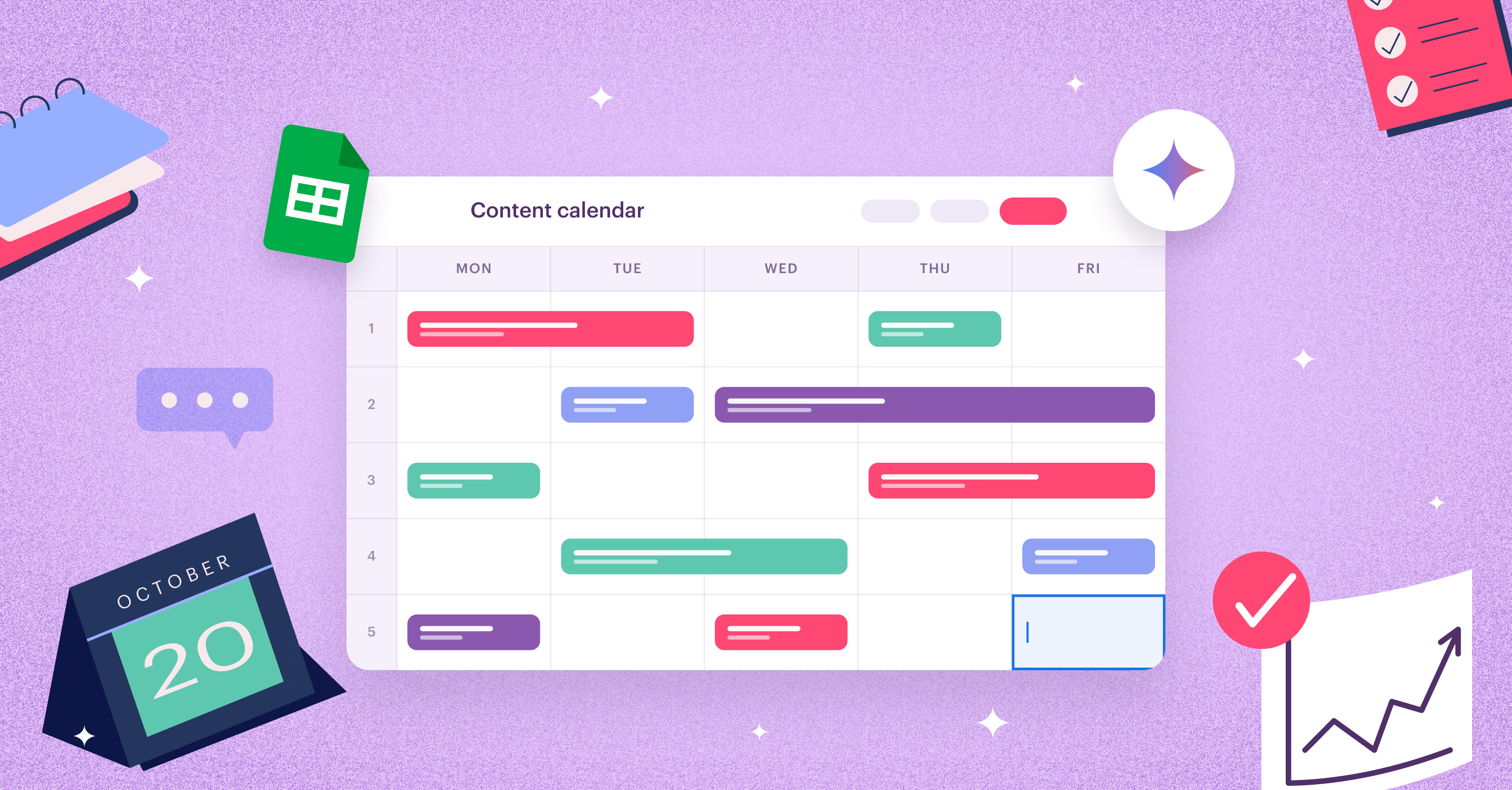
From spreadsheet workarounds to purpose-built tools: how to choose the right project management setup for a Google Workspace team.
What to customize, common pitfalls to avoid, and how the right setup keeps your team actually using the tool.
The fastest-growing construction businesses are taking advantage of CRMs to streamline and optimize the way their work. Find out how you can too.
The systems, structure, and tools established agencies use to keep teams productive and clients happy.
A look back at 20 years of Gmail, Drive, and Meet updates, plus what's rolling out next.
Client onboarding for agencies shouldn’t mean chasing forms, files, and follow-ups. See what you can automate (and let your CRM handle the busywork).
Learn how InsurTech Hub scaled to support 2,000+ insurance agents with smarter CRM processes, automation, and better follow-up strategies.
Compare Copper and Pipeline CRM on Gmail integration, pipelines, automation, and project tracking to find the right fit for your construction team.
Easily simplify your workflow, boost client relationships, and drive growth.
Explore the top CRM options for scaling businesses, plus the features that improve adoption, automate workflows, and support your sales process.
When to follow up, what to say and 10 copy-and-paste emails for every stage of a bid, from "did you get it?" to "when do we start?"
We compared eight CRMs for Gmail, from native Google Workspace tools to browser extensions, so you can pick the one that fits how your team works.
Learn what Google Contacts can and can’t do — and when upgrading to a Google-friendly CRM makes managing clients easier.
Six roofing CRMs compared by who they're actually built for, plus a simple way to pick the right one for commercial bids, GC relationships and long sales cycles.
What's the best and most user-friendly construction project management software out there? Learn about 8 of the best tools on the market.
Looking for a CRM built for media teams? Compare top CRM software for ad sales, sponsorships, deal management, and client relationships.
Stop waiting for referrals to happen. Learn how to build stronger client relationships, stay connected, and generate more referrals for your agency.