











MailOptin
Create lead capture and email signup forms for your WordPress website that is connected to your Copper account.
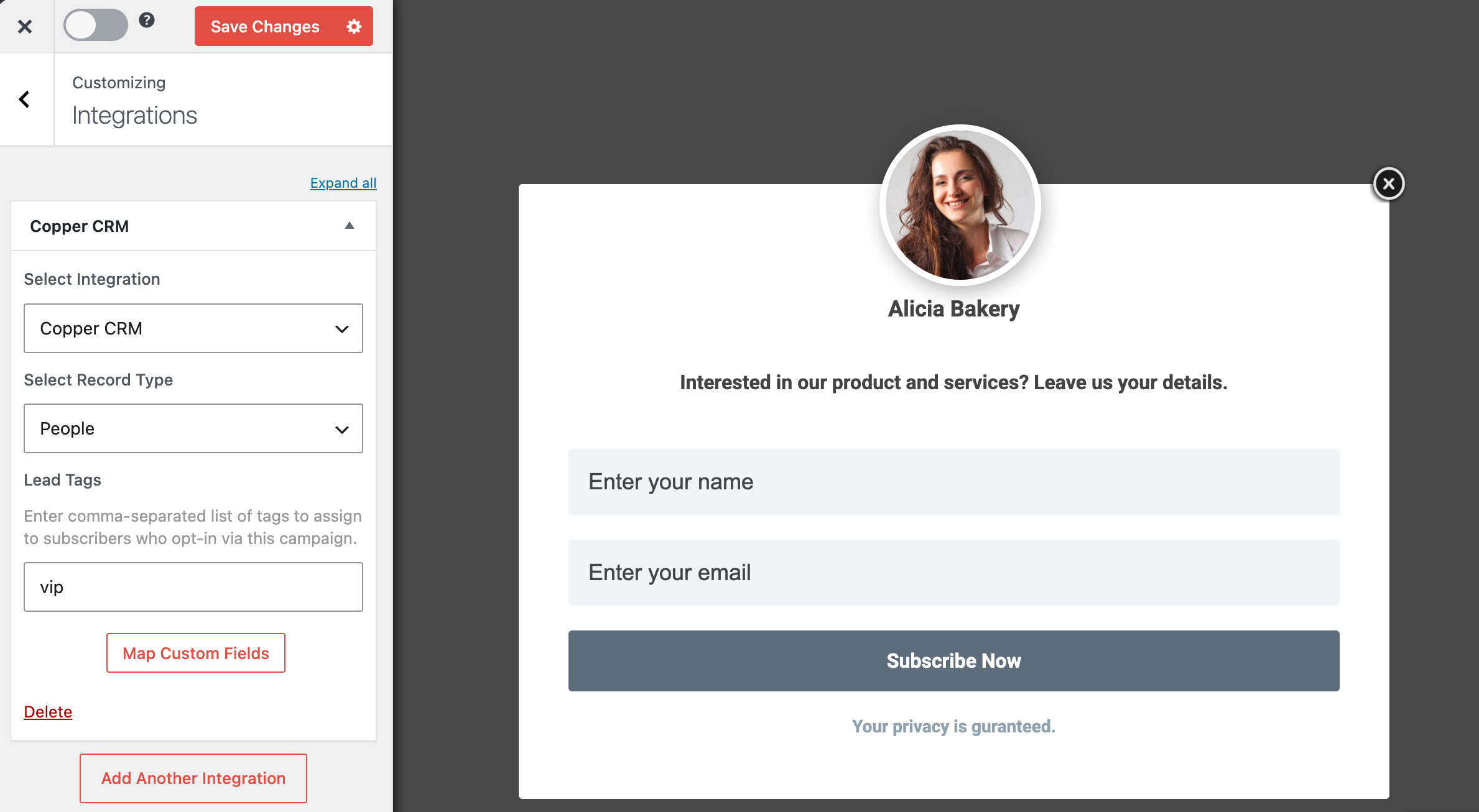
MailOptin integrates WordPress with Copper CRM, making it easy to capture, manage, and nurture leads directly from your website.
With the integration, you can create high-converting email signup forms, popups, slide-ins, notification bars, and other lead generation campaigns that automatically send subscriber data to your Copper CRM account.
Using MailOptin’s intuitive form builder, you can customize your lead capture forms, add custom fields, and map form data to Copper CRM records. New submissions can be saved as either People or Leads in Copper CRM, while tags and additional information can be assigned automatically for better contact organization and segmentation.
The integration also supports advanced targeting and display rules, allowing you to show forms based on user behavior, pages visited, time on the website, exit intent, adblock, referrer website and more.




FAQ
Can’t find the answer here?
Chat with support.
CRM integration involves connecting other business applications with your CRM platform to feed data to, from or between your tech tools. Copper’s goal with CRM integration is to help you seamlessly sync the business software you use daily to your CRM to give you a complete, accurate snapshot of your business and customers.
Our integrations with Gmail, Google Calendar, Google Contacts and Google Drive are included with all plans. Most of our CRM integrations are included on Professional plans and above, but select integrations are available on Business plans only. Check the plan availability section in each listing to confirm.
Yes! You can set up integrations on a free trial. During your free trial, you will be using our CRM software on the Business plan to experience the full capabilities of Copper. Most of our CRM integrations are included on Professional plans and above, but select integrations are available on Business plans only.
[object Object]
If you work at a B2B software company and you’ve built an integration with Copper, email partners@copper.com to apply to be featured on our integrations marketplace. We’ll get in touch if the integration meets our entry requirements.
It depends on the integration! Check each integration listing page for more detailed instructions. In all cases, you’ll need to be an admin or account owner to set up integrations for your account.
Try Copper free.
Instant activation, no credit card required. Give Copper a try today.
