











Quin
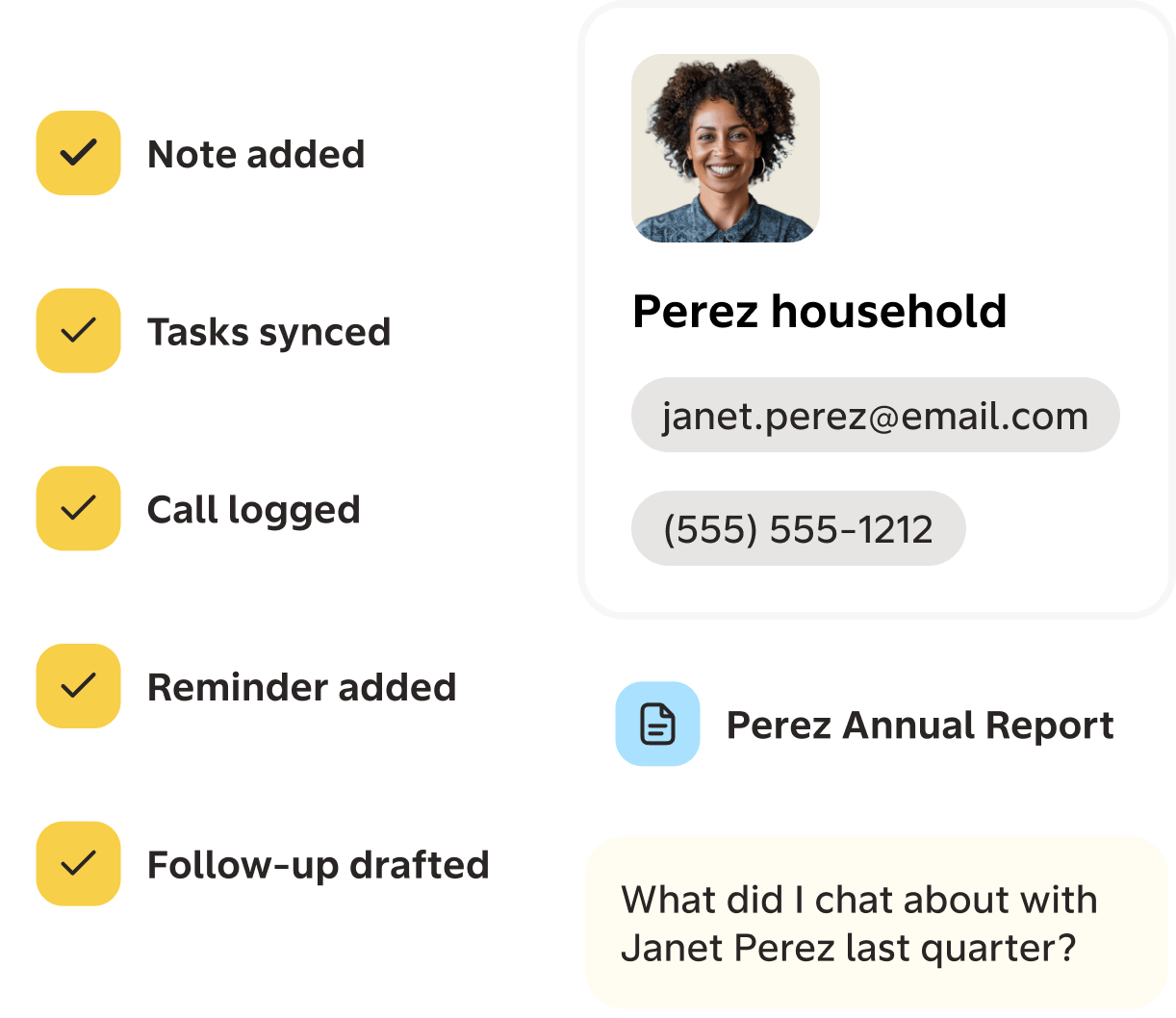
Quin runs the admin behind your Copper pipeline. It preps you before meetings, drafts replies and follow-ups, schedules time with clients, generates documents, and updates contacts, companies, and tasks automatically, so your pipeline stays current without manual data entry.
What Quin does
Quin is a dream assistant for relationship professionals. It handles the admin around every client conversation, so your time goes to the people and deals that need your judgment.
With Copper connected, Quin:
- Preps you before meetings with a brief pulled from Copper, your inbox, and your calendar
- Drafts follow-up emails in your voice after every call
- Updates contacts, companies, and opportunities in Copper automatically, no manual data entry
- Follows up with clients and prospects, nudging stalled deals and stale opportunities
- Schedules meetings directly against your calendar and Copper's contact records
- Generates documents like proposals and recap letters using details already in Copper
- Answers questions about deals and contacts on demand in slack, teams and sms without opening Copper
The result
Customers save an average of 10 hours a week, time that goes back into the calls, follow-ups, and relationships that drive revenue. Your Copper pipeline stays accurate, drafts wait in your inbox, and tasks appear where you expect them, without you maintaining any of it by hand.



FAQ
Can’t find the answer here?
Chat with support.
CRM integration involves connecting other business applications with your CRM platform to feed data to, from or between your tech tools. Copper’s goal with CRM integration is to help you seamlessly sync the business software you use daily to your CRM to give you a complete, accurate snapshot of your business and customers.
Our integrations with Gmail, Google Calendar, Google Contacts and Google Drive are included with all plans. Most of our CRM integrations are included on Professional plans and above, but select integrations are available on Business plans only. Check the plan availability section in each listing to confirm.
Yes! You can set up integrations on a free trial. During your free trial, you will be using our CRM software on the Business plan to experience the full capabilities of Copper. Most of our CRM integrations are included on Professional plans and above, but select integrations are available on Business plans only.
[object Object]
If you work at a B2B software company and you’ve built an integration with Copper, email partners@copper.com to apply to be featured on our integrations marketplace. We’ll get in touch if the integration meets our entry requirements.
It depends on the integration! Check each integration listing page for more detailed instructions. In all cases, you’ll need to be an admin or account owner to set up integrations for your account.
Try Copper free.
Instant activation, no credit card required. Give Copper a try today.
