

Customer relationship management (CRM) adoption has a reputation problem. Everyone agrees it matters, but actually getting a team to use a CRM consistently is where things tend to fall apart. Leaders roll out a new tool with good intentions, run a kickoff, and assume momentum will carry it forward. A few weeks later, logins drop, data gets stale, and deals quietly move back into inboxes and spreadsheets.
That gap between buying a CRM and actually using it is where most teams get stuck. It isn’t because people don’t care or don’t want to do their jobs well. It’s usually because the CRM doesn’t feel connected to how they already work. If it adds friction, it gets ignored. If it genuinely helps, it sticks.
Strong CRM adoption doesn’t happen by accident. It happens when the system fits real workflows, removes unnecessary busywork, and proves its value early. This guide breaks down what CRM adoption really means, why it has such a big impact on revenue and client delivery, and how to build habits that last. We’ll keep things practical and human, then show where Copper fits naturally for teams that work in Google Workspace.
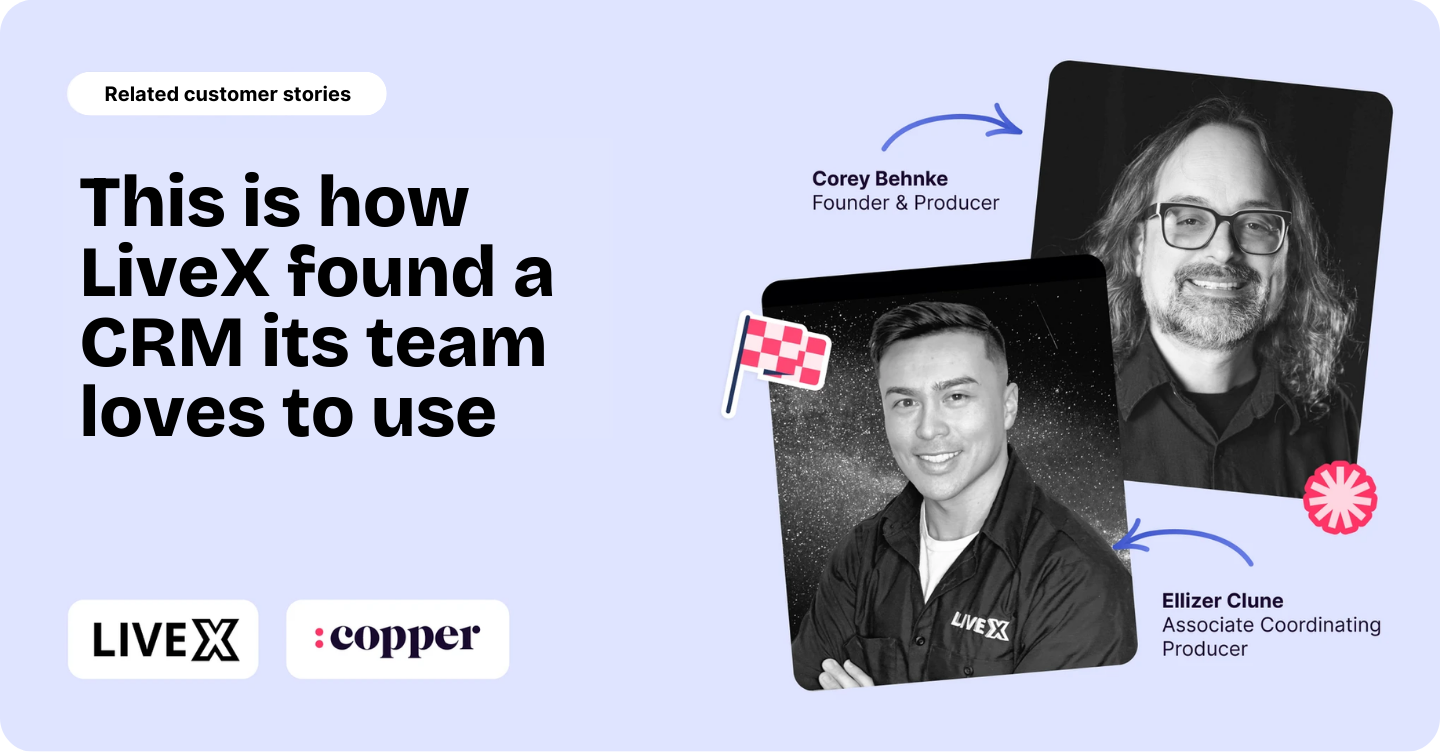
Related: This is how LiveX found a CRM its team loves to use
What is CRM adoption?
CRM adoption is the percentage of your team actively using your CRM system to manage customer relationships as part of their everyday work.
“Active” is the key word here. Logging in only once in a while or updating records only when someone asks doesn’t count.
Real CRM adoption shows up when the CRM’s the first place people go when they want to understand what’s happening with a deal, an account, or a client relationship.
Teams with healthy CRM adoption rely on their CRM to:
- Capture conversations and context
- Track deals and next steps without chasing updates
- Share visibility across teams
- Make decisions based on accurate, up-to-date data
When the CRM platform feels useful, people use it. When it feels like extra work, they avoid it. Adoption lives or dies right there.
Why CRM adoption matters for revenue and client delivery
When CRM adoption is low, the impact usually starts small. A follow-up slips through the cracks. A deal stalls because no one realized it needed attention. A client call feels awkward because important context lives in someone else’s inbox.
Over time, those small gaps turn into bigger issues:
- Deals fall through because no one clearly owned the next step
- Forecasts feel unreliable and stressful to prepare
- Client relationships depend too much on individual memory
- Teams stop trusting the data and quietly abandon the CRM
Strong CRM adoption changes how teams operate day to day.
When people actually use the CRM, visibility improves across the board:
- Sales teams know exactly where deals stand.
- Client-facing teams understand history without digging.
- Leaders can plan with confidence instead of guesswork.
CRM adoption isn’t about control or surveillance. It’s really all about alignment and streamlining. Everyone’s working from the same information at the same time, without extra effort.
CRM adoption statistics and benchmarks to set your goals
There’s no single number that magically tells you whether your CRM adoption is “good.” What works for one team might be totally wrong for another, and that usually comes down to company size, how teams are structured, and how work actually gets done day to day.
That said, healthy CRM adoption is pretty easy to spot. People open the CRM because they want to, not because they’re being reminded.
It gets checked daily or close to it. Records stay up to date because updates happen naturally as conversations happen and deals move forward. Nobody’s scrambling to piece things together from side spreadsheets before a meeting.
Poor adoption has a look too: logins are sporadic, the data’s stale, and the CRM technically exists, but the real work is happening somewhere else entirely.
So instead of chasing an industry benchmark, ask one simple question: is your CRM the place your team trusts to understand customers and deals?
If the answer’s no, your CRM adoption needs some attention.
Average adoption rates by company size
Smaller teams often adopt CRMs faster because there are fewer moving parts: communication’s simpler, feedback’s immediate, and changes can happen quickly.
As teams grow, adoption gets more complex. Different roles need different views. Processes stack up and without thoughtful setup and regular iteration, users can feel overwhelmed and drift back to old habits.
CRM adoption statistics by industry
CRM adoption is usually strongest in industries where managing relationships is already a big part of the job.
Tech teams tend to lead the pack, with CRM adoption rates in the mid-90% range, and they’re followed closely by manufacturing, education, healthcare, and HR, all of which see adoption comfortably above 80%.
For agencies, consultancies, and professional services teams, it works a little differently.
These teams spend most of their day in email, calendars, and documents, so CRM adoption really comes down to whether the CRM fits into those tools. When it integrates directly with Google Workspace (cough, cough, have you tried Copper?), it doesn’t feel like switching systems. It just feels like getting more organized, which makes adoption a whole lot easier.
Common CRM adoption challenges stalling your team
Most CRM implementation challenges are predictable. Once you know what to look for, they’re much easier to fix.
Resistance to change
Even the best CRM can trigger pushback if it feels like a disruption. People worry a new system will slow them down, mess with workflows they’ve already figured out, or add one more thing to their plate. That hesitation is normal. It’s not about people being difficult. It’s about uncertainty.
Adoption improves when teams understand why the CRM exists, how it helps them personally, and what’s actually changing. Clear communication and a gradual rollout make a big difference here.
Lack of onboarding and training
One training session at launch isn’t enough. Most people don’t really learn a CRM until they’re using it in real situations, with real deals and real clients.
When training stops too early, users get stuck, frustrated, and eventually disengage. Ongoing onboarding, short refreshers, and role-specific guidance help people feel confident instead of overwhelmed, which is key for long-term adoption.
Poor integration with daily tools
If using the CRM means constantly jumping between tabs, copying and pasting information, or breaking focus, it’s going to get ignored. Friction adds up fast.
For teams that live in Gmail and Google Calendar, CRM adoption depends heavily on whether the CRM fits into those tools. When it does, using the CRM feels natural. When it doesn’t, it feels optional.
Manual data entry overload
Nothing kills motivation faster than repetitive data entry. If the CRM software feels like a place where work goes to die, people will avoid it as much as possible.
Automation changes that dynamic. When emails, meetings, and activities are captured automatically, the CRM starts doing work for the team instead of the other way around. That shift alone can dramatically improve adoption.
Unclear leadership buy-in
Teams take cues from leadership, whether it’s intentional or not. If leaders don’t use the CRM, question its value, or rely on side systems, that skepticism spreads quickly.
On the flip side, when leaders actively use the CRM, reference it in meetings, and make decisions and optimizations based on its data, adoption follows. People are far more likely to commit when they see the behavior modeled from the top.
Key CRM user adoption metrics to track progress
You don’t need to drown in dashboards to understand whether CRM adoption is working. A few simple signals will tell you very quickly if your CRM is becoming part of everyday work or quietly getting ignored.
Login frequency
How often people log in is one of the clearest indicators of adoption. User experience matters more than you think and when the CRM’s part of the daily routine (thanks to its ease of us), logins happen naturally. When they’re sporadic, it usually means something’s getting in the way or the value isn’t obvious yet.
Record creation and edit rate
This metric shows whether your CRM is alive or just sitting there. If people are regularly creating and updating records, they’re using the CRM to manage real relationships and real deals, and not just checking a box.
Field completion and data quality
Messy or half-filled records are a signal, not a failure. They often mean users aren’t sure what’s important, or they don’t trust that the effort will pay off. Clear structure and fewer required fields go a long way here.
Pipeline visibility and forecast accuracy
This is where strong CRM adoption really pays off. As usage improves, pipelines become easier to read and forecasts stop feeling like guesswork. Leaders spend less time chasing updates and more time making decisions.
10 proven strategies to increase CRM user adoption quickly
CRM adoption improves fastest when changes feel practical, not theoretical. The goal isn’t to force new behavior overnight. It’s to make the CRM feel like the easiest, most obvious place to do the work.
1. Involve users in the rollout plan
Adoption starts well before launch day. Bring a small group of future users into the process early and ask how they actually manage their work today. Where do things slow down? What feels repetitive? What information do they wish they had faster?
Use that feedback to shape workflows, fields, and views before rolling the CRM out to everyone. When people recognize their input in the final setup, they’re far more likely to engage without being pushed.
2. Map workflows inside the CRM
If the CRM doesn’t reflect how work really happens, people will quietly work around it. Take the time to map how deals and relationships move from start to finish today, then recreate that flow inside the CRM.
Start simple and build from there. Familiar workflows help users feel comfortable on day one, which makes it easier to form consistent habits over time.
3. Simplify the interface with custom views
Most users don’t need to see everything at once. In fact, clutter is one of the fastest ways to overwhelm people and slow adoption.
This is where tools like Copper make a big difference. With customizable pipelines, each team can focus only on what matters to them. Sales teams can zero in on active deals and next steps, while client teams see relationship history and ongoing work. When the CRM feels tailored instead of generic, people are much more likely to stick with it.
4. Automate data capture from Gmail and Calendar
Manual data entry is one of the biggest adoption killers. If people feel like they have to remember to log everything later, the CRM quickly becomes a chore.
Copper removes a lot of that friction by automatically capturing emails, meetings, and activities directly from Gmail and Google Calendar. Conversations get logged without extra effort, which helps keep data current and builds trust in the CRM as a reliable source of truth.
5. Provide role-based micro-training
Long, one-size-fits-all training sessions rarely stick. Short, role-specific training works far better. Show people exactly how the CRM supports their job, and not every feature it offers.
Ongoing micro-training, quick refreshers, and real examples help users feel confident using the CRM in real situations instead of guessing or avoiding it.
6. Launch peer champions and gamification
People often learn best from their peers, not from documentation or top-down mandates. Identify a few early adopters who already like using the CRM and give them space to lead by example.
These champions can share quick tips, answer questions in the moment, and show what “good” CRM usage actually looks like in real work.
Gamification doesn’t need to be complicated or gimmicky to work. Simple rewards go a long way when they reinforce the right behavior.
That might mean calling out a “CRM win of the week” in a team meeting, recognizing the cleanest pipeline, or celebrating the most consistently updated records. Some teams even use small incentives like gift cards, lunch credits, or first pick of meeting times.
The goal isn’t competition for the sake of it.
The goal is making CRM usage visible, appreciated, and part of team culture. When people see good habits being recognized, adoption starts to feel normal instead of forced.
7. Integrate your CRM with project and finance tools
When your CRM connects to the tools you use to manage projects and finances, it stops feeling like a separate system you have to remember to update. It starts to feel like the place where work actually lives.
That’s especially helpful for teams juggling deals, client work, and follow-ups at the same time. With CRMs like Copper, built-in project management and task tracking help keep work moving after a deal closes, not just before.
Tasks stay tied to the right people and accounts, deadlines don’t get lost, and nothing slips through the cracks.
8. Use mobile access for on-the-go updates
Work doesn’t magically pause when someone leaves their desk, and your CRM shouldn’t either. Mobile access makes it easy to jot down notes right after a call, double-check deal details before a meeting, or update a record while everything’s still fresh in your head.
Those quick, in-the-moment updates matter more than you think. They keep data accurate and save people from the “I’ll do it later” trap, which almost always turns into “I forgot.”
When the CRM works just as well on a phone as it does on a laptop, staying up to date feels doable instead of annoying.
9. Track quick-win KPIs publicly
Early wins are rocket fuel for CRM adoption, especially when people can actually see them.
Tracking a small set of quick wins and sharing them openly helps teams connect the dots between “using the CRM” and “this is actually making my life easier.”
Just call out progress that’s easy to spot and genuinely helpful, like:
- Pipelines that look cleaner, with fewer mystery deals sitting around
- Follow-ups happening on time instead of getting lost
- More people logging into the CRM without being reminded
- Contact and account records that are finally complete
- Deals getting updated right after calls instead of days later
- Fewer last-minute scrambles before reviews or forecasts
- Clear ownership over who’s doing what and what’s coming next
When teams see these wins called out in meetings or shared in Slack, the CRM stops feeling like extra work and starts feeling like it’s pulling its weight.
And once that shift happens, adoption gets a whole lot easier.
10. Iterate with user feedback loops
CRM adoption isn’t a “set it and forget it.” As teams grow, workflows change, and new needs pop up, the CRM has to evolve right along with them.
The easiest way to keep adoption strong is to create simple, ongoing feedback loops, like:
- Regular check-ins with users to ask what’s working and what feels clunky
- Short, lightweight surveys to spot friction without making it a big project
- Open Slack channels or shared docs where people can flag issues in real time
- Reviewing feedback after major changes or new workflows roll out
- Making small, visible tweaks based on user input instead of big overhauls
- Calling out when feedback leads to an improvement so people know it matters
When people see their feedback actually turning into improvements, trust builds fast and CRM adoption becomes much easier to maintain over time.
Day-one automation tactics for digital adoption in CRM
If you want CRM adoption to take off fast, day one is everything. The quickest way to get people on board is to show them the CRM doing real work immediately.
Email and meeting capture
This is usually the first moment where people either buy in or check out. When emails and meetings log themselves automatically, the CRM stops feeling like a chore.
With Copper, Gmail conversations and Google Calendar events are captured automatically, which means no one has to remember to log anything later. Emails show up where they belong. Meetings are already there. Relationship history builds itself.
- Emails attach to the right contacts and deals automatically
- Calendar meetings show up without manual effort
- Context stays complete without anyone lifting a finger
Once people see this working, their resistance drops fast.
Task and reminder automation
Follow-ups fall through the cracks when everything lives in someone’s head. Task and reminder automation takes that pressure off.
Copper lets you trigger tasks and reminders based on what’s actually happening, like moving a deal to a new stage or logging a meeting. That way, next steps are clear without someone having to micromanage the process.
- Follow-up tasks get created automatically
- Reminders stay tied to deals and accounts
- Deadlines don’t quietly disappear
When the CRM remembers things for you, people start trusting it.
Template-driven follow-ups
No one wants to rewrite the same email for the 57th time. Templates make follow-ups faster, more consistent, and way less annoying.
Using templates inside the CRM helps teams respond quickly while still sounding like themselves. It also keeps messaging aligned without forcing everyone to reinvent the wheel.
- Common follow-ups are ready to go
- Messaging stays consistent across the team (did we mention Copper has an AI email rewriter and email templates?)
- Responses happen faster without sounding robotic
When communication feels easier instead of more complicated, CRM usage becomes second nature.
Next steps to boost adoption
At the end of the day, CRM adoption isn’t about convincing people to use another tool. It’s about meeting them where they already work and making their day a little easier. When the right CRM fits naturally into existing workflows, adoption stops feeling like a push and starts feeling like progress.
If your team lives in Google Workspace, Copper was built for exactly that reality. It works directly inside Gmail and Google Calendar, captures activity automatically, and adapts to how your team already works with customizable pipelines and integrations with hundreds of other tools.
If you’re ready to stop fighting for CRM adoption and start seeing it happen on its own, you can try Copper for 14 days free and experience what it looks like when your CRM actually fits your workflow.