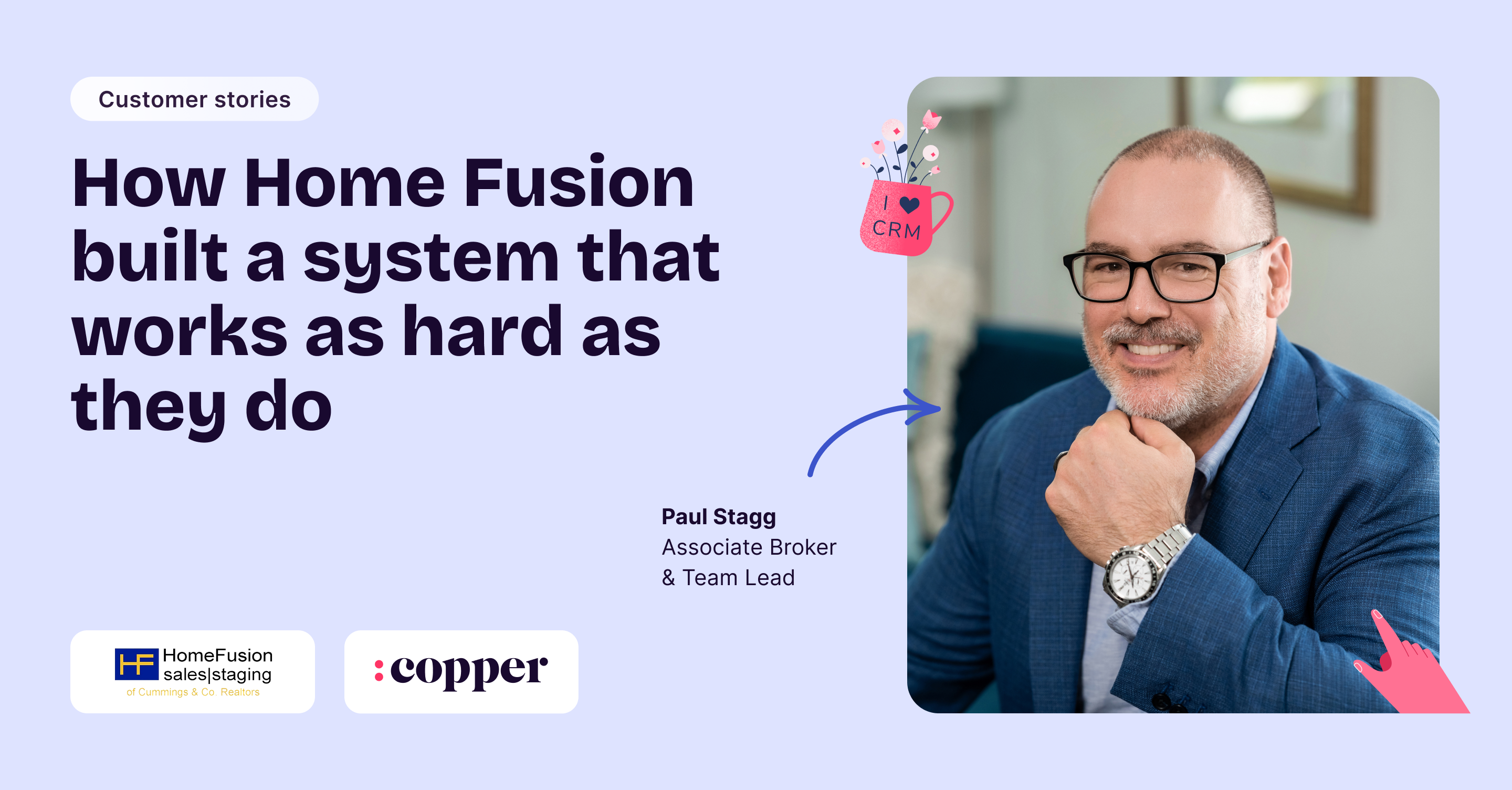

Paul Stagg, a real estate agent and owner of Home Fusion, didn’t go looking for a new CRM because he was chasing optimization. He went looking because the system he relied on every day stopped feeling reliable.
Home Fusion is a Baltimore-based real estate business built on relationships and repeat business. Stagg has been in the industry for decades, long enough to know that real estate isn’t just about buying and selling homes. It’s about timing, follow-through, and trust. Miss a deadline or drop a handoff, and it’s not an internal issue, it’s a client problem.
For years, Home Fusion used a real estate–specific CRM that handled both contact management and transaction tracking. It wasn’t flashy, but it worked. Until an update changed everything.
What used to be one system turned into two half-systems. Some workflows lived in the old version, others in the new. Calendar integrations broke. Everyday tasks became harder to trust. The CRM stopped being a safety net and started becoming something the team had to work around.
That’s when Stagg realized the tool meant to keep the business organized was doing the opposite.
“Switching CRM is a massive pain,” Stagg said. “It’s not the monthly cost that matters. It’s the time cost.”

And he wasn’t wrong. Replacing a CRM means rebuilding the backbone of the business while deals are still moving and clients still expect answers. It’s disruptive by nature, which is why so many teams put it off far longer than they should. But staying put wasn’t an option anymore.
When “built for real estate” starts to feel limiting
Stagg evaluated other real estate CRMs first. On paper, they checked the boxes, but in practice, they felt boxed in.
Each tool came with a very specific idea of how a real estate business should run. That rigidity became a problem the moment Home Fusion’s workflow didn’t match the template:
- Rentals behaved differently than buyers
- Referrals followed their own rhythm
- Some relationships mattered long after a deal closed, even if no transaction was active
What worried Stagg most was the likely tradeoff. In his experience, CRMs either handled relationships well or they handled transactions well… but rarely could they do both. Choosing one usually meant bolting on another tool and stitching systems together with duct tape and good intentions.
He assumed that moving away from a real estate–specific CRM would mean giving something up.
Then he found Copper.
He doesn’t remember exactly how (he muses maybe it was an ad, maybe it was timing) but the pitch landed quickly. Home Fusion already ran entirely on Google Workspace, so Copper’s Google integration felt natural from the start.
What didn’t feel natural was how easily Copper adapted to real estate.
“That was the thing that surprised me,” Stagg said. “It worked.”
Turning flexibility into structure
Copper wasn’t trying to tell Home Fusion how to run their business. It simply gave Stagg and his team the tools to build workflows that actually matched how they work in real life.
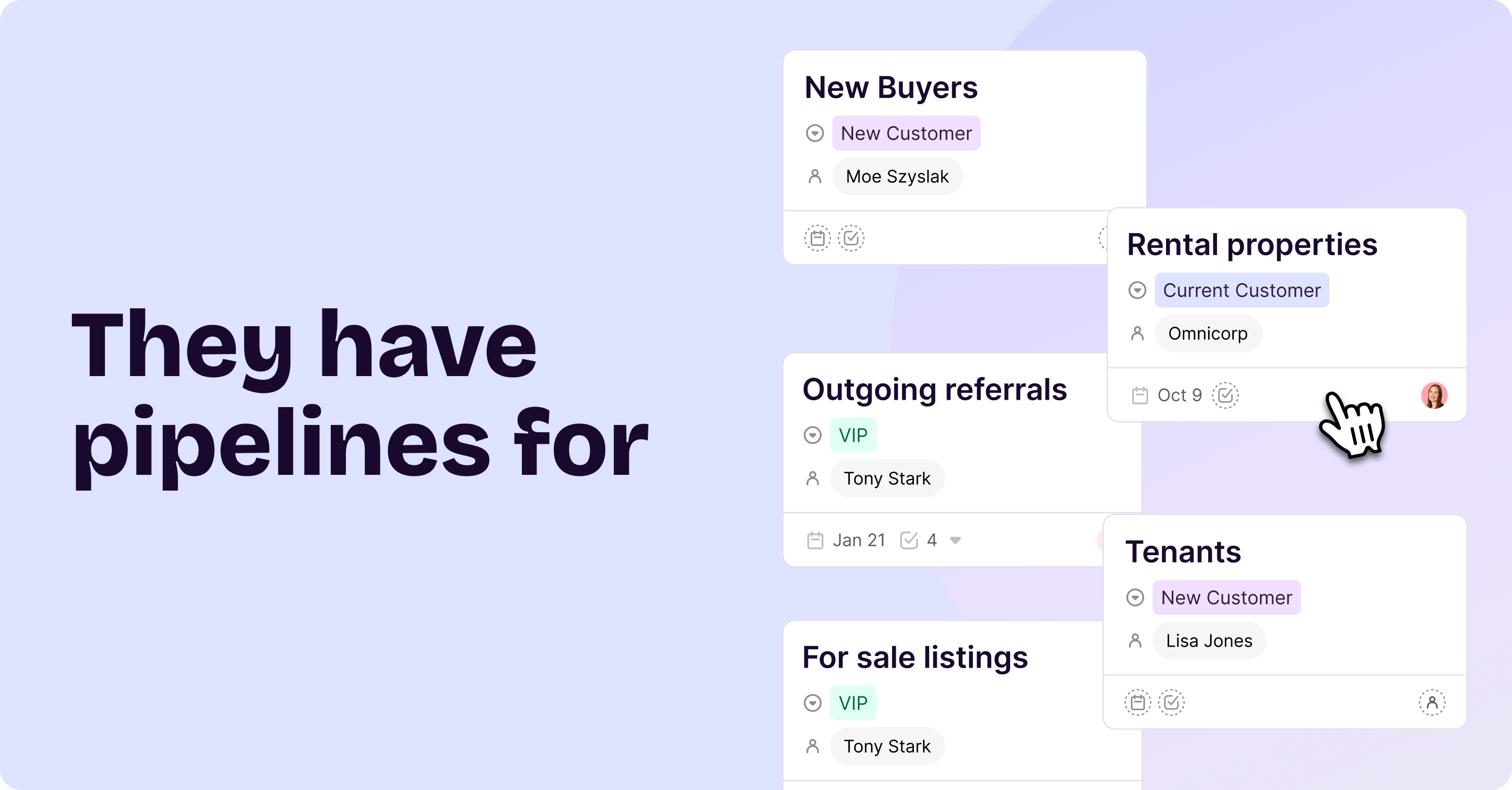
They started small, creating and using pipelines that reflected how deals really move and supported each part of their operation, including:
- New buyers they’re actively working with
- Listings currently for sale
- Rental properties they manage and market
- Tenants moving through the leasing process
- Outgoing referrals to agents in other markets
Instead of cramming everything into one catch-all workflow, Copper helped them stay organized while keeping each process clear and connected.
The result? Clarity.
At any moment, Stagg can open Copper and immediately see what’s happening across the business: who’s under contract, what stage each deal is in, and what needs attention today.
“When you’re busy, it’s really easy to drop a ball with real consequences,” Stagg said. “Being able to look at a transaction and know immediately if something’s due is critical.”
That kind of visibility changed the day-to-day feel of the business. Copper stopped being just a place where information sat — and became the place where decisions actually happen.
When tasks stop living in people’s heads
Transaction management is where a lot of real estate businesses start to feel stretched. The work doesn’t show up all at once, it happens in stages, with deadlines and details piling up along the way.
Home Fusion uses Copper’s task automation to make sure none of it depends on someone remembering what comes next. When a deal moves to a new pipeline stage, the right tasks show up automatically. Inspection deadlines, follow-ups, and next steps are all connected directly to that specific transaction.
Stagg reviews his tasks every day, using custom views to keep things organized. He can easily separate what’s happening in Baltimore from what’s happening in Florida, since both operations run through Copper.
He still uses other tools for broader personal to-dos, but Copper stays the source of truth for anything tied to a client, a deal, or a referral.
The relationship side that actually feels human
Despite all the structure, Home Fusion is still a relationship-first business. Stagg doesn’t believe in flooding clients with automated messages or pretending that software can replace genuine follow-up.
What he does believe in is consistency.
One of the features Stagg relies on most is simple: sorting contacts by the last time he spoke with them.

“I want to talk to a certain number of people every day,” Stagg said. “Copper makes it really easy to see who I haven’t talked to in a while and gives me a reason to reach out.”
That habit keeps relationships warm without turning outreach into a guessing game.
Stagg also sees Copper as a way to stay present with clients well beyond the deal itself.
“One of our projects was post-closing,” he said. “The day you settle on your new house, starting on day one, we send this. On day six, we check in, ‘How’d your move go?’ On day 27, we reach out to see if they need an electrician. And it goes all the way through to day 365, ‘Happy one-year anniversary.’”
That kind of built-in follow-up helps Home Fusion maintain real relationships over time, without relying on someone to remember every touchpoint.
Customization that actually helps
The longer Home Fusion used Copper, the more they realized customization wasn’t just a nice extra — it genuinely made their work easier.
They set up custom fields to keep track of the details they rely on every day. Things like:
- Where leads and referrals are coming from
- MLS numbers tied to listings
- When agreements are about to expire
- Notes that add relationship context
Stagg also leans on Copper’s search to pull up information fast. Whether it’s an open house address or everyone connected to a specific property, it’s all there when he needs it — no digging, no guessing.
It’s those small tweaks that make the biggest difference over time. Less friction, fewer loose ends, and a system that just keeps getting more useful.
Features they didn’t expect to love (but do)
Some of Copper’s most useful features weren’t even on Home Fusion’s radar at first — they just became the kind of tools you start relying on once you have them.
A few things they’ve come to really appreciate:
- The ability to manually link emails that don’t auto-sync (like contractor messages)
- A complete communication history connected to the right person or deal
- Live training sessions that help the team stay up to speed as Copper evolves
- Room to keep building on their setup with more automations over time
Home Fusion’s operations manager, Elizabeth, also regularly joins Coffee with Copper webinar sessions to stay current on new workflows and features. She and Stagg have already carved out time to keep refining what they’ve built, knowing there’s still more they can unlock.
That’s part of what makes Copper feel like it’s built for the long haul: it’s not just a quick solution, but a system that can keep growing alongside them.
The kind of system that just works
For Home Fusion, the comparison isn’t Copper versus another single tool. It’s Copper versus two or three disconnected systems stitched together.
“If I didn’t use Copper, I’d have two tools that would cost more,” Stagg said. “Plus the time cost. And that’s the real cost.”
Copper replaces complexity with cohesion. It gives Home Fusion one place to manage relationships, transactions, and visibility without forcing tradeoffs.
That’s what CRM success looks like in practice. It’s a system that shows up every day, does what it promises, and gets out of the way so the real work can happen.
Want to see how Copper can improve your workflows? Try it now for 14 days free.