











IFTTT
Automate, save time, and get more done with Copper and IFTTT. Easily connect Copper to 1000+ apps and devices to create time-saving workflows - no code required.
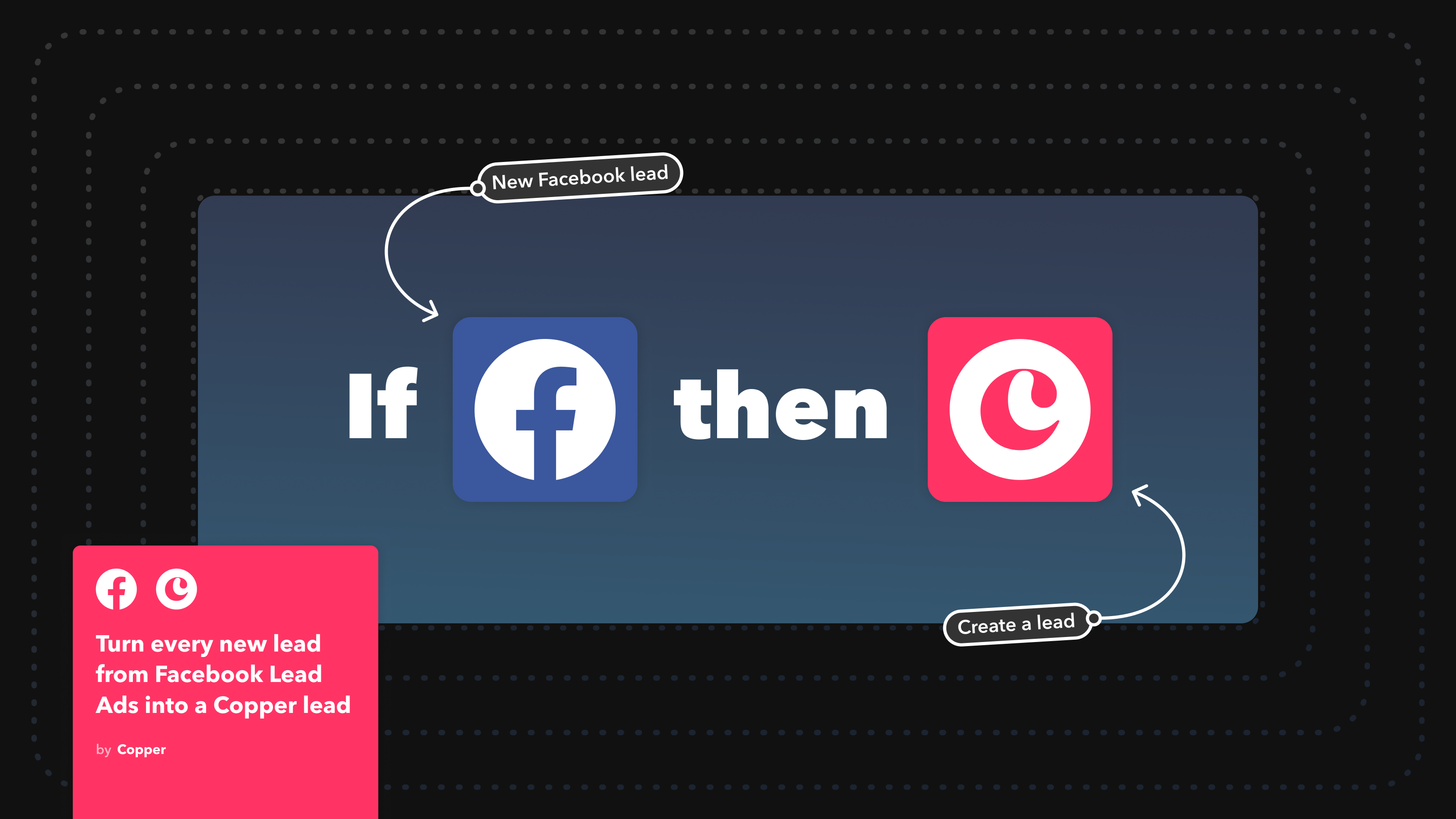
IFTTT links two or more apps with automations called Applets. Choose a trigger, pick an action, and customize it to your needs. You can enable 100,000s of ready-made Applets or create your own in minutes.
Key Features
- Connect Copper to 1000+ apps, services, and devices: Integrate with Google Workspace, Microsoft 365, task management, calendar, and communication platforms with Copper triggers and actions.
- Use IFTTT on the go: Our popular mobile apps for iOS and Android allow you to connect Copper to widgets, custom notifications to your phone, and location-based triggers.
- Increase your productivity: Automations are easy to set up, personalize, and you can get started with your first Applet in minutes.
- Streamline your workflows: Applets use automation to create repeatable processes that save you time every day and reduce the need for repeated manual work.
Get Started
- Go to IFTTT for Copper
- Click Connect Copper to connect your account to IFTTT
- Click and enable any of the published Applets available or click Create to build your own
This integration was built by IFTTT. For questions, support, or troublehshooting, contact that IFTTT team.



FAQ
Can’t find the answer here?
Chat with support.
CRM integration involves connecting other business applications with your CRM platform to feed data to, from or between your tech tools. Copper’s goal with CRM integration is to help you seamlessly sync the business software you use daily to your CRM to give you a complete, accurate snapshot of your business and customers.
Our integrations with Gmail, Google Calendar, Google Contacts and Google Drive are included with all plans. Most of our CRM integrations are included on Professional plans and above, but select integrations are available on Business plans only. Check the plan availability section in each listing to confirm.
Yes! You can set up integrations on a free trial. During your free trial, you will be using our CRM software on the Business plan to experience the full capabilities of Copper. Most of our CRM integrations are included on Professional plans and above, but select integrations are available on Business plans only.
[object Object]
If you work at a B2B software company and you’ve built an integration with Copper, email partners@copper.com to apply to be featured on our integrations marketplace. We’ll get in touch if the integration meets our entry requirements.
It depends on the integration! Check each integration listing page for more detailed instructions. In all cases, you’ll need to be an admin or account owner to set up integrations for your account.
Try Copper free.
Instant activation, no credit card required. Give Copper a try today.
