New! Call via Google Voice on Android
Stay connected with your team on the go.
Copper’s mobile app keeps everyone aligned and productive — no matter where work happens.











Copper’s mobile app keeps everyone aligned and productive — no matter where work happens.












Copper is trusted by 30,000+
companies of all sizes

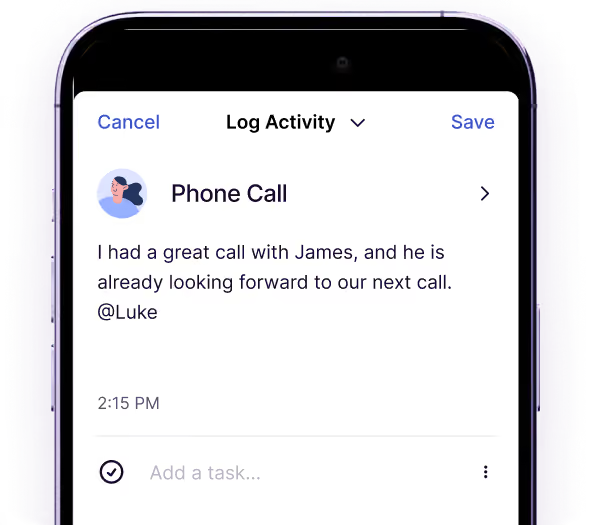
Log calls, texts, emails, and voice notes from the field to keep your team in sync and up to date.

Snap a photo of a business card, anytime, anywhere and Copper will create a new contact.


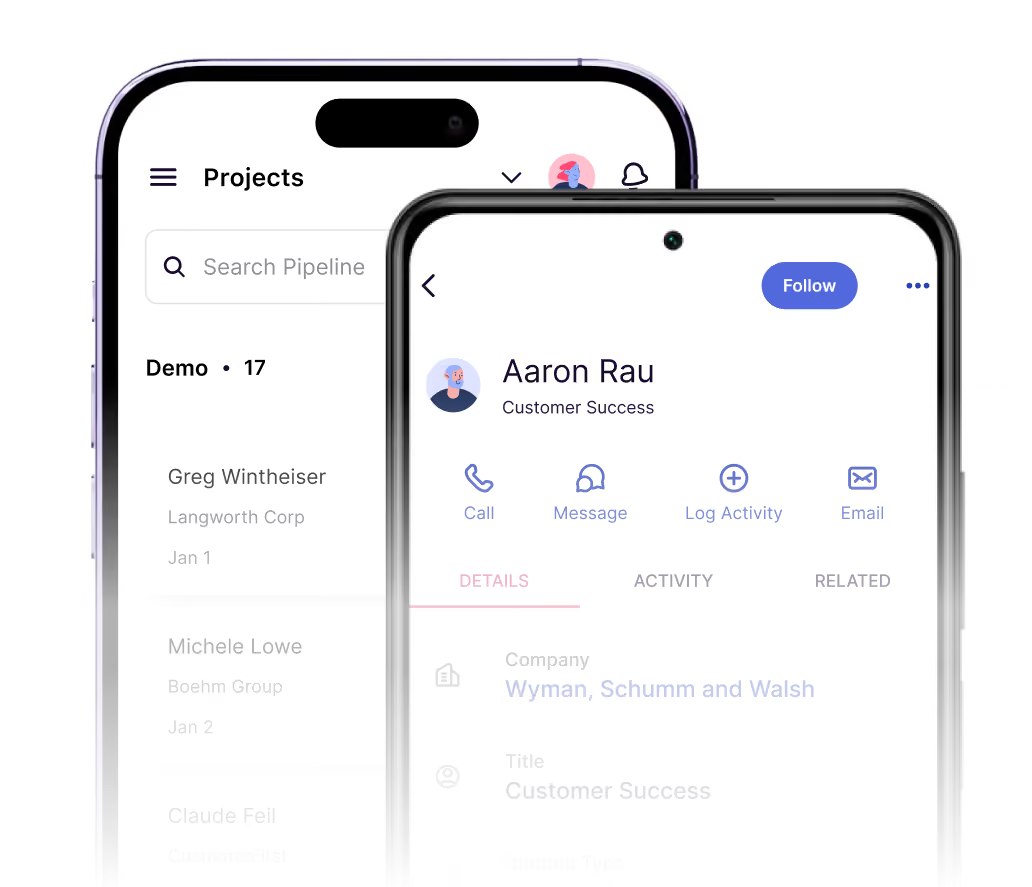
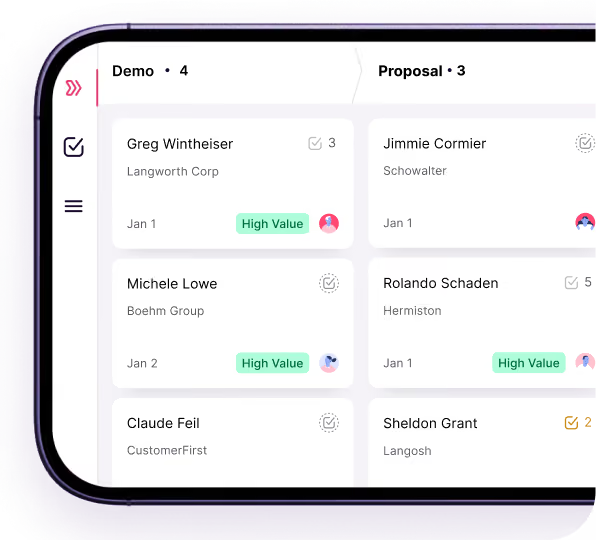
Manage pipelines and projects from your phone. Rotate for a full view and stay on top of every detail.

"Our sales reps use the Copper mobile app to enter customer information while out in the field. Since appointments are set for them by a different team, in a different location, the app helps keep everyone on the same page!"


Stay informed with a live feed of every interaction tied to your contacts and accounts.
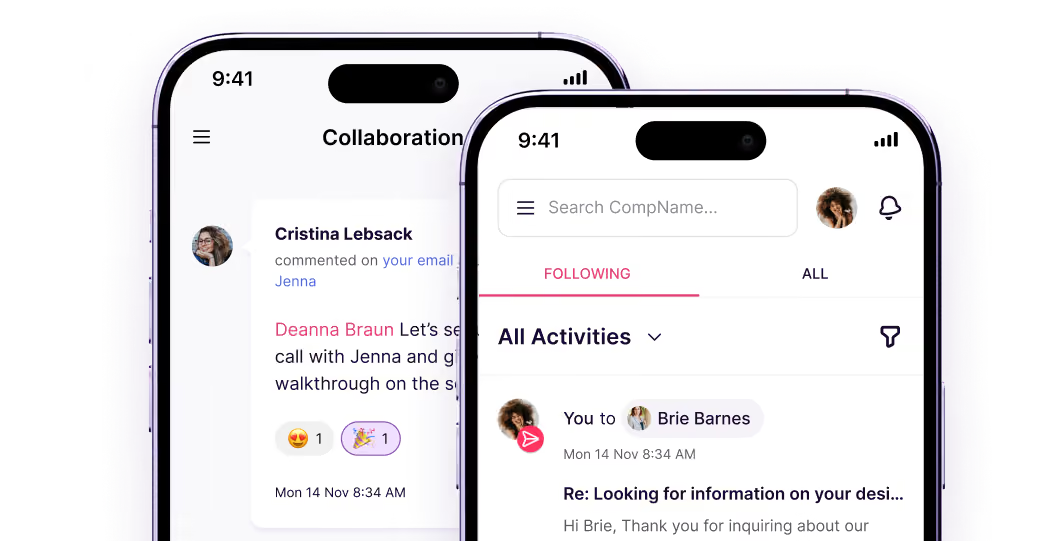
Stay on top of what matters with real-time notifications for new assignments, @mentions, and upcoming tasks.

Tag, filter and create fields for leads and contacts based on any criteria.
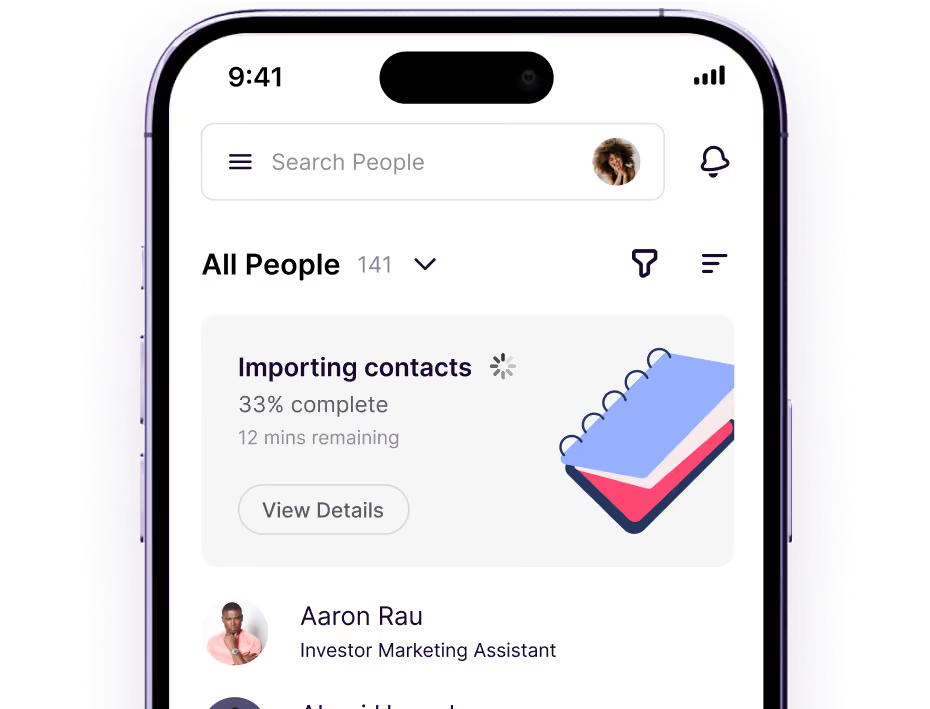
No laptop, no problem. Assign tasks and follow-ups from a centralized task list, or within projects right from the app.

"The biggest impact that Copper has made is when our team is on the go: users can easily update a record in real time when they have the information."

Copper is purpose-built to help relationship-focused businesses manage their entire customer journey.


Save time by speaking into your phone to log activities and notes – no typing needed.

Tap a phone number in Copper to call or text, then log the activity with one click when you return to the app.

Get recommendations on new contacts, and add them with one tap.

See exactly what’s going on with a real-time feed of all the contact and account activities.

Copper automatically enriches contact profiles with up-to-date company information, social profiles, and more.

Access the same email templates you created on desktop, and use them on-the-go.

"I love that we are able to track everything. Every email, text, phone calls, task, state a case is in, etc. You can also make calls straight from the mobile copper app! So convenient."
"I love the fact that it integrates perfectly with Google Workspace. This has been an amazing experience for me since I’m always using Gmail, Drive, and Calendar."
"I frequently use the mobile app to contact a client when I'm out of the office. I don't have to add contacts on my phone, which is nice."
"I love the Google plugin. My business uses Google Workspace for just about everything we do, and the Copper + Google Workspace integration is fantastic."
"Copper CRM piggy backs right on top of Gmail in a seamless way."
"I like the mobile app. It is very easy to use and user friendly. It allows my small company to access all our contacts, opportunities and leads in one place."
"I like the mobile app. It is very easy to use and user friendly. It allows my small company to access all our contacts, opportunities and leads in one place."
"Copper CRM piggy backs right on top of Gmail in a seamless way."
"I love that we are able to track everything. Every email, text, phone calls, task, state a case is in, etc. You can also make calls straight from the mobile copper app! So convenient."
"I love the Google plugin. My business uses Google Workspace for just about everything we do, and the Copper + Google Workspace integration is fantastic."
"I love the fact that it integrates perfectly with Google Workspace. This has been an amazing experience for me since I’m always using Gmail, Drive, and Calendar."
"I frequently use the mobile app to contact a client when I'm out of the office. I don't have to add contacts on my phone, which is nice."
Take Copper for a spin first. Pay and add your team later.