










No matter what type of business you’re running, your end goal is the same: satisfied customers who are always hungry for more.
But how can you possibly satisfy your customers if you don’t know who they are?
Enter the world of customer relationship management (CRM).
Through CRM, businesses can better understand their customers’ wants and needs on an individual level.
The ability to track individual customer interactions and analyze that data is a game-changer, especially in an age where customers crave a personalized experience.
This sort of data-driven approach to business relationships is still relatively new, though. Some business owners might still think of CRM as little more than spreadsheets on steroids.
The reality, though? The features of today’s CRM solutions are a far cry from what they were a few years ago, let alone a few decades ago.
In short, CRM isn’t what it used to be.
And spoiler alert: that’s a good thing.
The evolution of CRM is the story of how businesses went from tracking client relationships on paper and in spreadsheets to managing them with intelligent, cloud-based tools that live inside the apps you already use every day.
It's a journey that spans over 70 years, from Rolodexes and filing cabinets to AI-powered platforms embedded in your inbox. And if you're running a consulting firm, agency, or any professional services team, understanding how CRM got here helps you pick the right tool for where your business is going.
Let's walk through the key milestones.
Key Takeaways
- CRM has evolved from one-way database marketing in the 1980s to cloud-based, collaborative platforms that serve sales, marketing, and customer service teams simultaneously.
- Modern CRMs automate time-consuming tasks like data entry and email follow-ups, with Copper users saving an average of 13 hours per week compared to not using a CRM.
- Today's CRM solutions feature mobile accessibility, intuitive interfaces, and automatic contact syncing, making them accessible to businesses of all sizes and industries without requiring technical expertise.
- CRM platforms now function as productivity and analytics tools that predict revenue, track sales activities, and enable team collaboration rather than serving as simple customer information databases.
Here's a brief history of CRM
Let’s rewind to an era where customer relationship management was quite literally that: managing customer relationships with no digital tools involved.
Businesses owners have always been eager to understand what makes their customers tick. After all, happy customers translate into repeat sales and a bigger customer base.
But in the pre-Internet dark ages, the only way business owners knew whether or not a customer was satisfied was by speaking to them face-to-face.
Although it was possible to form relationships with customers this way, quantifying those relationships and tracking them was little more than a guessing game prior to having the proper technology on deck.
The 1950s-1970s: Pen, paper, and the trusty Rolodex
Before software entered the picture, managing client relationships meant handwritten notes, business card binders, and the iconic Rolodex, invented in 1956 as a way to organize contact details on rotating cards.
It worked fine when you had a handful of clients. But as businesses grew, keeping track of who said what (and when) became a real headache. Mainframe computers eventually introduced the idea of digital databases, planting the seeds for what CRM would eventually become.
Sound familiar? If you've ever tried to manage a growing client list with sticky notes or scattered spreadsheets, you've lived through your own version of this era.
The 1980s-1990s: CRM software enters the scene
That technology as we know it finally reared its head in the 1980s: the first modern CRM systems emerged as businesses adopted database marketing. Unfortunately, this approach to relationships was a one-way street. Businesses could collect customer data, but had no actionable way to respond to or organize it.
The 1980s also brought the first contact management systems: digital tools that stored names, phone numbers, and email addresses in one place. In 1987, Conductor Software launched ACT!, widely considered the first popular contact management tool. For small businesses, it was a game-changer. Suddenly, you could organize leads and calendar events with a single click instead of flipping through a Rolodex.
By the early '90s, Sales Force Automation (SFA) arrived, letting teams automate repetitive tasks like pipeline tracking and follow-up reminders. In 1993, Siebel Systems launched what many consider the first comprehensive CRM solution, bundling sales, marketing, and customer service into one platform.
Here's the catch: these early CRMs were designed for large enterprises with dedicated sales operations teams. They were powerful but complex, and for a 15-person consulting firm or creative agency, they were overkill (and way over budget).

Pro-tip: Learn more about how to build long-lasting client relationships.
During the 1990s, CRM finally became a bit more interactive. Through loyalty and referral programs, marketers and salespeople found a way to engage customers by providing special offers and rewards in exchange for services.
The 2000s: CRM moves to the cloud (and gets a lot more accessible)
Unfortunately, the Y2K scare and the early 2000s saw the dot-com bubble burst and investment in CRM came to a halt.
A few years later, CRM moved to the cloud, and that was a fundamental shift. Instead of installing expensive software on local servers, teams could access their CRM from any web browser. No IT department required.
This was huge for smaller businesses. Suddenly, you didn't need a six-figure budget or a dedicated admin to manage client relationships in a proper system. Web-based CRMs also started integrating with other business tools (email platforms, calendars, file storage), so your data wasn't siloed in yet another app.
For professional services teams who spend most of their day in email and documents, this integration trend was the beginning of something big.
Here’s a sample pipeline report from a popular open-source CRM solution from the mid-2000s. These sorts of reports became the norm for businesses that had more customer information at their fingertips than ever before.

The 2010s: Social media, mobile access, and CRM everywhere
By the late 2000s and into the 2010s, CRM expanded in two major directions:
- Social CRM. Platforms started integrating with Facebook, Twitter, LinkedIn, and Instagram, letting businesses track conversations, understand customer sentiment, and engage prospects where they already spent time online.
- Mobile CRM. CRM apps became available on phones and tablets, so you could check a client's history, update a deal, or log a note right after a meeting. No need to wait until you were back at your desk.
For professional services teams, mobile CRM was the bigger shift. When you're bouncing between client calls, site visits, and strategy sessions, being able to pull up a contact's full history from your phone is a real advantage.
The late 2010s to today: AI makes CRM smarter (and more useful for small teams)
Artificial intelligence started showing up in CRM tools in the late 2010s, and it's been reshaping how teams work with client data ever since.
But here's what matters if you're running a small team: AI in CRM isn't just about crunching massive datasets. It's about practical, everyday help like:
- Drafting follow-up emails based on your previous conversations with a client.
- Flagging deals that have gone quiet, so nothing slips through the cracks.
- Suggesting next steps based on where a project or opportunity stands in your pipeline.
- Surfacing insights about which types of clients or projects tend to close faster.
The best part? You don't need a data science team to benefit. Modern AI-powered CRMs handle the heavy lifting in the background, so you and your team can focus on the relationships that drive your business.
Here are 7 ways CRM has evolved for the better.
Now, let’s fast-forward to the present day in the Relationship Era.
As customers have come to expect more from businesses, those businesses rightfully have come to expect more from their CRMs.
So, how do today’s solutions go beyond the basics of CRM to provide the best possible experience for customers and businesses alike? (If you're interested in digging deeper on this, download the free CRM Benchmark Report to learn more.)
Below is a snapshot of just how much CRM has evolved and why these changes matter so much for modern businesses.
1. CRMs today aren’t solely for sales teams
The concept of CRM is synonymous with sales, but sales teams shouldn’t be the only ones responsible for dealing with customer data.
Sure, sales teams leverage CRM data to learn more about customers and what products they're personally hunting for.
But the capabilities of a CRM extend far beyond that.
How so? Consider how marketing teams can use a CRM solution to zero in on a business’ most popular content or offers. By understanding what’s driving engagement from current customers, marketers can go out and create more of the same to grab the attention of future customers.
Also, bear in mind the role of CRM when it comes to customer service. With a CRM, reps are capable of nurturing current customers based on their behavior and recommending relevant products and services to transform them into repeat customers.
Working in tandem, multiple departments have a role to play in boosting sales via CRM. The end result is greater customer satisfaction and growth.
2. CRMs today are team-focused
On a related note, CRM data doesn’t need to be in silos anymore.
Nor should it be.
Instead, your CRM should actively encourage collaboration.
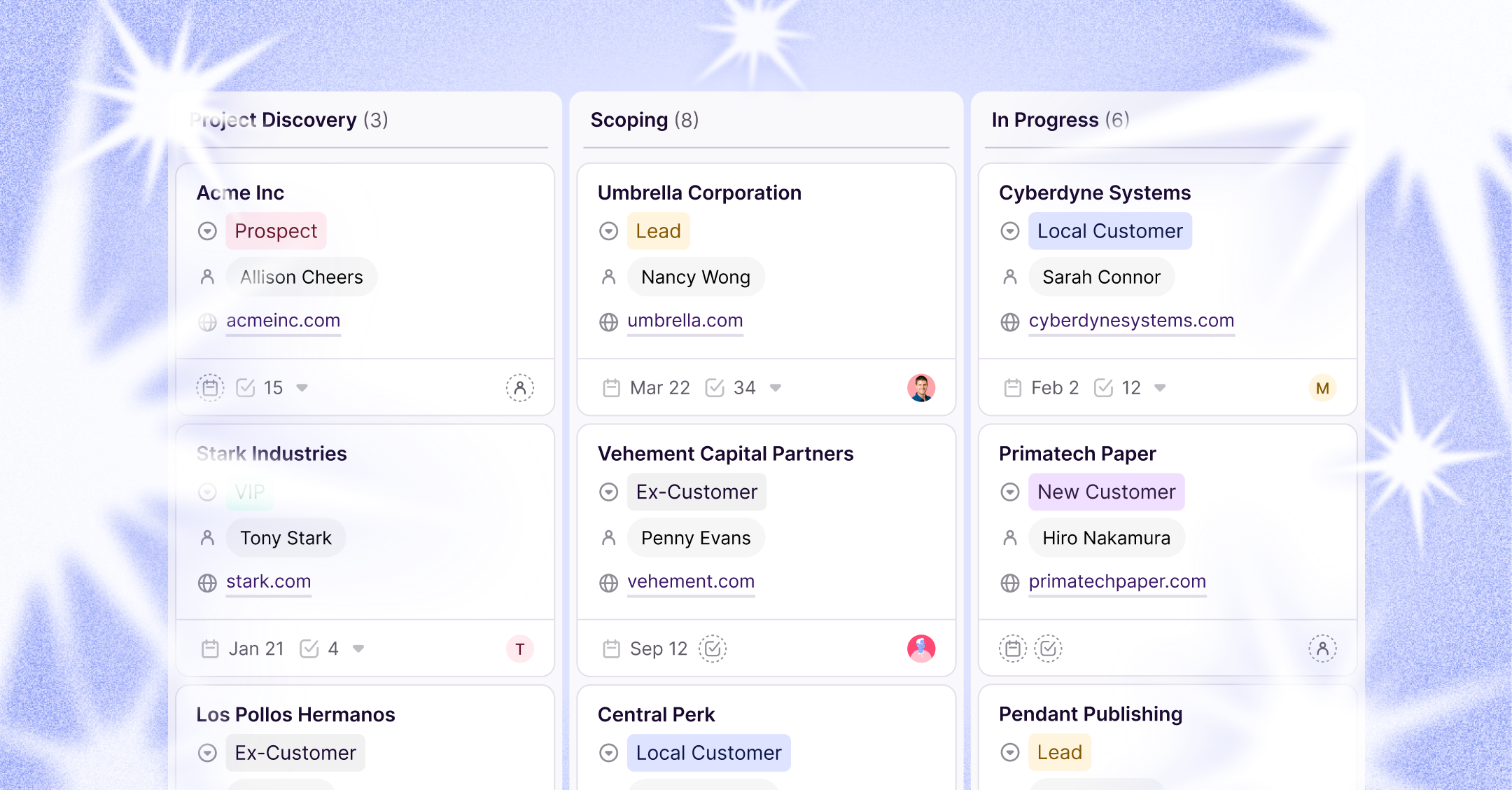
For example, team members should be able to pick up where the last person left off when communicating with a customer. This does double duty: reducing the lag time between touchpoints with customers while ensuring everyone knows where any given customer is in the relationship lifecycle.

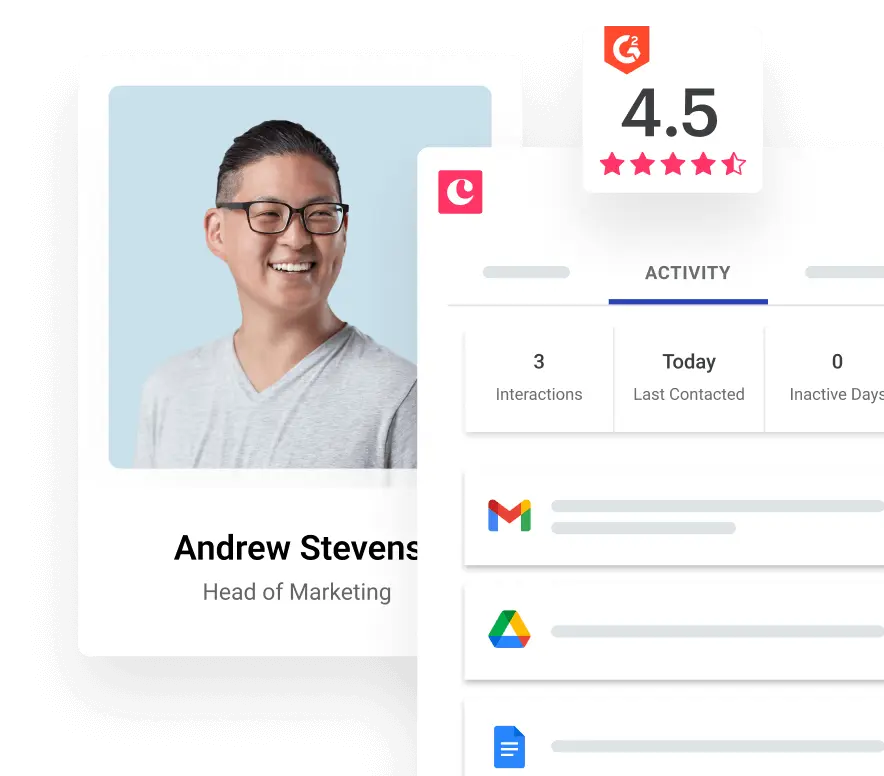
For example, Copper automatically logs communications such as calls and emails with customers. In addition, team members can leave notes, share documents, and follow up with each other so there’s no second-guessing anyone’s next steps.
3. CRMs today aren’t just “information dumps”
At a glance, a CRM might seem like little more than a place to dump customer information.
While some old-school CRMs may have indeed been glorified customer spreadsheets, today’s CRM solutions have seriously stepped up their game feature-wise. (Here's how to step your Excel game up.)
For starters, solutions such as Copper automatically scrape your contact information to create customer profiles in an instant. Rather than deal with tedious manual entry, Copper does the legwork for you.
Perhaps more important is the ability for of CRMs to predict and track revenue. CRM sales reports can clue you in on everything from your most important sales activities to your top-performing salespeople. Instant access to these analytics provides peace of mind as you strive to hit your sales quotas and keep your team focused on the appropriate opportunities.

4. CRMs today help your team work more efficiently
Beyond improving customer relationships, using a CRM goes hand in hand with running a more productive business.
In fact, Copper users save an average of 13 hours per week compared to when they weren’t using a CRM at all. Although time-consuming tasks such as data entry can quickly eat up your team’s schedules, they can be effortlessly put on autopilot through your CRM.
Other useful new CRM features include email templates and automated follow-ups, which serve as yet another way for your sales team to save time and be more productive.

These time-savers allow your team to use their time emphasizing their strengths and actually getting down to business with customers. In turn, you can close more deals faster without running the risk of burning anyone out on tedious tasks.
5. CRMs today are easier on the eyes.
Is it fair to judge a book by its cover?
Maybe not.
However, there’s no reason why business owners today should be stuck with software solutions that feel like they’re straight out of 1995.

Something as seemingly minor as aesthetics can make a big difference in how your team takes to your CRM. A modern, colorful interface can be both easy on the eyes and simpler for users to understand at a glance.

Design may not seem like a big deal but can be make-or-break for successful adoption of a CRM. A simple and clean interface is particularly important for first-time CRM users and those who might otherwise be overwhelmed by new software.
6. CRMs today are mobile-friendly.
As more and more deals are done on the go, CRM solutions shouldn’t just be restricted to your desktop.
Can you connect your team to customers from anywhere? Does your CRM integrate with Google Workspace and does it have a mobile app?
If data can be automatically synced with the rest of your devices, you won’t miss a beat even when you’re out of the office.
These capabilities are must-haves for teams engaging in frequent travel or face-to-face meetings with their customers. Anything you can do to empower your sales team is a plus and mobile relationship management is a prime way to give them a competitive edge.
7. CRMs today are more accessible and intuitive than ever.
Finally, take note that businesses of all shapes and sizes are on board with CRM.
No, not just startups and tech giants.
Based on our own experience, traditional companies arguably have the most to gain as first-time CRM users. Companies such as Tamlyn, with no prior CRM experience, managed to get their team of newcomers to start seeing results with a CRM within a mere month.
It doesn’t matter if you’re selling software or building materials; CRM is capable of helping businesses across all industries.
CRM doesn’t have to be reserved for the tech-savvy anymore. Thanks to the cloud, businesses can roll out a CRM solution in a matter of minutes rather than weeks.
The next step is CRM that lives where you already work
If you look at the full arc of CRM evolution, there's a clear pattern: every major shift has been about reducing friction.
- Rolodexes replaced scattered business cards.
- Digital databases replaced Rolodexes.
- Cloud CRM replaced installed software.
- Mobile CRM replaced being chained to your desk.
So what's the next step? CRM that's embedded directly in the tools you're already using every day: your inbox, your calendar, your file storage.
For professional services teams who live in Google Workspace, this means you shouldn't have to leave Gmail to log a conversation, switch tabs to update a deal, or open a separate app to find a project file. Your CRM should work with your workflow, not compete against it.
That's the direction CRM is headed. And honestly? It's about time.
A quick timeline of CRM evolution
- 1950s-1970s: Rolodex and early digital databases. The first organized way to store client contacts.
- 1980s-1990s: ACT!, SFA, and Siebel Systems. CRM becomes a software category (mostly for big companies).
- Early 2000s: Cloud-based CRM. Small teams can finally afford and use CRM.
- Late 2000s-2010s: Social CRM and mobile access. Manage relationships from anywhere, on any device.
- Late 2010s-today: AI-powered features. Smarter follow-ups, deal insights, and less manual data entry.
- What's next: Workspace-native CRM. CRM that lives inside your inbox, calendar, and drive.
How can you benefit from the evolution of CRM?
CRM technology has evolved far beyond the clunky, installed software of the past. The ideal solution for your team today should integrate seamlessly into your existing workflows, eliminating steep learning curves, constant tab-switching, and the need for a dedicated administrator.
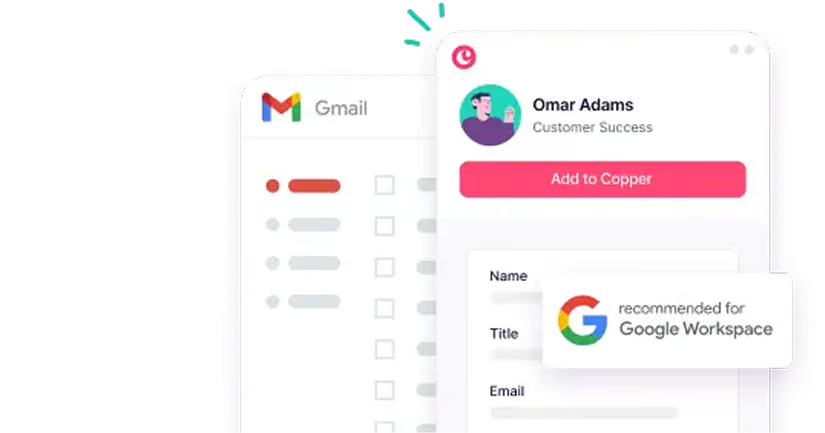
Copper was designed specifically for teams that rely on Google Workspace. As the only CRM recognized as a "Recommended for Google Workspace" app, it operates directly within Gmail, Calendar, and Drive. This allows you to oversee the complete client lifecycle without ever exiting the tools you use every day.