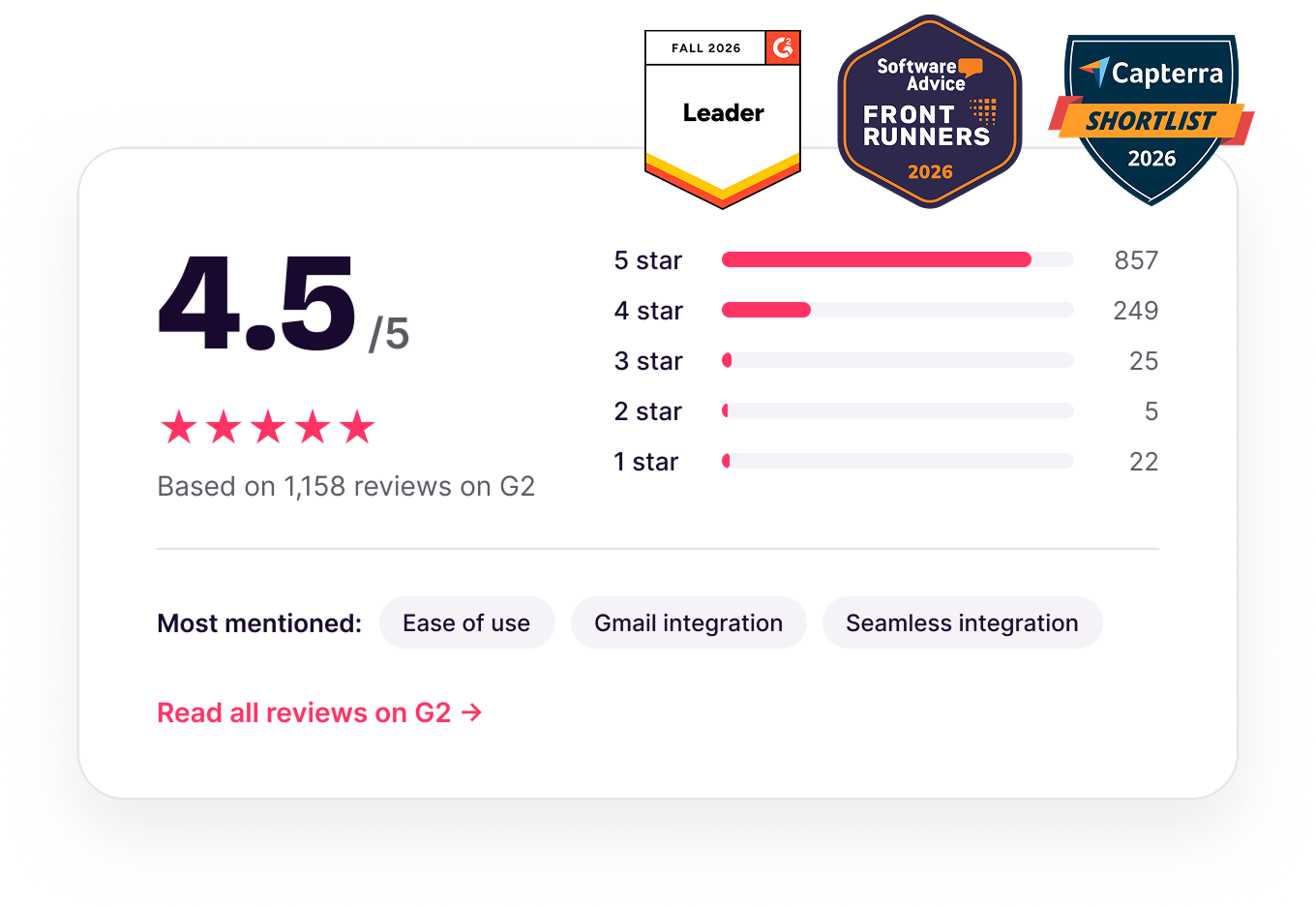
Rated 4.5/5 on G2
Rated 4.5/5 by the teams who run their business on Copper.
Real customers share why they choose Copper to manage their client relationships.







Real customers share why they choose Copper to manage their client relationships.











Copper is trusted by 30,000+
companies of all sizes
The themes that come up again and again in Copper's G2 reviews.

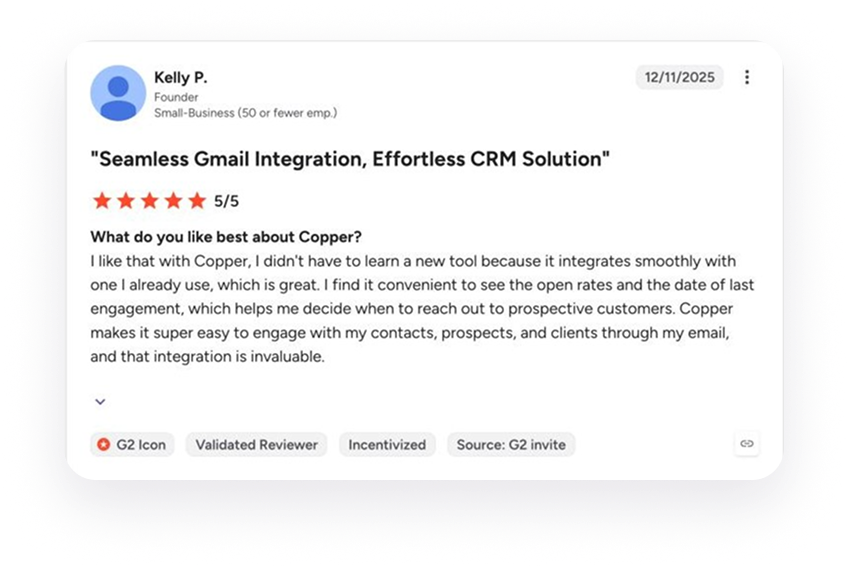
“I didn't have to learn a new tool because it integrates smoothly with one I already use.”
Kelly P., Founder, on G2
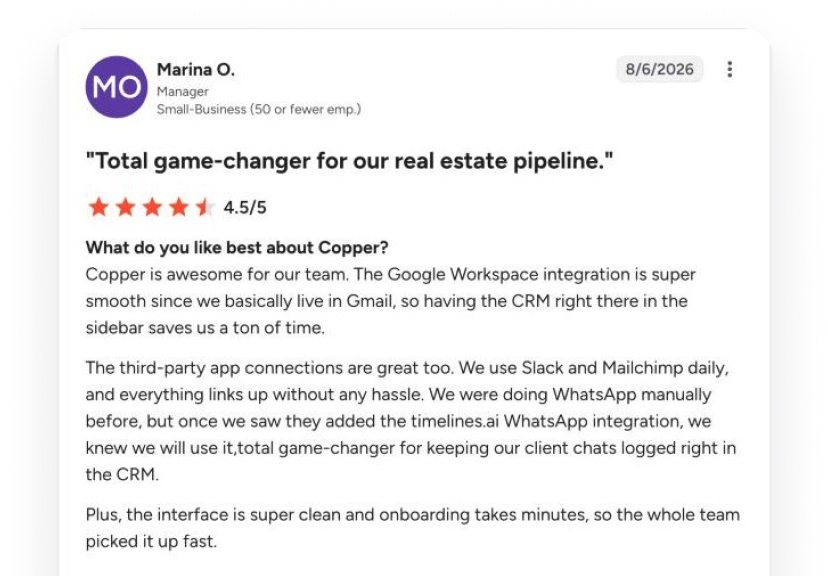
“We use Slack and Mailchimp daily, and everything links up without any hassle.”
Marina O., Manager, on G2
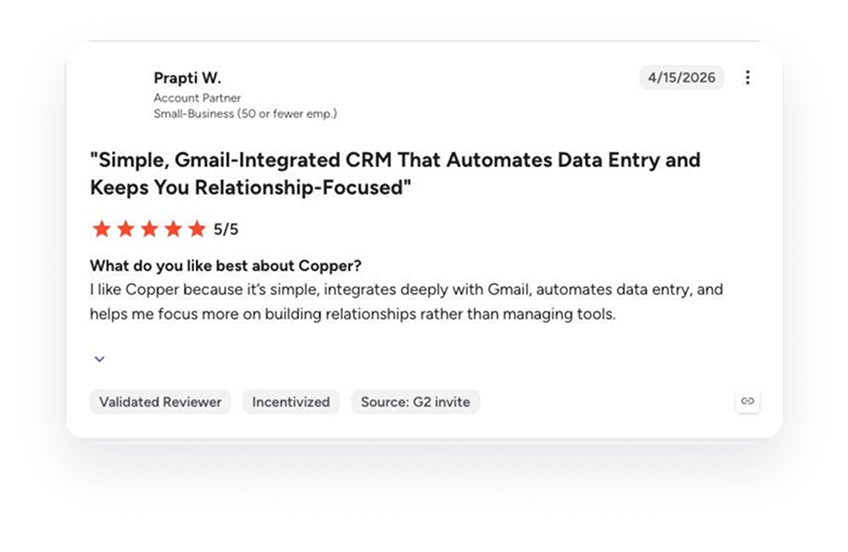
“I like Copper because it’s simple, integrates deeply with Gmail, automates data entry, and helps me focus more on building relationships rather than managing tools.”
Prapti W., Account Partner, on G2

"I work in consulting and keeping my tech stack small is important. I don't want to spend all day clicking between apps just to get work done. Copper's smooth integration with Gmail is a godsend."



"Copper keeps track of all correspondence with your customers. It also sends you reminders via email and allows you to email your work colleagues. The layout is very user-friendly, and the information is accessible."
"Great CRM for Gmail users. Copper's unique angle is that it is tightly integrated with Gmail - so as you're emailing contacts, you can easily add those people and opportunities into your CRM. This makes it very easy to use which saves a lot of time and makes CRM updates less of a chore."
"I love the fact that it integrates perfectly with Google Workspace. This has been an amazing experience for me since I’m always using Gmail, Drive, and Calendar."
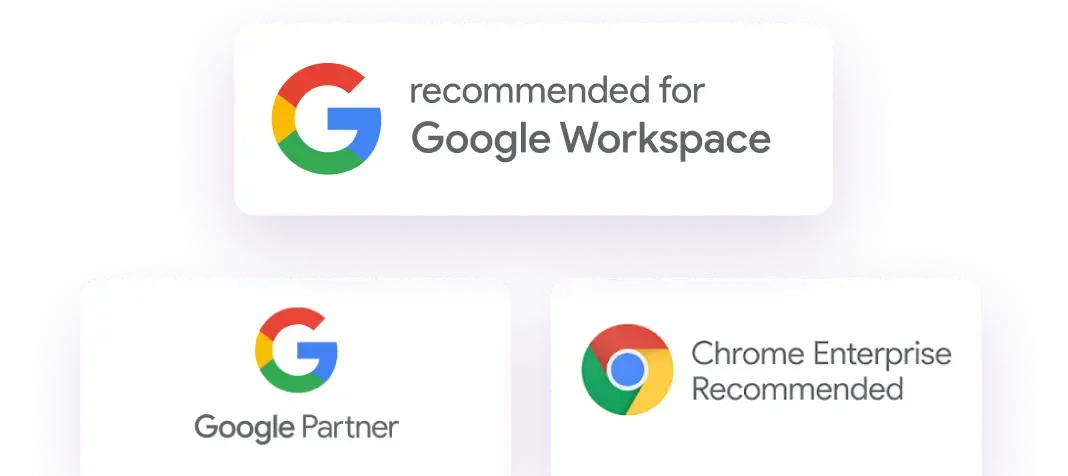
"I love the Google plugin. My business uses Google Workspace for just about everything we do, and the Copper + Google Workspace integration is fantastic."
"Got introduced to Copper for a CRM and it's chef's kiss. It naturally integrates with Google Workspace and has a cute little inbox plug in."
"As a small business I love that Copper can keep my emails and tasks organized. The large CRM platforms were too much. As my day is all email, Copper is just what I need."
"Copper CRM helps keep me focused and organized with my business. The pricing is fair and customer service has been great too. I've used it since 2016...and highly recommend it!"
"The Gmail integration is my favorite Copper feature. It makes it easy to add new leads, people, etc... I also love the task tool and how it integrates with Gmail and Calendar."
"Copper CRM piggy backs right on top of Gmail in a seamless way."
"I love the Google plugin. My business uses Google Workspace for just about everything we do, and the Copper + Google Workspace integration is fantastic."
"Great CRM for Gmail users. Copper's unique angle is that it is tightly integrated with Gmail - so as you're emailing contacts, you can easily add those people and opportunities into your CRM. This makes it very easy to use which saves a lot of time and makes CRM updates less of a chore."
"As a small business I love that Copper can keep my emails and tasks organized. The large CRM platforms were too much. As my day is all email, Copper is just what I need."
"Got introduced to Copper for a CRM and it's chef's kiss. It naturally integrates with Google Workspace and has a cute little inbox plug in."
"Copper keeps track of all correspondence with your customers. It also sends you reminders via email and allows you to email your work colleagues. The layout is very user-friendly, and the information is accessible."
"I love the fact that it integrates perfectly with Google Workspace. This has been an amazing experience for me since I’m always using Gmail, Drive, and Calendar."
"Copper CRM piggy backs right on top of Gmail in a seamless way."
"Copper CRM helps keep me focused and organized with my business. The pricing is fair and customer service has been great too. I've used it since 2016...and highly recommend it!"
"The Gmail integration is my favorite Copper feature. It makes it easy to add new leads, people, etc... I also love the task tool and how it integrates with Gmail and Calendar."
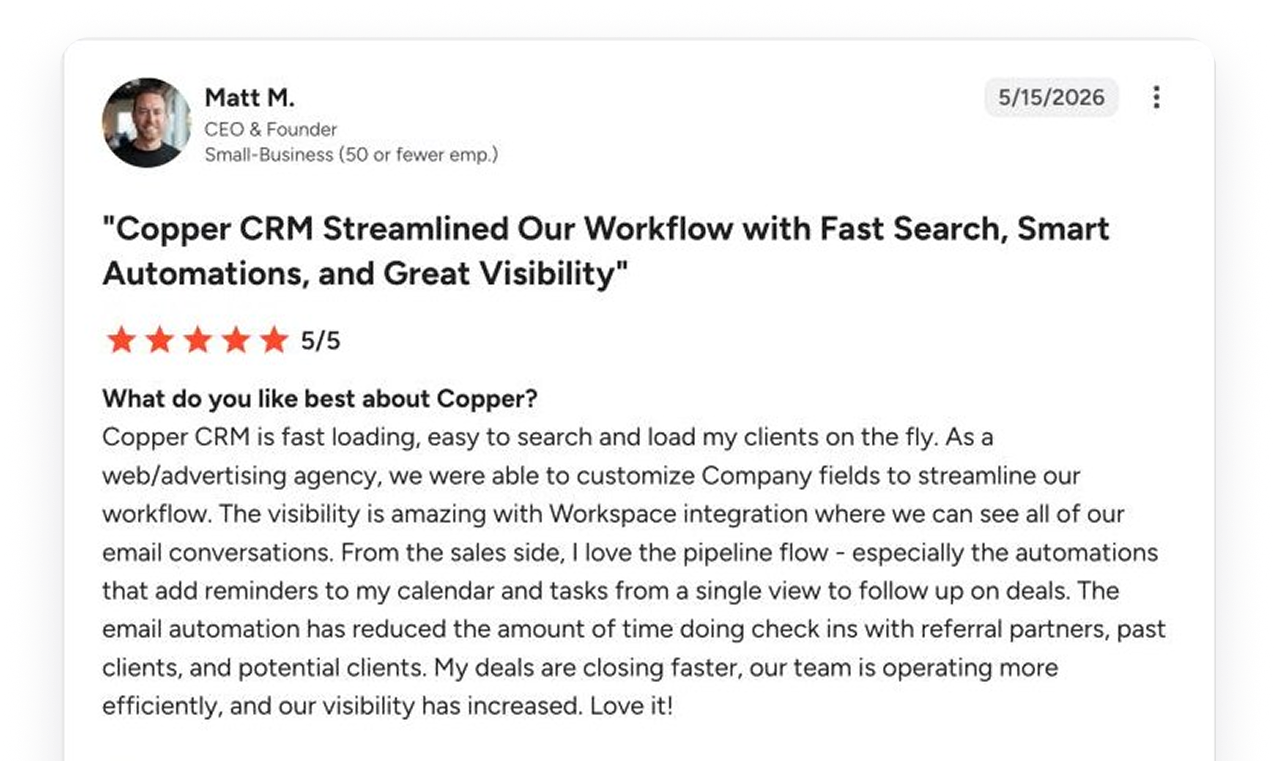
“The email automation has reduced the amount of time doing check ins with referral partners, past clients, and potential clients.”
Matt M., CEO & Founder, web/advertising agency
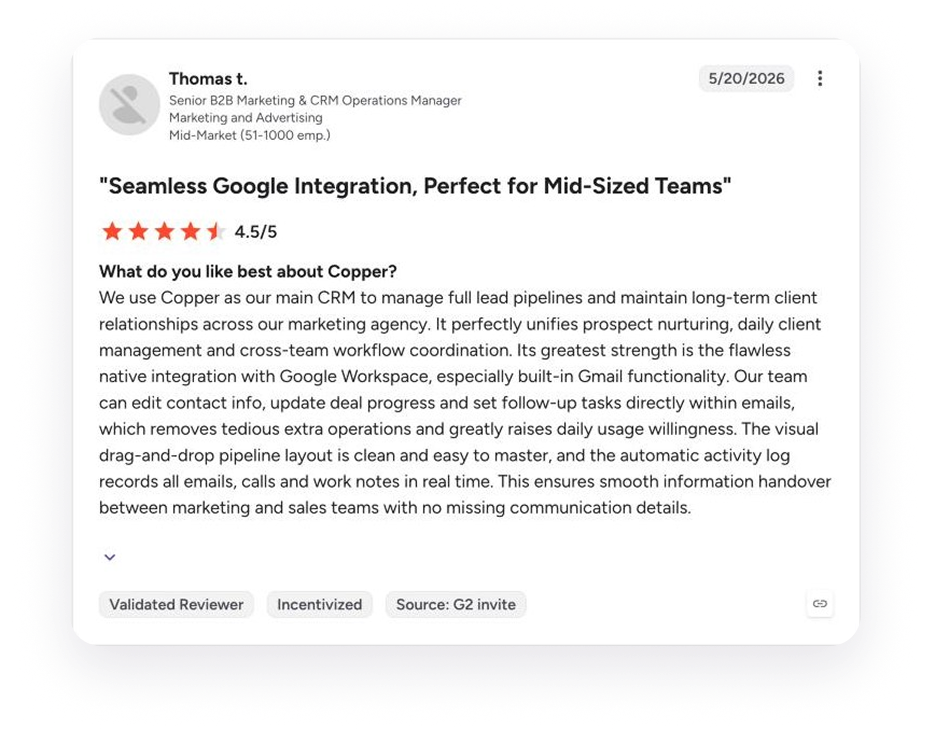
“Its greatest strength is the flawless native integration with Google Workspace, especially built-in Gmail functionality.”
Thomas T., Senior B2B Marketing & CRM Operations Manager
"Copper's real superpower for us is connection. We were pitched Copper for sales, but after going through the tutorial it was clear that we could use it to connect engagement, bidding and active project management, creating a fullcircle system."

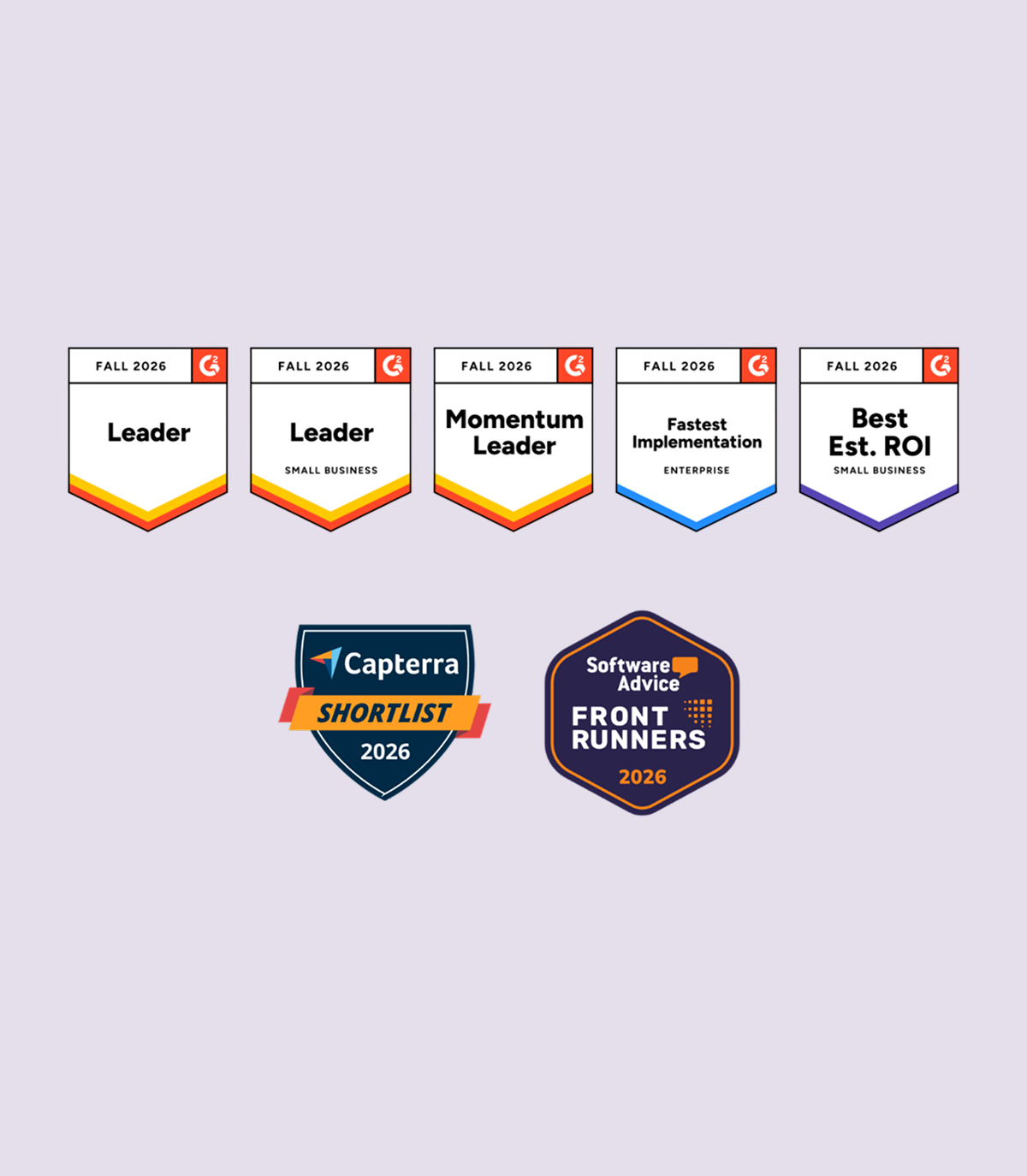
Copper is rated 4.5 out of 5 on G2 and 4.4 out of 5 on Capterra, Software Advice and GetApp. Already a Copper customer? Tell others what you think.
on G2, from 1,158 reviews. Leader, Small Business CRM, Fall 2026.
on Capterra, from 622 reviews. Capterra Shortlist 2026.
on Software Advice. FrontRunners for CRM 2026.
on GetApp user reviews.
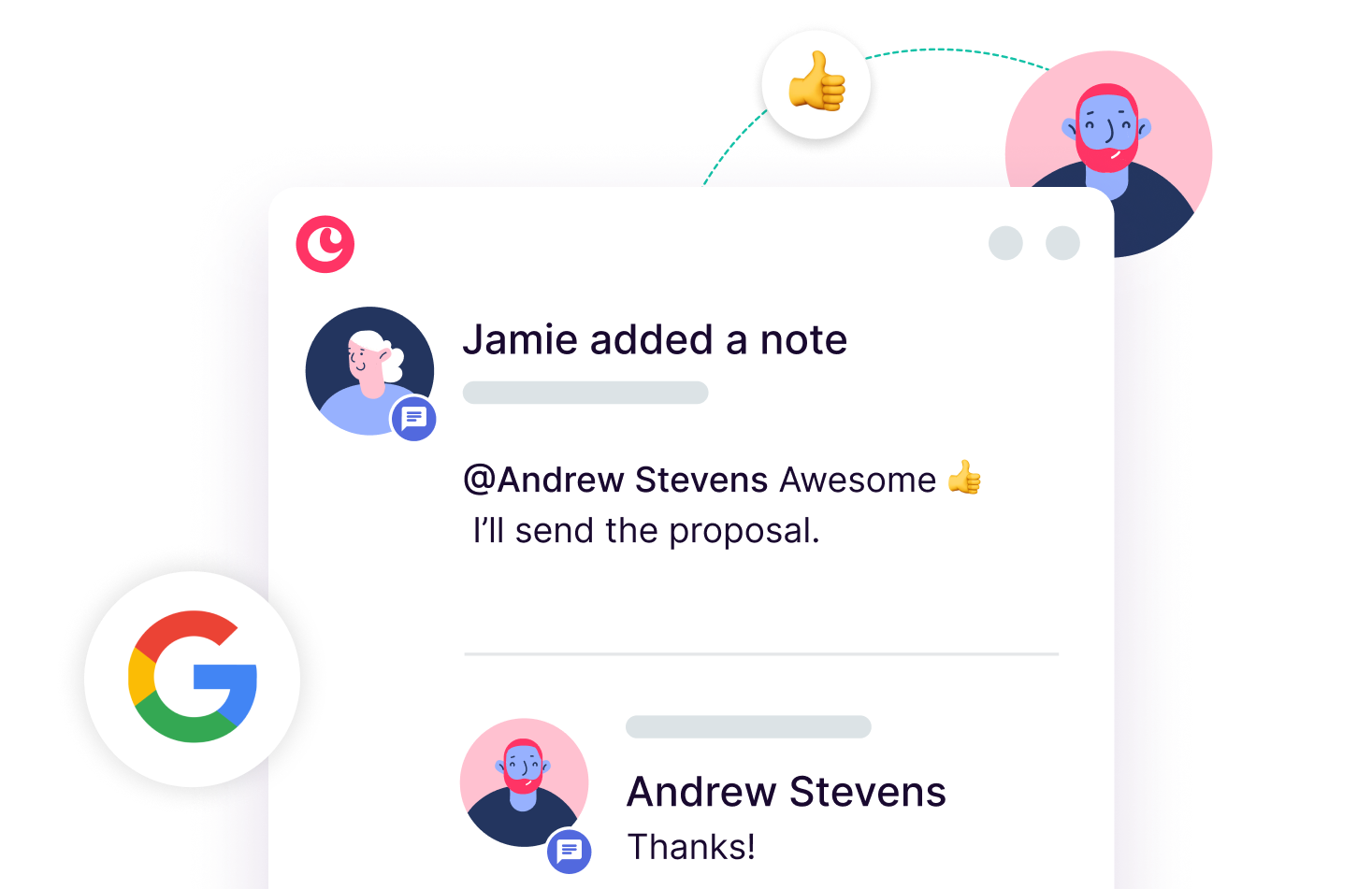
Connect your team's Google Workspace account and get immediate access to a comprehensive history of all interactions with every client.

"It took us 3 months at HubSpot and it took us 3 days to get up and running at Copper. Copper is so much easier for a small team.”

Copper holds a 4.5 out of 5 rating from 1,158 reviews on G2, and a 4.4 out of 5 rating on Capterra, Software Advice and GetApp. Reviewers most often praise its ease of use and its Gmail and Google Workspace integration, which makes Copper an especially good fit for relationship-focused businesses that already run their day in Google Workspace.
Reviewers most often name ease of use, fast onboarding, the native Gmail and Google Workspace integration, and automations that cut down manual data entry as Copper's biggest strengths. The most common requests are for more flexible custom reporting and more advanced automation options.
Copper is built for relationship-focused service businesses that use Google Workspace, such as agencies, consultants, real estate teams and professional services firms. Many of Copper's G2 reviewers are small businesses and growing mid-market teams that want a CRM their whole team will actually use.
Copper offers several plans, priced per user per month, so you can start small and add features as your team grows. Every plan starts with a free 14-day trial, and no credit card is required. Visit the Copper pricing page for current plans and prices.
You can read verified Copper CRM reviews on G2, Capterra, Software Advice, GetApp and TrustRadius. Copper also shares in-depth customer stories in its case studies.
Take Copper for a spin first. Pay and add your team later.