Construction CRM
The Gmail CRM that sits on top of the tools you already run.
Know who you bid to, who owes you a call, and who sends the next job.











Know who you bid to, who owes you a call, and who sends the next job.









Trusted by contractors and builders
who run on Google Workspace

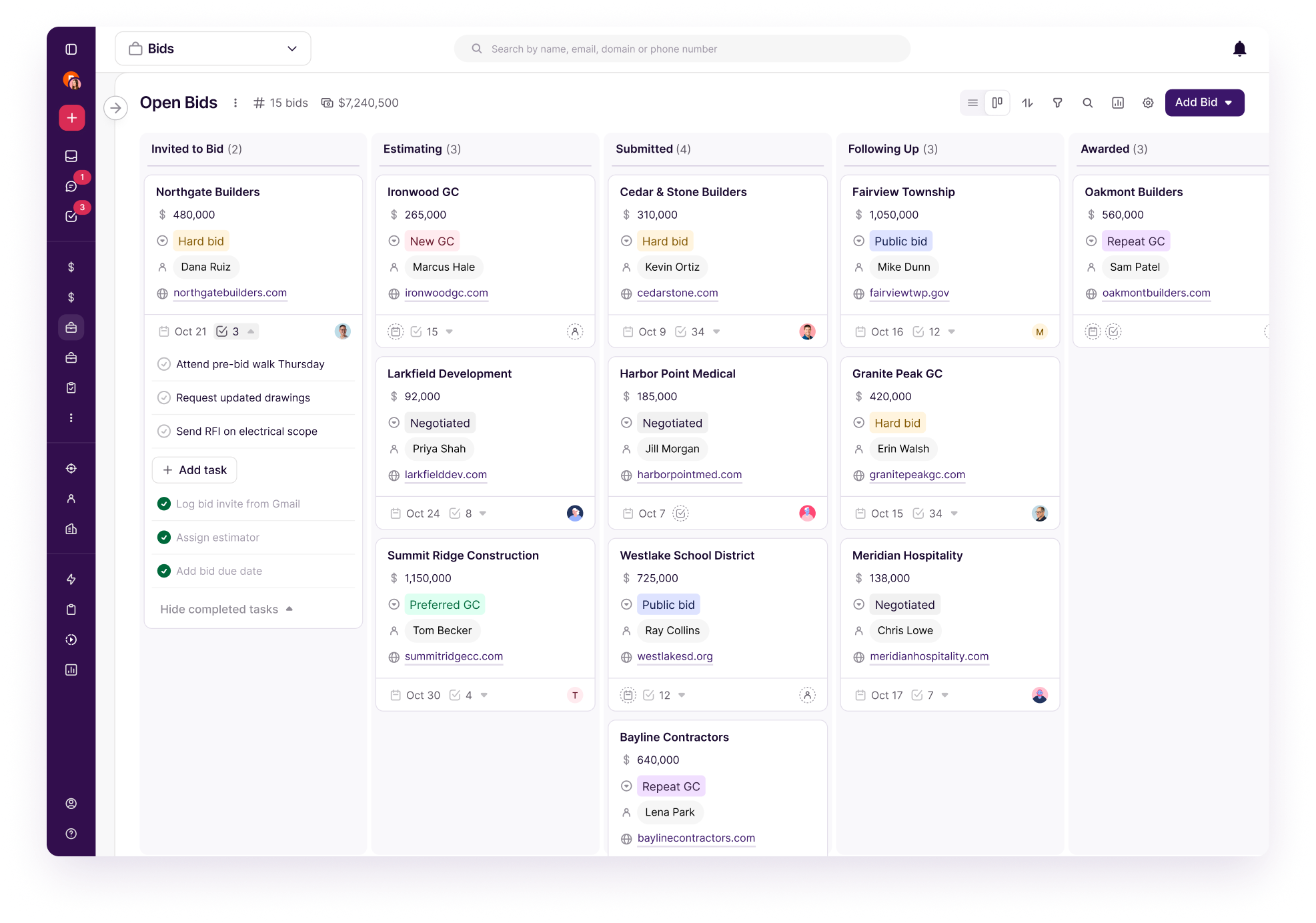
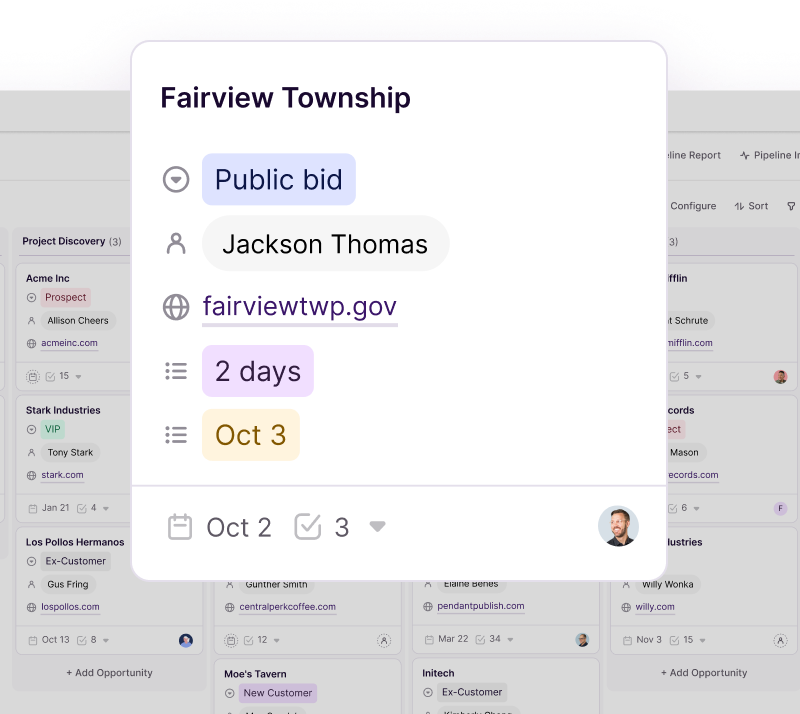
Track every bid by stage and GC before it ever becomes a job in your project management software.

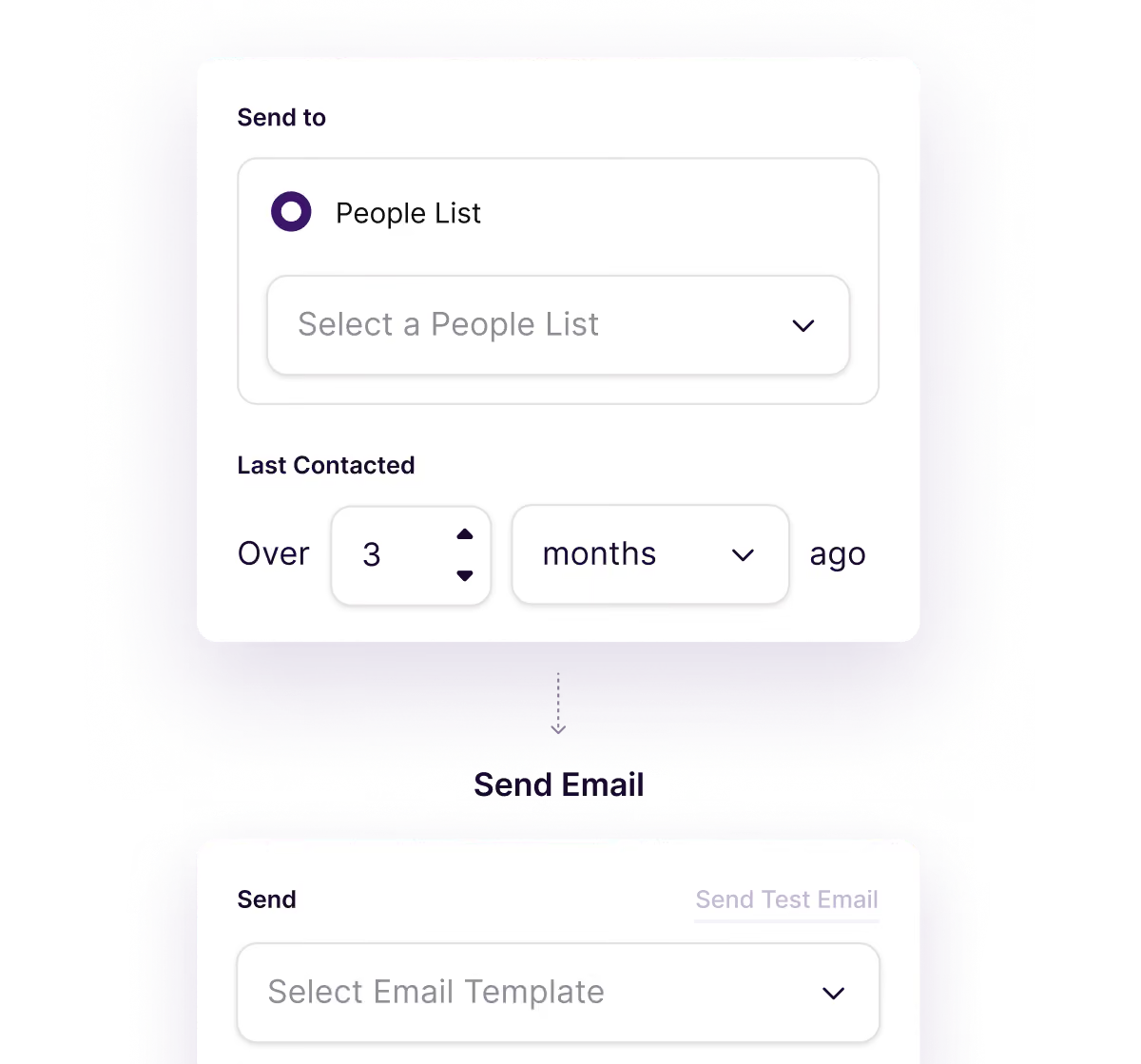
Copper nudges quiet GCs and past clients from your Gmail, so the next job doesn't depend on someone remembering.

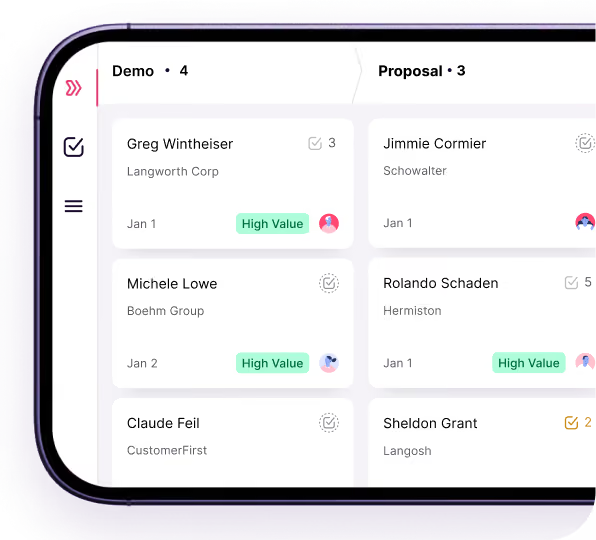
Owners and PMs see every bid and client from their phone, on the jobsite or between meetings.
Keep Procore or Buildertrend for the build{{bullseye}}ServiceTitan or Jobber for dispatch{{bolt}}and QuickBooks for the books.{{mug}}Add Copper for bids, GCs and repeat clients.{{copper}}
"Copper made us stronger as a team and it’s strengthened the culture we have around our customers, the importance of teamwork and the importance of collaboration."

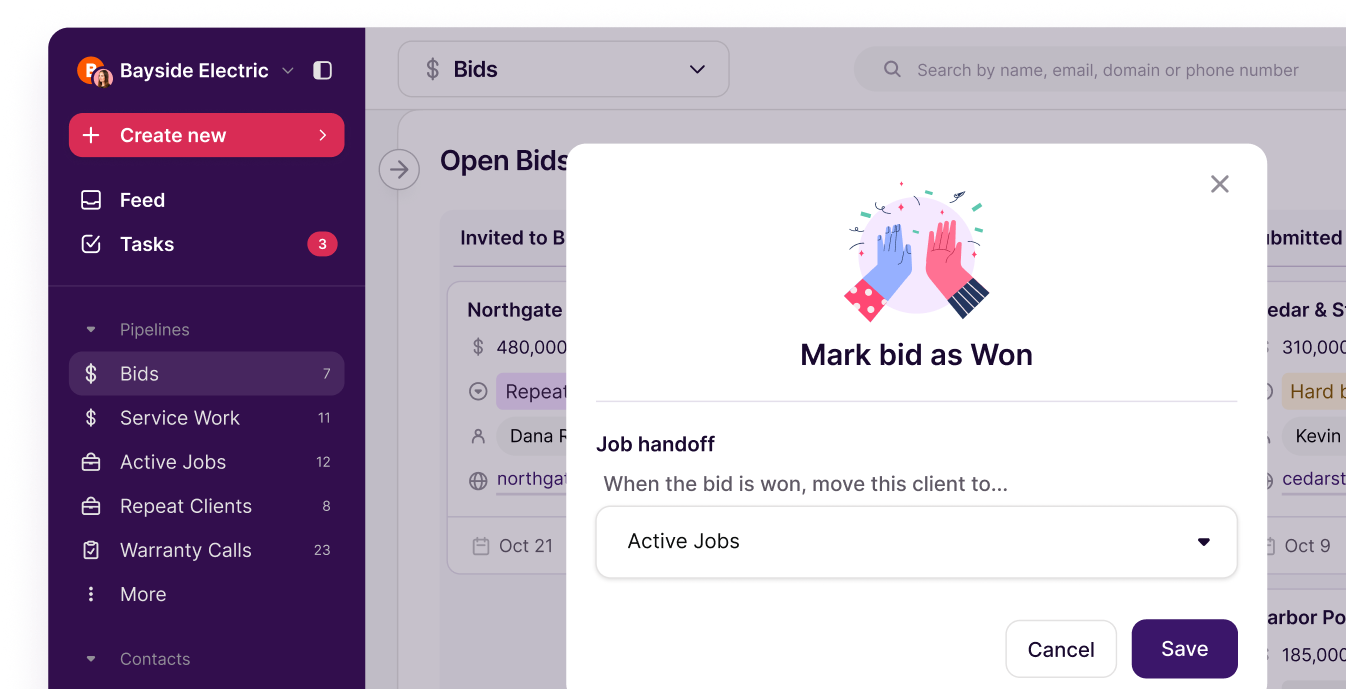
When a bid is won, move it to a project with emails, files and notes attached, so operations starts with everything sales knew.
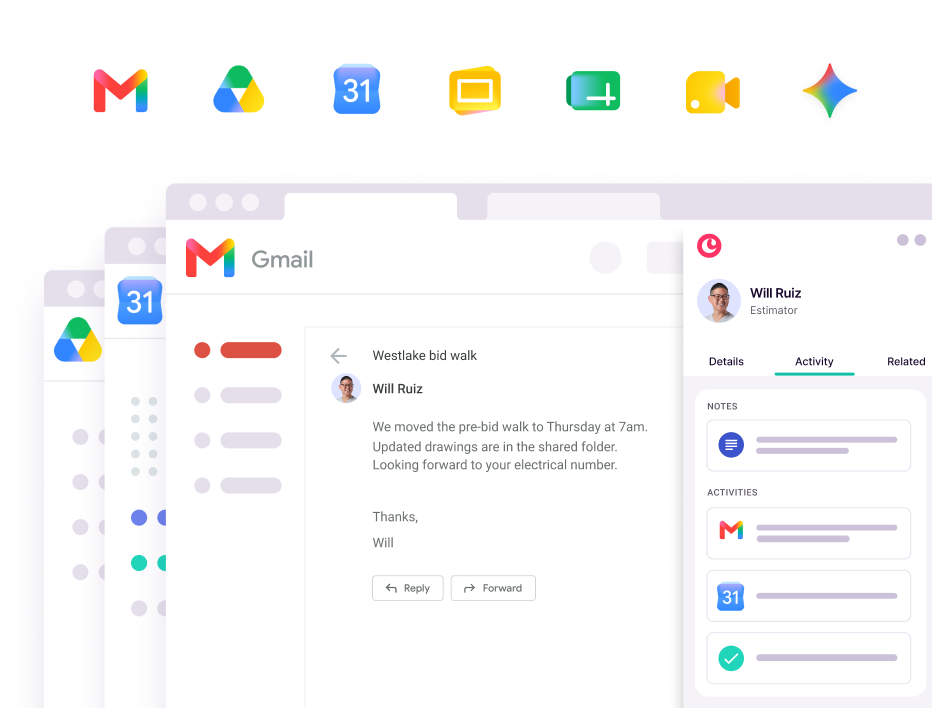
Copper lives in Gmail and Calendar, so emails and meetings log themselves to the right client.
Bids involve a lot of people and a lot of paper. Copper connects them all to the right record so nothing slips.
Use a template to set up bid and project stages, then adjust them to match how your team works.


"The team adopted it really, really quickly. I've had no pushback."


Copper fits next to the tools that run your jobs. Live in days, not months.


Get notified when a bid or a job handoff needs your attention.

Break each handoff into tasks and assign them to the right person.

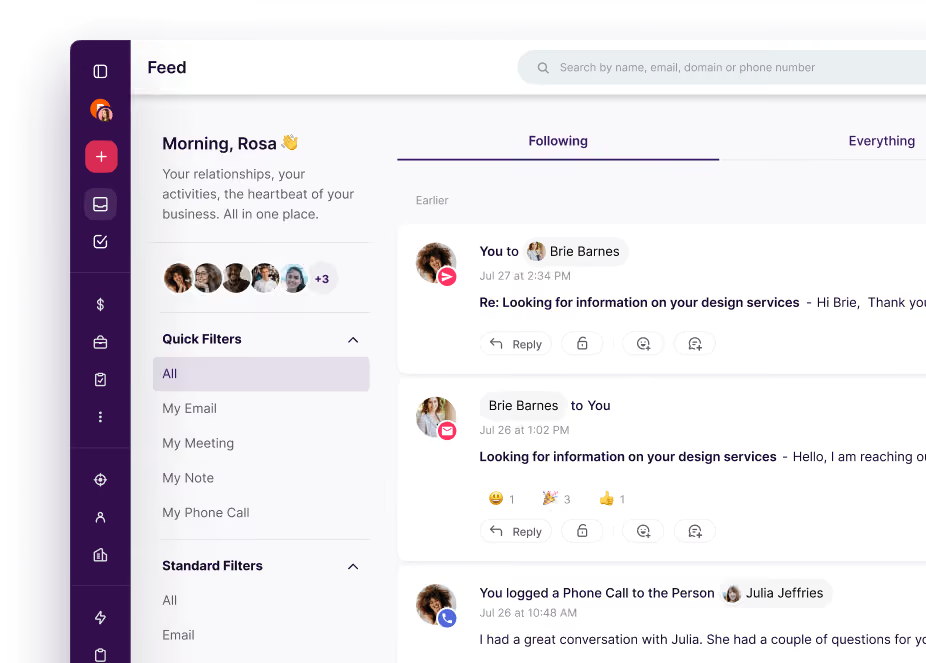
A live feed of every email, call and bid update across the team.

Track trade, project size, bid due dates and anything else your process needs.
Save bid and client emails as templates and send them from Gmail or your phone.

Tap to call or text from Copper, then log it with one click.
No. Copper is the bid and relationship layer that sits next to them. Keep your project management and field service software for the build and dispatch, and use Copper for the bids, GCs, architects and repeat clients those tools aren't built to track.
Most teams are live in days, not months. Connect your Google Workspace account and Copper pulls in your existing email and calendar history with every client. Because activity is captured from Gmail automatically, nobody has to key it in by hand.
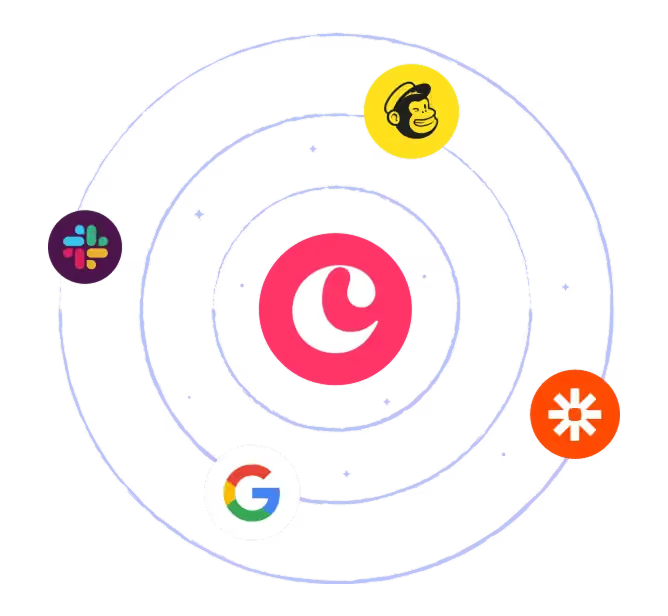
Yes. Copper connects with QuickBooks, JustCall, DocuSign, PandaDoc, Slack and more, and offers an open API for anything else your team runs.
Yes. Create a separate pipeline for each trade, division or operating unit, each with its own stages, while leadership sees everything in one place. Egan Company runs a pipeline for each of its operating units in Copper.
Every bid gets its own record and a follow-up date, from invite to award. Copper links the related emails, files and calls from Gmail automatically, and you can set reminders and automated follow-up emails so a submitted number doesn't sit.
Book a demo for your team, or try Copper free for 14 days. No credit card.