Best CRM for marketing agencies
From pitch to project, finally connected.
The bigger your agency team gets, the easier it is to forget a follow-up. Copper doesn't.











The bigger your agency team gets, the easier it is to forget a follow-up. Copper doesn't.









Copper is trusted by creative
agencies big and small
Copper helps agencies attract more clients,{{people}}streamline communication{{bullseye}}and deliver projects effortlessly.{{mug}}

"With Copper, there was almost no setup time since it worked with Gmail. Plus, there were all these integrations that we could use right away. We were sold."

"Copper's real superpower for us is connection. We were pitched Copper for sales, but after going through the tutorial it was clear that we could use it to connect engagement, bidding and active project management, creating a fullcircle system."

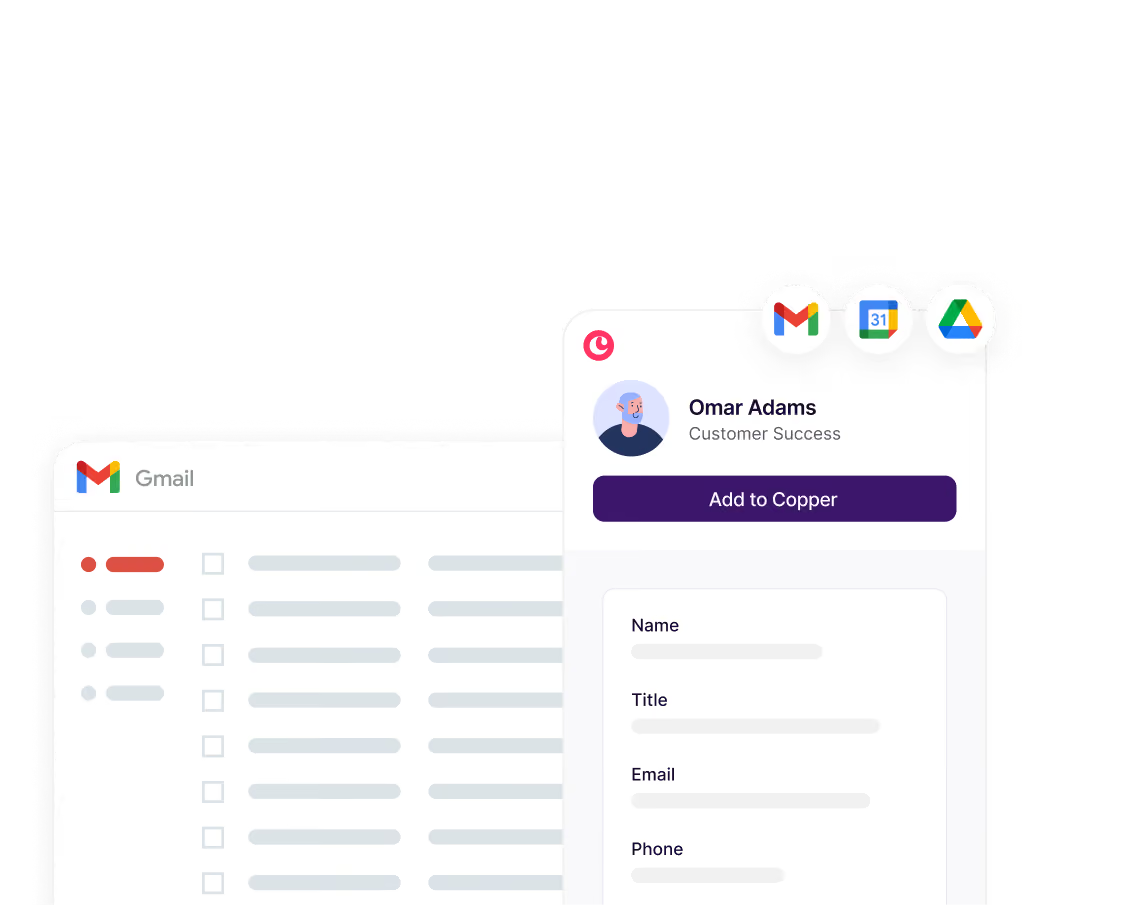
Connect your agency's Google Workspace account and get immediate access to a comprehensive history of all interactions with every client.

"It took us 3 months at HubSpot and it took us 3 days to get up and running at Copper. Copper is so much easier for a small team.”

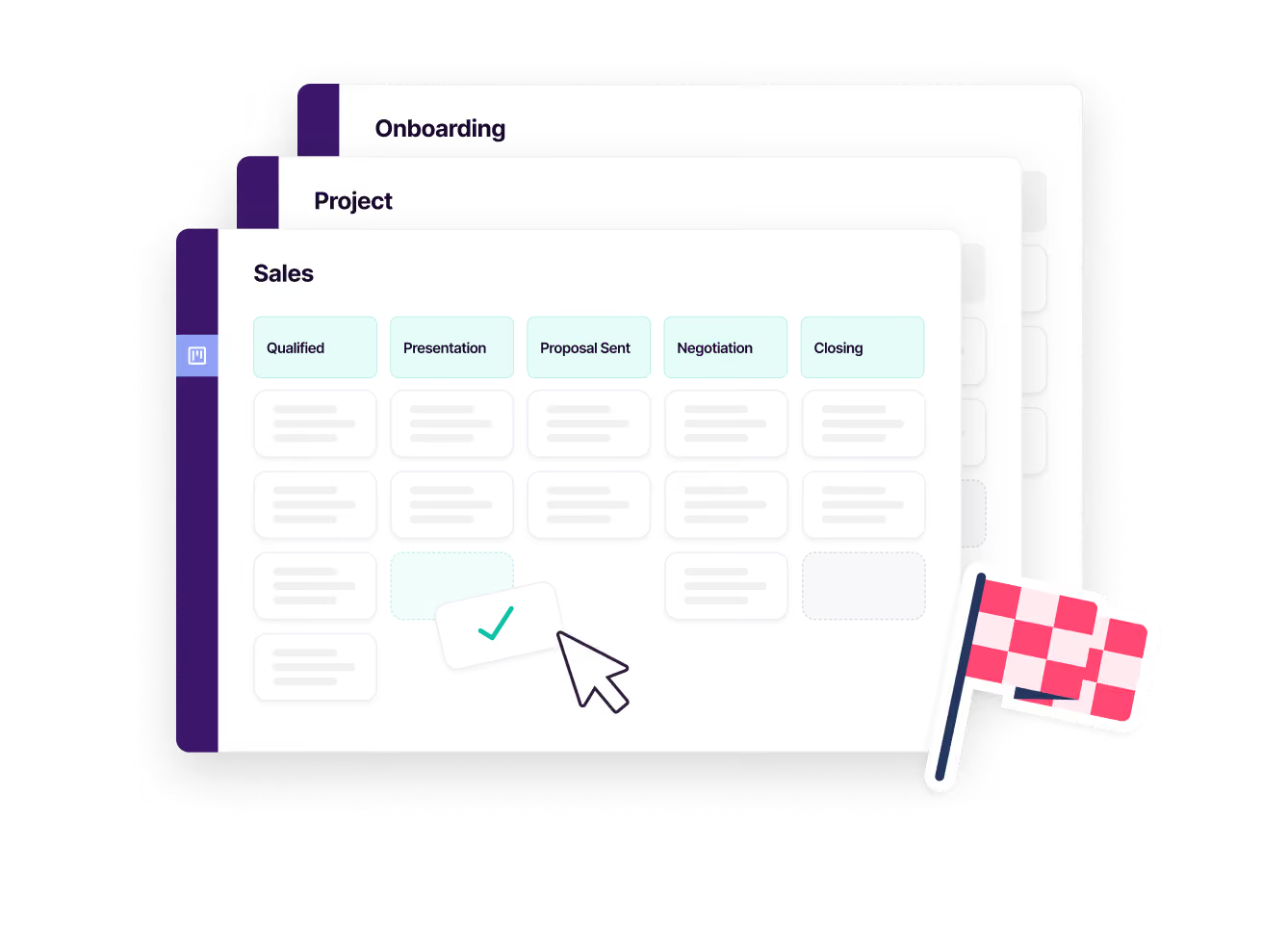
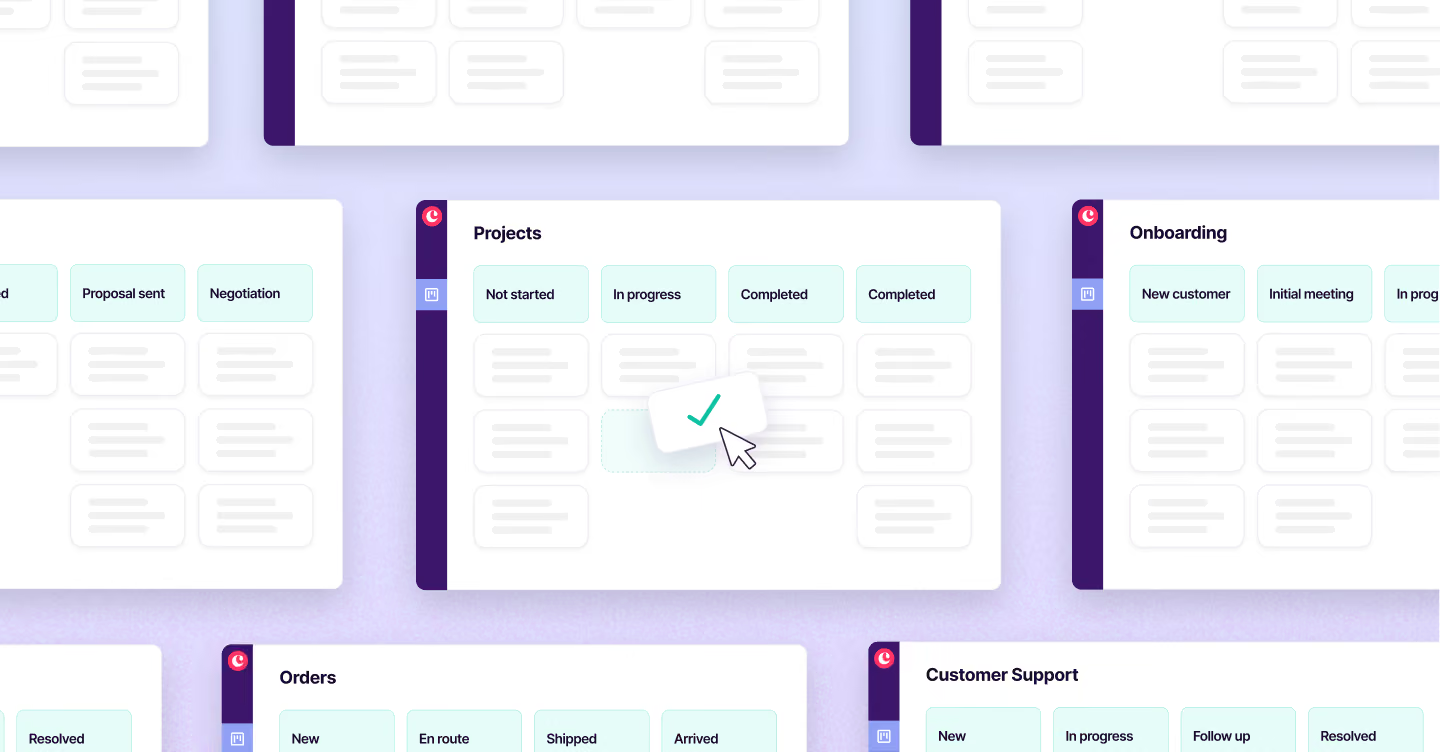
In Copper you can run Opportunity Pipelines and Project Pipelines side by side, each with its own fields, so your new-business team, your delivery leads, and your account managers get views built for how they actually work instead of one generic list everyone has to squint at. Team permissions and visibility settings (on our Professional plan and up) mean an account lead sees their clients and leadership sees everything, without anyone building a deck to prove it. Pipeline Reports and Activity Reports do the same for the numbers: deal volume, stage movement, team activity, all live, so nobody's copy-pasting into a status doc on a Friday afternoon. Agencies like Kontent Partners already run this way: one system connecting bidding, delivery, and account growth instead of three tools that don't talk to each other.
Copper's activity feed gives every team member real-time visibility into all client interactions (emails, calls, meetings, notes, and tasks) all in one place. Because Copper integrates directly with Gmail, Google Calendar, and Google Drive, communications are automatically logged without anyone having to manually update the system. This means an account manager, a project lead, and a founder can all look at a client record and instantly understand the full history of that relationship without chasing each other down for updates.
Every client gets one record with the full history attached — emails, calls, files, notes — so when an account lead is out sick or a client gets reassigned, whoever picks it up isn't starting from a cold read of someone else's inbox. Saved filters and tags let each account lead work their own slice of 30+ clients without wading through everyone else's. And because Gmail and Calendar sync automatically, nobody's manually logging activity just so the record stays current. Agencies like Campfire Labs use Copper specifically to get rid of that manual upkeep across a growing client list.
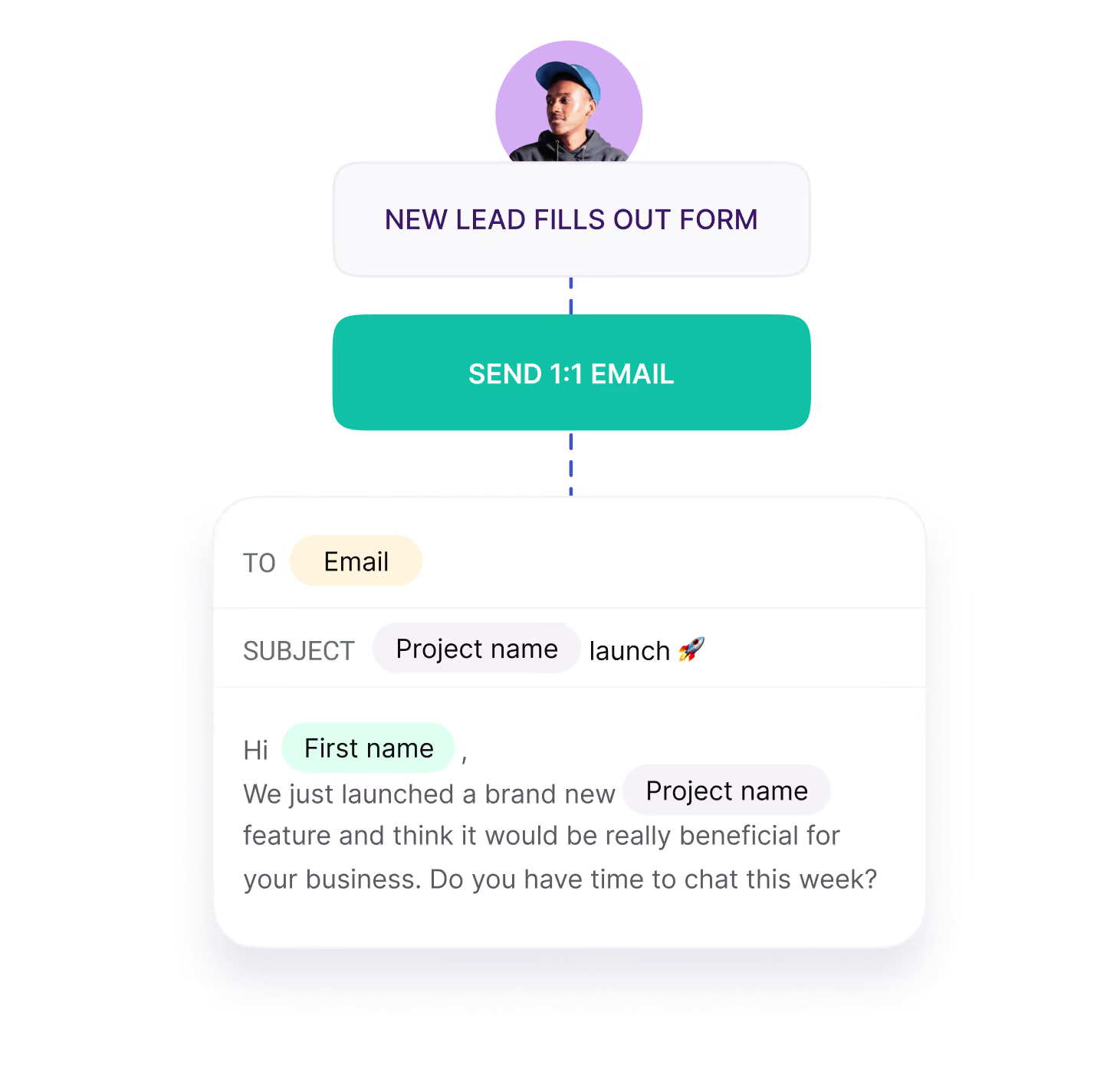
Yes, Copper lets you automate repetitive tasks like sending follow-up emails, creating check-in tasks, or triggering a welcome message when a new project kicks off. For example, you can set Copper to automatically create a follow-up task whenever a proposal is sent, or send a project wrap-up email one week after delivery without anyone having to remember to do it. This frees your team to focus on creative work and client relationships rather than administrative overhead.
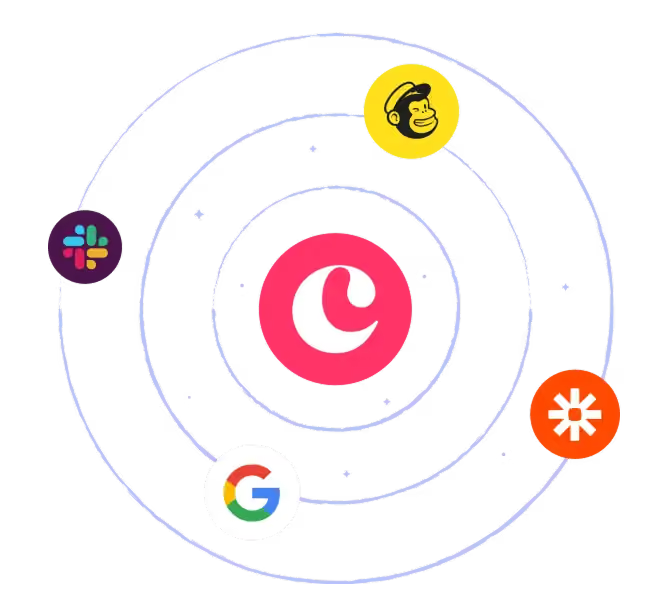
Yes, Copper integrates with QuickBooks for finance and billing visibility, Mailchimp for email marketing with a two-way contact sync, DocuSign for sending proposals and contracts directly from within Copper, and Slack for team notifications, among many others. The goal is that Copper sits at the center of your agency's workflow without forcing you to abandon the other tools your team already relies on. All the integrations are designed to connect in one click, with no technical setup required.
Take Copper for a spin first. Pay and add your team later.