
Get your CRM up and running in days, not weeks (or months)
Connect your team's Google Workspace accounts first. Copper then pulls in contact information and email conversations, and layers on productivity tools directly in your inbox and calendar.




















"With Copper, there was almost no setup time since it worked with Gmail. Plus, there were all these integrations that we could use right away. We were sold."


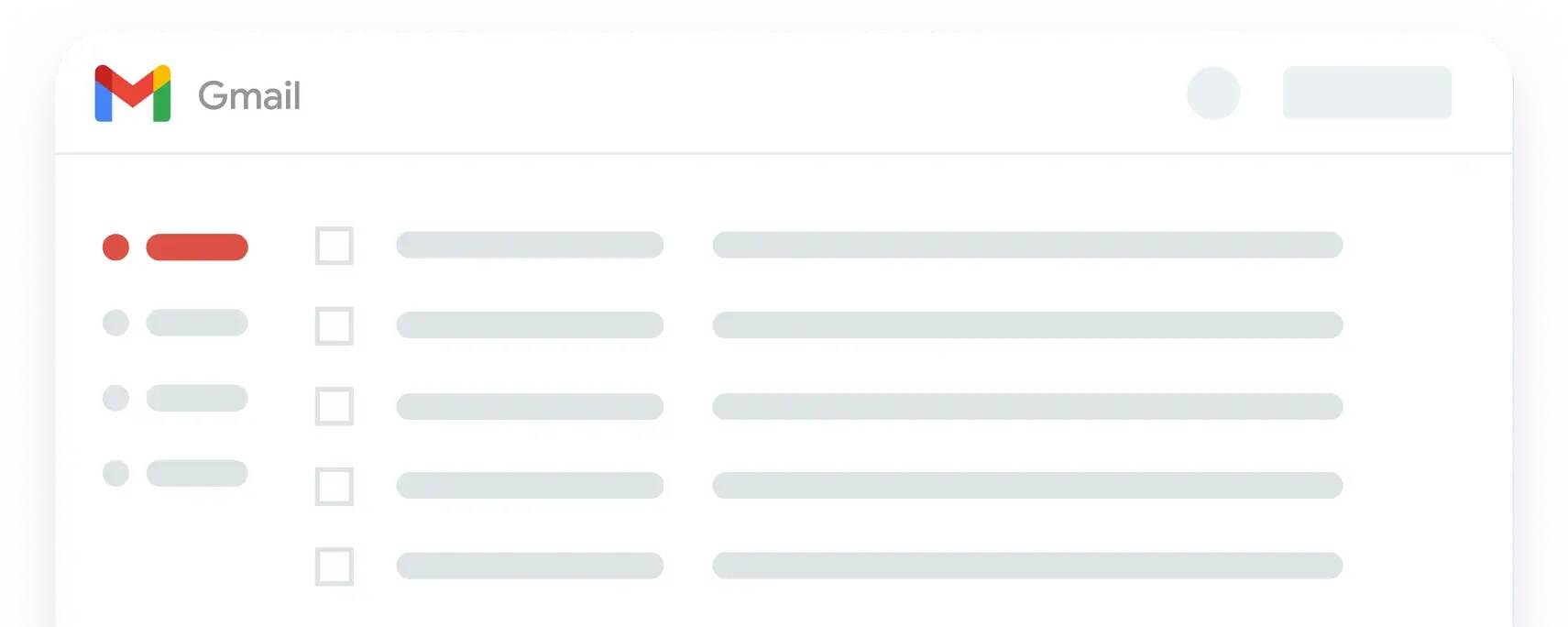
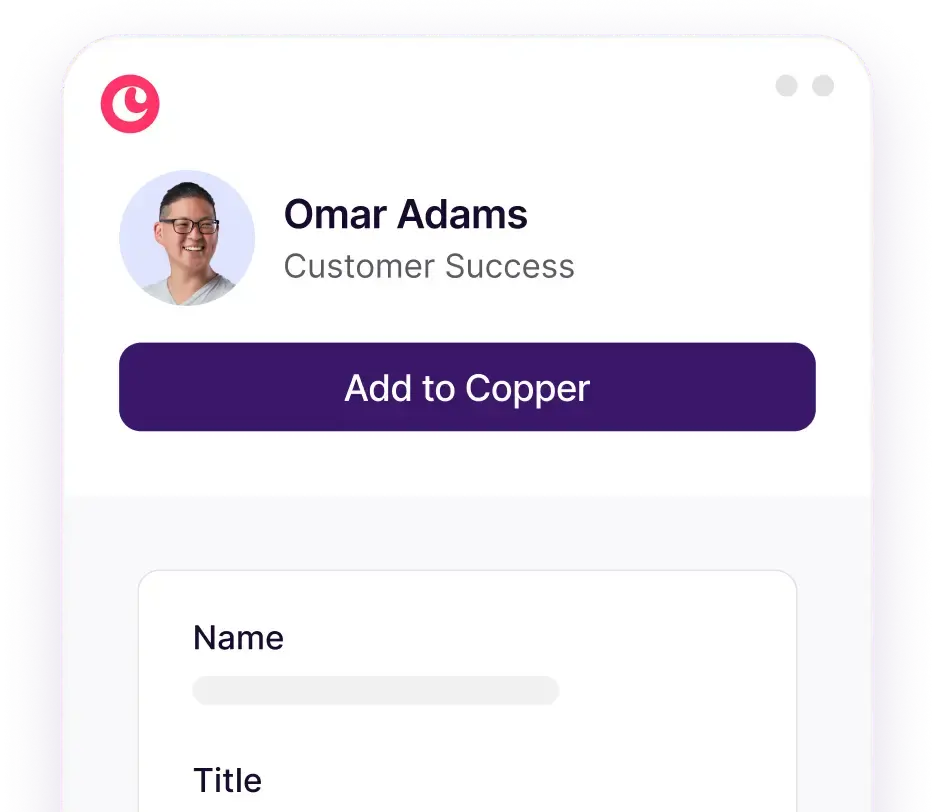
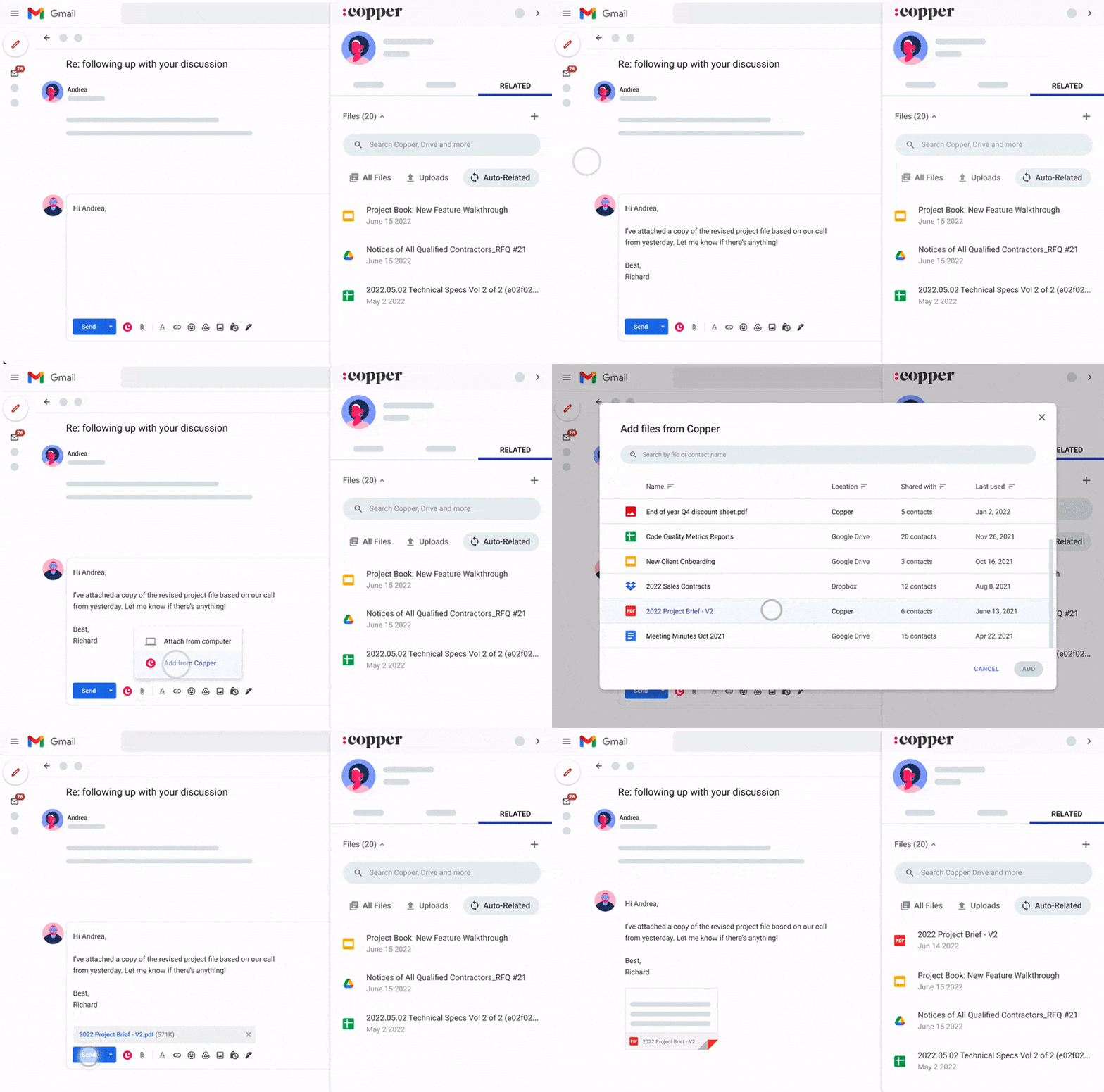
Gmail & CRM together at last! Add contacts directly from Gmail with our Chrome extension. Hover over any contact for rich, contextualized communication and activity details. See CRM reminders and tasks alongside your inbox. Speed up email responses with AI templates, automations, merge fields, or Gemini quick replies.

Add new leads and update old ones based on your email interactions, Google Contacts and Copper suggestions. Manual data entry is a thing of the past.


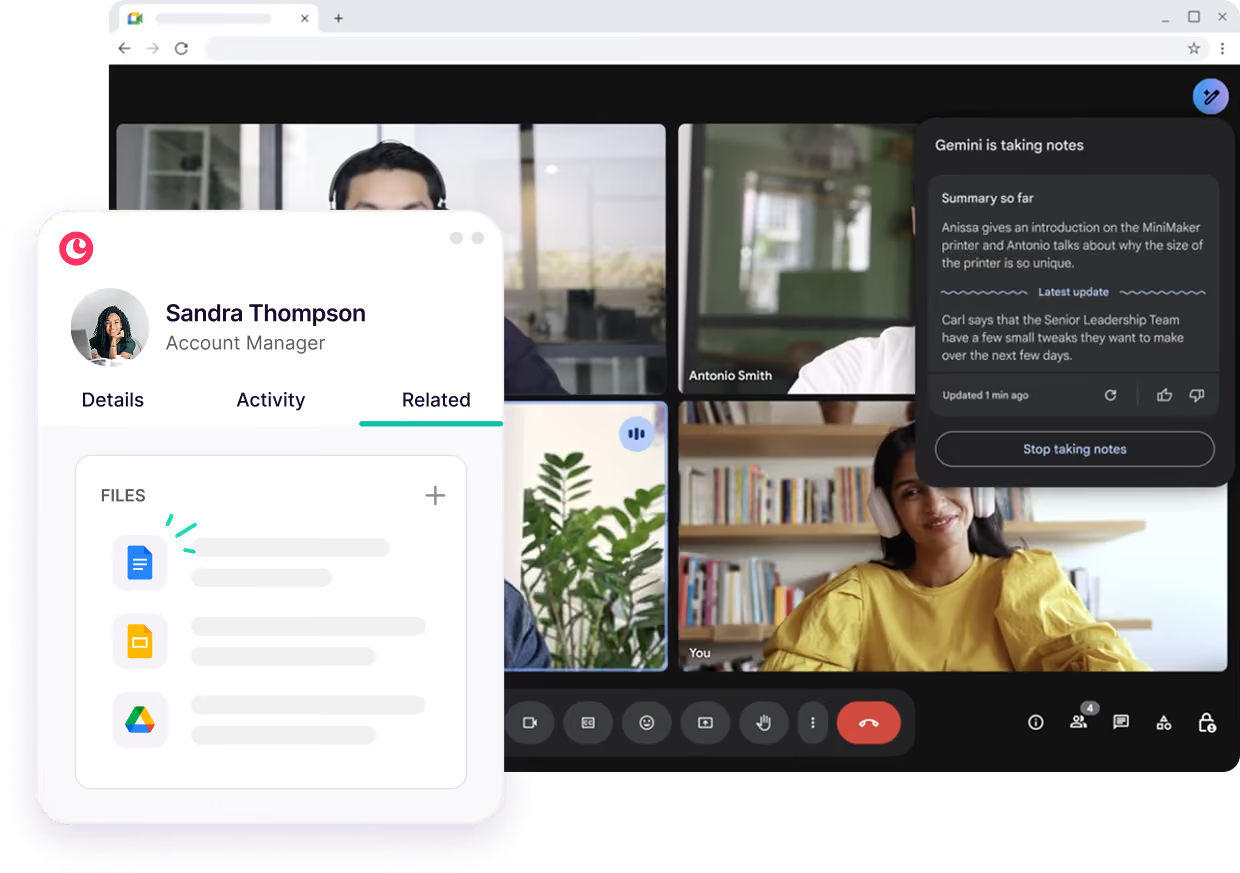
Your Google Calendar gets a makeover too. You can look up event details, customer interactions, and materials directly from Google Calendar without breaking your workflow. Use Gemini to record and transcribe your meetings, then add the transcript to Copper in one click.

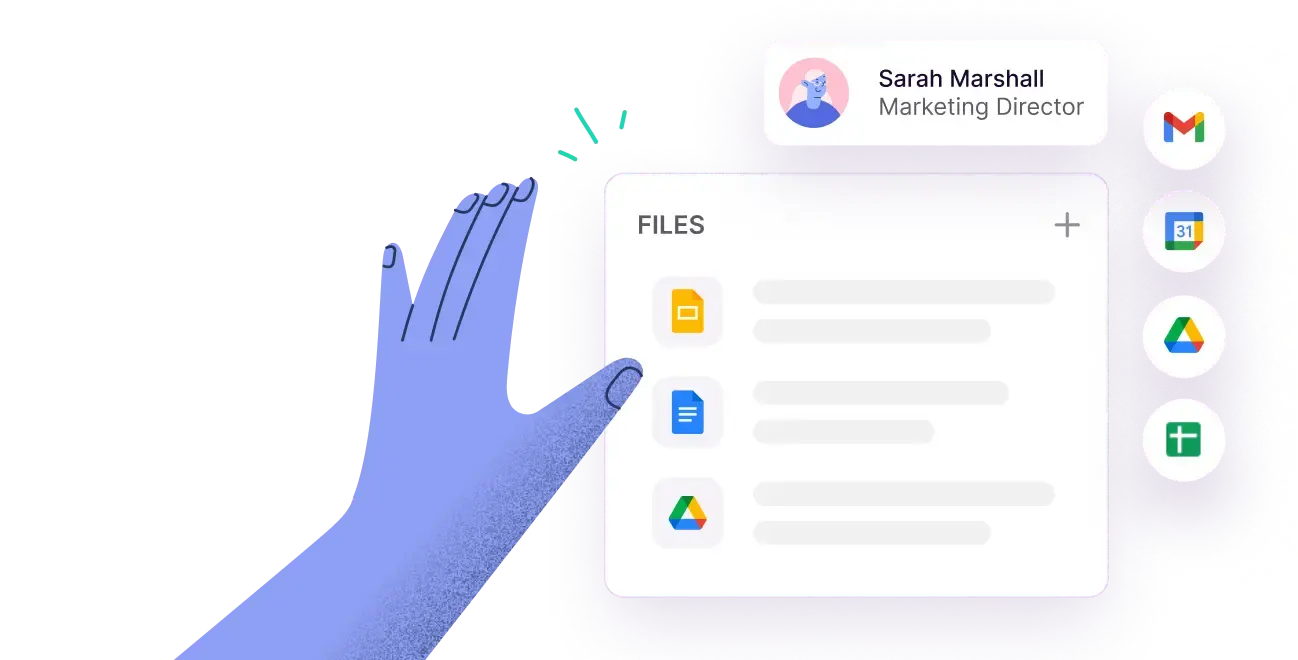
Have Gemini draft your presentations, proposals and contracts in Google Docs. Once you send, Copper will automatically sync documents to your contact records. Quickly surface customer files across company and deal records, and easily attach suggested files in Gmail based on your email activity.

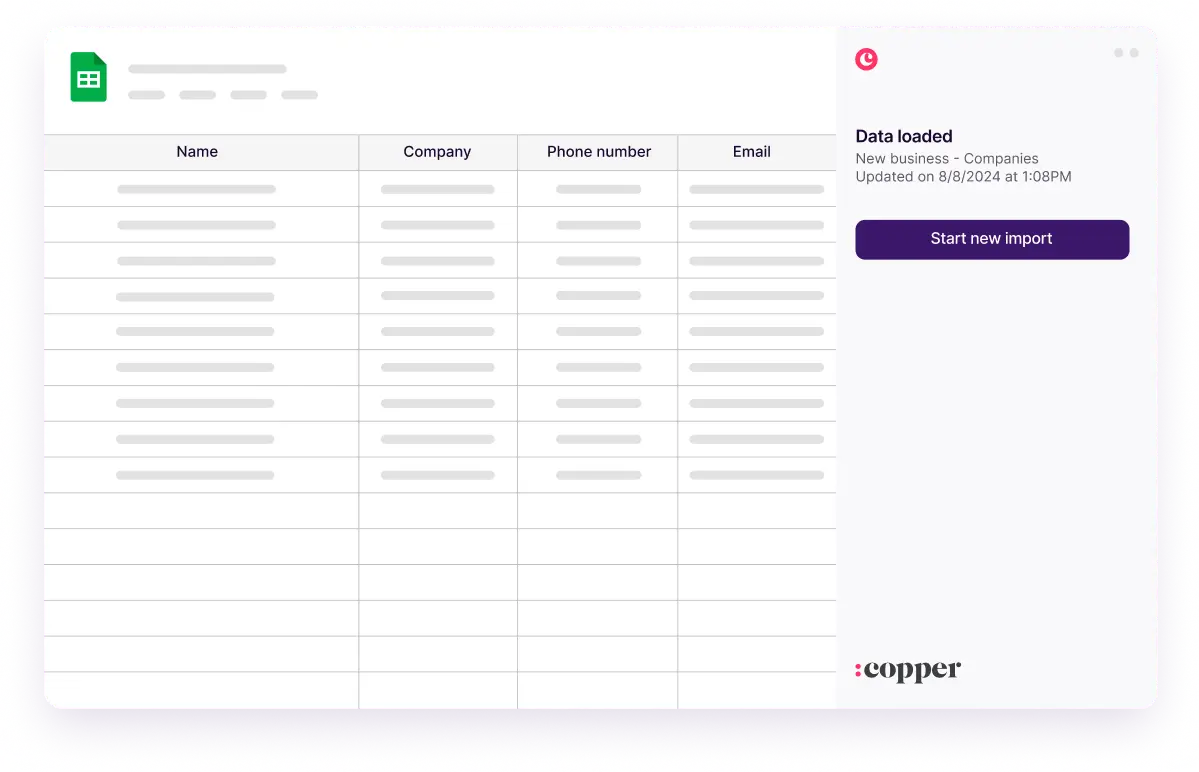
Export any data from Copper directly to Google Sheets via the custom report builder. Use Google Gemini to build charts and summarize information. You can also connect to Google Looker Studio to visualize Copper data alongside other data sources.



Keep focused with AI-suggested follow-ups inside Gmail. Meeting recordings and transcripts can be added to Copper in one click, keeping your records rich and up to date. Need a snapshot of your pipeline or customer activity? Use Gemini to summarize and visualize Copper CRM data in Google Sheets, with no manual formatting required.

"Copper keeps track of all correspondence with your customers. It also sends you reminders via email and allows you to email your work colleagues. The layout is very user-friendly, and the information is accessible."
"Copper CRM helps keep me focused and organized with my business. The pricing is fair and customer service has been great too. I've used it since 2016...and highly recommend it!"
"I love the fact that it integrates perfectly with Google Workspace. This has been an amazing experience for me since I’m always using Gmail, Drive, and Calendar."
"Got introduced to Copper for a CRM and it's chef's kiss. It naturally integrates with Google Workspace and has a cute little inbox plug in."
"As a small business I love that Copper can keep my emails and tasks organized. The large CRM platforms were too much. As my day is all email, Copper is just what I need."
"I love the Google plugin. My business uses Google Workspace for just about everything we do, and the Copper + Google Workspace integration is fantastic."
"Great CRM for Gmail users. Copper's unique angle is that it is tightly integrated with Gmail - so as you're emailing contacts, you can easily add those people and opportunities into your CRM. This makes it very easy to use which saves a lot of time and makes CRM updates less of a chore."
"The Gmail integration is my favorite Copper feature. It makes it easy to add new leads, people, etc... I also love the task tool and how it integrates with Gmail and Calendar."
"Copper CRM piggy backs right on top of Gmail in a seamless way."
"Copper CRM helps keep me focused and organized with my business. The pricing is fair and customer service has been great too. I've used it since 2016...and highly recommend it!"
"The Gmail integration is my favorite Copper feature. It makes it easy to add new leads, people, etc... I also love the task tool and how it integrates with Gmail and Calendar."
"I love the Google plugin. My business uses Google Workspace for just about everything we do, and the Copper + Google Workspace integration is fantastic."
"As a small business I love that Copper can keep my emails and tasks organized. The large CRM platforms were too much. As my day is all email, Copper is just what I need."
"I love the fact that it integrates perfectly with Google Workspace. This has been an amazing experience for me since I’m always using Gmail, Drive, and Calendar."
"Copper keeps track of all correspondence with your customers. It also sends you reminders via email and allows you to email your work colleagues. The layout is very user-friendly, and the information is accessible."
"Got introduced to Copper for a CRM and it's chef's kiss. It naturally integrates with Google Workspace and has a cute little inbox plug in."
"Great CRM for Gmail users. Copper's unique angle is that it is tightly integrated with Gmail - so as you're emailing contacts, you can easily add those people and opportunities into your CRM. This makes it very easy to use which saves a lot of time and makes CRM updates less of a chore."
"Copper CRM piggy backs right on top of Gmail in a seamless way."
Take Copper + Google Workspace for a spin first. Pay and add your team later.