
Solar sales have more moving parts than most. A homeowner fills out a form on Monday, your setter books a consult, a closer pitches the system, the design team sizes it, someone pulls permits, the utility takes its sweet time on interconnection, and three months later a crew bolts panels to the roof. Then the homeowner refers their neighbor, and the whole thing starts again.
Somewhere in that chain, details go missing. The utility bill lives in one inbox, the site survey photos in another, and the follow-up reminder in someone's head. A solar CRM is how you keep it all in one place.
Below we'll cover what a solar CRM actually does, the features worth paying for, and the five best solar CRMs for installers in 2026, from solar-specific platforms to flexible options that fit how your team already works.
Key takeaways
- A solar CRM tracks every lead, deal and project from first contact through permission to operate (PTO) and beyond.
- The must-haves are lead management, a visual pipeline, automatic email logging, a clean sales-to-operations handoff and a mobile app.
- Solar-specific platforms like Sunbase and Shape come with built-in proposals, dialers and canvassing tools.
- Flexible CRMs like Copper, HubSpot and Salesforce can be set up around your process, and they're often easier to adopt.
- If your team runs on Google Workspace, a CRM that lives in Gmail will get used, which is the whole point.
What is a solar CRM?
A solar CRM is customer relationship management software set up for how solar companies sell and deliver: lead capture, consultations, site surveys, design, proposals, permitting and installation.
The difference from a general CRM is the data it tracks. Alongside names and emails, a solar CRM holds things like:
- Utility bills and annual usage
- Roof details and system size in kW
- Financing type, incentives and rebate eligibility
- Permit, interconnection and PTO status
Some tools build this in out of the box. Others let you add it with custom fields and pipeline stages.
Why solar installers need a CRM for their business
Nobody wakes up wanting new software. Installers usually go looking for a CRM after one of these starts costing them deals:
- Leads from the website, referrals and door knocking land in three different places, and some never get a call back.
- The deal tracker is a spreadsheet only one person really understands.
- Follow-ups depend on someone remembering, and that someone is on a roof.
- Sales closes a job and ops finds out from a forwarded email with half the details.
- Leadership can't answer "how many deals are stuck waiting on permits?" without a 30-minute scavenger hunt.
A good CRM for solar fixes those problems directly:
- Every lead in one place, with the source attached so you know which channels pay off.
- Faster follow-up, with reminders and automations that don't rely on memory.
- A clear view of every deal, from first call to PTO.
- Cleaner handoffs between sales, design and installation.
- More referrals, because happy customers are easy to find and thank.
Key features to look for in solar CRM software
Solar businesses have a longer, more technical sales process than most. These are the features that separate a useful solar CRM from a glorified address book.
Lead and opportunity management
Capture leads from web forms, referral partners, events and canvassing, and sort them before they go cold. Look for custom fields that hold solar details on the lead itself, such as average monthly bill, roof type, shading, utility and rebate eligibility, so your closer walks into the consult already knowing the basics.
Sales pipeline tracking
A visual pipeline shows every deal by stage: consultation, site survey, proposal, contract, installation. Drag a deal forward and everyone sees it move. When the owner asks how many signed contracts are waiting on a site survey, the answer is one click away.
Email and communication logging
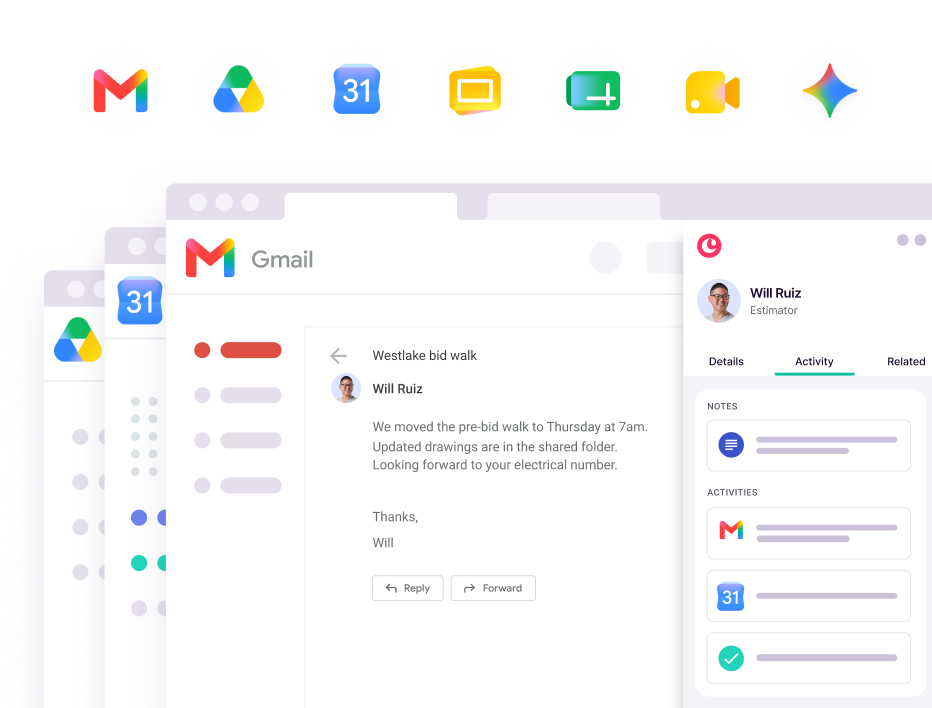
Emails, calls and notes should save to the customer record automatically. That ends the classic "who talked to this homeowner last?" debate, and it means anyone can pick up the thread when a rep is out or moves on. If your team works in Gmail, look for a CRM that logs activity right from the inbox so nobody has to copy and paste.
Project management and handoff
Closing the deal is the halfway point. After the contract comes the site survey, engineering, permits, utility approval, installation scheduling, inspection and PTO. Your CRM should track those milestones so the deal doesn't fall into a gap between sales and operations.
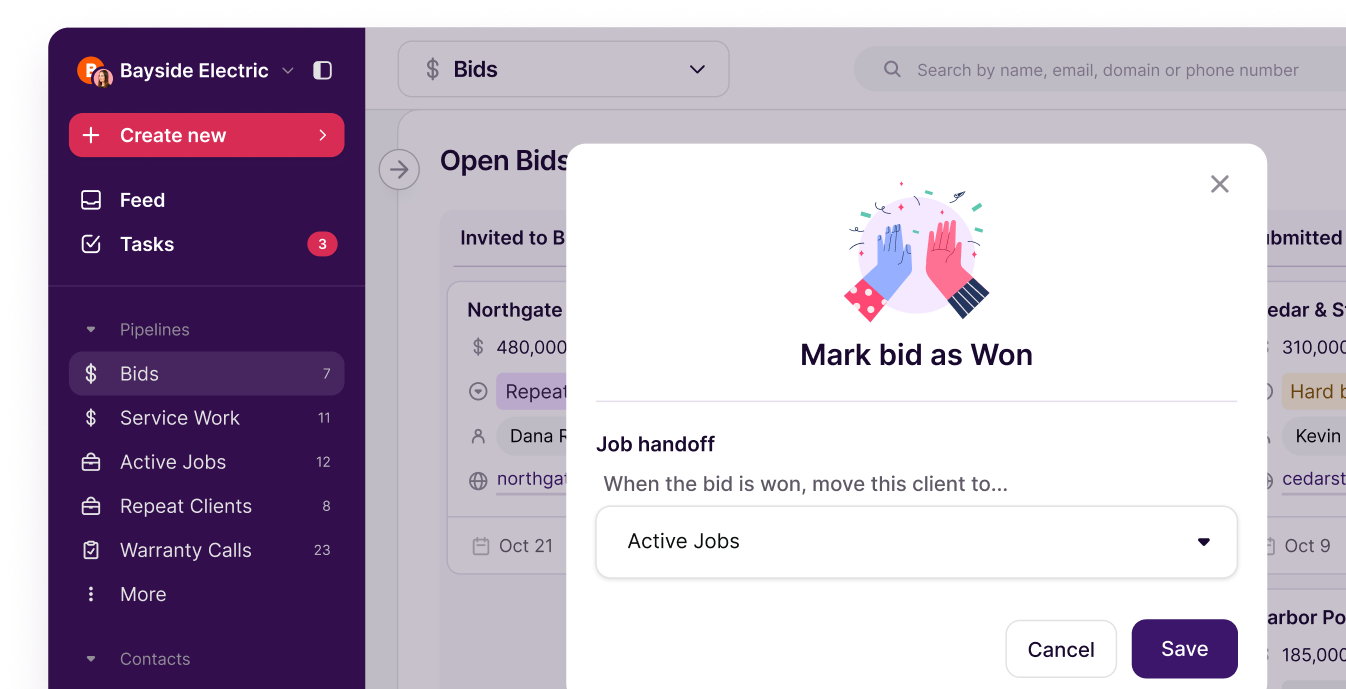
The best setups move a won deal straight into an operations pipeline with every note, document and promise attached. Your install team shouldn't have to call the closer to ask what was sold.
Integrations with solar design and proposal tools
Your CRM doesn't need to size the system itself, but it should play nicely with whatever does. Common connections include solar design and proposal tools, e-signature, financing partners, accounting software like QuickBooks and your calendar. Native integrations are ideal. Zapier or an open API can fill most of the gaps.
Reporting and analytics dashboards
You don't need a data team. You need a few clear numbers: close rate, average time from consult to contract, deals by stage and revenue by lead source. If you can see which reps and channels are working, you can spend more on what's working.
Mobile and field access
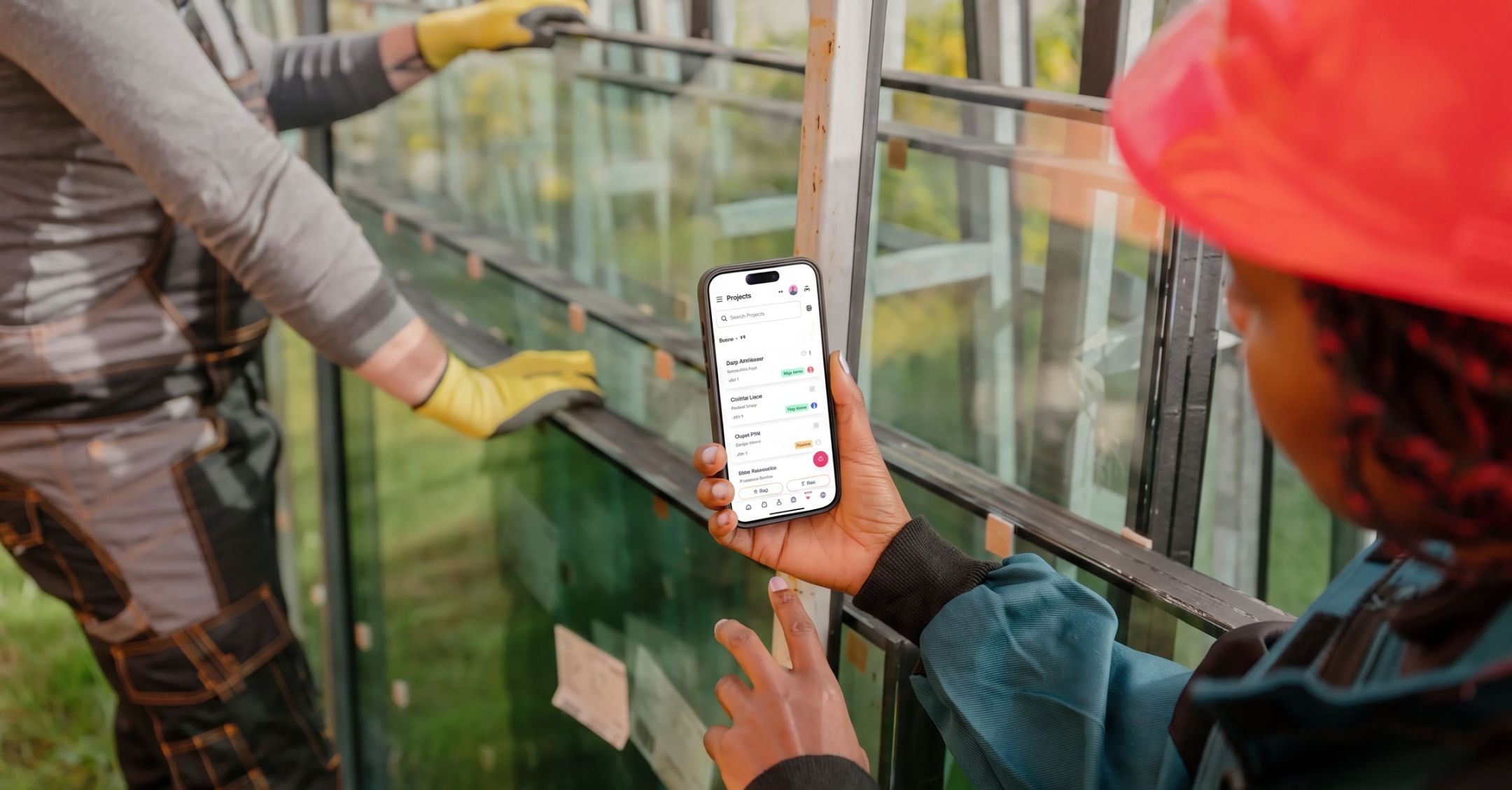
Your reps sit at kitchen tables and your crews stand on roofs. They need to update a deal, check a schedule and add notes from a phone or tablet. If the mobile app is painful, the field won't use it, and your CRM goes stale by Wednesday.

The 5 best CRMs for solar companies
These five range from solar-specific platforms to flexible CRMs you shape around your workflow. Here's the quick version, then the details.
- Copper: best for solar teams that run on Google Workspace.
- HubSpot: best for installers focused on marketing and inbound lead generation.
- Salesforce: best for large solar operations with a dedicated admin.
- Sunbase: best for installers who want sales and installs in one solar platform.
- Shape: best for high-volume residential sales teams.
1. Copper
Best for: solar companies already working in Gmail, Google Calendar and Google Drive.
Copper is the CRM that lives inside Google Workspace, and the only CRM that's a Recommended for Google Workspace app. It logs emails, meetings and contacts automatically, so the record fills itself in while your team works. The Chrome extension keeps your pipeline next to your inbox, and the mobile app gives reps and project managers full customer history in the field.
Copper's multiple pipelines handle the sales-to-operations handoff well. Sigora Solar runs a sales pipeline for financial analysis and contracts, moves each signed deal into an operations pipeline for site assessment and installation, then hands it back to sales for inspections, net metering and final commissioning. After growing 700% in six months, Sigora's Director of Residential Sales, Peter Guilford, put it simply: "Lo and behold, Copper came around and it's the CRM we have been searching for."
Keep in mind: Copper doesn't design systems or build proposals, so you'll pair it with your design tool. It's Google Workspace only, so it isn't the pick for Outlook shops.
2. HubSpot
Best for: installers who want to scale inbound marketing and lead generation.
HubSpot has a free CRM to start, plus strong marketing tools for email campaigns, landing pages and lead nurturing in its paid hubs. It's a popular choice when the main goal is filling the top of the funnel.
Keep in mind: it's a general CRM, so you'll need custom properties and pipelines for solar details like system size, permits and PTO. Costs climb quickly as you add paid features and seats.
3. Salesforce
Best for: larger solar operations with an in-house admin or a partner to build it out.
Salesforce can be customized to do almost anything, and there are industry options like its Energy and Utilities Cloud plus partner apps on the AppExchange. If you want to model every step of a complex sales and install process, it can handle it.
Keep in mind: that flexibility comes with a learning curve, implementation time and a higher bill. Without someone to own it, it can turn into an expensive spreadsheet.
4. Sunbase
Best for: installers who want CRM, proposals and field operations in one solar-specific platform.
Sunbase combines lead and pipeline tracking with branded solar proposals, system layout and production estimates, project management, appointment scheduling and canvassing routes. It's built around the residential setter-and-closer model, so a lot of the solar workflow comes ready to go.
Keep in mind: pricing is mostly quote-based, and setting up all the modules takes time and an internal owner. Commercial teams may still need a separate engineering design tool.
5. Shape
Best for: residential solar sales teams doing high-volume outreach.
Shape pairs a solar CRM with a built-in power dialer, two-way texting, lead routing and duplicate detection. It also supports setter-to-closer handoffs and a homeowner portal for documents and e-signatures. If your team lives on the phone, it's built for speed to lead.
Keep in mind: it's tuned for fast, high-volume residential sales. Teams with longer commercial cycles or deep relationship work may find it heavier on dialing than they need.
How to choose the right CRM for your solar company
The best solar CRM is the one your team actually uses. Weigh these factors before you sign anything:
- Your team size: smaller teams need simplicity. Larger teams may need more structure, permissions and reporting.
- Tools you already use: if you're in Google Workspace, a CRM that works inside Gmail and Calendar saves hours of double entry every week.
- Residential vs. commercial focus: residential deals move fast and run on volume. Commercial deals take months and involve developers, building owners and EPCs. Your pipeline should match.
- Budget: compare per-user pricing, what's included in each tier and what costs extra.
- Solar-specific vs. flexible: decide whether you want built-in solar features, or a flexible CRM you shape around your process and pair with your design tool.
Then test it on real deals. Most CRMs offer a free trial, so put your actual leads and pipeline in and see what sticks. Copper offers 14 days free, which is plenty of time to run a few deals from consult to contract.
Grow your solar business with a CRM built around your workflow
The right CRM takes the friction out of your day so your team can focus on homeowners, building owners and closing deals, not updating spreadsheets. Every lead gets a follow-up, every signed contract reaches operations with the details intact, and every happy customer is easy to find when it's time to ask for a referral.
If your team already runs on Google Workspace, Copper fits right into the tools you use all day. It logs your emails and meetings, keeps your pipeline next to your inbox and gives your field team customer history on their phones. No new tab, no typing it in twice.