
Construction runs on relationships. The architect who keeps sending you RFPs, the developer who calls you first for every new project, the homeowner who refers you to their neighbors. Keeping track of all those conversations, follow-ups, and opportunities is where most contractors hit a wall. A CRM built for construction helps you manage leads, track bids, and stay on top of client communication without letting anything slip through the cracks. Here's what separates a construction CRM from a generic one, and how to pick the right fit for your team.
Key takeaways
- Over 75% of builders now use a CRM to track leads, manage bids, and organize client communication, with construction-specific CRMs offering features like bid pipeline stages and change order tracking that general-purpose tools lack.
- The best construction CRM depends on your tech stack: Copper integrates directly into Gmail, Procore serves enterprise contractors, Buildertrend combines lead tracking with project scheduling for home builders, and Buildr offers unlimited seats for growing business development teams.
- CRM adoption in construction remains low, with only 16% of businesses reaching advanced digital capability, making simple interfaces and integration with existing tools like Google Workspace or QuickBooks the most important factors for successful implementation.
- Copper is the simplest fit for teams already living in Gmail. It works inside your inbox with no separate login or new tabs to learn, syncs with LinkedIn for quick prospect research, and prompts follow-ups automatically so bids don't go cold.
What is a construction CRM?
CRM stands for customer relationship management. In construction, a CRM is software that helps you track leads, manage client communication, follow up on bids, and organize handoffs when a project moves from sales to execution.
A 2026 survey by the Association of Professional Builders found that 75.6% of builders now use one. It's different from project management software. Project management tools handle scheduling, budgets, and job-site coordination. A CRM focuses on the relationship side: who you're talking to, what you've promised, and what happens next.
How construction-specific CRMs differ from general-purpose CRMs
General-purpose CRMs like HubSpot or Pipedrive work for any industry, but they don't include construction-specific features. You won't find bid pipeline stages, change order tracking, or subcontractor handoff workflows built in.
Construction-specific CRMs like Procore, Buildertrend, or Buildr include all of that. The trade-off is that they're often more expensive and more complex than smaller teams actually want.
Middle-ground options like Copper or Pipeline CRM offer flexibility. You can customize pipelines for bids without paying for features you'll never touch.
Why construction companies benefit from using a CRM
Without a system, follow-ups get missed. You might remember the big opportunities, but the smaller ones slip away quietly. Over time, those add up.
Here's what typically happens without a CRM:
- Leads disappear: That architect who emailed last month? You meant to follow up, but now you can't find the thread.
- Communication scatters: Emails live in one place, texts in another, phone notes in a third. Nobody has the full picture.
- Pipeline visibility is murky: It's hard to know which jobs are likely to close or when revenue will actually hit.
- Past clients get forgotten: People who could refer you or hire you again aren't tracked in any systematic way.
Here's what to look for in a construction CRM
1. Bid and sales pipeline tracking
Construction sales cycles are long. A project might take months from first inquiry to signed contract. Pipeline tracking lets you see where every deal stands and forecast revenue with more confidence. Enterprise-level CRM integration has improved bid tracking accuracy by 32% according to Business Research Insights.
That dynamic plays out in real businesses across the construction supply chain, too. Take Tamlyn, a 50-year-old building materials manufacturer. Tony Jenkins, Director of Sales at Tamlyn, described a project in Kentucky where neither the lumber dealer nor the general contractor had yet committed to stocking the material. His team needed to track that opportunity from the very first conversation, not pick it up again months later and scramble to catch up.
“We can't just go two months without contacting someone and then all of a sudden have to find out what's going on. Copper reminds us to follow up. It's our internal checklist and moves the deal forward. Because if we're not on top of it and pushing them through the funnel, our competitors will try to get in there. Copper's huge for us.”
— Tony Jenkins, Director of Sales at Tamlyn
2. Mobile access for field teams
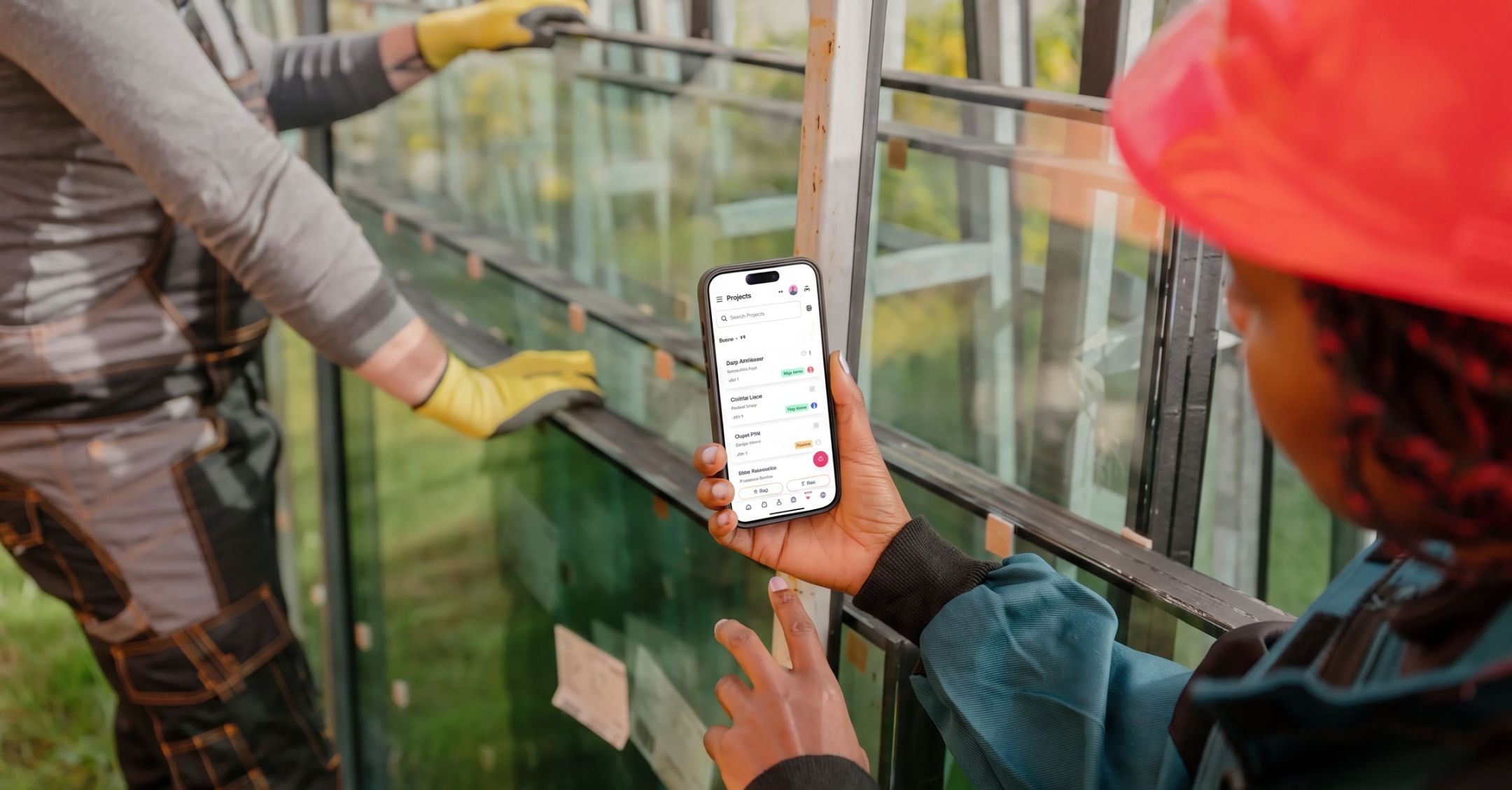
Construction happens on job sites, not at desks. A CRM that works on phones lets estimators and project managers update records from the field without waiting until they're back at the office.
3. Email and calendar integration
The best CRM is one your team will actually use. If it syncs with Gmail or Outlook, adoption happens faster because there's no separate system to learn. Copper, for example, lives inside Gmail, so logging a conversation takes seconds.
4. Automation and follow-up reminders
Automated tasks like “follow up three days after sending a proposal” keep leads from going cold. You don't have to remember everything yourself; the system prompts you at the right time.
5. Reporting and revenue forecasting
Dashboards showing pipeline value by stage help you predict cash flow. You can plan for busy seasons and prepare for slow ones before they catch you off guard.
6. Integrations with QuickBooks and accounting tools
Many construction businesses want their CRM to connect with accounting software. When won jobs flow into invoicing without manual re-entry, you save time and reduce errors.
The best CRM software options for construction companies in 2026
Copper
If your team already runs on Gmail and Google Calendar, Copper fits right into that workflow. It shows up inside your inbox, so you can log a conversation with a developer or check on a bid without opening another app. The Chrome extension pulls in contact details from LinkedIn, which comes in handy when you're researching a new architect or property manager.
You can move leads through your pipeline, set follow-up reminders, and keep all your client communication in one place.
One caveat: Copper only works with Google. If your office uses Outlook or Microsoft 365, this one isn't for you.
Procore
Procore is built for larger operations. Commercial builders and general contractors use it to manage everything from preconstruction through project closeout, including RFIs, submittals, and financials. The mobile app works well for superintendents and project managers updating records from the field.
That said, Procore has a learning curve and a price tag to match. For a smaller residential contractor, it's probably more than you'd ever use.
Buildertrend
Custom home builders and remodeling companies often land on Buildertrend because it combines lead tracking with project scheduling. The client portal lets homeowners check on progress, which can cut down on the “when will this be done?” calls.
The flip side is that you're paying for a lot of features. If all you want is to track bids and follow-ups, Buildertrend might feel like overkill.
Buildr
Buildr focuses on general contractors who track RFPs and pursuits. The pricing model stands out here: unlimited seats with no per-user fees, which matters when your business development team is growing. The platform includes go/no-go workflows, so your team can decide whether a pursuit is worth the proposal effort before anyone spends time on it.
Pipeline CRM
Pipeline CRM works well for contractors who want their sales tool to talk to QuickBooks. You can track bids, manage change orders, and scan business cards from your phone. It bridges sales and accounting nicely, though it doesn't include the construction-specific project management features you'd find in Buildertrend or Procore.
HubSpot CRM
HubSpot offers a free tier, which makes it appealing if you're testing the waters. The marketing automation can help with email campaigns to past clients or prospects. The trade-off is that HubSpot wasn't built for construction. You won't find bid tracking or field-ready features out of the box, so you'd be customizing a general-purpose tool.
Pipedrive
Pipedrive appeals to smaller teams who want a visual, drag-and-drop pipeline. It's straightforward and affordable, which can be exactly what a two-person operation wants. The limitation is that Pipedrive doesn't include construction-specific workflows like bid stages or subcontractor handoffs. You'd be building a more generic setup.
Houzz Pro
Houzz Pro combines lead management with invoicing and payment scheduling. If you're a residential contractor or interior designer already showcasing work on Houzz, the integration is seamless. It's tailored to home services and renovation, so commercial contractors might find it limiting.
How to choose the right CRM for your construction business
1. Map your current sales and project workflow
Start by writing down how leads come in, who follows up, and where handoffs happen. This reveals what the CRM actually has to support, and what features you can skip entirely.
2. Identify your must-have integrations
Does your team use Google Workspace or Microsoft 365? QuickBooks or another accounting tool? The CRM you pick has to connect to the systems you already rely on, or it'll create more work instead of less.
3. Test how quickly your team can adopt it
A CRM only works if people actually use it. Deloitte research found that only 16% of construction businesses have reached advanced digital capability, so simpler interfaces mean faster adoption, especially for field crews who aren't sitting at a computer all day.
4. Compare pricing and per-user fees
Some CRMs charge per seat, which adds up fast as your team grows. Others offer flat pricing or unlimited seats. Factor in total cost based on your current headcount and where you're headed.
5. Start with a free trial
Most CRMs offer trials, and it's worth using them. Test whether the tool fits your actual workflow before committing to anything.
Run your construction business on a CRM built for how you already work
If you're already using Google Workspace, you don't have to learn another app. Copper fits directly into your inbox, so every lead, bid, and client conversation lives in the same place you're already working, no new tabs required.