









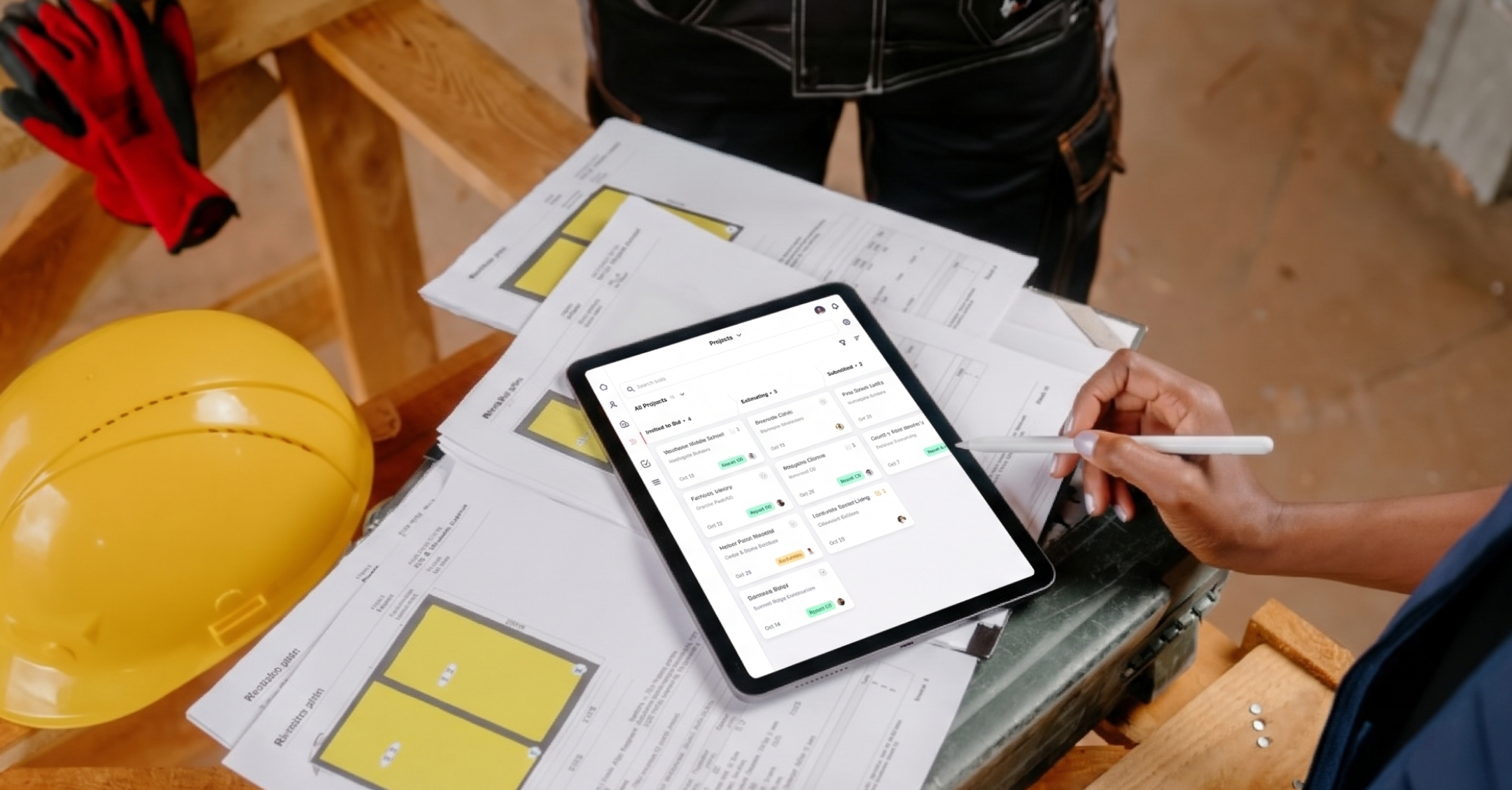
You spent hours on the number. You sent it to five GCs. Then nothing. As one contractor put it on an industry forum, it “sure feels like I’m throwing them in a black hole.”
Most contractors don’t lose bids on price alone. A due date slips past, a follow-up never goes out, or the latest addendum sits in someone’s inbox while the estimate goes out without it.
A construction bid tracking CRM fixes that tracking problem. In this guide, you’ll learn what one does, which features matter, how automation keeps follow-ups on schedule, and how to pick the right setup for your company.
What is a construction bid tracking CRM?
A construction bid tracking CRM is a customer relationship management system set up to follow every bid from invitation to award. It logs each bid, moves it through stages like invited, estimating, submitted, and won or lost, reminds your team about due dates and follow-ups, and keeps the GC, owner, and architect contacts, emails, and documents attached to the right bid.

That’s different from the rest of a contractor’s software. Bid boards help you find projects or send invitations, and estimating tools handle takeoffs and pricing. Project management software like Procore or Buildertrend runs the job once you win it. A CRM handles the part in between: the relationships, the deadlines, and the follow-up that decides whether a submitted number turns into signed work.
Most contractors start with a spreadsheet, often a new one every year. It works until bid volume grows. Then columns go stale, nobody knows who called the GC last, and won/lost results never get recorded (if that sounds familiar, here’s what outgrowing a spreadsheet CRM looks like).
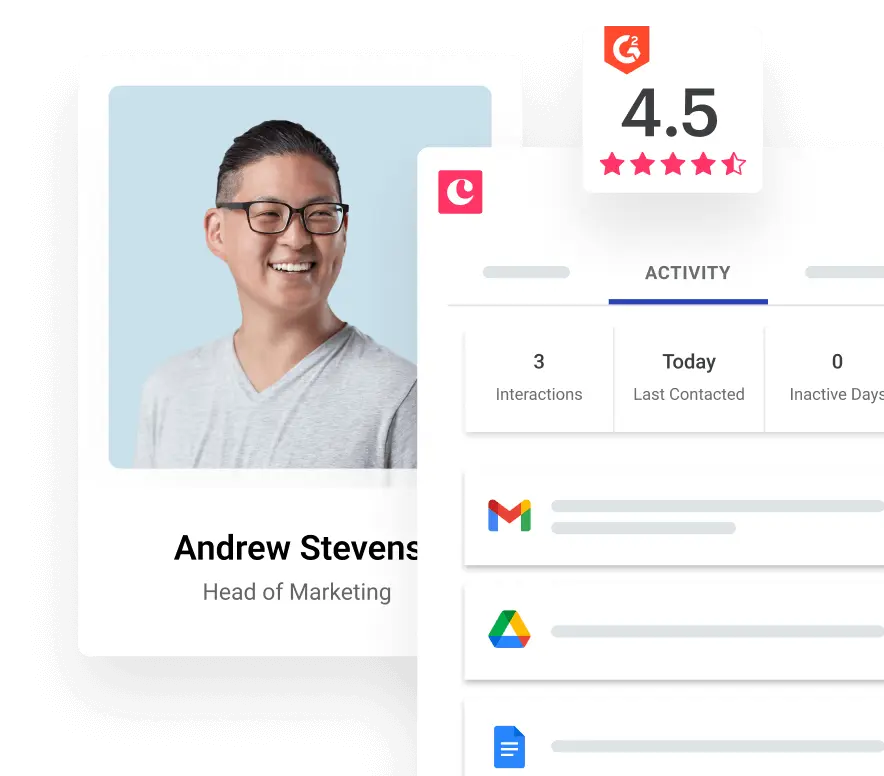
The stakes are real. The U.S. Census Bureau’s construction spending data put spending at a seasonally adjusted annual rate of $2,203.1 billion in August 2026, and in AGC’s 2026 outlook, the Associated General Contractors of America and Sage found that 44% of surveyed firms selected increased competition for projects as a concern. When more contractors chase the same work, the team that follows up consistently has an edge. That’s the job Copper does, right inside Gmail.
Which features does a construction bid tracking CRM need?
You don’t need every feature on the market. You need the ones that keep bids visible and moving without adding data entry for your estimators.
Subcontractors and general contractors use these features differently. A sub often sends one number to several GCs on the same job, so it needs every GC it quoted in one view, plus its hit rate with each. Over time, that shows which GCs actually award you work and which just want a check price. A GC tracks owner and architect relationships, plus the sub bids coming in for each package.
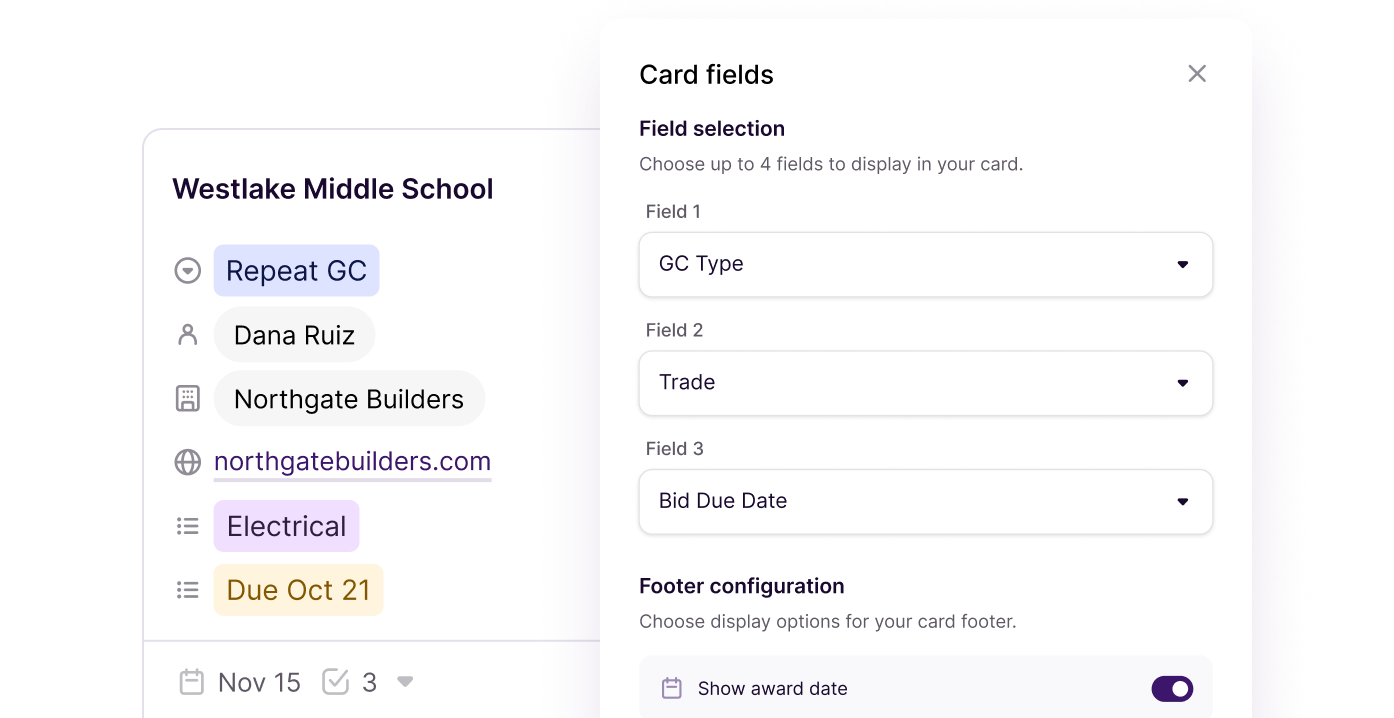
If you run several trades or divisions, look for separate bid stages per division with one view for leadership. Egan Company gives each of its operating units its own process in Copper, while leadership sees everything in one place.
Your bid history should live where your email already lives
Here’s the part most feature lists skip. Bid invites, addenda, RFIs, clarifications, and GC replies almost all arrive by email, and site walks and bid meetings live on your calendar.
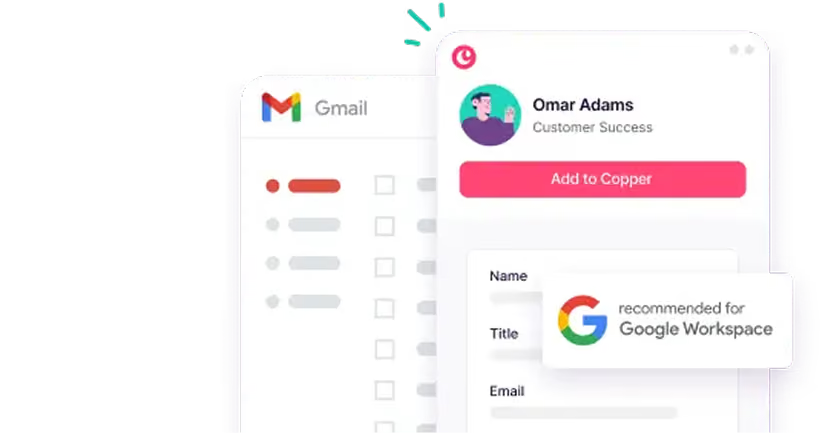
If your CRM sits outside your inbox, someone has to copy all of that in by hand. Estimators hate it, and it’s usually the first habit to break. Copper works directly inside Gmail, Google Calendar, and Google Drive. Emails, meetings, and files connect to the right contact and bid without the copy-paste, and Copper is the only CRM that’s a Recommended for Google Workspace app.
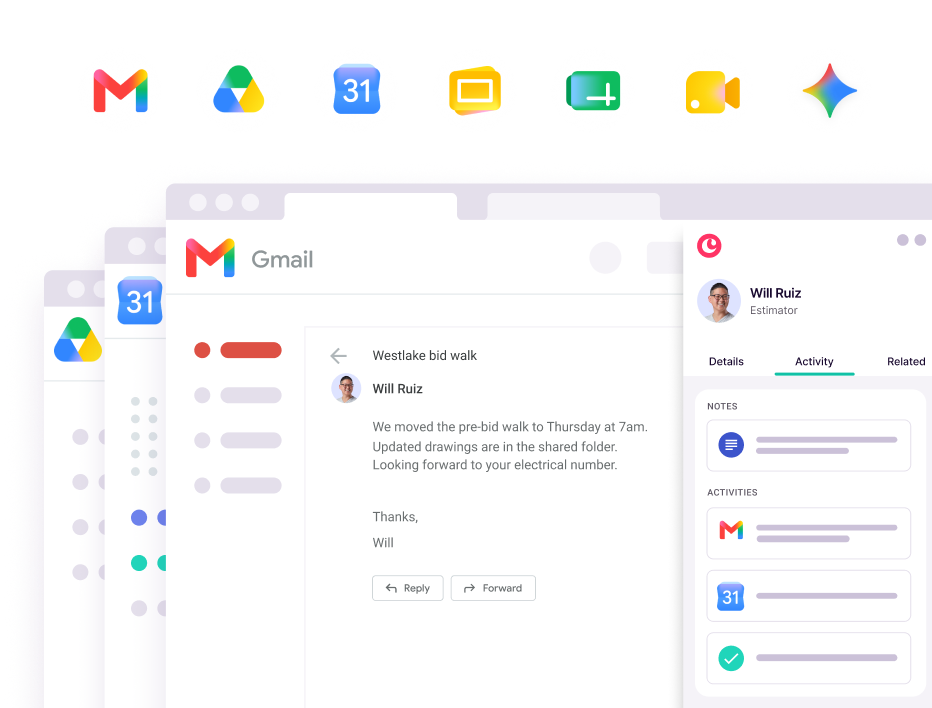
“We didn’t want users keying information in manually anymore, and we wanted the AI piece of pulling data automatically from Gmail.” Jessica Johnson, Director of Marketing, Egan Company
It also protects you when people move on. When an estimator or PM leaves, their GC history usually leaves in their inbox. When every email and meeting is saved to the client record, the relationship stays with the company.
Scattered information has a cost. An Autodesk and FMI study estimated that bad data may have cost the global construction industry $1.84 trillion in 2020 due to poor decision-making. Your bid list won’t fix the whole industry, but keeping current files and conversations tied to each bid is a good place to start.
How CRM automation keeps bid deadlines and follow-ups from slipping
Automation is where a bid tracking CRM pays off. Instead of relying on sticky notes and memory, you set up rules once and the CRM reminds the right person at the right time.
A simple bid workflow might look like this:
- Bid logged: A new invitation comes in, and you add it to your bid list with the due date.
- Estimating starts: The estimator gets a task 10 days before the deadline.
- Review reminder: A few days before the due date, whoever is running the bid gets a reminder to review and finalize the number.
- Bid submitted: You move the bid to “submitted,” which triggers a follow-up task a few days later.
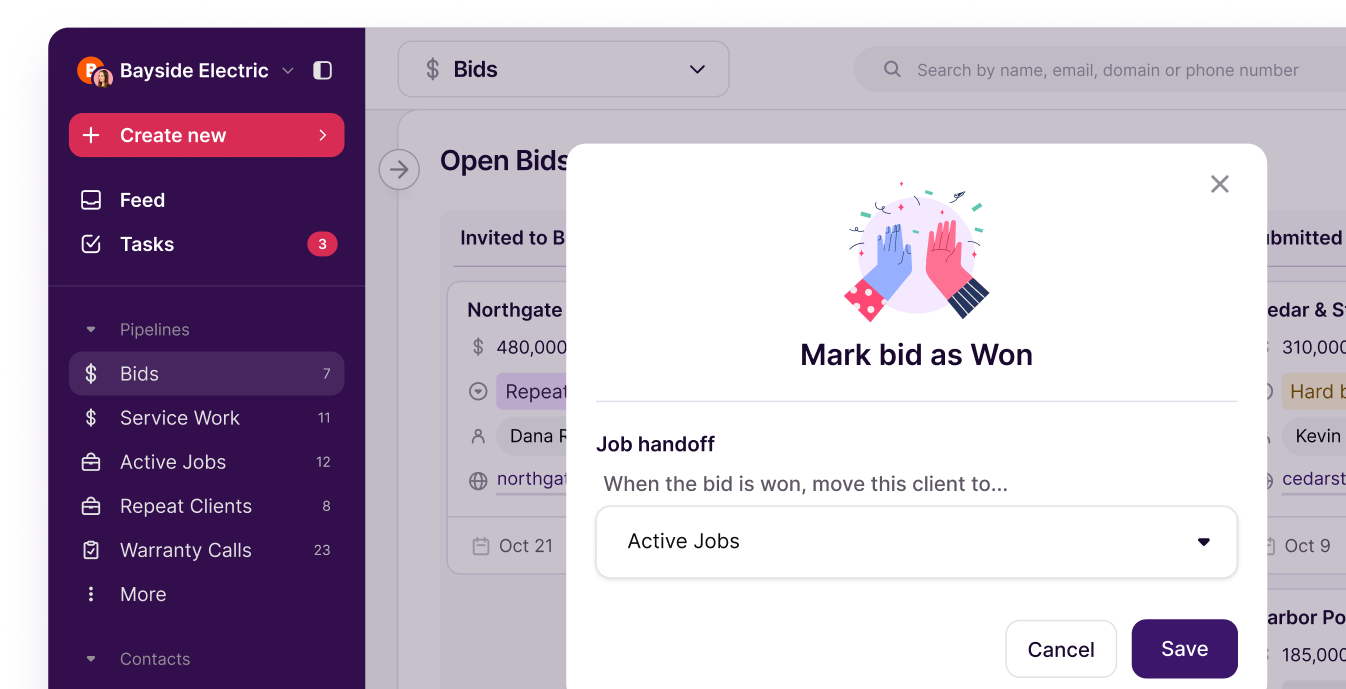
- Outcome recorded: When you hear back, you drag the bid to won or lost and add the reason.
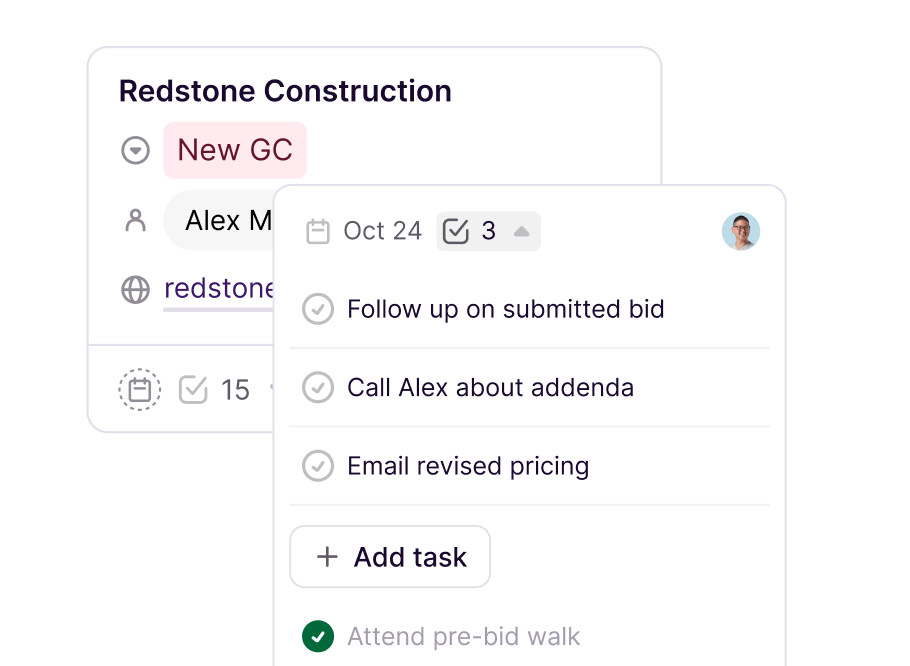
Follow-up is the step most teams skip, partly because it feels awkward. (“Do you begin to sound needy to them?” one contractor asked.) A reminder that shows when you last talked and what you sent makes that call easier. If you need a starting point, here are 10 construction bid follow-up email templates.

Speed matters too. A 2011 Harvard Business Review study of online sales leads found that firms that responded within an hour were nearly seven times as likely to qualify the lead as firms that waited even an hour longer. That study looked at web leads, not bids, but the lesson carries: prompt, consistent contact keeps you in the conversation.
Copper construction customers see the payoff after the award, too. At Expose Designs, won jobs move into project tracking with the bid details intact, so nothing gets lost between sales and the build.
“The team adopted it really, really quickly. I’ve had no pushback.” Craig McArdell, Head of Sales, Expose Designs
How bid data improves forecasting and hit rate
Once every bid lives in one place, you can see more than what’s due this week. You can see how much work is likely to land and roughly when it would start.

That visibility matters for capacity. Associated Builders and Contractors estimates, through ABC’s workforce model, that the construction industry needs to attract about 349,000 net new workers in 2026. When crews are hard to staff, knowing which bids are close to award helps you decide whether to chase the next job or hold off.
Your history is just as useful. When you record why each bid was won or lost, patterns start to show by project type, GC, or region. You might find you win most negotiated work with repeat GCs and rarely win hard-bid public jobs, which tells you where to spend estimating hours. It also answers the question owners ask most: “What’s our hit rate?”
A few numbers worth tracking:
- Hit rate: Bids won divided by bids submitted, by GC and project type.
- Bid volume: How many bids you submit each month, and whether it fits your estimating capacity.
- Follow-up completion: How many submitted bids got a follow-up on time.
- Open bid value by stage: How much work sits in estimating, submitted, and verbal-award stages.
You don’t need a sales operations team for this. A few saved reports and a weekly look at your bid list cover it.
How your bid list connects to cash flow
A strong bid list isn’t the same as cash in the bank. A bid you win today might not start for months, and draws and payments follow their own schedule.
That’s why it helps to keep your CRM and your books in view together. Won bids with values and expected start dates give you a starting point for cash planning. With Copper’s QuickBooks integration (for QuickBooks Online), you can see invoice and estimate status right on a client’s record in Copper, and invoice and payment updates show up in the activity feed.
Bid tracking CRM vs. construction project management software: Do you need both?
Different tools cover different parts of the bid process, and most contractors already run a few. The question isn’t which one replaces the others. It’s which one owns the relationships and the follow-up.
Keep Procore for the build. Use a CRM for the bid. If winning work and keeping up with GCs and owners is the bottleneck, a CRM that lives in your inbox is the lighter lift, and it works next to the software you already run.
Whichever mix you pick, decide where contacts “live.” Keeping two copies of the same GC record in two systems is how data drifts out of sync.
How to choose the right construction bid tracking CRM
Start with where your bids actually leak, then match the tool to that gap. These questions help:
- Where do bids fall through? Missed deadlines, slow follow-up, and unrecorded outcomes all point to a tracking problem.
- Are you a GC or a sub? Subs need to see which GCs award them work. GCs need owner and architect relationship history.
- Who will run it? Usually an operations manager with a full plate. Look for something that’s live in days, not months.
- Where does your team work every day? If you run on Gmail and Google Calendar, a CRM that works inside them will get used.
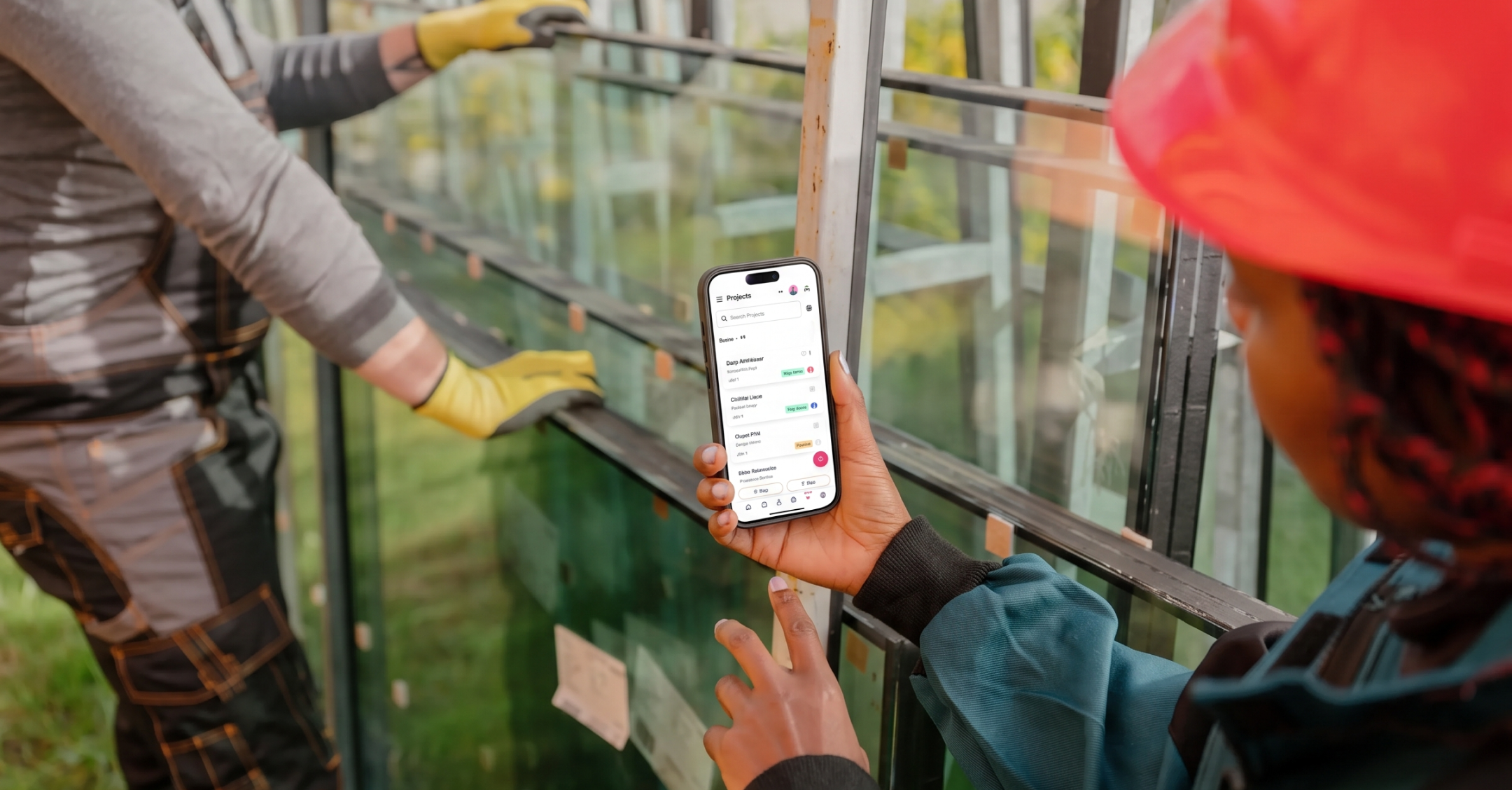
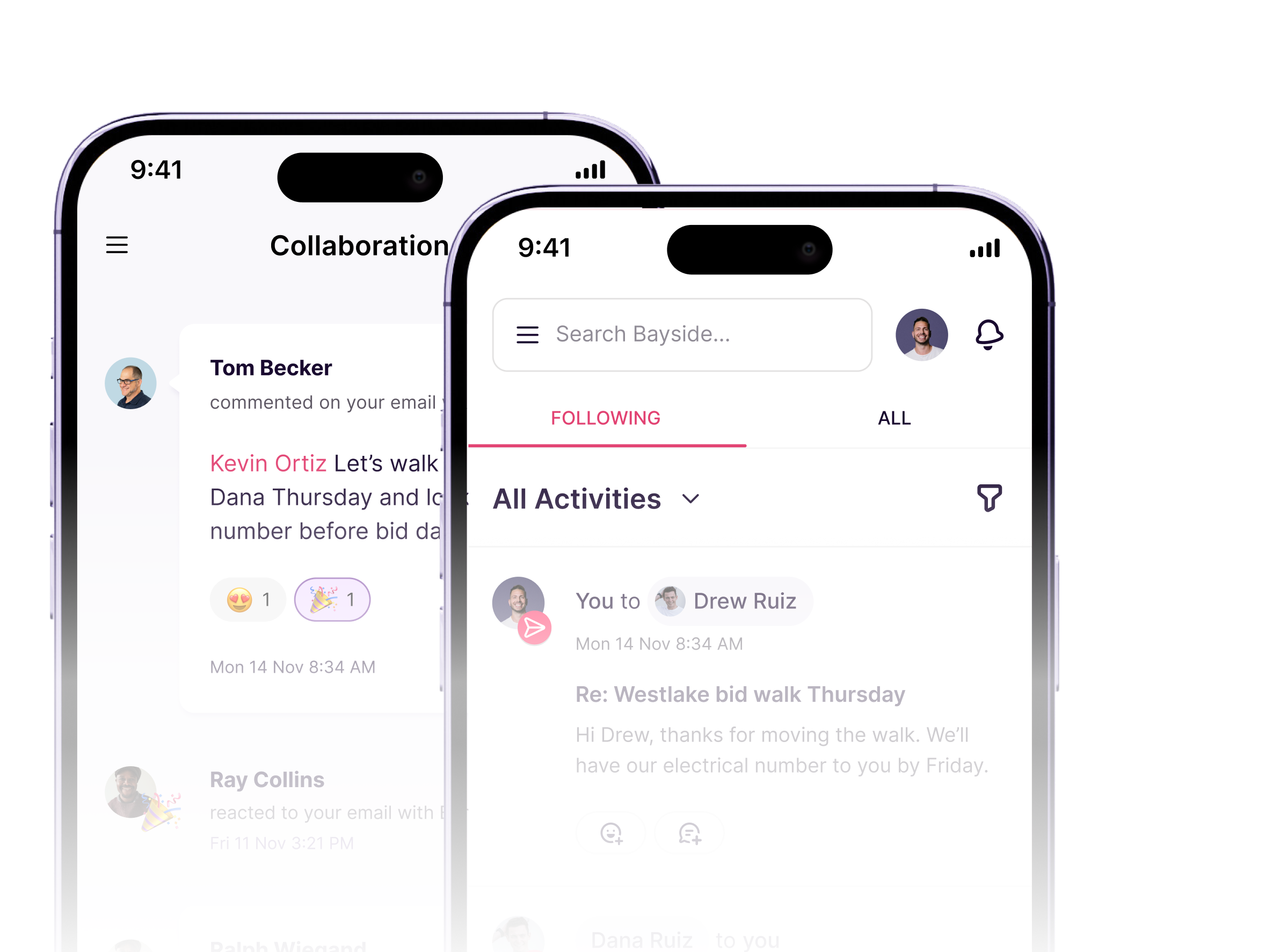
- Does it work in the field? PMs and service techs should be able to pull up client history from their phone.
- What has to connect? Check accounting, proposal, and e-signature integrations before you commit.
How to get your team to actually use it
Adoption is where most rollouts stall. In the 2025 AGC and Sage survey, the Associated General Contractors of America found that 39% of contractors say it’s difficult to find the time to implement and train on new technology.
Keep the rollout small:
- Start with one bid list. Set up your bid stages and load only the bids that are open right now.
- Automate one thing first. A post-submission follow-up task is a good first rule.
- Let email do the work. Connect Gmail and Calendar so activity gets logged without extra typing.
- Review it weekly. A 15-minute bid review in your regular meeting builds the habit.
Retire the bid spreadsheet this week. Try Copper for 14 days free.