









You priced the job. Now you need somewhere to keep the number honest. For most contractors, that's a spreadsheet, and Google Sheets is the one your team already has open.
Below are 10 free construction budget and estimate templates for Google Sheets, from a simple job budget to change orders and lender draws. For each one, you'll see who it's for, what's in it and where to get it. Then we'll cover how to set one up for your jobs, and what a spreadsheet can't do on its own.
What a construction budget template is and why it matters
A construction budget template is a pre-built spreadsheet that puts every cost on a job in one place: labor, materials, equipment, subs, permits and contingency. You fill in your estimated costs up front, then track what you actually spend as the work goes.
It matters because overruns rarely show up all at once. They creep in one line at a time. A budget with estimated and actual columns side by side shows you where a job is drifting while there's still time to fix it.
It also helps with clients. When an owner asks where the money went, you can show them a clean sheet instead of a stack of receipts.
Why Google Sheets works well for construction budgeting
Excel still runs a lot of estimating departments. But for budgets the whole team needs to see, Google Sheets has a few practical advantages.
- Everyone works in the same sheet. Your PM, estimator and office can update it at the same time, and subs can add their numbers without emailing files back and forth.
- It's in the cloud. Check the budget from the jobsite or the truck, on your phone or tablet.
- It's free. If your company runs on Google Workspace, you already have it. Nothing new to buy.
- It's easy to share. Send a client a view-only link so they can see the numbers without changing them.
- The math is built in. Formulas total each category and work out the variance between budget and actual for you.
10 free construction budget and estimate templates for Google Sheets
We built all 10 of these in Google Sheets, and they're free. Each link opens a Make a copy prompt, so you get your own version in your Drive. Every template has a Start here tab and the same color code: blue cells are yours to change, and gray cells calculate on their own. Sample numbers show how each one works. Replace them with yours.
1. Simple construction budget template for small projects
A good place to start if you've never kept a formal job budget. One tab, one list of costs, estimated and actual side by side.

- Best for: Small contractors and specialty trades running smaller commercial or residential jobs.
- What's included: Line items by category (labor, materials, subs, equipment, permits and site), estimated vs. actual columns, variance and % used for each line, and a subtotal, contingency and total budget. Any line past 100% turns red.
- Get it: Simple Construction Budget Template
2. Residential construction budget template for home builders
This one covers a full home build, phase by phase, from plans and permits to final cleaning. A second tab rolls every line up by phase, so you can see at a glance which part of the build is running over.

- Best for: Residential builders and GCs managing single-family and custom homes.
- What's included: More than 30 line items across nine phases: pre-construction, site work, foundation, framing, roofing, exterior, plumbing, electrical and HVAC, interior, and finish and closeout. Each line has a vendor or sub, estimated and actual costs, and variance, plus a contingency and a By phase summary tab.
- Get it: Residential Construction Budget Template
3. Commercial construction project budget template
Commercial jobs carry more line items and more surprises. This template is organized by CSI division and separates hard costs from soft costs, the way most owners and lenders expect to see them.

- Best for: Office buildouts, retail spaces and multi-unit developments.
- What's included: Original budget, approved changes, revised budget, committed (signed subcontracts and POs) and actual to date for every division, with a projected over or under column. Tenant improvements and ADA upgrades get their own lines, since that's where commercial budgets tend to get caught out. Contingency, insurance and bonds, and GC fee are set as percentages at the top.
- Get it: Commercial Construction Budget Template
4. General contractor estimate template
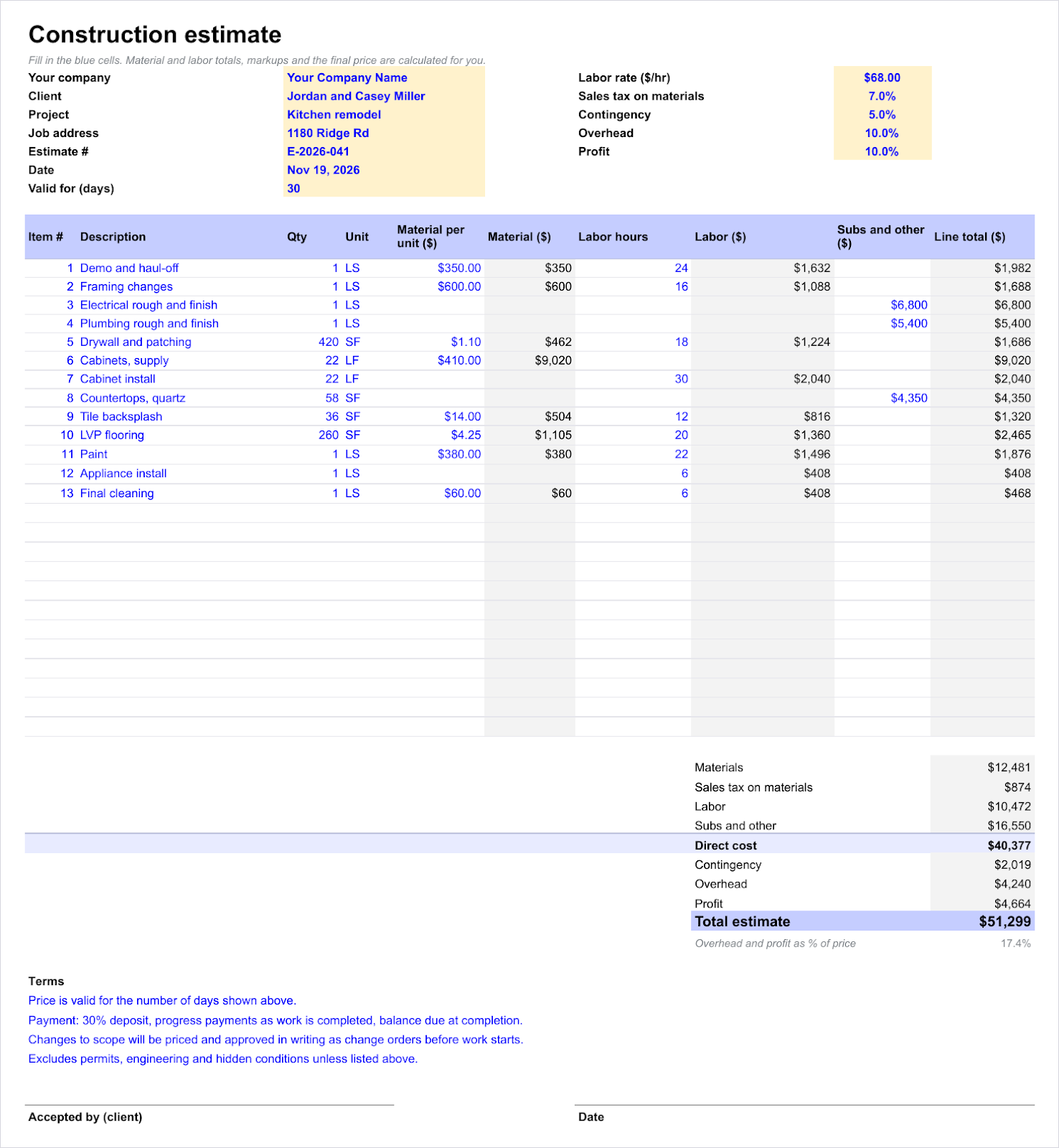
This is the sheet you build your number in before it goes to the client. It has room for your company name, the client and the job at the top, terms and a signature line at the bottom, so it doubles as a professional estimate you can send as a PDF.
- Best for: General contractors preparing client bids.
- What's included: Line items with quantity, unit, material cost, labor hours and sub prices. You set your labor rate, sales tax, contingency, overhead and profit once, and the total estimate builds your margin into the number instead of adding it from memory.
- Get it: Construction Estimate Template
5. Construction bid tracking template
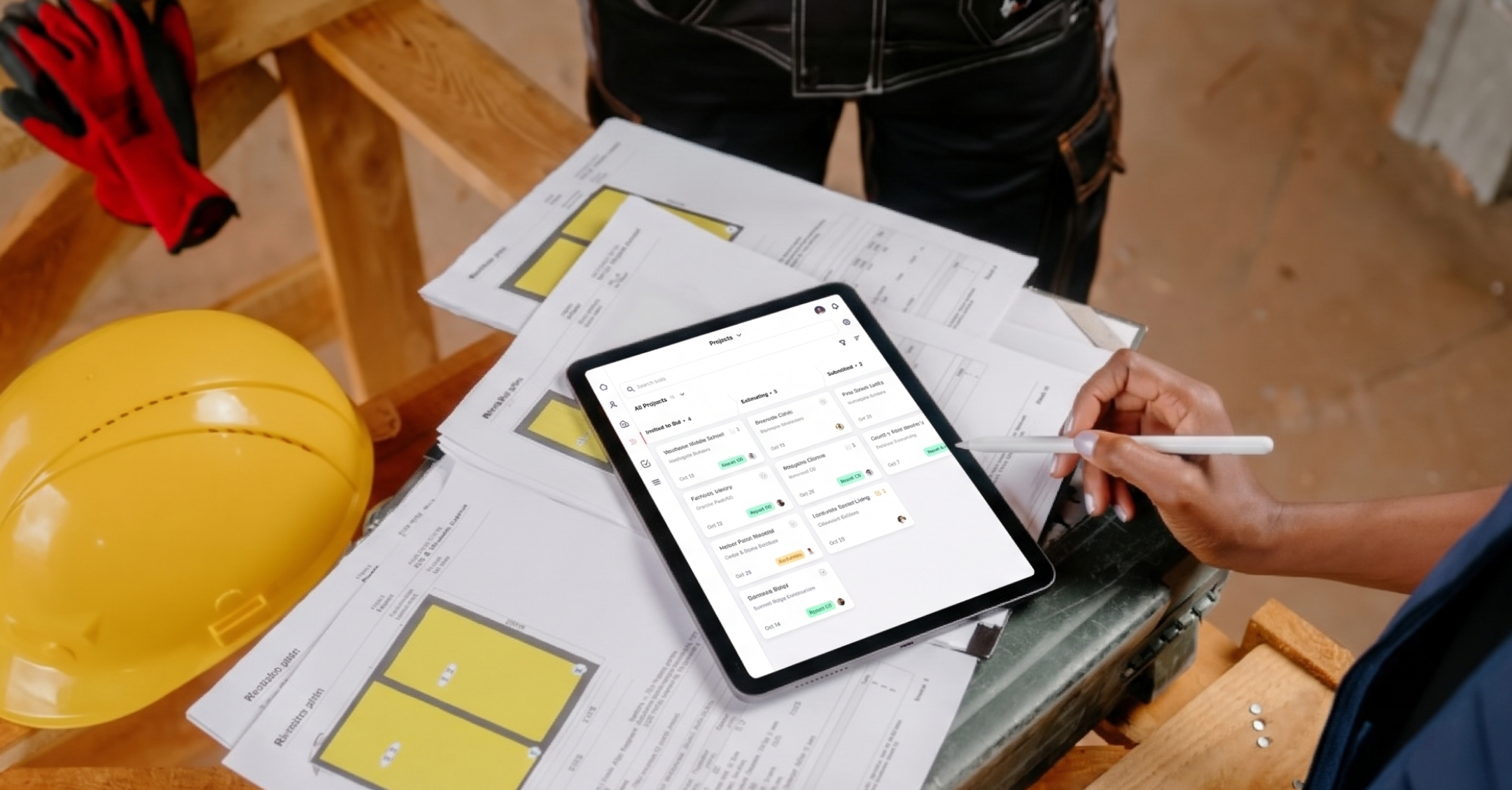
Once the number goes out, this is where you keep track of it. We built this one for contractors who send the same job to several GCs: one row per GC, and the next follow-up date is worked out for you.

- Best for: Subs and GCs who want to know where every bid stands and who needs a call this week.
- What's included: A bid log with job, GC, contact, trade, bid due date, submitted date, bid amount, estimated cost and margin, plus a status dropdown (invited, estimating, submitted, won, lost or no bid). Set how many days you wait before following up, and every submitted bid gets a next follow-up date that flags when it's due or overdue. A second tab tracks your hit rate and value won, overall and by GC.
- Get it: Construction Bid Tracker Template
The hit rate tab answers the question owners ask most: what's our hit rate? It also shows which GCs actually award you work and which ones mostly want a check price. This is also the sheet contractors outgrow first. Once one job goes to five or six GCs and the emails live in three inboxes, keeping every follow-up straight in a spreadsheet gets hard. (Here's how a construction bid tracking CRM handles it.)
6. Construction cost tracking spreadsheet with estimated vs. actual columns
A budget only helps if you keep checking it. This template splits the work in two: set the budget once by cost code, then log every bill as it comes in. Actual costs fill in from the log, so nobody has to add them up by hand.

- Best for: Monitoring active jobs.
- What's included: A cost tracker with original budget, approved changes, revised budget, actual to date, remaining and % spent for each cost code, plus a cost log tab for every invoice and payroll run. Lines flag as Watch once they pass 90% spent (you can change the threshold) and Over when they go past budget, so you spot an overrun the week it starts, not at closeout.
- Get it: Construction Cost Tracker Template
7. Subcontractor bid comparison template
Three subs, three quotes, three different ways of describing the same scope. This template levels them, so a low number that leaves out half the work doesn't look like a deal.

- Best for: Comparing bids from several subs on the same trade.
- What's included: Bidder details for up to five subs (base bid, bid date, bond, insurance and schedule), and a scope checklist where you mark each item as included, excluded or unclear. Excluded scope is added back at your own number, and the sheet ranks every bidder on the leveled total. Unclear items are counted so you know who to call before you award.
- Get it: Subcontractor Bid Comparison Template
8. Change order tracking template
Scope changes are where budgets go sideways and arguments start. A change order log keeps every change written down, priced and approved before the work happens.

- Best for: Managing scope changes mid-job.
- What's included: Change order number, date requested, who asked for it, description, reason, cost impact, days added, status, approval date, who approved it and whether it's been billed. A summary at the top shows approved and pending changes, your revised contract amount and approved changes you haven't billed yet. Pending changes older than 14 days turn red.
- Get it: Change Order Log Template
9. Monthly construction draw schedule template
On bigger jobs, cash comes in draws, not one check. A draw schedule shows when the owner or lender should pay, based on how much of the work should be done by each draw.

- Best for: Jobs with phased payments or lender draws.
- What's included: Draw milestones with the cumulative % of the contract each one should reach, so scheduled draw amounts calculate on their own. Track actual % complete, amount requested, retainage held, net due, and request, approval and paid dates for each draw. A summary shows what you've requested, what's been paid and what's left to draw.
- Get it: Construction Draw Schedule Template
10. New construction job costing template
Job costing tells you which jobs actually made money. Run it on every job and the pattern shows up fast: maybe service work pays and hard-bid public work doesn't.

- Best for: Tracking profit by job and by job type.
- What's included: One row per job with contract value, approved change orders, estimated cost and actual costs by type (labor, materials, subs, equipment and other). It calculates gross profit, margin and margin fade, which is how far the actual margin landed from your estimate. A second tab rolls it all up by job type and flags the types that fall below your target margin.
- Get it: Construction Job Costing Template
How to customize a construction budget template in Google Sheets
A template gets you most of the way. These four steps make it fit your jobs.
Step 1: Save a copy of the template to your Google Drive
Open the template and go to File > Make a copy. That gives you your own version and leaves the original alone. Keep your templates in one Drive folder (something like "Job templates") so the whole team starts from the same sheet every time.
Step 2: Edit line items to match your project scope
Add rows for the cost categories your trade actually uses, and delete the ones you don't. A budget full of empty rows is harder to read and easier to get wrong.
Step 3: Add formulas to automate totals and variance
Most templates already include the basic math. If yours doesn't, two formulas cover most of it:
- Totals:
=SUM(C2:C30)adds up a column of costs. - Variance:
=B2-C2subtracts actual from estimated. A negative number means you're over on that line.
For a quick visual, use Format > Conditional formatting to turn any negative variance red.
Step 4: Share the sheet with your team, clients and subcontractors
Click Share and set access by person. Give your PMs and estimators Editor access. Give clients Viewer access so they can see the numbers but not change them. Subs who need to add pricing can be editors on their own tab. Everyone works from the same sheet, and nobody has to dig for the latest version in an email thread.
How to pair your construction budget template with better client management
A budget sheet tells you where the money on a job is going. It doesn't tell you which GC still owes you a call, what you told the owner last Tuesday, or who's likely to send you the next job.
That part rarely lives in one place. The bid list is in one sheet, the emails are in someone's inbox, and when an estimator leaves, the GC history goes with them.
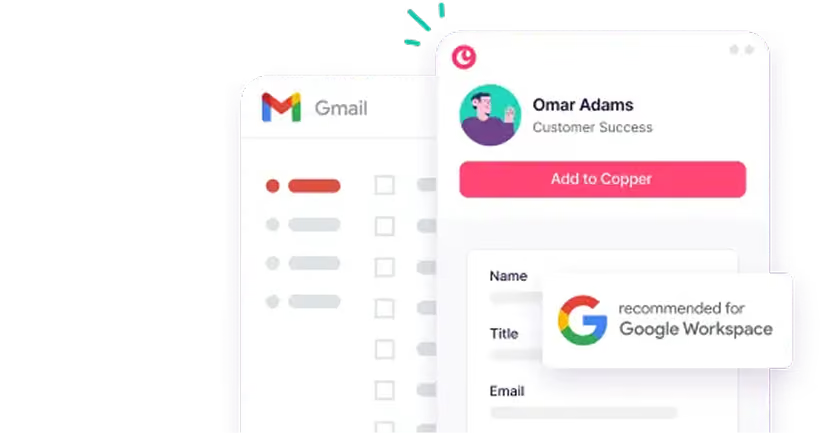
That's what Copper is for. Keep your budgets in Google Sheets and Procore for the build. Use Copper for the bids and the relationships around them. It's the only CRM that's a Recommended for Google Workspace app, and it works right inside Gmail, so you can:
- Track client and GC conversations in Gmail. Emails and meetings log themselves to the right contact and bid. No typing it in twice.
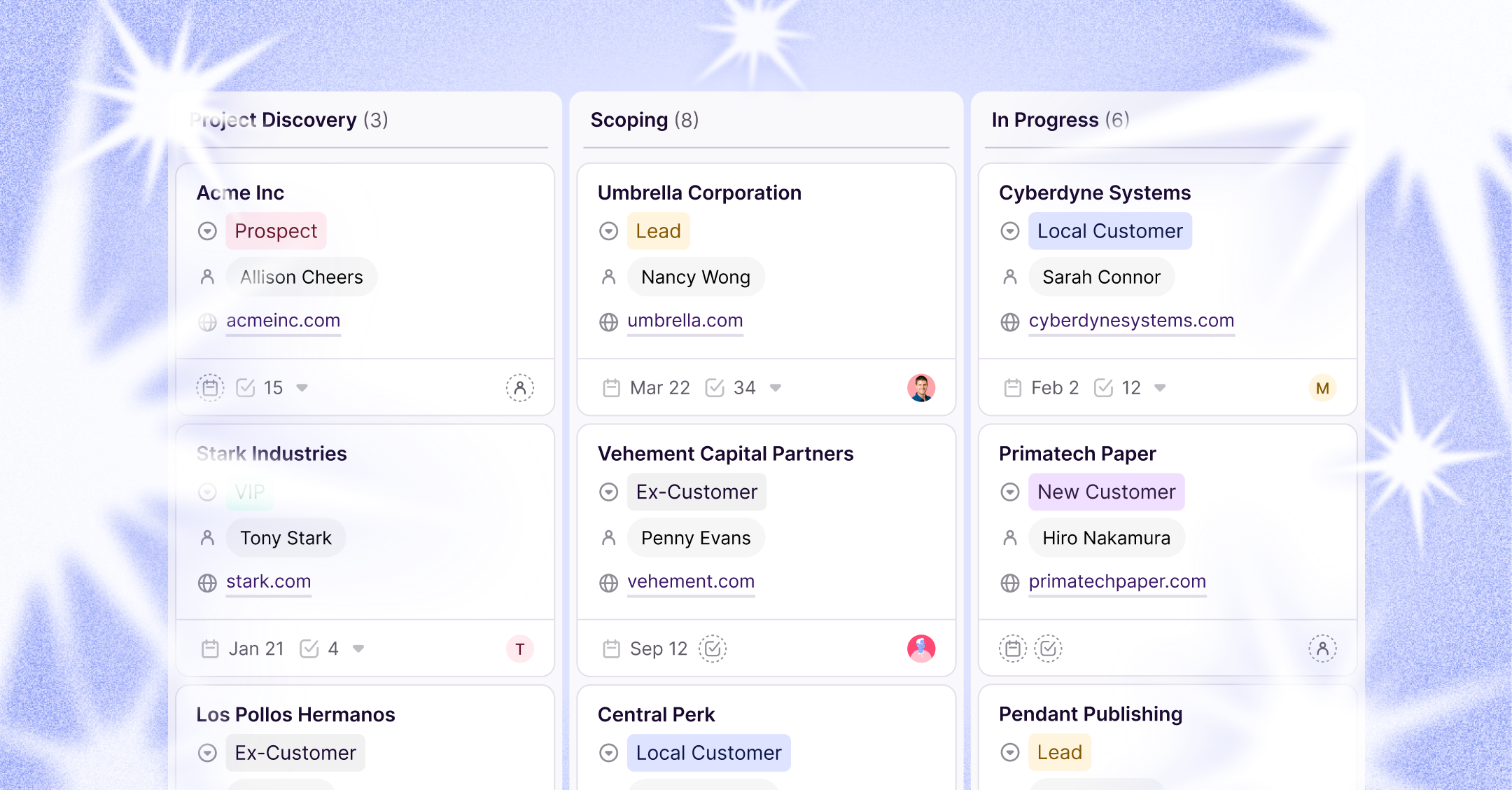
- Keep your bid list next to your budgets. Every open bid gets a stage and a follow-up date, so nothing sits. Attach the job's budget sheet from Google Drive to the bid record.
- Export CRM data to Google Sheets. Copper's Google Sheets add-on pulls your bids and contacts into a sheet when you want to run your own numbers, like hit rate by GC.
"We didn't want users keying information in manually anymore, and we wanted the AI piece of pulling data automatically from Gmail." Jessica Johnson, Director of Marketing, Egan Company
Try Copper free for 14 days to see how it works alongside the Google tools you already use.