











A CRM for general contractors tracks every bid, every owner and developer, every architect who sends you work, and every sub you lean on, so you know where each job stands and who needs a call. It doesn't run the build. Your project management software does that. A CRM covers the part before the award and the relationships that bring you the next job.
If you're a GC with a few divisions, a full precon team and more bids than any one person can keep in their head, that part probably lives in three places right now: a bid spreadsheet, a whiteboard in the precon office, and your estimators' inboxes. It works until someone leaves, a big bid slips past its follow-up date, or the owner asks "what's our hit rate on negotiated work this year?" and nobody can answer.
This guide walks through how GC sales work, which relationships to track, how to set up stages for negotiated and hard bid work, and what to look for when you pick a construction CRM.
General contractor sales work differently from other trades
A specialty contractor sells one scope to several GCs. A general contractor sells the whole job to an owner, then buys most of it back out from subs. That makes your sales side wider, slower and more relationship-heavy than almost anyone else's in construction.
Here's what that looks like day to day:
- Long cycles. A negotiated job can take months from the first conversation with a developer to a signed contract. A lot of follow-up has to happen in between.
- Many people per job. One project might involve the owner, their rep, the architect, an engineer, a lender and a dozen subs. Each one has a say in whether you win.
- Two kinds of work. Hard bid work is won on your number. Negotiated work is won on trust, track record and who you know. Most GCs do both, and they need different follow-up.
- Repeat work is the real prize. The owner who hired you last year, and the architect who recommended you, are worth more than any cold lead.
A generic CRM built around "deals" and "leads" doesn't fit that shape well. You need something that can hold one job, all the people around it, and the history of how you've worked together before.
Your CRM should track four groups of relationships
Most GCs only track clients. The firms that win repeat and referral work track everyone who touches a job, because the architect on today's project is often the reason you're invited to the next one.
| Who | Why they matter | What to keep on their record |
|---|---|---|
| Owners and developers | They award the work and bring repeat jobs | Past projects, bids sent, decision makers, last conversation, next follow-up |
| Architects and engineers | They recommend GCs and shape the invite list | Projects you've shared, who referred whom, how the last job went |
| Subcontractors and suppliers | Your number depends on their pricing and their crews | Trade, past jobs together, contacts, notes on reliability |
| Repeat and past clients | The cheapest work you'll ever win | Completed jobs, service or warranty dates, when to check in |
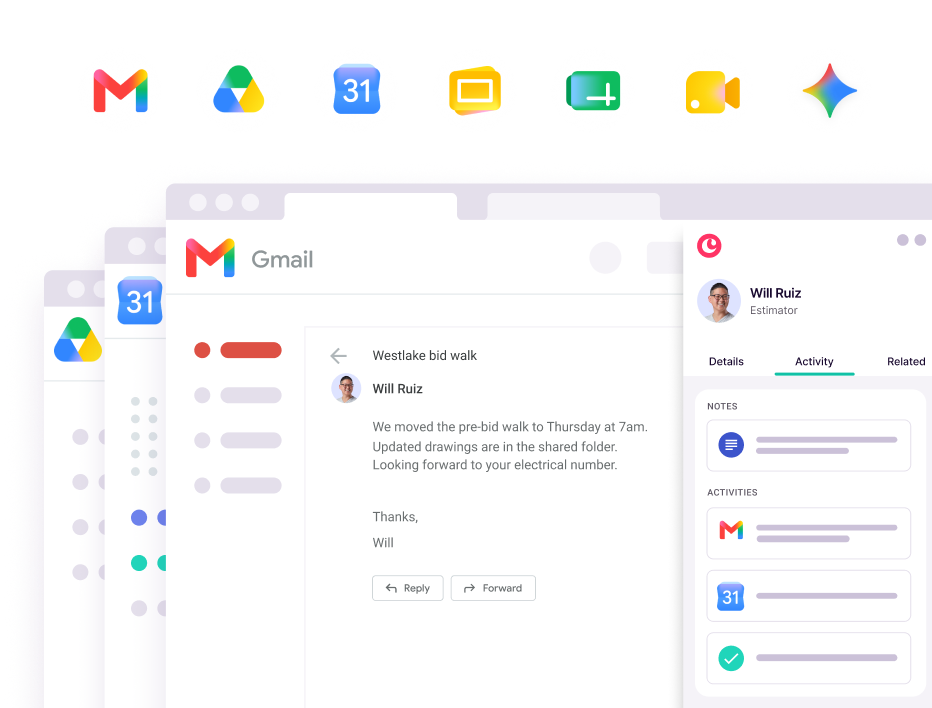
In a CRM, each of these can be a company with people attached, and each job can link to all of them. When you open a bid, you see every owner, architect and sub involved, plus every email you've traded with them.
How to set up bid stages for negotiated and hard bid work
Negotiated and hard bid jobs move differently, so they track best as two separate bid lists. Keeping them apart also gives you an honest hit rate for each, instead of one number that hides how you're really doing.

Negotiated work moves through six stages
| Stage | What's happening | Next step to log |
|---|---|---|
| Relationship | You know the owner or architect. No project yet. | Check in date |
| Early conversation | They've mentioned a project. Scope and budget are loose. | Site visit or intro meeting |
| Preconstruction | You're helping with budget, schedule or design input. | Budget review date |
| Proposal sent | Your number and approach are with the owner. | Follow-up call |
| Negotiation | Scope, price and terms are being worked out. | Revised number or meeting |
| Awarded or lost | Decision made. Log why either way. | Handoff, or a reason for the loss |
Hard bid work moves through five stages
| Stage | What's happening | Next step to log |
|---|---|---|
| Invited to bid | You've got the drawings and a due date. | Go or no-go decision |
| Estimating | Your team is pricing it and collecting sub quotes. | Sub quote deadline |
| Bid submitted | Your number is in. | Follow-up after the bid opening |
| Shortlisted | You're in the running. Expect questions. | Scope review meeting |
| Awarded or lost | Decision made. Note the winning number if you can. | Handoff, or what to change next time |
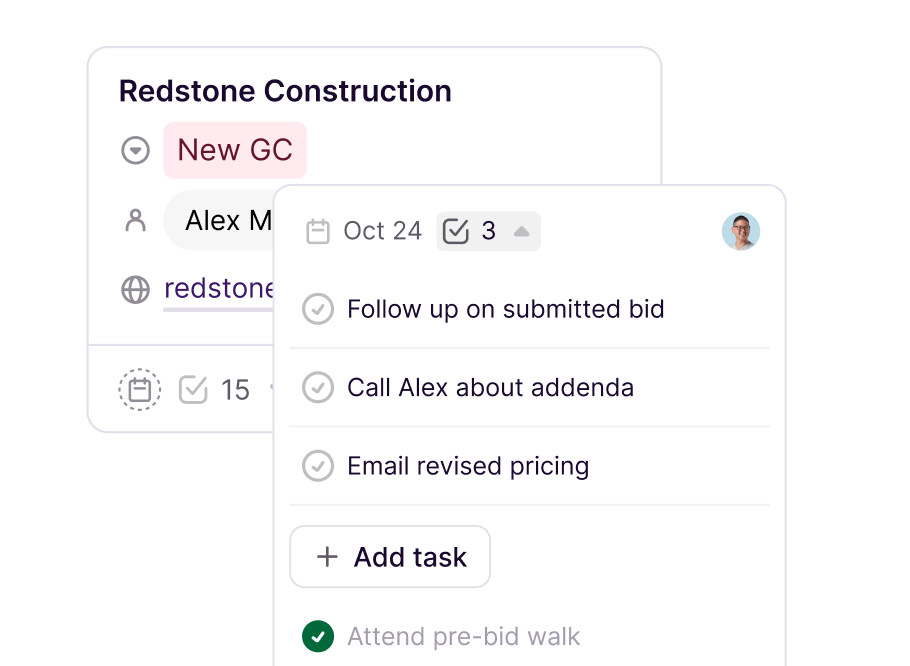
Two habits make these lists useful. First, every bid gets a follow-up date, so nothing sits after you send the number. Second, every loss gets a reason. After a few months, you'll see which owners, project types and sizes you actually win.
The handoff from precon to the project team is where details get lost
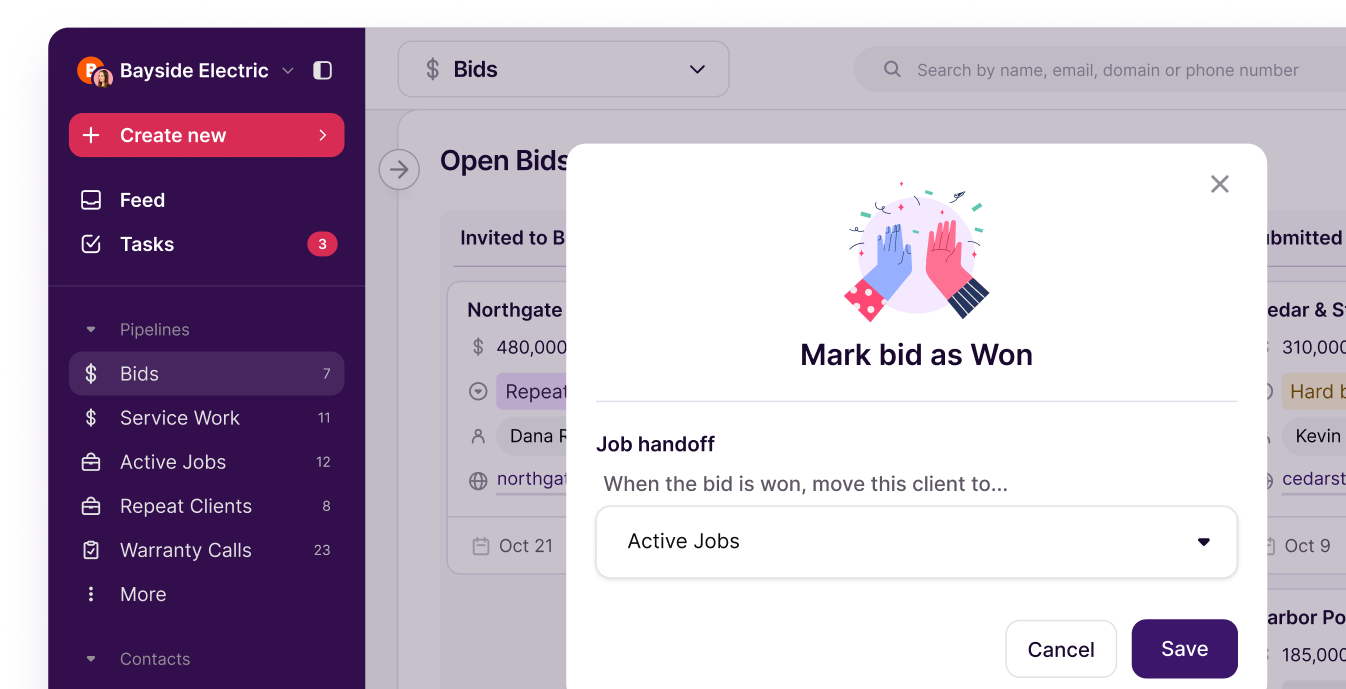
Your precon team spends months learning what the owner cares about. Then the job is awarded, a PM takes over, and half of that context stays in someone's inbox.
A CRM fixes this by keeping everything on the job record, not in one person's head:
- The full email history with the owner, architect and key subs, logged from Gmail automatically.
- Notes from precon meetings, like budget concerns, schedule pressure or who the real decision maker is.
- Custom fields for things your team always asks about, like project type, delivery method or bonding requirements.
- A clear owner for the client relationship after award, so someone still checks in during the build and after closeout.
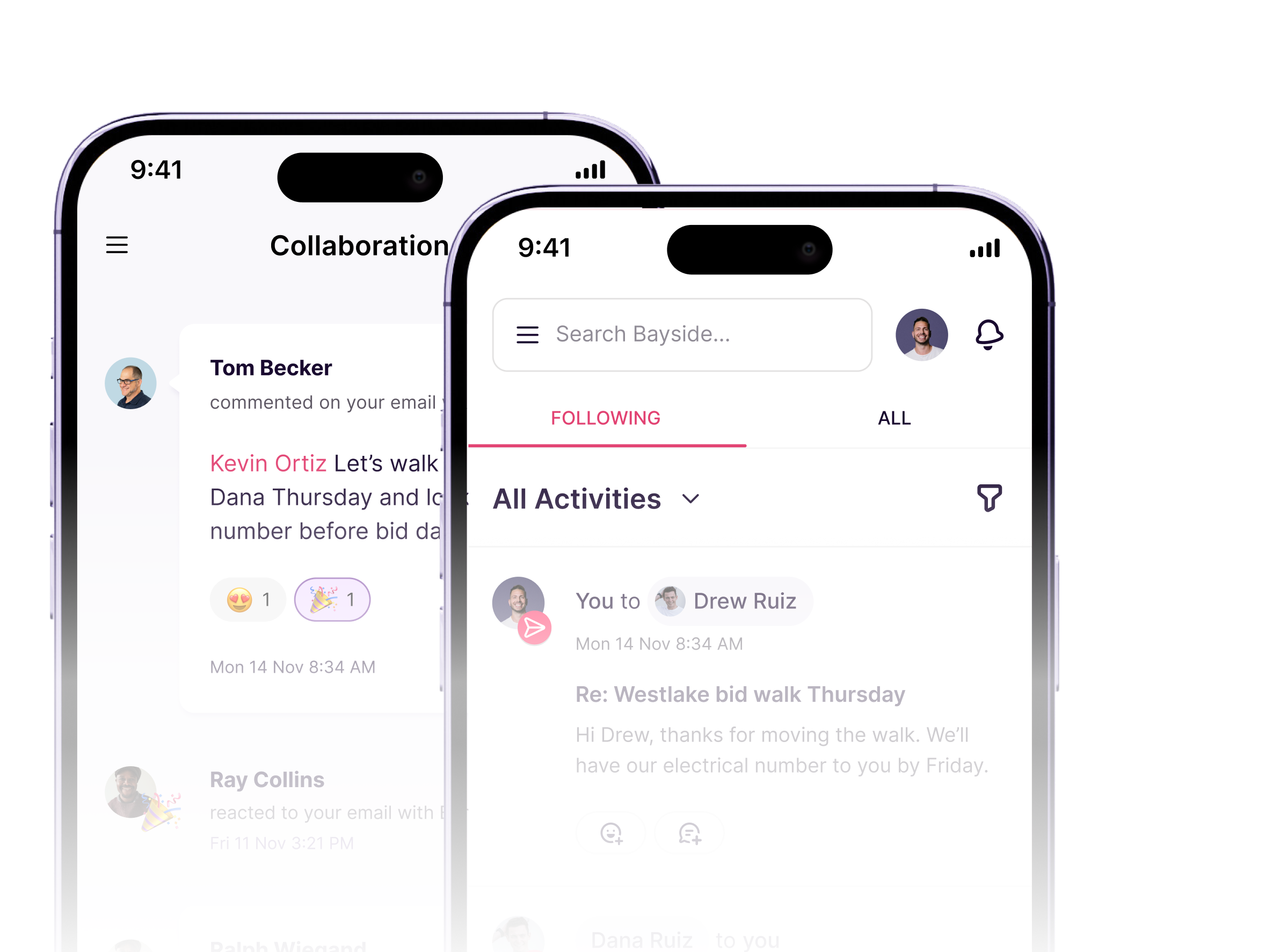
This matters even more when people move on. If an estimator or project executive leaves, their relationships with owners and architects shouldn't leave with them. When every email and meeting saves to the client record, the next person picks up where they left off.
Most GCs need a CRM and a construction management platform
If you already run Procore, Buildertrend or a similar platform, you don't need a CRM to replace it. They do different jobs. Your construction management software runs the build. A CRM tracks the relationships and bids that get you there.
| Construction management platform | CRM | |
|---|---|---|
| Main job | Running the project after award | Winning the job and keeping the client |
| Who uses it most | PMs, superintendents, field teams | Owners, BD, precon, estimators, project executives |
| What it tracks | Schedules, RFIs, submittals, daily logs, costs | Bids, owners, architects, subs, follow-ups, hit rate |
| When it matters | Award through closeout | Before the bid through the next job |
A simple way to think about it: keep Procore for the build, use a CRM for the bid. Many GCs try to stretch their PM platform or a spreadsheet into a CRM. It usually means typing things in twice, or not tracking the relationship side at all.
Use this checklist to choose a CRM for your GC firm
Bring these questions to every demo. If a CRM can't answer most of them with a clear yes, it'll probably end up as shelfware.
- Does it work where your team already works? If your firm runs on Google Workspace, your CRM should live in Gmail and Calendar, not in another tab nobody opens.
- Does it log emails and meetings for you? Estimators and PMs won't type things in twice. Automatic logging is the difference between a CRM that's used and one that isn't.
- Can one job link to many people and companies? You need the owner, architect, engineer and subs on the same record.
- Can you run separate bid lists? Negotiated and hard bid work, or different divisions, should each get their own stages, with one view for leadership.
- Does it work on a phone? Project executives and supers need client history from the jobsite, not just the office.
- Can it remind you to follow up? Every bid should have a next step and a date.
- Will it sit next to your PM software? It shouldn't try to replace Procore, Buildertrend or your accounting system.
- How long does setup take? Days is realistic, even for a firm with several divisions and a full estimating team. If the answer involves a consultant and a quarter, think twice.
- Can you report on hit rate? By owner, project type or bid type, so you know where to spend your estimating hours.
How Copper helps GC teams that run on Google Workspace
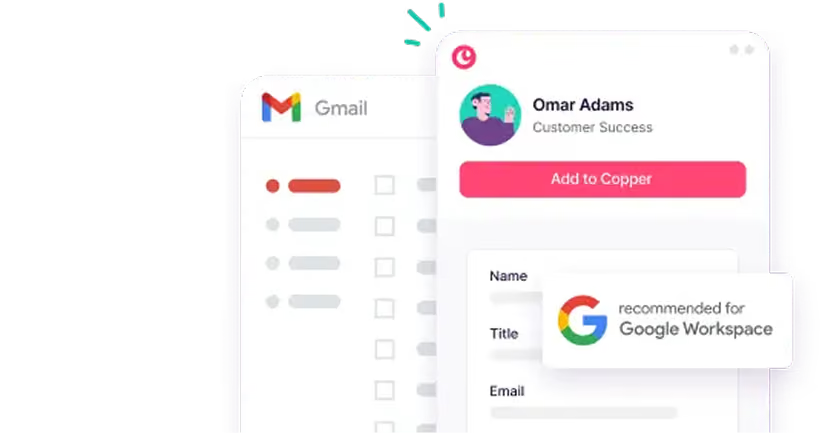
Copper is the CRM that lives inside Gmail. It's built for contractors and builders that already run project management, estimating or accounting software and need a place to track bids and relationships. It's also the only CRM that's a Recommended for Google Workspace app.
Here's what that looks like for a general contractor:
- Your emails and meetings log themselves. Copper pulls activity from Gmail and Calendar onto the right owner, architect or job. No typing it in twice.
- Separate bid lists, one view. Run negotiated work, hard bid work or each division on its own stages, while leadership sees everything.
- Follow-ups that don't depend on memory. Workflow automation creates tasks and reminders, so every bid has a next step.
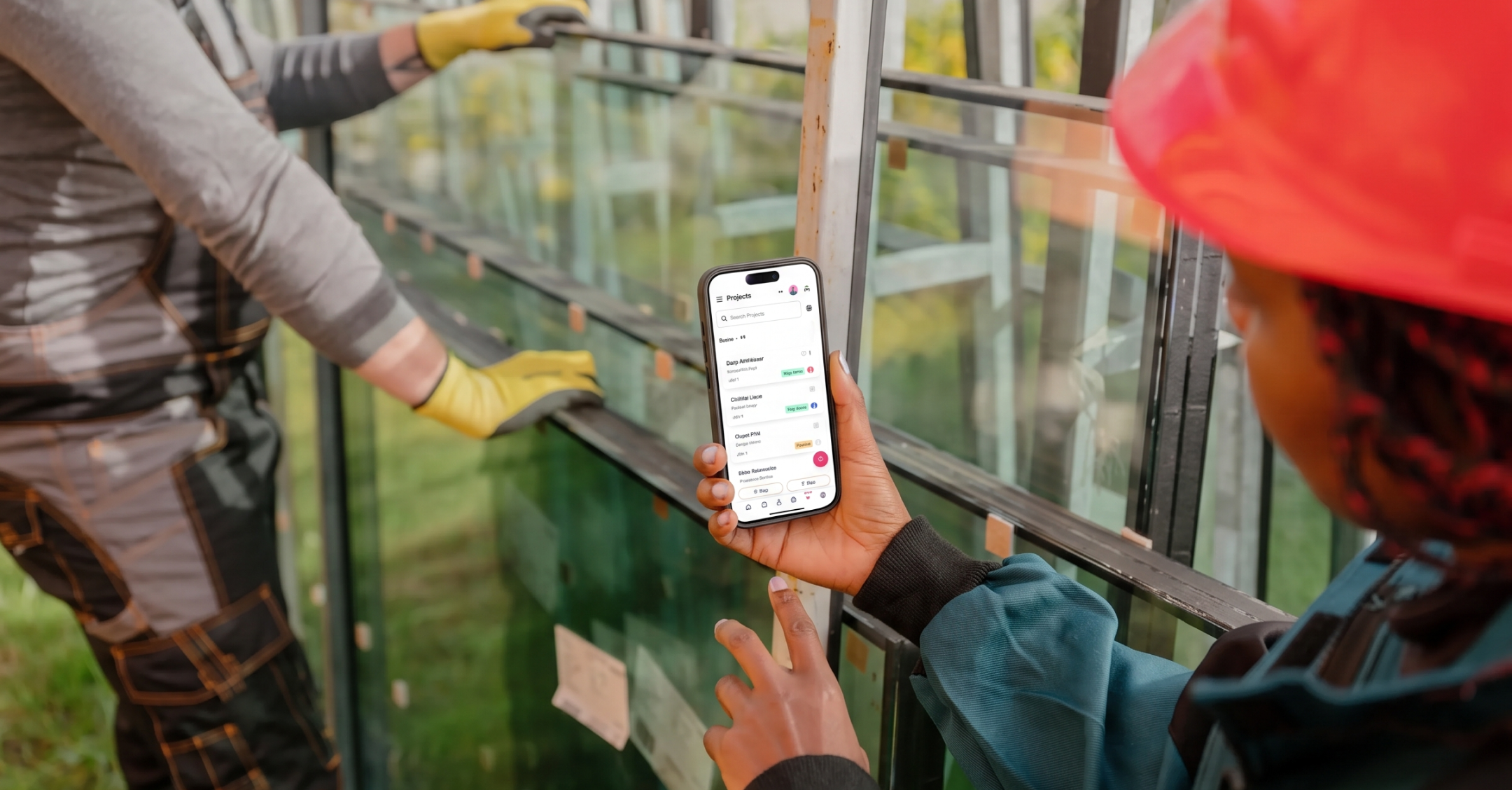
- Client history in the field. The iOS and Android apps let your team see the full relationship and log calls from the jobsite.
- A clean handoff to the build. Won jobs move into project tracking with the bid details and custom fields intact.
- Next to the tools you trust. Keep Procore or Buildertrend for the build. Copper also connects with QuickBooks, DocuSign, PandaDoc and Slack.
- Live in days, not months. Most teams are up and running without a consultant.
Egan Company, a multi-trade contractor, gives each of its operating units its own bid list in Copper while leadership sees the full picture.
"We didn't want users keying information in manually anymore." Jessica Johnson, Director of Marketing, Egan Company
Try Copper for 14 days free. No credit card required.