Copper blog

Sales - 4 min READ
4 advantages of using a VoIP CRM integration
With VoIP/CRM integration, sales teams can track leads better, provide exemplary customer service and work effectively and efficiently.

Sales - 6 min READ
5 questions to ask to build your best sales pipelines and reports in Copper
Sales forecasting is only as accurate as the CRM reports and pipelines it’s based on. Our sales team shares tips for perfecting your sales pipelines.
Productivity - 5 min READ
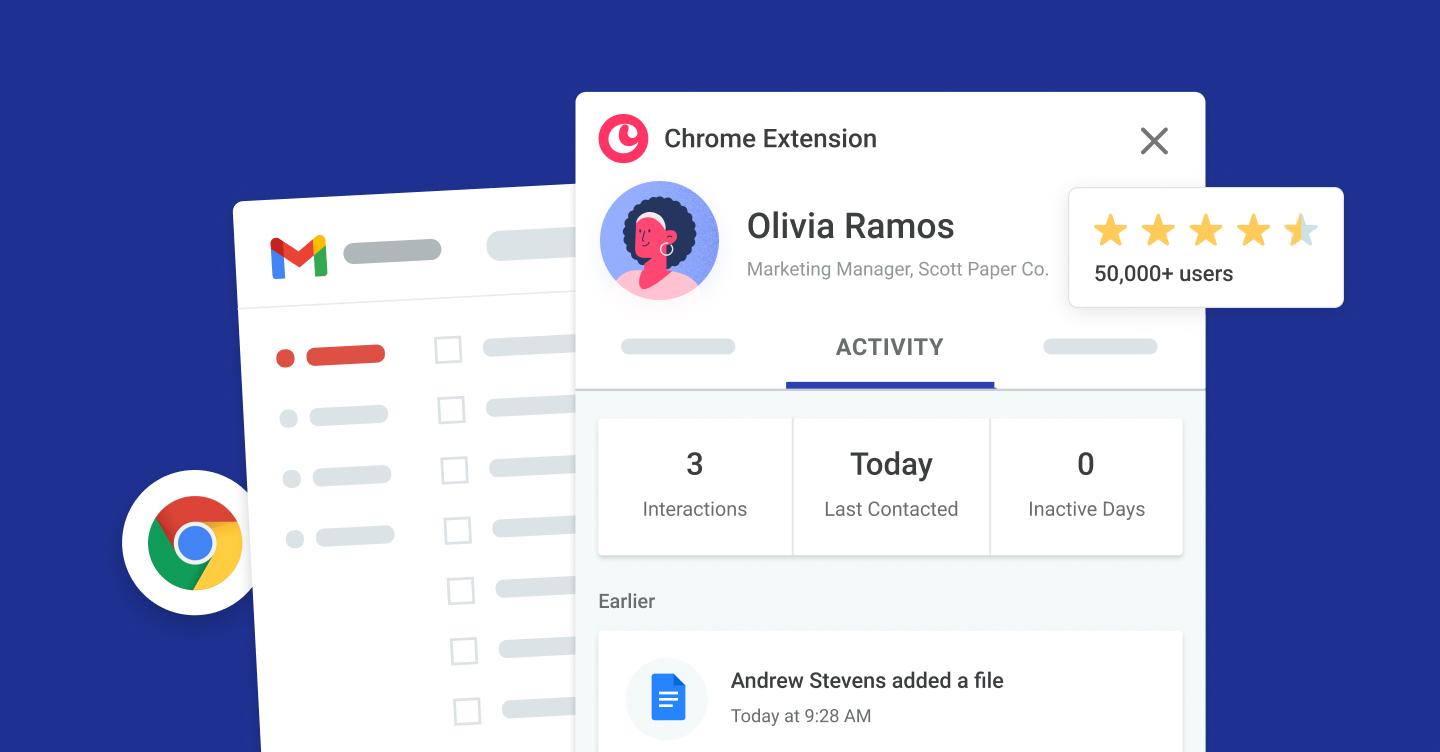
Supercharge your productivity with Copper’s Chrome extension
Eliminate painful tab-switching with Copper right in your inbox and calendar using our Google Chrome extension.
Copper news - 3 min READ
Case study: WoodBlocX accelerates revenue 10X and expands across Europe using Copper
Scottish garden box retailer added B2B sales and exploded its e-commerce arm over 6 years using the platform. Read how.

Marketing - 7 min READ
Email marketing CRM integration: 6 steps for campaign success
Streamline your campaigns with email marketing CRM integration. Follow these 6 steps to create successful, personalized email campaigns.
Get the latest from our blog every month
Browse the blog
Want to go deeper? Click on a category below for more from Copper.
Popular

8 min READ
5 Ways to use Pipeline email automations that save your team time
Save hours with smarter email follow-ups that scale with you and help you never miss a beat
8 min READ
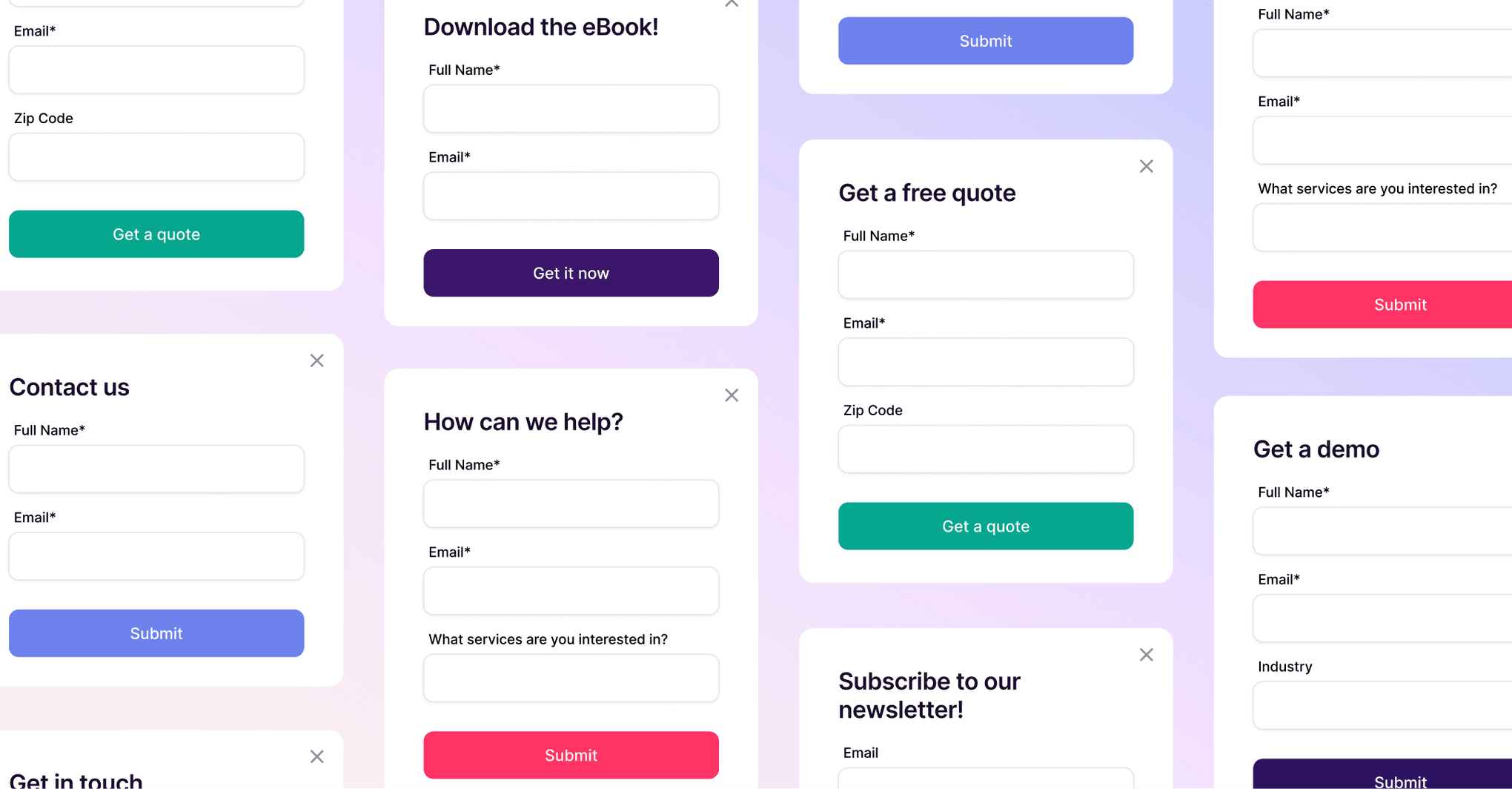
5 Forms you need on your website to capture more leads
Capture more leads, automate follow-ups, and keep your pipeline full with these must-have website forms.

4 min READ
How to use your CRM for project task management: 5 use cases
Simplify your workflow: Discover 5 ways small businesses use CRM project task management to track tasks, clients, and projects efficiently.

6 min READ
You’re not ‘too small’ for a CRM
Struggling to stay organized? A CRM might be your best next move.
4 min READ
Keep your calendar up to date with Google’s calendar scheduler feature
Now, clients and prospects can schedule a meeting via Google Calendar using the new Google calendar scheduler feature. Here’s how.
Copper news - 2 min READ
Case study: Diag Partners graduates from spreadsheets to Copper, improves data integrity
This boutique recruiting firm grew to track 105+ job openings, using Copper as their single source of truth and drastically improving data integrity.

4 min READ
8 best practices for B2B email marketing lead generation strategies
Learn how to optimize your B2B email marketing strategy for lead generation and conversion with these tips.

3 min READ
3 ways to use personalized videos in B2B sales
Hand-made videos can be incredibly effective in B2B sales — even more so than slick, professional video productions. We break down 3 types.

Client success - 3 min READ
Peer-to-peer support: empowering and engaging customers
Copper’s committed to offer self-service support to our customers. Our Customer Enablement Manager shares her experience with peer-to-peer support.

Sales - 7 min READ
Copper on Copper: an inside look at how we use our own CRM software
Walking the walk as a CRM means using your own software internally. Here’s how the Copper team uses Copper daily to drive operations forward.
6 min READ
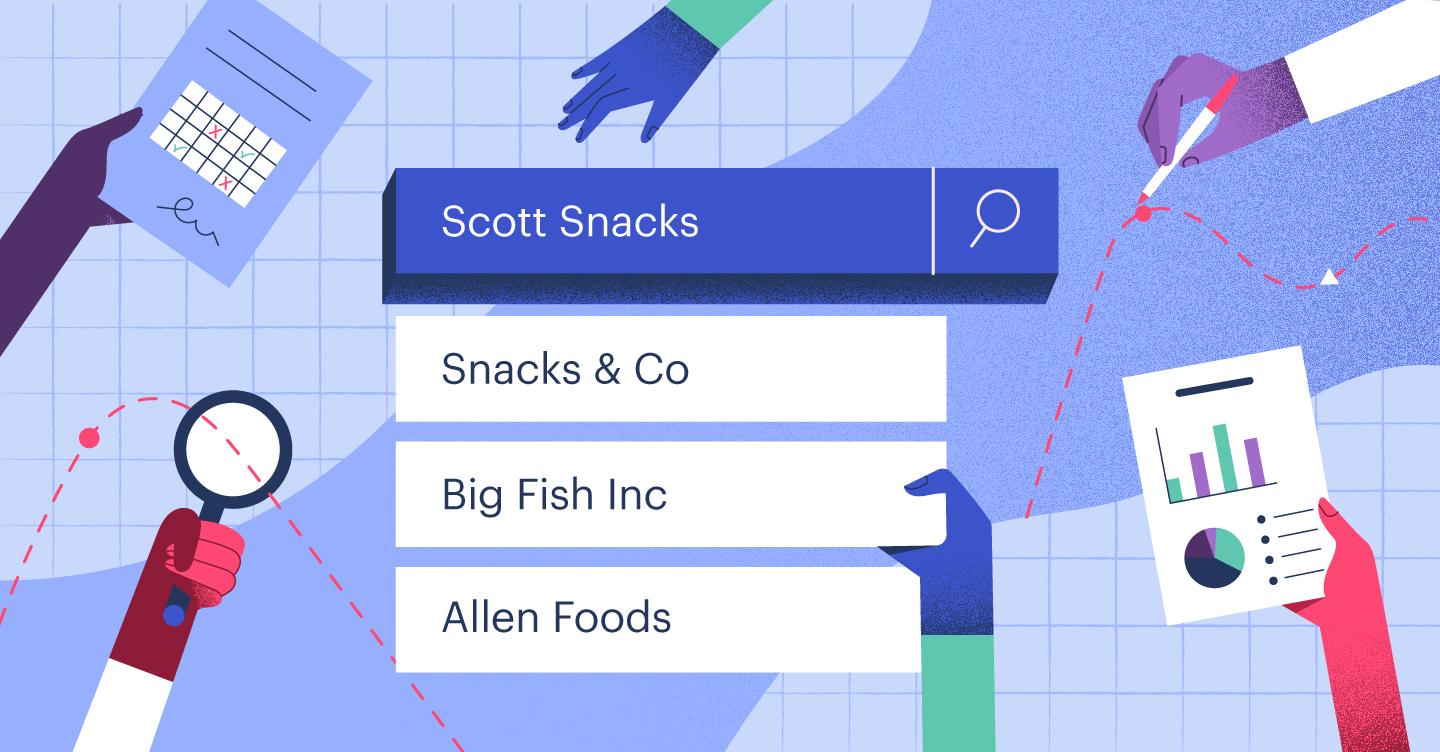
How to conduct competitor research in 4 phases
Learn what competitor research is and how to conduct effective competitor analysis to inform your marketing strategy.

Copper news - 2 min READ
How VMG Cinematic uses Copper X Coda to manage projects in motion
This video production exec. built his own “plug-in” connection between Copper and the document app Coda, feeding data seamlessly between platforms.

Marketing - 7 min READ
Top 4 B2B digital marketing strategies to generate leads
Let’s dive into what B2B marketing is and how it’s different from B2C, plus our 4 fave B2B digital marketing strategies to get results.

Sales - 7 min READ
How to write networking email subject lines that get clicks
Sending strong networking emails allows you to connect with other professionals. Find out how to get clicks, with strong subject lines for your messages.

3 min READ
Copper customers use Mailchimp CRM integration to power email marketing efforts
How Copper’s Mailchimp CRM integration helps simplify customers’ email marketing efforts as CRM software integrated with Mailchimp.
Productivity - 2 min READ
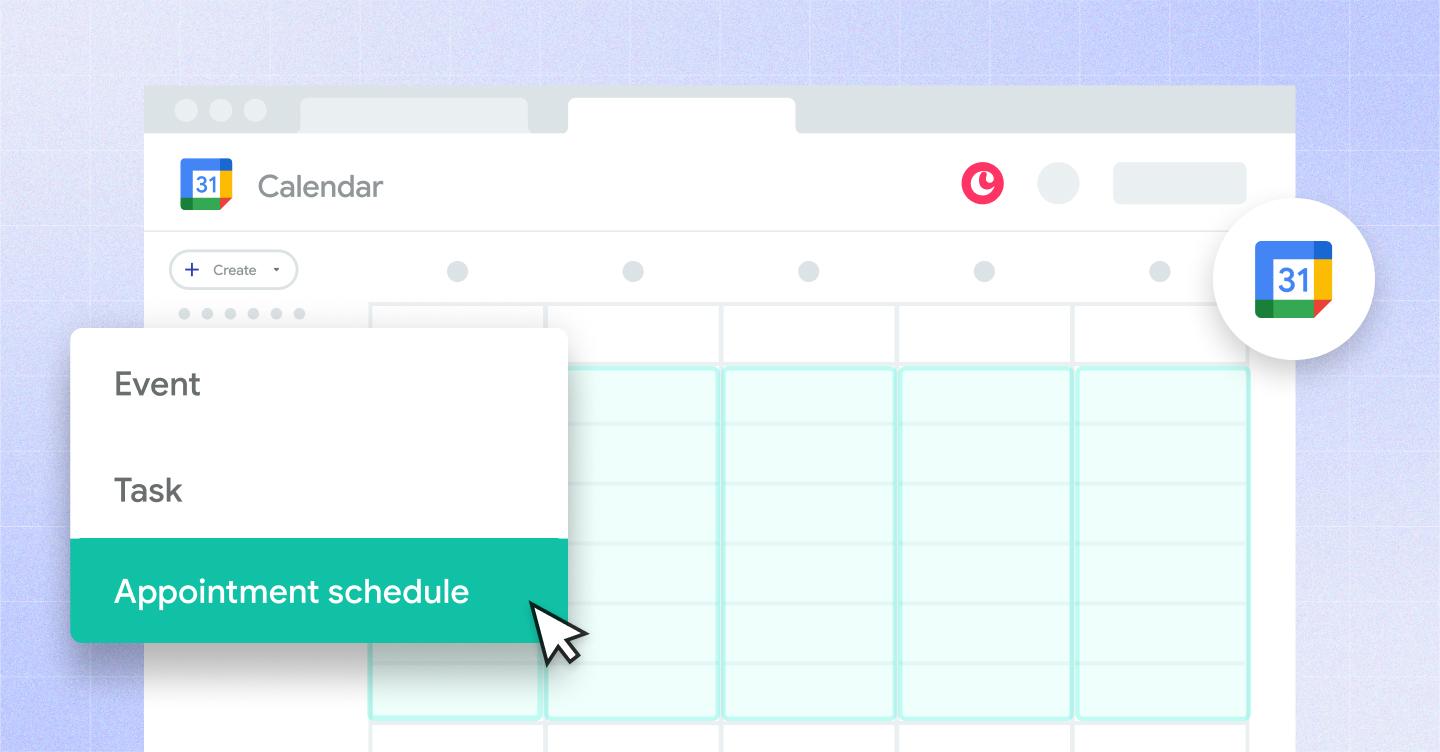
Google Calendar’s appointment scheduler is here
Google introduced a new appointment scheduling feature in Google Calendar. Learn how it syncs with Copper and which Google Workspace users can access it.
Client success - 5 min READ
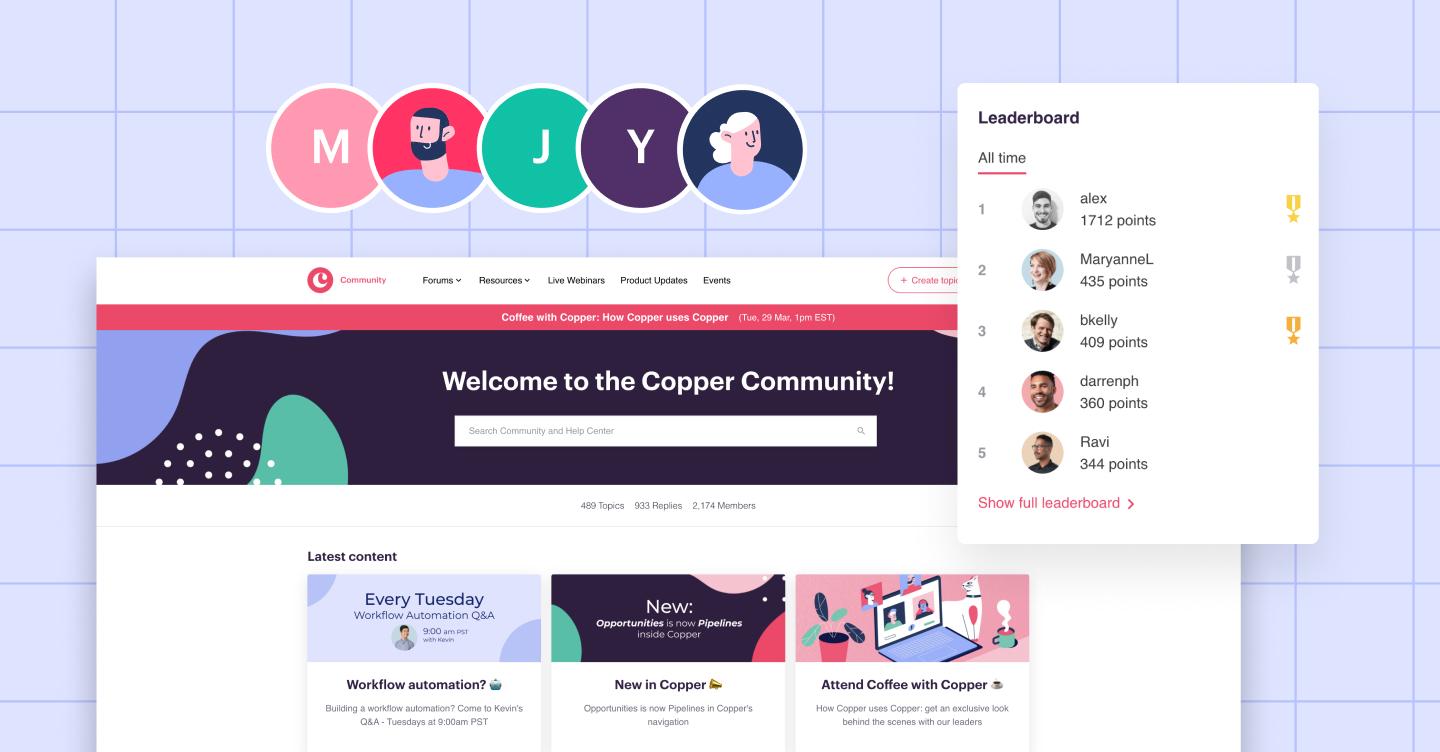
Building the Copper Community: Looking back at our first year
How Copper grew our customer community into an active forum for peer-to-peer support and user engagement.

Copper news - 2 min READ
Egan Company builds a culture of collaboration with Copper
With 17 teams and 1,000+ employees, this specialty contractor relies on Copper CRM to keep internal communication running smoothly—without missing a beat.

Productivity - 6 min READ
Top 10 best websites to hire a virtual assistant
How a virtual assistant can benefit your business — plus 10 of the best places to hire a virtual assistant online.