








Pipedrive is great at one thing: helping salespeople move deals through a pipeline. But if your team spends just as much time managing clients after the sale, or you live in Gmail all day, you might be wondering if there's a better fit.
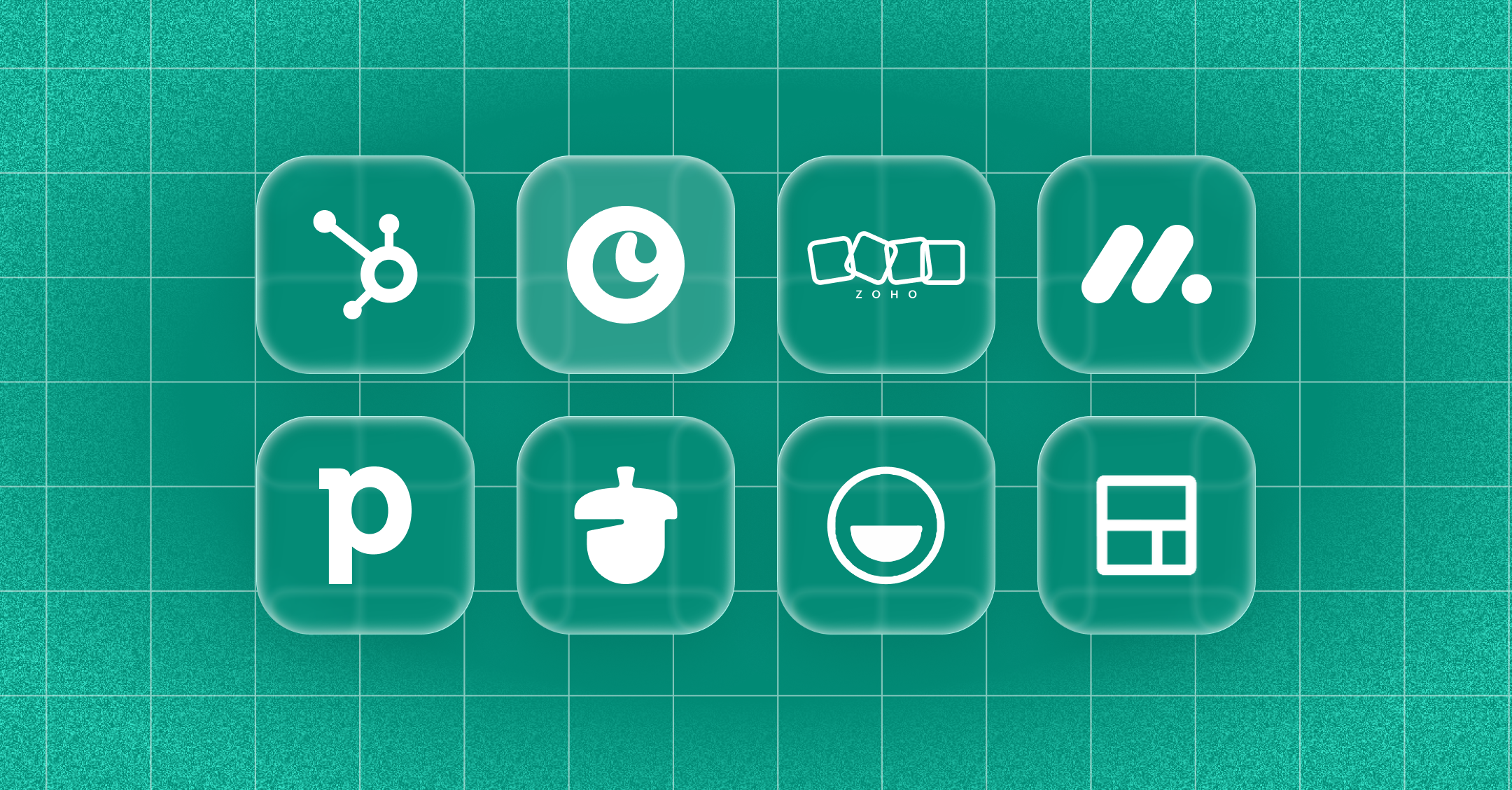
The best Pipedrive alternatives in 2027 are Copper for Google Workspace teams that sell and deliver client work, HubSpot for teams that want sales and marketing in one platform, Zoho CRM for teams that want deep customization on a budget, monday CRM for teams already managing work in monday.com, Nutshell for small sales teams that want simplicity, folk for relationship and network management, and Streak for lightweight deal tracking inside Gmail.
This guide walks through each one, who it's best for, and how to choose.
Key takeaways
- Teams usually look for a Pipedrive alternative when they need project management after the sale, a tighter Google Workspace experience, or fewer paid add-ons.
- Copper is the only CRM that's a Recommended for Google Workspace app, and it includes project management on every plan, which makes it a strong fit for agencies and consultancies.
- HubSpot and Zoho CRM both have free plans, but costs can climb as you add users and advanced features.
- The right CRM is the one your team actually keeps using, so test your top picks with real work before you commit.
Why teams are looking for a Pipedrive alternative
Pipedrive is a well-known sales CRM with a clean, visual pipeline. In October 2026, the company announced a restructuring and said it will sharpen its focus on salespeople and sales teams. That's good news if you run a classic sales team. If your business looks different, it's a good moment to make sure your CRM still fits.
Here's what usually pushes teams to look around:
- Your work doesn't end at "closed won." Pipedrive includes Projects only on its Premium and Ultimate plans. On Lite and Growth, it's a paid add-on.
- You live in Google Workspace. Pipedrive syncs with Google and has a Gmail add-on, but most of the work still happens in the Pipedrive app.
- Costs add up. Features like email sync and automations start on the Growth plan, and add-ons can push your per-seat cost higher than you planned.
- You manage relationships, not just deals. Agencies, consultancies, and professional services firms often need a CRM built around the whole client journey.
If any of that sounds familiar, here are seven alternatives worth a look.
Here are the 7 best Pipedrive alternatives at a glance
- Copper: Best for Google Workspace teams that sell and deliver client work. From $23 per seat per month, billed annually.
- HubSpot: Best for teams that want sales and marketing in one platform. Free for up to 2 users, with paid plans priced per seat.
- Zoho CRM: Best for budget-conscious teams that want lots of customization. Free for up to 3 users, with paid plans priced per user.
- monday CRM: Best for teams already using monday.com. From $12 per seat per month, billed yearly, with a 3-seat minimum.
- Nutshell: Best for small sales teams that want an easy setup. Plans from $13 per user per month.
- folk: Best for partnerships, investor relations, and networking. From $24 per member per month, billed annually.
- Streak: Best for solo users and small teams that want a CRM inside Gmail. Free Gmail tools, with CRM pipelines from $49 per user per month, billed annually.
Pricing was checked in November 2026 and can change. Always confirm current pricing on each vendor's site.
1. Copper is the best Pipedrive alternative for Google Workspace teams
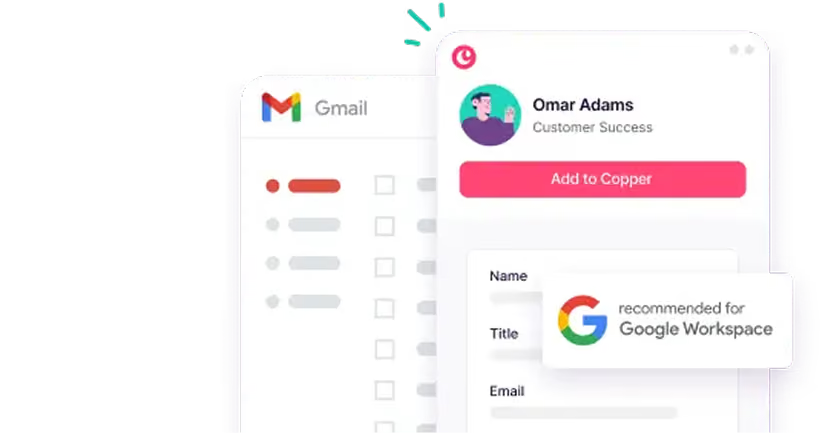
Copper is the only CRM that's a Recommended for Google Workspace app. It shows up right inside Gmail, Google Calendar, Google Meet, and LinkedIn through its Chrome extension, so you can add a lead, update a deal, or check a client's history without switching tabs.
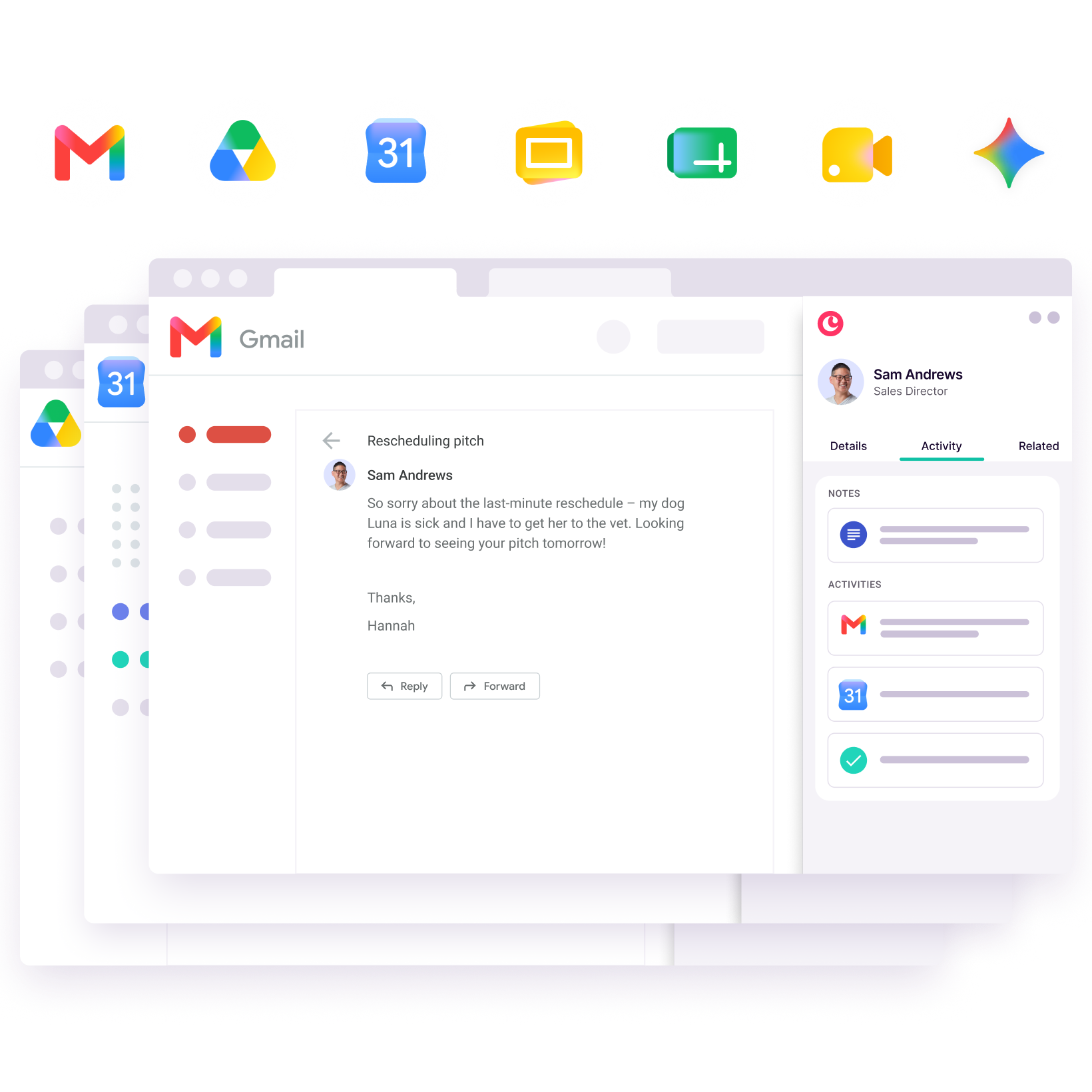
Where Copper really stands apart from Pipedrive is what happens after the sale. Copper includes project management on every plan, so when a deal closes, you can turn it into a client project in the same place. Emails, files, and contacts come along automatically. For agencies, consultancies, and professional services firms, that means one system for winning the work and delivering it.
- Best for: Agencies, consultancies, and service teams that run on Google Workspace.
- Pros: Works inside Gmail and Calendar, logs emails and meetings automatically, includes project management and task automation on every plan, offers AI tools to draft and rewrite emails.
- Cons: Built only for Google Workspace, so Microsoft 365 and Outlook teams won't get the same experience.
Bajillion Agency is a good example. According to founder Jarrod Guth, legacy CRMs took up to two weeks to get running, while Copper took less than a day. "We no longer need to constantly remind each other to follow up with clients," Guth says.
Want the full side-by-side? Read our Copper vs. Pipedrive comparison.
2. HubSpot is a strong pick for teams that want sales and marketing together
HubSpot brings sales, marketing, and customer service tools into one platform. Its free CRM is a popular starting point, and you can add paid hubs as your team grows.
- Best for: Growing teams that want marketing automation and CRM in one place.
- Pros: Free plan for up to 2 users, a large integration marketplace, strong marketing tools.
- Cons: Costs climb quickly as you add seats and advanced features, and smaller teams may find it more than they need.
HubSpot makes the most sense if marketing is a big part of how you generate leads and you're planning for a larger team.
3. Zoho CRM gives budget-conscious teams lots of room to customize
Zoho CRM is part of the larger Zoho suite of business apps. It's known for flexible customization and a wide range of features at a competitive price.
- Best for: Teams that want a highly configurable CRM and don't mind some setup time.
- Pros: Free for up to 3 users, lots of customization options, connects to other Zoho apps.
- Cons: The interface can feel busy, and getting it set up the way you want takes time.
Zoho is a good fit if you have someone on the team who enjoys configuring tools and you want to keep costs low.
4. monday CRM works well for teams already using monday.com
monday CRM is built on the same work management platform as monday.com. If your team already tracks projects there, adding CRM can keep everything in one familiar place.
- Best for: Teams that already use monday.com for project or work management.
- Pros: Flexible boards, visual dashboards, automations from the Standard plan up.
- Cons: Plans start at 3 seats, and it doesn't work inside Gmail the way a Google-native CRM does.
If monday.com is already your team's home base, monday CRM is worth a test drive.
5. Nutshell keeps things simple for small sales teams
Nutshell is a straightforward CRM aimed at small businesses. It covers the sales basics, like pipelines, contact management, and reporting, without a steep learning curve.
- Best for: Small sales teams that want an easy-to-learn CRM.
- Pros: Simple setup, friendly interface, 14-day free trial.
- Cons: Fewer advanced features than larger platforms, and no built-in project management for client delivery.
Curious how it stacks up? See our roundup of Nutshell alternatives.
6. folk is built for relationship and network management

folk takes a lighter approach to CRM. Instead of centering everything on a sales pipeline, it helps you organize and stay in touch with the people in your network.
- Best for: Teams focused on partnerships, fundraising, or networking.
- Pros: Clean, collaborative interface, contact enrichment, easy to set up.
- Cons: Limited reporting and no real project management.
folk works well when the relationship itself is the goal, not just a step toward closing a deal.
7. Streak turns Gmail into a lightweight CRM
Streak lives entirely inside Gmail. You can organize email threads into pipelines and track deals without opening another app.
- Best for: Freelancers, solo founders, and very small teams.
- Pros: No new app to learn, quick setup, free Gmail tools like email tracking and mail merge.
- Cons: CRM pipelines require a paid plan, and it has limited reporting and no project management.
Streak is a nice first step into CRM. As your team and client list grow, you may outgrow it.
How to choose the right Pipedrive alternative for your team
1. Map what happens after the deal closes
If your team moves straight into onboarding, project delivery, and ongoing client work, you'll want a CRM that handles more than the sales pipeline. If the job ends at the signature, a sales-focused tool may be enough.
2. Check how well it fits your daily tools
If your team lives in Gmail and Google Calendar, a CRM that works inside them will save you a lot of tab-switching (and a lot of "did anyone log that call?").
3. Compare the real cost, not the starting price
Look at the plan you'll actually need, plus any add-ons. A tool that looks cheaper can end up costing more once you add project management, automations, or extra seats.
4. Test it with your real team
Forrester research has found that 38% of CRM challenges come down to people issues like slow adoption and poor training. During your trial, watch whether people log notes and update deals without being reminded. That's the best sign you've found the right fit.
Find a CRM that fits the way your team works
Pipedrive is a solid choice for sales teams focused on moving deals fast. But if your business runs on relationships and you deliver client work inside Google Workspace, Copper gives you one simple place to manage the whole journey, from the first email to the finished project.