
Construction teams don't have time to babysit a CRM. With Deloitte projecting 499,000 new workers needed in 2026, you're juggling bids, managing subcontractors, and keeping clients happy while bouncing between job sites and the office. Copper and Pipeline CRM both promise to simplify client management, but they take fundamentally different approaches. This comparison breaks down how each platform handles pipelines, integrations, automation, and project tracking so you can figure out which one actually fits how your team works.
Key takeaways
- Copper CRM integrates natively inside Gmail and Google Workspace, while Pipeline CRM operates as a standalone platform that works with any email provider including Outlook.
- Copper supports multiple custom pipelines and project management features that track construction jobs from initial bid through project delivery, whereas Pipeline CRM focuses primarily on sales stages and requires additional tools for post-sale work.
- Copper automatically captures emails, contacts, and Google Drive files without manual data entry, reducing administrative burden for construction teams working across job sites and offices.
- Construction teams already using Google Workspace benefit most from Copper's embedded workflow, while teams using Outlook or preferring a separate CRM application may find Pipeline CRM's flexibility more suitable.
What Copper CRM does for construction teams
Copper CRM is purpose-built exclusively for Google Workspace, while Pipeline CRM is a flexible, standalone sales CRM that works with any email provider. That's the core difference, and it shapes everything about how you'll actually use each tool.
Copper lives inside Gmail. When you open an email from a general contractor or a project manager, their contact record, deal history, and related files appear in a sidebar right there. You don't switch tabs. You don't log into a separate system. It's all happening while you're reading and writing emails.
For construction teams already running on Google Workspace, which serves over 3 billion users globally, Copper fits into existing habits rather than creating new ones. And beyond tracking sales, Copper manages the full client journey from first contact through project delivery. That matters in construction, where the real work begins after the contract is signed.
- Google Workspace integration: Copper is the only CRM that's a Recommended for Google Workspace app, backed by Google Ventures.
- Client journey focus: Tracks leads, deals, and ongoing project work in one place.
- Automatic data capture: Logs emails and contacts without manual entry.
What Pipeline CRM does for construction teams
Pipeline CRM takes a different approach entirely. It's a standalone platform designed for small to mid-sized sales teams who want straightforward pipeline tracking without being tied to a specific email ecosystem. The tool focuses on moving deals through sales stages efficiently.
If your team uses Outlook, a mix of email providers, or simply prefers keeping CRM separate from your inbox, Pipeline CRM offers that flexibility. It's not embedded in any particular workspace, which can be a strength or a limitation depending on how your team operates.
- Sales pipeline focus: Built for tracking deals through customizable sales stages.
- Standalone platform: Works independently of any single email provider.
- Small team orientation: Designed for growing sales organizations.
How Copper and Pipeline CRM compare on key features
Both platforms handle core CRM functions, but they approach them differently. Here's how they stack up on the features that matter most for construction teams.
How each CRM manages pipelines and custom job stages
Construction teams typically track more than just sales. You might have separate workflows for bids, active jobs, change orders, and completed projects. A CRM that only handles "leads to close" misses a big part of the picture.
Copper lets you create multiple custom pipelines for different workflows. One pipeline might track new business opportunities while another manages project delivery milestones. You can rename stages, add custom fields, and adapt the system to match how your team actually works.
Pipeline CRM focuses primarily on sales stages. It works well for tracking bids and opportunities, but managing post-sale project work often requires workarounds or additional tools.
How each CRM integrates with Google Workspace and Gmail
This is where the two platforms diverge most significantly.
Copper's Chrome extension brings CRM functionality directly into Gmail, Google Calendar, and Google Drive. When you open an email from a client, their contact record appears in a sidebar. You can add notes, update deal stages, or schedule follow-ups without leaving your inbox. Files from Google Drive link automatically to the right contacts and deals.
Pipeline CRM connects to email through integrations and syncing, but it operates as a separate application. You'll switch between your inbox and the CRM platform to update records. For some teams, that separation feels cleaner. For others, it creates friction.
That Gmail-first experience is a big deal for teams managing long, relationship-driven sales cycles, and it's exactly what drew Tamlyn to Copper. Tamlyn is a 50-year-old building materials company whose customers include lumber dealers, distributors, architects, contractors, and installers. Tony Jenkins, Director of Sales at Tamlyn, said a major selling point was Copper's Gmail connection: when a contact is added with the right email address, Copper pulls in their email history automatically, so the full relationship context is right there without anyone having to dig for it.
Before switching to Copper, Tamlyn's team relied on spreadsheets and Outlook Mail, a setup that will feel familiar to a lot of construction teams reading this. Jenkins described Copper as the team's "single source of truth," particularly valuable when inside salespeople leave and the company still needs access to prior customer email history and account details. That continuity is hard to replicate when your client data lives in someone's personal inbox.
How each CRM automates repetitive tasks and workflows
Both platforms offer automation to reduce manual work, though the scope differs.
Copper provides no-code workflow automation for follow-up reminders, task assignments, and notifications. When a deal moves to a new stage, you can automatically create tasks, send alerts to team members, or trigger other actions. For a construction team juggling multiple bids and active projects, this kind of automation keeps things from slipping through the cracks.
Pipeline CRM includes automation features as well, particularly around deal stage progression and activity tracking. The depth of automation capabilities varies by plan level on both platforms.
How each CRM handles reporting and dashboards
Construction teams often want visibility into bid win rates, revenue forecasts, and job status at a glance. Both platforms offer reporting, but they approach it differently.
Copper offers configurable dashboards and the ability to export data directly to Google Sheets through a built-in add-on. If you're already comfortable with spreadsheets (and let's be honest, most construction teams are), this makes it easy to create custom reports or share data with stakeholders.
Pipeline CRM provides reporting features focused on sales metrics and pipeline health. Both platforms let you track KPIs, though the specific reports available depend on your subscription tier.
How each CRM supports project management after deals close
Here's a question worth asking: what happens after you win the bid? In construction, closing the deal is just the beginning. You've got project timelines, subcontractor coordination, client communication, and a hundred other details to manage. A CRM that stops at "deal won" leaves a gap.
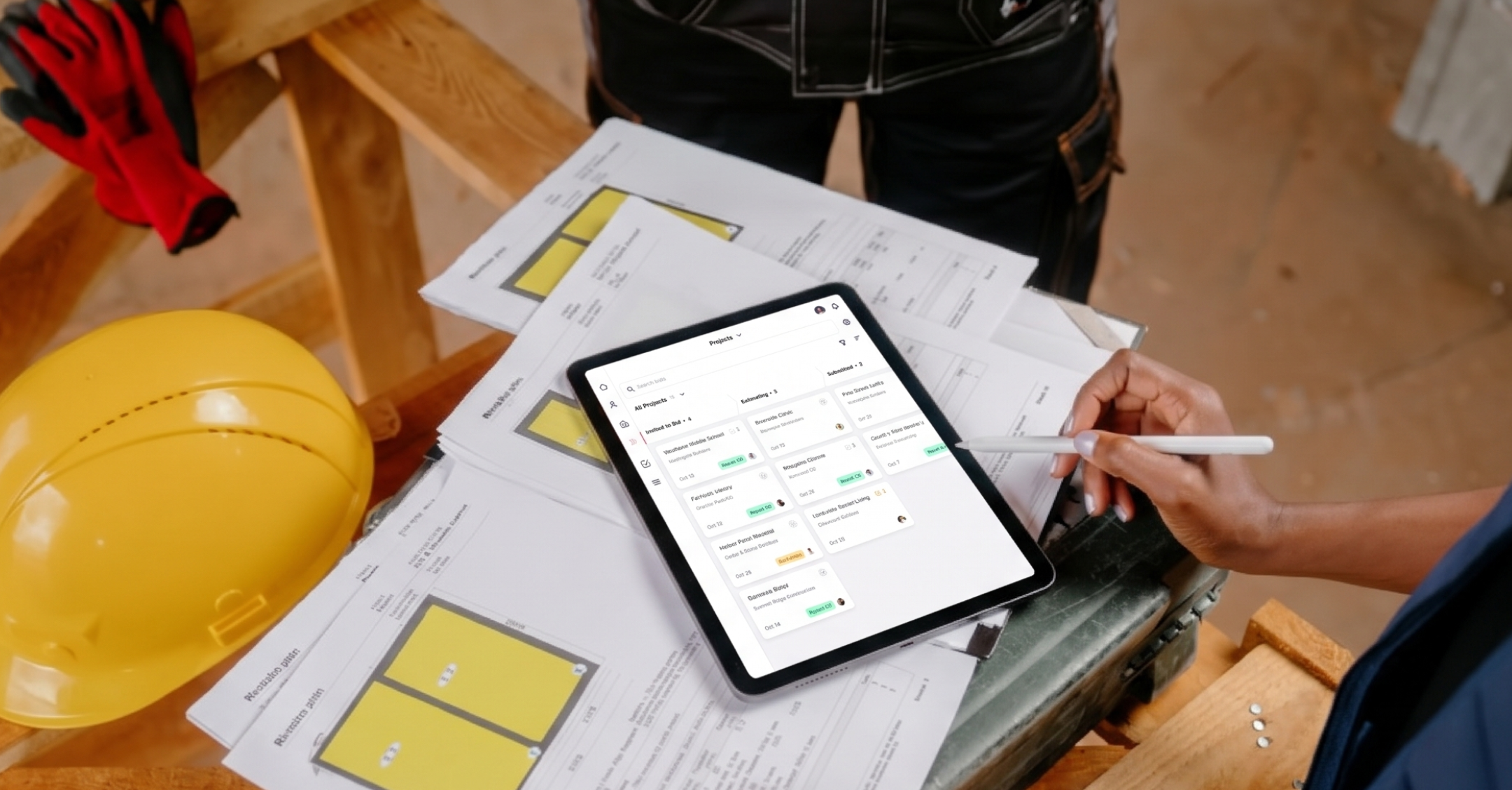
Copper includes project management features that let you track work through delivery. You can manage tasks, deadlines, and client communications for active jobs, not just opportunities in your sales pipeline. This makes it possible to use one tool from first contact through project completion.
Pipeline CRM focuses on the sales process. Once a deal closes, you'll likely reach for additional tools to manage the actual project work.
How each CRM works for field teams on mobile devices
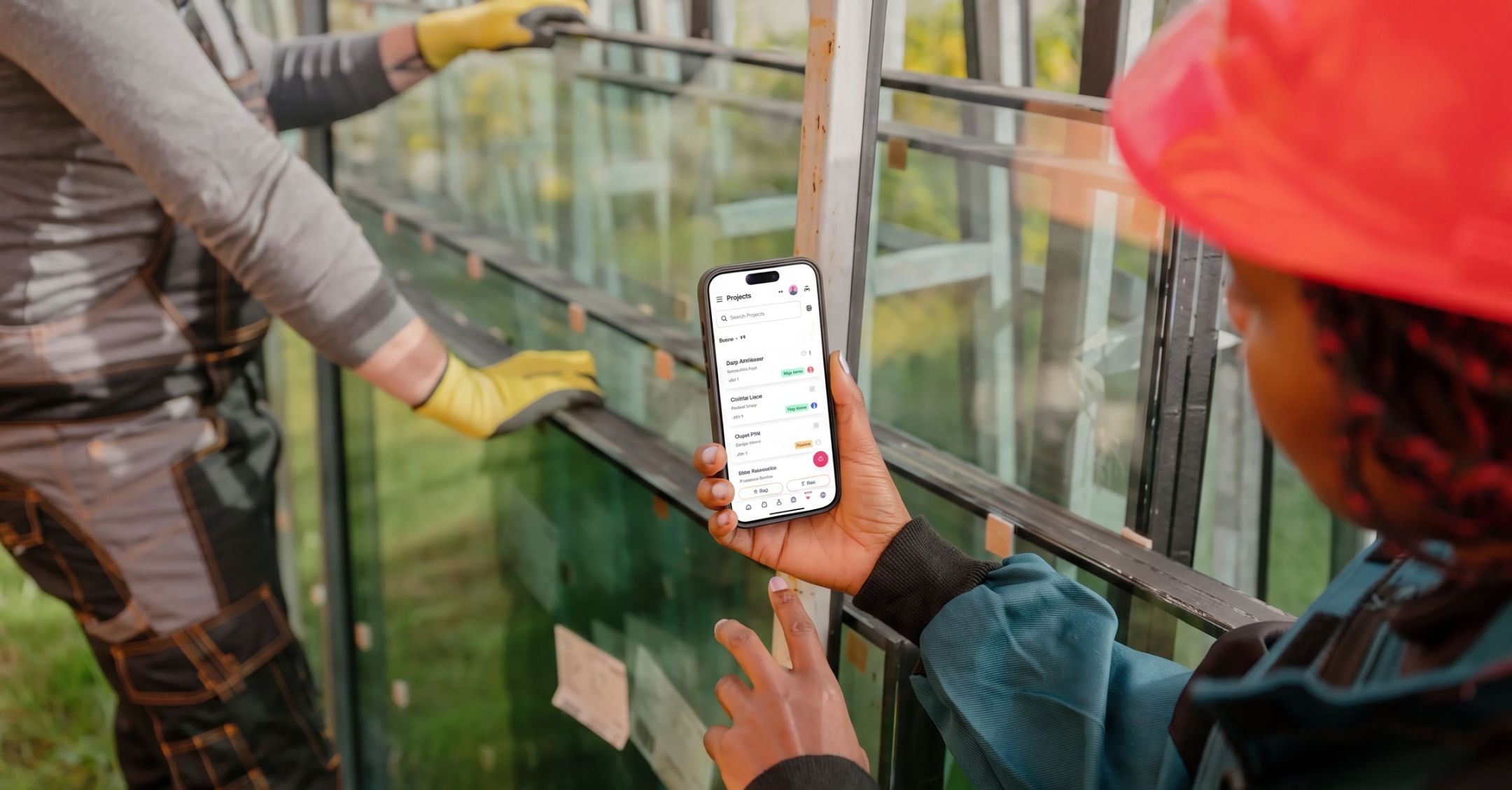
Construction teams spend time on job sites, not just at desks. Mobile access matters, with 65% of mobile CRM users meeting quota compared to just 22% without. Both Copper and Pipeline CRM offer mobile apps that let you access contacts, log notes, and update deal stages from your phone. Copper's mobile experience maintains the Google Workspace integration, so you can pull up client information while checking email on the go. If you're standing on a job site and a client calls about a change order, you can see the full history right there.
How Copper and Pipeline CRM pricing compares
Both platforms use tiered pricing based on features and team size. Copper offers plans ranging from basic contact management to full-featured CRM with automation and project tools. Pipeline CRM uses per-user pricing across several plan levels.
Rather than focusing solely on monthly cost, it's worth considering total value. A CRM that your team actually uses, because it fits naturally into existing workflows, often delivers better ROI than a cheaper option that requires constant context-switching. The best deal isn't always the lowest price.
- Copper: Tiered pricing with a 14-day free trial available.
- Pipeline CRM: Per-user pricing with different plan levels.
- Value consideration: Factor in adoption rates and time saved, not just sticker price.
Copper's strengths and limitations for construction teams
If your team runs on Google Workspace, Copper offers advantages that are hard to replicate with other tools. But it's worth being upfront about where it fits and where it doesn't.
Strengths:
- Works inside Gmail: No context-switching means faster adoption and less friction, so your team is more likely to actually use a tool embedded in their existing workflow.
- Tracks the full client journey: From first bid to project completion in one platform.
- Automatic data capture: Reduces manual entry for teams too busy to log every interaction.
- Custom pipelines: Adapts to construction-specific workflows like bid tracking and project delivery.
Limitations:
- Google Workspace only: If your team uses Microsoft Outlook or Office 365, Copper won't work for you. It's built exclusively for Google.
- Professional services focus: Built for relationship-based businesses, not high-volume transactional sales with complex territory management.
Pipeline CRM's strengths and limitations for construction teams
Pipeline CRM brings its own advantages, particularly for teams with specific needs, though there are tradeoffs to its sales-focused approach.
Strengths:
- Sales-first design: Purpose-built for pipeline tracking and deal management.
- Email flexibility: Works with email platforms beyond Google Workspace.
- Straightforward interface: Easy to learn for teams focused primarily on sales.
Limitations:
- Sales stage only: Doesn't extend into project delivery or ongoing client management. You'll likely reach for other tools once the deal closes.
- Separate from inbox: Requires switching between email and CRM to update records.
How to choose the right CRM for your construction team
The best CRM depends on how your team works and what tools you already use. There's no universal answer here.
If Gmail, Google Calendar, and Google Drive are already central to your daily work, Copper fits naturally into that ecosystem. It's particularly well-suited for teams that want one tool to manage both sales and project delivery, and who value having CRM functionality right inside their inbox.
If your team uses Outlook, prefers keeping CRM separate from email, or focuses purely on sales without project delivery needs, Pipeline CRM offers a straightforward option. It's a solid choice for teams that want flexibility in their email platform.
Copper is the CRM built for construction teams on Google Workspace
For construction teams already working in Google Workspace, Copper removes the friction that makes other CRMs feel like extra work. It's the only CRM that's a Recommended for Google Workspace app, and it's designed to manage the full client journey from tracking bids to delivering projects.